



Every vendor in 2026 calls their product an "AI agent." That label now covers a chat sidebar with web search, a terminal coding assistant that runs for an hour unsupervised, a customer-support bot that opens tickets, and a fleet of twelve specialized subagents coordinating a research report. Those are not the same architecture — and picking the wrong type is the fastest way to waste tokens, miss deadlines, or ship something unsafe.
This guide gives you a practical taxonomy: the major types of AI agents, how they differ, real examples of each, and a decision matrix for choosing the right design.
If you need the foundational definition first, start with What Are AI Agents?. If you already know the basics and want the full four-layer stack (prompt → context → loop → harness), see Context vs Prompt vs Loop vs Harness Engineering.
TL;DR — agent types at a glance
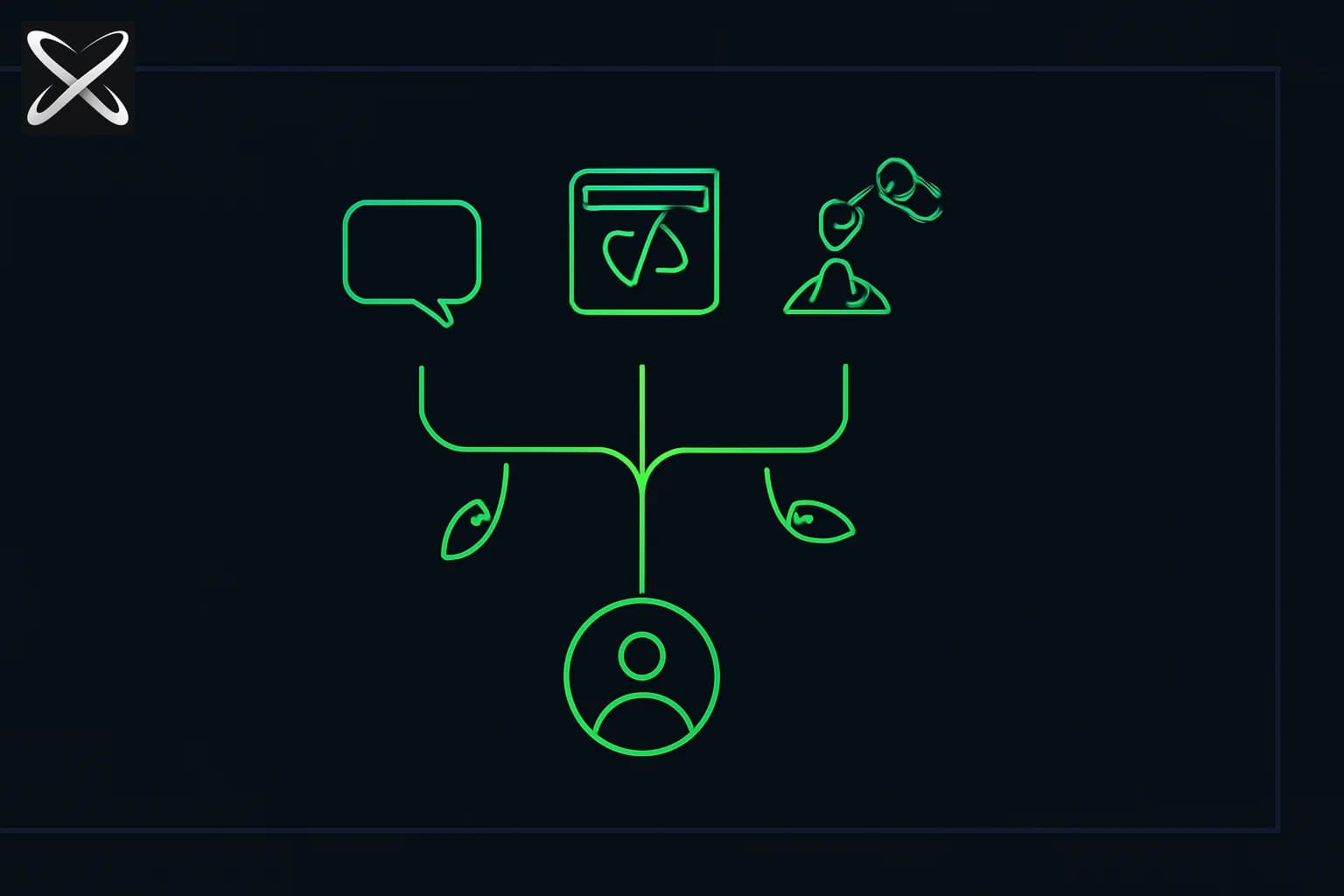
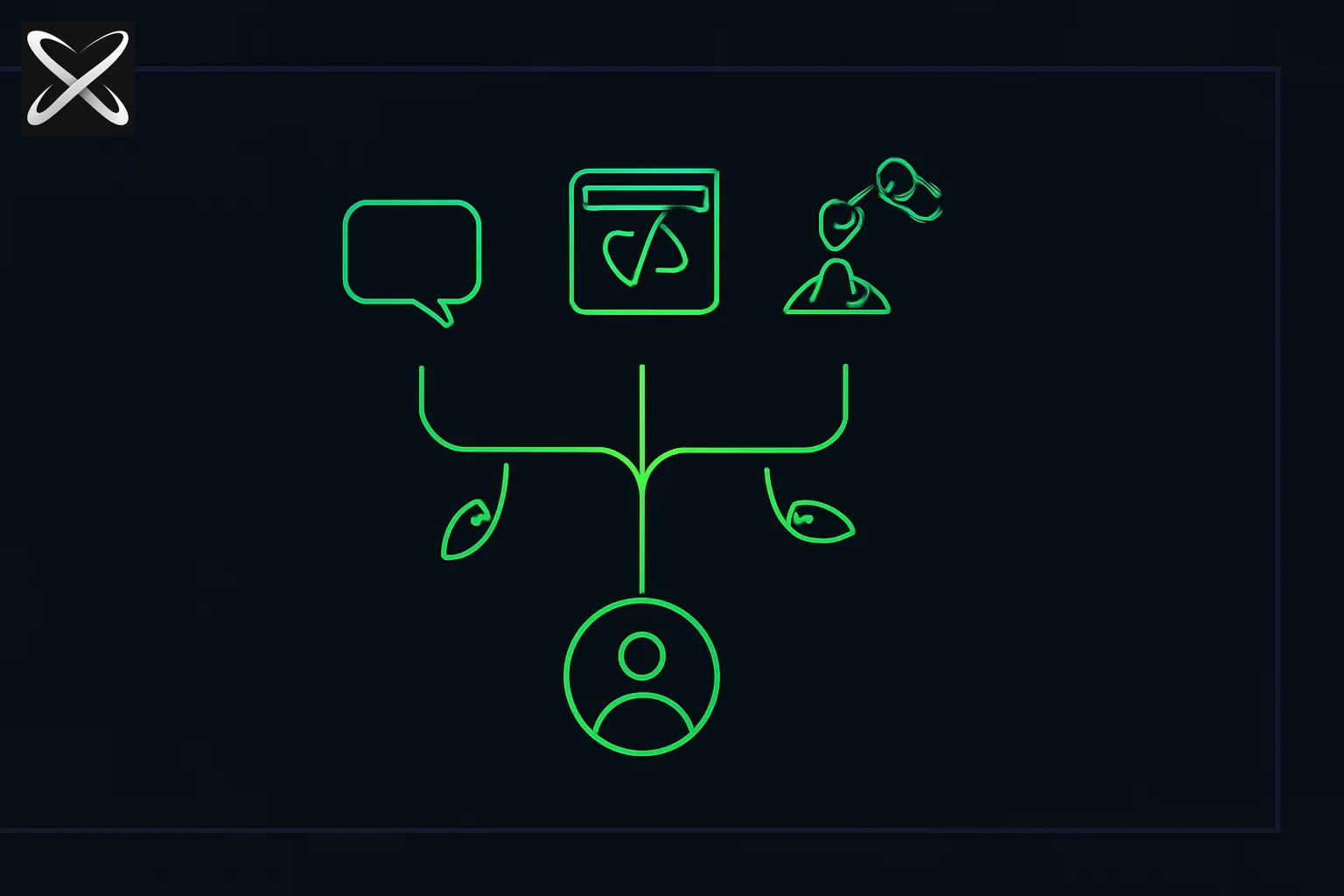 AI agent taxonomy diagram: a branching tree from one root agent splitting into chat, browser, code, and robot arm branches
| Type (axis) | Subtypes | Best for | Example products |
|---|---|---|---|
| Autonomy | Reactive, deliberative, fully autonomous | Speed vs planning depth | Reactive: autocomplete; Deliberative: Claude Code; Autonomous: background schedulers |
| Loop architecture | ReAct, plan-and-execute, reflexion, hierarchical | Task length and error recovery | ReAct: most coding agents; Plan-execute: LangGraph workflows |
| Domain | Coding, research, support, browser, workflow, voice | Matching tools to task | Coding: Cursor; Research: Perplexity Deep Research; Browser: Computer Use |
| Agent count | Single, multi-agent (orchestrator/worker, pipeline, fan-out) | Parallelism and specialization | Single: most CLI agents; Multi: Claude Code subagents, CrewAI teams |
| Tool access | RAG-only, API/MCP, computer use, code execution | External system integration | MCP: Claude Desktop; Computer use: Anthropic Computer Use API |
| Human involvement | Copilot, supervised, autonomous | Safety and trust | Copilot: inline suggestions; Supervised: approve-before-send |
Axis 1: Autonomy level — reactive vs deliberative vs autonomous
Classic AI textbooks (Russell & Norvig) define agent types by how they choose actions. LLM agents map cleanly onto this framework — with one important twist: the "model" is doing the reasoning, not hand-coded rules.
Reactive agents
A reactive agent maps the current input directly to an action. No internal world model, no multi-step plan. Think: autocomplete, inline code suggestions, or a classifier that routes a ticket to the right queue.
Strengths: Fast, cheap, predictable on narrow tasks. Weaknesses: Cannot recover from errors across steps; no memory of prior actions unless you inject it.
Modern example: GitHub Copilot inline completions — one observation (cursor context), one action (suggest next lines), no loop.
Deliberative (goal-based) agents
A deliberative agent maintains a goal, reasons about what to do next, acts, observes the result, and repeats. This is the dominant LLM agent pattern in 2026.
Strengths: Handles multi-step tasks; can adapt when a tool call fails. Weaknesses: Token cost scales with steps; can drift on very long horizons.
Modern examples: Claude Code, Cursor Agent, Devin, OpenAI Codex CLI — all run a goal-directed loop until the task completes or hits a stop condition.
Fully autonomous (background) agents
These agents run on schedules or triggers without a human initiating each session. Anthropic's managed agents, Claude Code's /goal mode, and various "AI employee" products fall here.
Strengths: True automation — work happens while you sleep. Weaknesses: Highest risk profile; requires strong guardrails, logging, and rollback.
The critical design choice is not "how autonomous" but which actions stay gated. See Human-in-the-Loop AI for the decision framework.
Axis 2: Loop architecture — how the agent thinks step by step
Autonomy tells you whether the agent loops. Loop architecture tells you how each iteration works.
ReAct (Reason + Act)
The default pattern: the model outputs reasoning (optional) and a tool call, the harness executes it, the result goes back into context, repeat.
Goal → [Reason → Tool call → Observe result] → ... → Done
Used by: Claude Code, most LangChain agents, Cursor Agent, OpenAI function-calling loops.
Deep dive: ReAct Prompting guide and Agentic Loop: stop_reason guide.
Plan-and-execute
A planner produces a numbered step list first. An executor runs each step sequentially. Replanning happens only when a step fails or the plan becomes invalid.
When to use: Tasks with 15+ steps where pure ReAct drifts (migrations, multi-file refactors, research reports with fixed sections). Trade-off: Slower to adapt mid-flight; upfront plan can be wrong.
LangGraph's PlanAndExecute chain and CrewAI's task decomposition are common implementations.
Reflexion (self-critique)
After each attempt, a critic model evaluates output quality and injects feedback before the next iteration. Useful when success criteria are fuzzy (writing quality, test coverage, security review).
When to use: Code review agents, content generation with quality bars, eval-driven improvement loops. Trade-off: 2–3x token cost per iteration.
Research: Reflexion paper (Shinn et al., 2023) — the pattern that inspired most self-critique loops in production harnesses.
Hierarchical agents
A manager agent decomposes work and delegates to worker agents. Workers may themselves be ReAct loops. The manager synthesizes results.
When to use: Parallel research, large codebases with independent modules, multi-domain tasks (legal + finance + engineering).
Deep dive: Multi-Agent Orchestration Patterns.
Axis 3: Domain — what the agent is built to do
Domain type is the axis most product marketing emphasizes. It determines default tools, safety profile, and evaluation criteria.
Coding agents
Terminal or IDE agents with file read/write, shell execution, git, and test runners.
| Product | Loop | Tool access | Typical autonomy |
|---|---|---|---|
| Claude Code | ReAct + subagents | Shell, files, MCP, git | High on edit; gated on push |
| Cursor Agent | ReAct | IDE, terminal, web | Supervised |
| OpenAI Codex CLI | ReAct | Shell, files | Configurable |
| Devin | ReAct + plan | Full dev environment | High |
Pathway: Building AI Agents.
Research agents
Agents optimized for web search, document retrieval, synthesis, and citation. Perplexity Deep Research, Google's research mode, and custom RAG pipelines are the main forms.
Key difference from coding agents: Read-heavy, write-light; evaluation is factual accuracy and source coverage, not test pass rate.
Customer support agents
Ticket routing, knowledge-base lookup, draft responses, escalation to humans. Usually reactive or short-loop deliberative — not open-ended autonomy.
Design constraint: Must handle PII, stay within policy, and escalate gracefully. Human gates on every customer-facing send.
Browser / computer-use agents
Agents that control a browser or desktop via screenshots and UI actions. Anthropic's Computer Use, OpenAI's ChatGPT agent (which absorbed the standalone Operator product after Operator was deprecated on August 1, 2025), and various open-source Playwright wrappers. OpenAI's help pages now point browser tasks toward newer ChatGPT features, so check current availability for your plan.
Strengths: Can interact with any web UI without an API. Weaknesses: Slow (screenshot → action cycles), fragile on dynamic UIs, high token cost.
Workflow / automation agents
Zapier-style agents, n8n AI nodes, Make.com scenarios — fixed DAGs with LLM steps at decision points. Less "autonomous loop," more "LLM inside a workflow."
When to use: Repeatable business processes with known steps (invoice processing, lead enrichment, report generation).
Voice agents
Speech-in, speech-out agents with tool access — customer phone lines, meeting assistants, real-time translation with action capability.
Extra constraints: Latency budget (under 800ms for natural conversation), interruption handling, and ASR/TTS error propagation.
Axis 4: Single agent vs multi-agent
| Pattern | Structure | Best for | Cost multiplier |
|---|---|---|---|
| Single agent | One loop, one context | Sequential tasks, under 20 steps | 1x |
| Orchestrator/worker | Manager decomposes, workers execute | Parallel independent subtasks | 2–5x |
| Pipeline | Agent A → Agent B → Agent C | Sequential specialization (research → draft → edit) | 3x |
| Fan-out/fan-in | N workers in parallel, aggregator synthesizes | Search across many sources simultaneously | Nx |
| Debate / critique | Two agents challenge each other | High-stakes decisions, code review | 2x |
Rule of thumb: Start with one agent. Add a second only when you can name the specific subtask that needs a different system prompt, tool set, or parallel execution — not because "multi-agent sounds more advanced."
Claude Code subagents are orchestrator/worker at the harness level: the main session spawns specialists via the Task tool. See Claude Code Subagents.
Axis 5: Tool and memory access
RAG-only agents
Retrieve documents, inject into context, generate answer. No external actions.
Good for: Q&A over internal docs, policy lookup, knowledge bases. Not an agent in the strict sense if there is no action loop — but vendors often label these "agents" anyway.
API / MCP agents
Connect to structured tools via REST APIs or Model Context Protocol (MCP) servers. The standard pattern for production integrations in 2026.
Good for: Database queries, CRM updates, calendar scheduling, custom internal tools.
Code execution agents
Run Python, shell, or sandboxed code as a tool. The model writes code; the harness executes and returns stdout/stderr.
Good for: Data analysis, file transformation, anything where generated code is more reliable than direct tool calls.
Memory-augmented agents
Agents with persistent memory across sessions — MEMORY.md, vector stores, or structured state files.
Types of memory:
- Working memory: Current context window (conversation + tool outputs)
- Episodic memory: Past session summaries
- Semantic memory: Embeddings over documents and prior work
- Procedural memory: Skills (
SKILL.md), rules, hooks
Deep dive: Agent Markdown Files and Karpathy's LLM Wiki pattern.
Axis 6: Human involvement — the safety spectrum
| Level | Human role | Example |
|---|---|---|
| Copilot | Human initiates every action; AI suggests | Inline autocomplete, chat sidebar |
| Supervised | Agent proposes; human approves irreversible steps | Claude Code with permission prompts |
| Checkpointed | Agent runs autonomously until a gate | Approve-before-email, approve-before-deploy |
| Fully autonomous | Human reviews output after the fact | Scheduled report generation, log monitoring |
The agent type does not determine safety — the harness does. A fully autonomous coding agent with no gates on git push is a different risk class than the same agent with hooks that block production deploys.
Decision matrix — which agent type should you build?
Answer these five questions in order:
-
Is the task reversible?
- No → Supervised or checkpointed, regardless of domain.
- Yes → Continue.
-
How many steps?
- 1–3 → Reactive or single-shot (maybe not an agent at all).
- 4–20 → Single ReAct agent.
- 20+ → Plan-and-execute or multi-agent decomposition.
-
Does it need external systems?
- No → RAG or pure generation (chatbot may suffice).
- Yes → MCP/API agent with defined tool schemas.
-
Can subtasks run in parallel?
- No → Single agent.
- Yes → Orchestrator/worker or fan-out.
-
What domain?
- Code → Coding agent harness (terminal + files + tests).
- Knowledge → Research agent (search + RAG + synthesis).
- Business process → Workflow agent (DAG + LLM decision nodes).
| Your answers | Recommended type |
|---|---|
| Reversible, under 10 steps, needs APIs, sequential, code | Single ReAct coding agent (Claude Code, Cursor) |
| Reversible, 20+ steps, needs APIs, sequential, code | Plan-and-execute or hierarchical coding agent |
| Reversible, parallel research, needs web | Multi-agent fan-out research system |
| Irreversible customer comms | Reactive support agent + human gate on every send |
| Repeatable business process | Workflow agent with LLM at decision nodes |
How the types connect to the four-layer stack
Every agent type above sits on the same underlying stack:
- Prompt engineering — how each turn is worded
- Context engineering — what the model sees (history, RAG, tool schemas)
- Loop engineering — how observe→act cycles run (ReAct, plan-execute, etc.)
- Harness engineering — the code that enforces gates, retries, and tool execution
Changing the "type" usually means changing layers 3 and 4, not just the prompt. A multi-agent system is primarily a loop + harness change. A browser agent is primarily a tool-access + harness change.
Full stack guide: Context vs Prompt vs Loop vs Harness Engineering.
Summary
"AI agent" is not one thing. The useful taxonomy spans six axes:
- Autonomy: reactive → deliberative → fully autonomous
- Loop: ReAct, plan-and-execute, reflexion, hierarchical
- Domain: coding, research, support, browser, workflow, voice
- Count: single vs multi-agent
- Tools: RAG, MCP/API, code execution, memory
- Human involvement: copilot → supervised → checkpointed → autonomous
Most production systems in 2026 are deliberative, ReAct-style, domain-specific agents with MCP tool access and supervised gates on irreversible actions. Multi-agent and plan-and-execute patterns appear when task complexity or parallelism demands them — not by default.
Related reading on explainx.ai
- What Are AI Agents? Beginner's Guide — start here if agents are new
- What Are AI Agents? Complete Explainer — deeper technical reference
- Multi-Agent Orchestration Patterns — production multi-agent designs
- What Is Loop Engineering? — the loop layer in depth
- What Is an Agent Harness? — the scaffolding that makes agents reliable
- Building AI Agents pathway — structured learning track
- AI skills every developer needs in 2026 — where agents fit in the full developer roadmap
Product names, API capabilities, and agent features referenced in this guide reflect the landscape as of June 29, 2026. Agent taxonomies evolve quickly — check official documentation for the latest capabilities.