



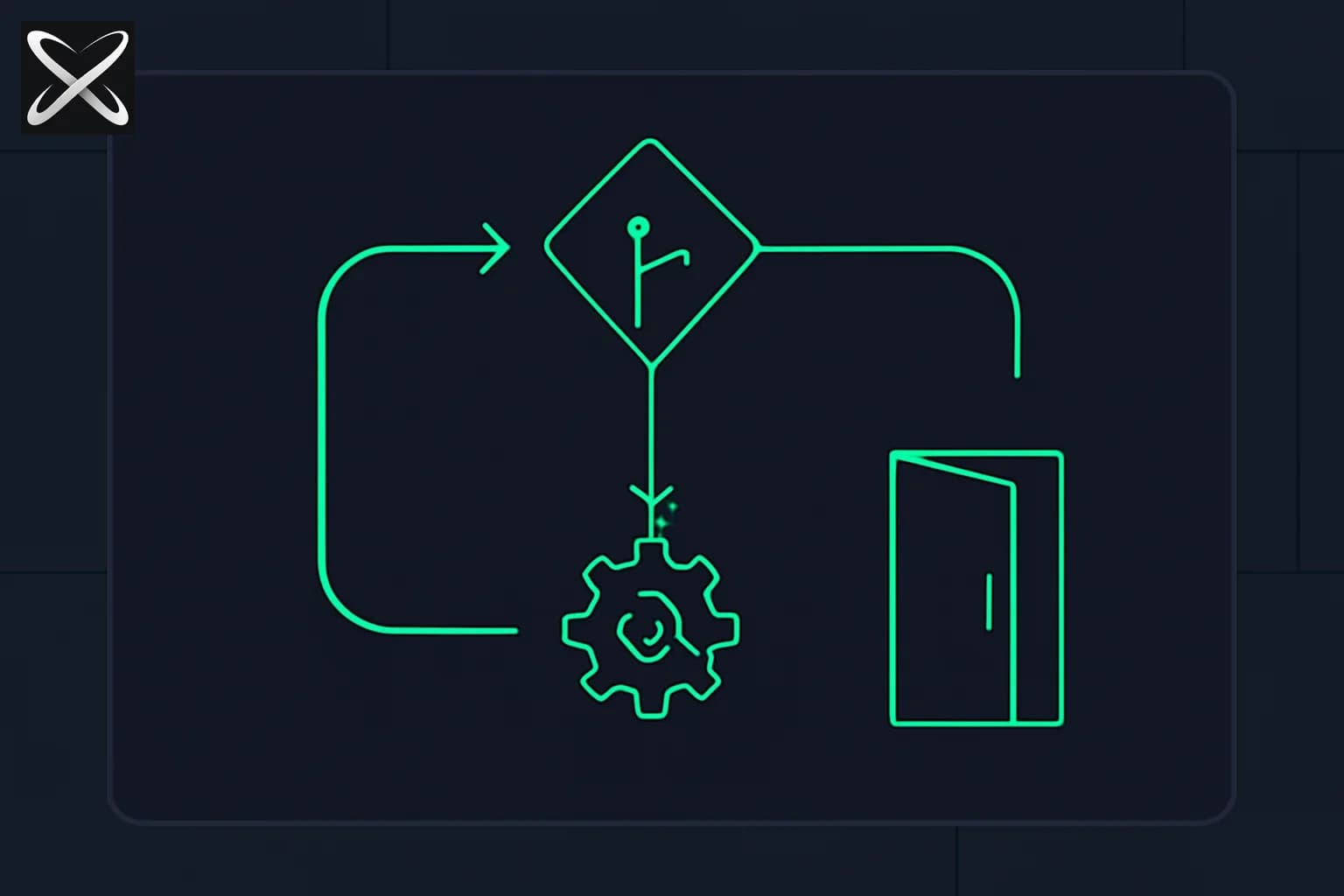
Every Claude-powered agent you build runs on the same control structure: send a request, inspect stop_reason, decide what happens next. Getting this wrong is the most common source of production failures in agentic systems — and it is the explicit focus of Domain 1 of the Claude Certified Architect – Foundations exam (Agentic Architecture & Orchestration, 27% of the exam).
This post walks through what the agentic loop actually is, the two stop reasons that matter, and the mistakes that sink real deployments.
What stop_reason tells you
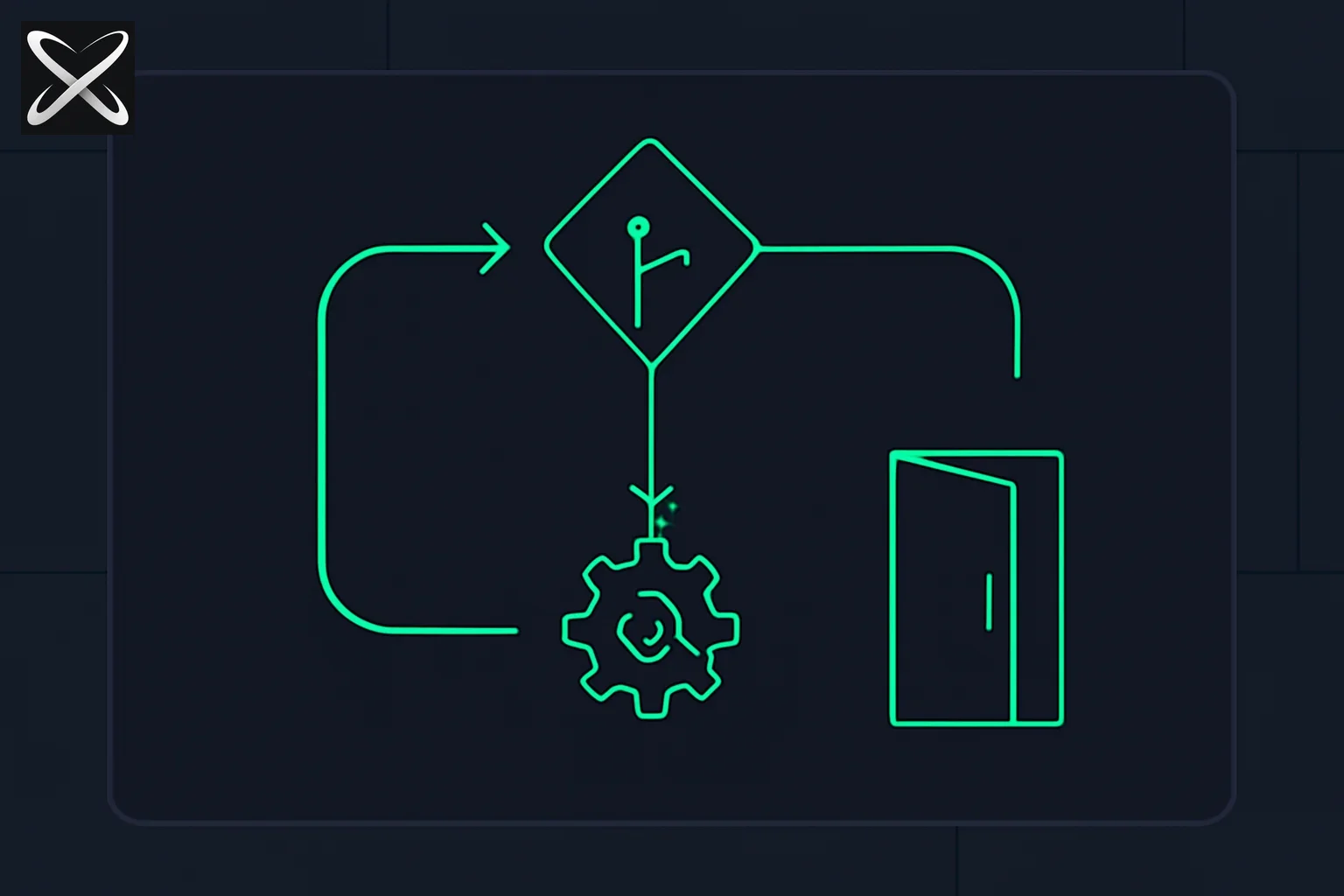 Agentic loop stop_reason diagram: a decision diamond routing between a tool-use gear loop and an end_turn exit door
When Claude returns a response, the stop_reason field signals why generation stopped. There are two values that drive agentic control flow:
tool_use— Claude has decided to call one or more tools. The response content includes one or moretool_useblocks. Your code must execute those tools and append the results before making the next API call.end_turn— Claude has finished its work and returned a final text response. The loop exits here.
A third value, max_tokens, means the response was cut off due to the token limit. This is treated as an error condition in most production systems — you either retry with a higher limit or escalate.
The exam cares that you understand these three values exhaustively. Other stop reasons exist (stop_sequence) but the two above cover the primary control flow.
The correct loop structure
The agentic loop is a while-loop keyed on stop_reason. Here is the structure in pseudocode:
messages = [{ role: "user", content: initial_prompt }]

while True:
    response = claude_api.messages.create(
        model=model,
        tools=tool_definitions,
        messages=messages
    )

    # Append assistant turn to history
    messages.append({ role: "assistant", content: response.content })

    if response.stop_reason == "end_turn":
        return extract_text(response.content)

    if response.stop_reason == "tool_use":
        tool_results = []
        for block in response.content:
            if block.type == "tool_use":
                result = execute_tool(block.name, block.input)
                tool_results.append({
                    type: "tool_result",
                    tool_use_id: block.id,
                    content: result
                })

        messages.append({ role: "user", content: tool_results })
        continue

    # max_tokens or unknown — raise error
    raise AgentLoopError(f"Unexpected stop_reason: {response.stop_reason}")
Three rules encoded here:
- Append every assistant turn before looping. The conversation history must be complete. Missing assistant turns produces
invalid_request_erroron the next call. - Tool results go in a
userrole message withtool_resultblocks. Each result references the originaltool_use_id. This is how Claude correlates the call with the answer. - Treat
end_turnas a model-turn boundary. Application success still needs its own checks. Budget limits can also stop the loop, provided the caller receives an explicit incomplete status.
The anti-pattern: inspecting assistant text
A common mistake is checking the assistant's text output to decide whether to continue:
# WRONG
if "I have completed the task" in response_text:
    return response_text
This breaks because:
- Claude may say "I have gathered the information" before deciding to call another tool. Text does not predict the next
stop_reason. - Parsing natural language for control flow creates fragile coupling between prompt wording and loop behavior.
- The exam explicitly contrasts programmatic enforcement (using
stop_reason) against prompt-based enforcement (telling the model "stop when done"). Task Statement 1.1 tests exactly this distinction.
Use stop_reason for generation status, together with application checks and explicit budget or error states. Do not infer tool execution from assistant prose.
Programmatic vs prompt-based enforcement (Task Statement 1.1)
The CCA exam frames a specific contrast in Task Statement 1.1: choosing between programmatic enforcement and prompt-based enforcement for loop termination and workflow control.
Prompt-based enforcement means you instruct Claude in the system prompt to follow a protocol: "call submit_result when you are finished." This works most of the time but can fail when the model misses the instruction under long context pressure or complex tool interactions.
Programmatic enforcement means your code controls what happens next, independent of what Claude says. The loop only exits when stop_reason == "end_turn". Tool execution happens when stop_reason == "tool_use". The model has no ability to "break out" of this structure through text alone.
The exam tests your ability to identify which approach is appropriate. For production workflows with deterministic completion criteria, programmatic enforcement is the correct answer. Prompt-based enforcement is appropriate only for soft behavioral guidance that does not affect control flow (tone, format, persona).
Forced tool use and task completion (Task Statement 1.4)
Task Statement 1.4 covers how you enforce that Claude must call a specific tool before completing. The mechanism is tool_choice:
tool_choice = { "type": "tool", "name": "submit_result" }
Setting tool_choice to a specific tool forces that tool call on the next API response. This is used in workflows where the final step must be a structured submission — for example, an extraction agent that must call submit_extraction with validated JSON rather than returning free text.
The exam scenario that tests this is the structured data extraction frame: Claude must produce a validated JSON object via tool call, not prose. Using tool_choice: { type: "tool", name: "submit_extraction" } on the final pass guarantees stop_reason will be tool_use pointing at that specific tool — no ambiguity about whether Claude "decided" to submit.
Three tool_choice values to know:
| Value | Behavior |
|---|---|
auto | Claude decides whether and which tool to call |
any | Claude must call at least one tool (but chooses which) |
{ type: "tool", name: "X" } | Claude must call tool X specifically |
Why silent truncation is the wrong safety mechanism
A problematic pattern is adding a maximum iteration counter and then returning partial work as completed:
# WRONG safety pattern
for i in range(10):
    response = call_claude()
    if response.stop_reason == "end_turn":
        break
    execute_tools(response)
The problem: if Claude legitimately needs 11 tool calls to complete the task, this loop exits early and returns a partial result silently. The caller has no way to distinguish a complete response from a truncated one.
The correct safety mechanism is a timeout at the wall-clock or token-spend level, combined with explicit error handling:
if iterations > MAX_ITERATIONS:
    raise AgentLoopError("Loop exceeded iteration budget — possible cycle detected")
Raise, do not return partial results. The orchestrator can then decide to retry, escalate, or fail the task explicitly. This distinction — raise vs silently truncate — appears in exam questions about reliability and error propagation.
Appending tool results correctly
The conversation history after a tool call looks like this:
[
  { role: "user", content: "Find the current price of AAPL" },
  { role: "assistant", content: [
      { type: "text", text: "I'll look that up." },
      { type: "tool_use", id: "tu_abc", name: "get_stock_price", input: { ticker: "AAPL" } }
  ]},
  { role: "user", content: [
      { type: "tool_result", tool_use_id: "tu_abc", content: "189.42" }
  ]}
]
Three details that get tested:
- The assistant message must include all content blocks from the response — both
textandtool_use. Stripping the text block corrupts the history. tool_use_idin the result must match theidfrom the correspondingtool_useblock exactly.- Multiple tool calls in a single response produce multiple
tool_resultblocks in a single user message — not separate user messages per tool.
The CCA exam and Domain 1
This is a core topic in Domain 1 of the Claude Certified Architect – Foundations exam. Domain 1 (Agentic Architecture & Orchestration) carries 27% weight — the largest single domain. Questions in this domain typically present a code snippet or scenario description and ask you to identify the correct control flow, the bug in the loop, or the appropriate enforcement mechanism.
The scenario frames most likely to test agentic loop knowledge are:
- Customer support resolution agent — multi-tool loop with escalation
- Multi-agent research system — coordinator managing subagent tool calls
If you are preparing for the CCA exam, the highest-leverage study in Domain 1 is: (1) stop_reason control flow, (2) conversation history construction, (3) programmatic vs prompt-based enforcement, and (4) tool_choice for forced completion.
Practice with CCA mock tests on explainx.ai to drill scenario-based questions against the clock.
Key takeaways
stop_reasonis the only reliable signal for loop control. Never use assistant text as a branching condition.- Append every assistant turn — including all content blocks — before the next API call.
- Tool results go in a
userrole message withtool_resultblocks referencingtool_use_id. - Programmatic enforcement (code controls the loop) beats prompt-based enforcement for deterministic workflow steps.
tool_choicewith a named tool forces completion via a specific tool — the correct pattern for structured submission steps.- Iteration caps that silently truncate are an anti-pattern; raise errors and let the orchestrator decide.
Exam domain weights and task statements are based on the Claude Certified Architect – Foundations Certification Exam Guide published by Anthropic Academy. Verify current weights on Anthropic Academy before your exam date.
How should the loop represent completion and interruption?
Separate the model's turn ending from the application's task succeeding. An end-of-turn response can contain a refusal, a clarification request, or an incomplete answer. Your application should interpret the response against its own acceptance criteria before declaring that a refund was processed or a document extraction was complete.
Budget boundaries are valid reasons to stop execution. A wall-clock timeout, token budget, or iteration cap can protect the caller from an unbounded run. The mistake is returning the partial state as if it were a completed result. Return an explicit interrupted status with the work completed and the reason further execution stopped.
For a support task, a result might say that the order was found but the refund was not attempted because account authorization was missing. That is useful partial evidence. It should not be silently upgraded to a successful refund merely because the model produced a polite closing sentence.
How do you test parallel tool calls and failures?
Create a test turn containing more than one tool request and verify that each result refers to its matching call identifier. Make one tool succeed and another fail. The next model request should preserve both outcomes rather than dropping the failed call or attaching the successful result to the wrong identifier.
Represent execution errors explicitly. A network timeout differs from a business result such as an order not being eligible for a refund. Giving the model structured failure information lets it choose a sensible next step. Still enforce permissions and input validation in the tool implementation; a well-formed request is not automatic authorization to execute it.
Include a repeated-call case for actions with side effects. If an earlier request succeeded but its response was lost, blindly retrying can repeat the action. The application needs an operation identifier or another mechanism appropriate to its system for recognizing that situation. A prompt alone cannot establish whether the external side effect already happened.
Which response cases belong in your regression set?
Check a normal final answer, a tool-use turn, a truncated response, and a provider error. Add any additional stop reasons supported by the features you enable. The official stop-reason documentation is the reference for that response contract; do not reduce it to two values when your application can receive more.
Keep the test expectations at the application boundary. The useful question is whether the caller receives the correct status and whether unauthorized or incomplete actions stay unexecuted. That makes the loop easier to adapt when an SDK or provider adds a response variant.