



Tracely is a new open-source project that tries to close the loop most agent observability tools leave open: when an agent breaks in production, the failing run becomes a regression test that blocks the next pull request that would ship the same bug. The repository by jwuthri-cloud was created on October 11, 2026 and had 1,163 stars and 140 forks on October 24, according to the GitHub API. It is MIT licensed and self-hostable.
We read the README, the project docs and the PyPI listing for the SDK. We did not deploy it in production, so everything below is what the project says it does, with our notes on what to verify yourself.
Quick answers
| Question | Answer |
|---|---|
| What does it do? | Grades agent traces, clusters failures, freezes them into replayable cases, gates PRs in CI |
| License | MIT |
| Hosting | Self-host (Docker Compose, Railway template, Kubernetes manifests) |
| How do traces get in? | Plain OTLP over HTTP, or the Python SDK tracelyai-sdk |
| Do CI replays cost tokens? | README says no: recorded fixtures, offline, no API keys |
| Maturity | Early: repo created October 11, 2026; SDK on PyPI at 0.0.1 |
| Stars | 1,163 (about 13 days old) |
What problem is Tracely going after?
The README opens with a blunt critique: "observability stops at the dashboard." You can see that an agent broke, but turning that into a durable test is manual work. Eval tools usually ask you to write a dataset by hand, which the project calls "a guess about what might break."
Tracely's alternative is that the recorded production run is the test. It stores the exact input, the exact tool calls and the exact model responses, then replays them on every pull request. The README compares itself with dataset-first tools on five points: where tests come from, fidelity to production, cost to replay in CI, what happens on a regression, and how you find out.
That framing is the project's own marketing. It is a reasonable idea, but we found no independent benchmark of it. The same thinking shows up elsewhere: our piece on AI evals for engineers and PMs explains why production-derived test cases beat invented ones, and LangSmith's Jev scores live production traces in a similar spirit.
The five-step loop
The README describes a pipeline of "production trace, failure detection, regression test, CI gate, alert". Each step has its own page in the app.
 Agent observability trace view illustrating how Tracely records each production run
1. Observe
Traces arrive over standard OTLP. Agent concepts such as agent.id, conversation.id, turn and step are promoted to indexed columns, so runs group into conversation threads rather than a flat pile of spans. Evaluators appear as columns on the trace table, and scores stream in over server-sent events as judges finish.
2. Detect and triage
Online evaluators grade runs as they land. The README lists LLM-as-judge grading at conversation, run and span level, plus structural checks that need no model. Failures are then clustered, structurally and semantically, so that, in the README's example, 31 broken runs become one issue with a count. Each cluster can suggest the evaluator that would have caught it.
3. Test
One click promotes a failing trace to a hermetic case: recorded input, with tool and LLM outputs bundled as fixtures. Each case carries a fail-to-pass contract. It must fail on the old code and pass on the fix, or the promotion is not trusted. For multi-turn behavior there are scenarios, either scripted conversations or an adversarial goal that a red-team model pursues against your agent's endpoint.
4. Ship
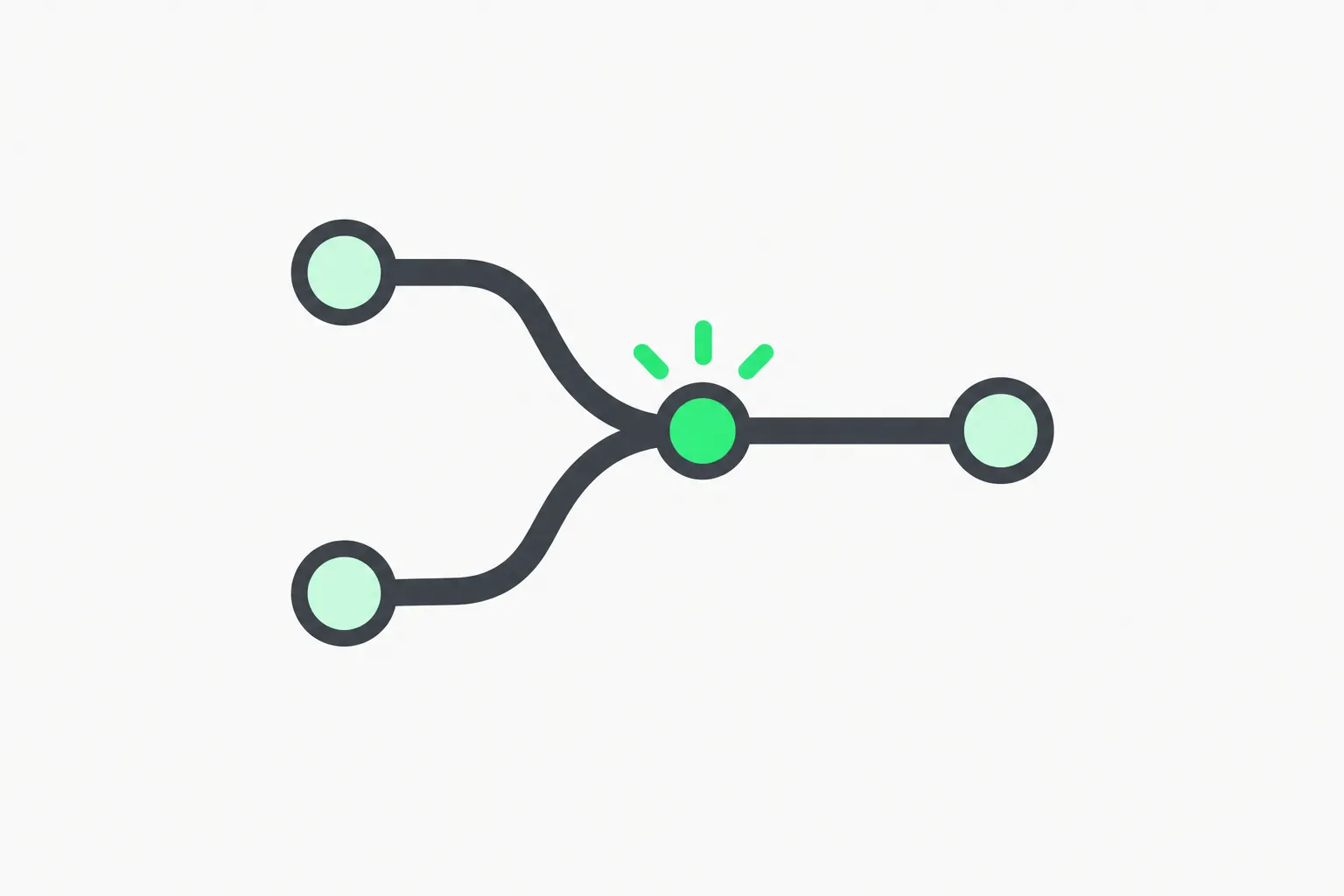 Pull request merge gate where a failing regression case blocks the change in CI
The CI suite replays against recorded fixtures. The CLI offers tracely simulate, replay and gate, plus a GitHub Action. A failing tracely gate exits non-zero, posts a commit status and upserts a PR comment. The README stresses this is deterministic and offline: no API keys and no model spend.
5. Alert
Alert rules have a trigger (a gate fails, a live conversation fails a judge, a new failure mode appears, a rate crosses a threshold) and a flow drawn on a canvas: conditions, Slack, email, a webhook, an LLM step, or a Python expression. The README says an in-app assistant can draw the flow from a description.
There is also a judge calibration screen. You label judge verdicts against human review and see each judge's agreement rate, which helps you catch an over-flagging judge before it gates a release. That matters, because a CI gate driven by a noisy LLM judge is a good way to make a team ignore the gate.
A worked example of the loop
Imagine a support agent that looks up orders. A customer asks about an order, the agent calls the lookup tool with a malformed id, and the reply invents a delivery date. In Tracely terms, a judge flags that run, the cluster step groups it with similar runs into one issue, and you promote the worst example to a case. The case stores the customer message, the tool call and the recorded tool response. After you fix the id handling, the case must pass, and on the old code it must fail. From then on every pull request replays it, so a later prompt edit that reintroduces the bug turns the check red.
How to try it
The README quickstart needs Docker and Docker Compose. The demo profile starts the whole stack and seeds sample traces, clusters, cases and gates, so the UI is populated on first open:
git clone https://github.com/jwuthri-cloud/Tracely-ai
cd Tracely-ai
docker compose --profile demo up -d --build --wait
The UI runs on port 3001 and the backend on 8000 by default. The stack includes ClickHouse, Postgres, Redis and MinIO, which is a lot of moving parts for a trial. The README also offers a Railway one-click template and an EKS and Kubernetes walkthrough, and points to a production-hardening runbook.
To send your own traces, install the SDK from PyPI with an extra for your provider, for example pip install "tracelyai-sdk[openai]". The README shows initializing once with an endpoint, an ingest key, a service name and instrument="auto", which detects OpenAI, Anthropic, Google, Mistral and LangChain clients. You then wrap a run in a tracely.trace(...) context with an agent name, conversation id and user. The default dev ingest key in the demo is a local convenience only; change it for anything shared.
The API also exposes an MCP endpoint, so a coding agent can drive the workspace with an ordinary ingest key, and the repo ships a skill for coding agents. If you are new to those ideas, see our guide to agent skills and what MCP is.
What to check before you adopt it
 Agent working inside a fenced area, a reminder to sandbox what you let observe your traces
Data in traces. Production traces contain real user inputs, tool outputs and model responses. Self-hosting keeps them in your infrastructure, but the grading judges call a model, and the README mentions a per-workspace OpenRouter key. Decide what leaves your network, and redact personal data before ingest.
Maturity. The SDK is at 0.0.1 and the repo is under two weeks old, with 22 open issues when we checked. The README's near-term plan points to a PRD of next steps. Star counts show interest, not stability.
Fixture fidelity. Replaying recorded tool and LLM outputs proves your agent code handles that exact transcript the same way. It does not prove the agent would choose the same action with a different model or prompt, since the model is mocked. Use it as a regression net, not as a replacement for live evals on prompt or model changes.
Judge quality. Failure detection leans on LLM judges. Use the calibration screen and keep a human-labeled sample.
Operational weight. Four datastores (ClickHouse, Postgres, Redis, MinIO) plus an API, a worker and a UI is real operational cost. If you only need tracing, a lighter tool such as the LiteLLM Lens analyzer or Perplexity's Numbat may be enough. The wider question of how to catch regressions in AI-generated patches is covered in Trail of Bits' regression-hunt plugins.
Where it fits in the agent testing landscape
Agent teams currently choose among three habits. Some watch dashboards and fix by hand. Some maintain curated eval datasets, such as the benchmark work in LangChain's Jev agent evals. Some are starting to treat production traces as the raw material for tests. Tracely is a bet on the third, packaged as a full product with a UI, alerts and CI integration rather than a library.
If the idea holds up, the practical effect is cultural: every incident leaves behind a test, so the same failure cannot silently return. That is exactly what unit tests did for ordinary software. The open question, which only real use can answer, is how many promoted cases stay stable as prompts and tools change, and how much human review the fail-to-pass step really needs.
For sandboxing the agents you test, see our coverage of NVIDIA's OpenShell runtime.
Bottom line
Tracely is worth a look if you run agents in production and your current process for turning incidents into tests is "someone remembers." Try the demo profile, send a trace from a non-critical agent, and measure how often the clustered issues and promoted cases match what you would have written by hand. Wait for a stable SDK release before betting a release process on it.
Related reading
- AI evals for engineers and PMs, explained
- LangSmith adds Jev to score production agent traces
- LiteLLM Lens puts agent debugging on the gateway
- Perplexity's Numbat agent observability tool
- LangChain Jev agent evals benchmark
- Trail of Bits regression-hunt plugins
Sources: the Tracely GitHub repository and the tracelyai-sdk PyPI page.
Details reflect the repository as of October 24, 2026 and may change.