




Claude desktop can now bend, melt, and layer real HTML text inside canvas graphics without turning pages into flat images — the capability Felix Rieseberg called a return to "weird web" Flash-era experiments, announced on X in November 2026. The feature rides the WICG HTML-in-Canvas explainer, which standardizes how browsers paint laid-out DOM subtrees into 2D, WebGL, and WebGPU canvases while keeping selection, find-in-page, translation, and accessibility hooks alive.
For builders, the launch matters because creative artifacts no longer force a tradeoff between wild visuals and usable text — a gap that plain <canvas> drawing and static screenshots could not close. It sits next to Claude Fable 5.2 stroke painting demos and Claude Code artifact publishing as another path from chat to shareable interactive media.
What HTML-in-Canvas changes
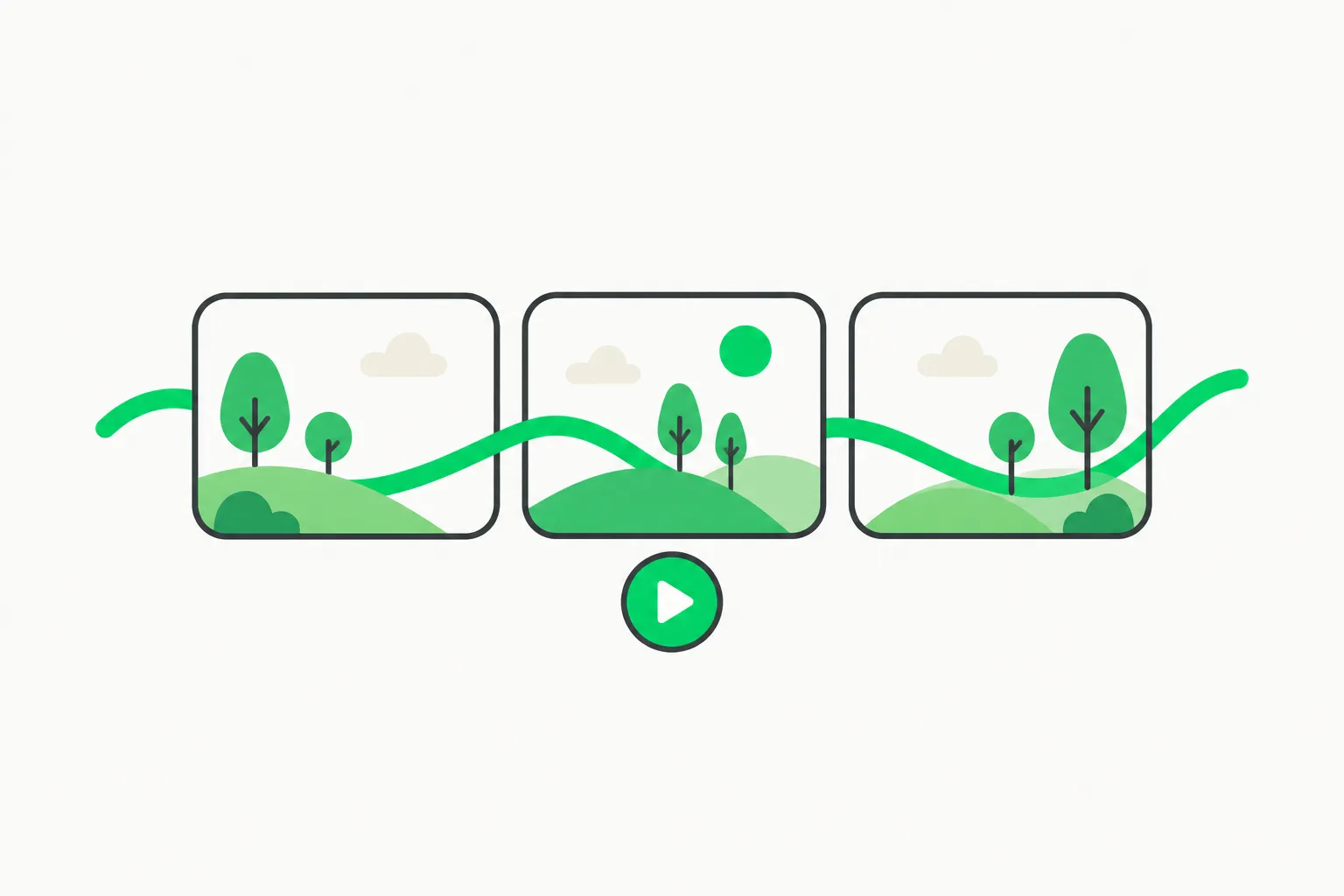 Warped canvas layouts can keep DOM text selectable and searchable, unlike flat bitmap canvas draws
Classic canvas rendering draws pixels. Text drawn with fillText is not semantic HTML: screen readers, copy-paste, and browser search see a bitmap. Designers historically exported PNGs or rebuilt layouts twice—once for effects, once for accessibility.
HTML-in-Canvas introduces a drawable subtree inside <canvas content="drawable">. The browser:
- Lays out HTML as usual (forms, paragraphs, buttons).
- Records paint snapshots when layout or styles change.
- Fires a
paintevent so JavaScript can calldrawElementImage()(2D) or GPU texture uploads. - Maps pointer hits back to DOM coordinates so clicks land on real elements.
The WICG proposal lists motivations: styled chart legends, creative-tool content boxes, accessible canvas experiences, shader effects on live HTML, 3D scene UI, and export to image/video.
Community write-ups of Rieseberg's demos describe melting paragraphs that stay selectable, underwater typing with ripples, and 15 playful site layouts (knitted pages, exploded layers, 3D cubes) where highlighted text still copies as normal Unicode.
What you need to try it in Claude
Requirements distilled from Rieseberg's announcement, The Decoder's summary, and the WICG spec (verify locally before shipping demos):
| Layer | Stated requirement |
|---|---|
| Claude desktop | Version 5.11492 or newer |
| Browser engine | Chrome 157+ or Edge 157+ for full API support |
| Not yet | Safari and Firefox lack the feature per public explainers |
| Prompting | Ask Claude to build an artifact using HTML-in-Canvas explicitly |
Claude's artifacts documentation covers how Code and desktop sessions publish live pages to claude.ai with CSP limits—relevant when you move from one-off demos to shareable links.
Artifacts require Pro, Max, Ultra, Team, or Enterprise plans and Anthropic API sign-in for Code sessions per that doc; API-key-only sessions cannot publish.
How HTML-in-Canvas works under the hood
 Drawable subtrees sync layout changes to canvas paint events through the HTML-in-Canvas API
The WICG explainer's core primitives:
content="drawable"on<canvas>opts descendants into canvas layout instead of fallback DOM placement.drawableattribute marks elements eligible for snapshot painting.paintevent synchronizes DOM changes to canvas draws;requestPaint()forces a frame likerequestAnimationFrame.drawElementImage(element, x, y)blits the latest snapshot into 2D context.
For WebGL/WebGPU, texture upload APIs mirror the same snapshots but require explicit transform matrices for hit testing—details in the how-it-works lab notes.
Limitations called out upstream: cross-origin iframe sources are blocked; performance depends on main-thread paint loops; API remains experimental.
Builder workflows this unlocks
Creative landing pages without leaving chat
Marketers and design engineers can prototype hero sections with shader-like distortion while stakeholders still copy pricing text. Compare Google Stitch skills for agents — UI generation inside IDE workflows rather than canvas tricks.
Education and explainers
Physics or typography lessons can show transformed text without sacrificing translation extensions. That pairs with Gemini HTML demos in AI Studio where maps and UI ship from prompts—different stack, similar "prompt → live page" intent.
Games and playful UI
 Once HTML becomes a GPU texture, playful site layouts can borrow game VFX patterns without losing copy-paste
Demos like html-in-canvas-cracks fracture a textured DOM into WebGPU shards—proof that once HTML is a texture, game VFX pipelines can treat documentation sites as atlases. Expect Claude artifacts to chase smaller-scope versions of that pattern.
Prompting tips
- Name the API — "Use HTML-in-Canvas" beats vague "make it interactive."
- Scope one artifact — Claude artifacts are single pages under CSP; giant SPAs still belong in your repo with Claude Code or Codex.
- Test selection — Ask Claude to verify copy-paste and browser search on warped sections.
- Plan fallbacks — Ship static HTML siblings for Safari/Firefox users until support lands.
Standards and browser roadmap
HTML-in-Canvas is a WICG incubation, not a finished W3C Recommendation. Chrome 157 shipping support makes Claude's integration credible for Chromium audiences but not universal.
Track:
- Web features explorer entry for release metadata.
- MDN and Can I use before embedding in customer-facing products.
Anthropic's move legitimizes creative artifact requests; production teams should still separate experimental canvas pages from compliance-sensitive flows (healthcare, finance) covered elsewhere on explainx.ai.
Risks and limits
- Experimental API churn may break saved artifacts after browser updates.
- CSP inside Claude artifacts blocks many third-party scripts—fine for demos, tight for SaaS embeds.
- Accessibility improves vs raw canvas but complex warps still need manual audit.
- No network calls in artifact sandboxes per Claude docs—dynamic data needs your hosted app.
Step-by-step: request an HTML-in-Canvas artifact
- Update Claude desktop to 5.11492+ and use Chrome 157+ or Edge 157+ as the host browser when testing locally.
- Start a chat aimed at a visual microsite — poster, playful landing page, or distorted typography demo.
- Explicitly ask: "Build a Claude artifact using HTML-in-Canvas so text stays selectable."
- When Claude returns an artifact link, test copy-paste, browser find-in-page, and screen-reader labels on warped sections.
- Export HTML only if you plan to host it yourself; artifact CSP may block assets you need in production.
If the model produces plain canvas JavaScript instead, clarify you want content="drawable" canvas per the WICG spec — vocabulary matters because Claude's training mixes legacy canvas demos with the new API.
HTML-in-Canvas vs older Claude artifact modes
| Mode | Strength | Weakness |
|---|---|---|
| Static HTML artifact | Simple deploy, full DOM | Limited shader-style warping |
| Canvas JS drawing | Visual effects | No real text selection |
| HTML-in-Canvas | Effects on live DOM | Experimental browser support |
| Fable stroke engine | Photoreal art without diffusion | Not a web page metaphor |
Pick HTML-in-Canvas when marketing or education needs both wow visuals and accessible text. Pick Fable when the deliverable is raster art, not a navigable mini-site.
Accessibility and internationalization notes
WICG motivation explicitly calls out find-in-page, translate, and read-aloud surviving canvas effects. That is the technical answer to "is HTML canvas still used" searches comparing legacy <canvas> games with modern hybrid layouts.
Still run manual audits: extreme transforms can confuse screen-reader hit maps until browser vendors finish conformance tests. Do not claim WCAG compliance from a demo GIF alone.
Production cautions
- Do not ship HTML-in-Canvas layouts to Safari or Firefox users yet if explainers are correct about missing API support.
- Version-pin Chromium for kiosk installs used in demos.
- Separate PII from creative artifacts; Claude artifact URLs are shareable and may leak draft copy.
FAQ tied to common searches
Is HTML-in-Canvas the same as the HTML5 canvas API? No. Classic HTML5 canvas is immediate-mode drawing. HTML-in-Canvas is a browser proposal to paint existing DOM subtrees into canvas contexts while keeping node semantics.
How does HTML-in-Canvas work for hit testing? The WICG spec maps pointer events back through transform matrices so clicks land on the underlying elements; WebGL paths require explicit transform handoff from shaders.
Can I use HTML-in-Canvas in Claude Code artifacts? Code sessions can publish HTML artifacts under CSP rules; HTML-in-Canvas additionally needs a compatible host browser. Test desktop plus Chromium before demoing to stakeholders.
Does Felix Rieseberg's demo prove production readiness? Demos prove creative latitude for early adopters. Production teams should track Chrome release notes and WICG issue threads the same way they track Gemini managed agent APIs.
Design educators can pair HTML-in-Canvas assignments with Pixelfx Claude Code skills: students learn when to keep DOM fidelity versus when to embrace pure pixel engines, a distinction hiring managers increasingly test in portfolio reviews.
Debugging when HTML-in-Canvas fails silently
If artifacts render flat text with no warp effect, confirm three flags: the model actually emitted content="drawable", your browser version meets Chrome/Edge 157, and Claude desktop meets 5.11492. If any layer fails, Claude may fall back to conventional HTML artifacts that look correct in preview but lack GPU-style effects.
If selection breaks, inspect whether transforms applied in paint handlers desync hit targets — a known integration sharp edge while the API matures. File reproducers against the WICG repo if you rely on this for customer deliverables.
Why Google and Anthropic both care
Google engineers participate in the WICG proposal; Anthropic's Felix Rieseberg shipped consumer-facing demos first. That sequencing mirrors other web-platform adoptions (Gemini in AI Studio maps): spec in Chromium, creator tooling in AI products, enterprise lag until support matrices stabilize.
Agencies delivering client microsites should snapshot before/after Lighthouse scores when enabling HTML-in-Canvas; paint loops can regress Total Blocking Time if requestPaint fires too aggressively. Profile on mid-tier laptops, not only M-series Macs used in launch demos, and retest after every Chrome security update.