



ThinkStream is a local-first macOS beta that treats an AI chat as a tree, not a single scroll. You can fork from any message, keep the parent thread intact, flip between linear chat and a mindmap canvas, and save prompts as reusable templates with variables. The product site at thinkstream.app describes the stack as local SQLite storage, encrypted API keys, no telemetry, and support for major model APIs plus OpenAI-compatible endpoints.
The app surfaced on Hacker News Show HN on November 8, 2026. That matters because branching UIs are having a small moment: developers keep complaining that one long thread buries good tangents. ThinkStream is one polished attempt to fix that workflow without giving up multi-model access.
TL;DR
| Question | Answer |
|---|---|
| What problem does it solve? | Linear chats force tangents into new threads or polluted context |
| Core features | Branch from any message, mindmap view, prompt templates, smart nudges |
| Models | OpenAI, Anthropic, Google, OpenAI-compatible APIs; switch mid-chat |
| Privacy claims | Local SQLite, AES-256 key encryption, no telemetry on device |
| Platform | macOS beta via waitlist; desktop browser demo on the site |
| Maturity | Product marketing plus builder posts; verify claims in your own beta build |
Why branching chats exist now
Most chat products assume one timeline. That works for quick questions. It fails when a single question spawns three architecture options, a legal side path, and a pricing what-if.
The ThinkStream site quotes anonymous user pain points: exploring a tangent either ruins context or forces a new chat; good prompts get lost in history; long threads bury ideas under scroll. Those complaints match what we hear around agent harnesses and local-first agent apps: the bottleneck is often navigation, not raw model IQ.
Branching is not new as an idea. Research notebooks, git, and argument maps all split paths. What's newer is wiring that metaphor directly into streaming LLM chat with provider switching.
What ThinkStream ships today
According to the official site, these pieces are in the beta positioning:
Fork without losing the trunk
You branch from any message. The parent conversation stays unchanged. The UI advertises a visual tree, jump-between-branches navigation, and a live canvas on the marketing page (Postgres versus MongoDB migration demo with three child branches).
Dual view: chat focus and map perspective
You toggle between linear chat and a mindmap of the whole session. The site lists zoom, pan, keyboard shortcuts, auto-layout, and smart node previews. On desktop browsers, the demo canvas is interactive; the full app adds streaming replies inside branches.
Prompt templates, not one-off paste
You can turn a strong prompt into a template with placeholders, e.g. Analyze {{company}} focusing on their {{aspect}} in the market. Change inputs, keep structure. That parallels how agent skills package repeatable instructions, but aimed at exploration rather than UI generation.
Nudges for the next branch
ThinkStream advertises contextual suggestions: the app proposes exploration paths after a reply, with one-click branching. Treat this as product UX until you validate it in beta; the site does not publish evaluation metrics.
Multi-provider in one workspace
You connect vendor APIs and OpenAI-compatible gateways, then switch models mid-conversation or compare answers across providers on parallel branches. That fits readers who already juggle how to pick inference servers but want a cleaner reasoning UI on top.
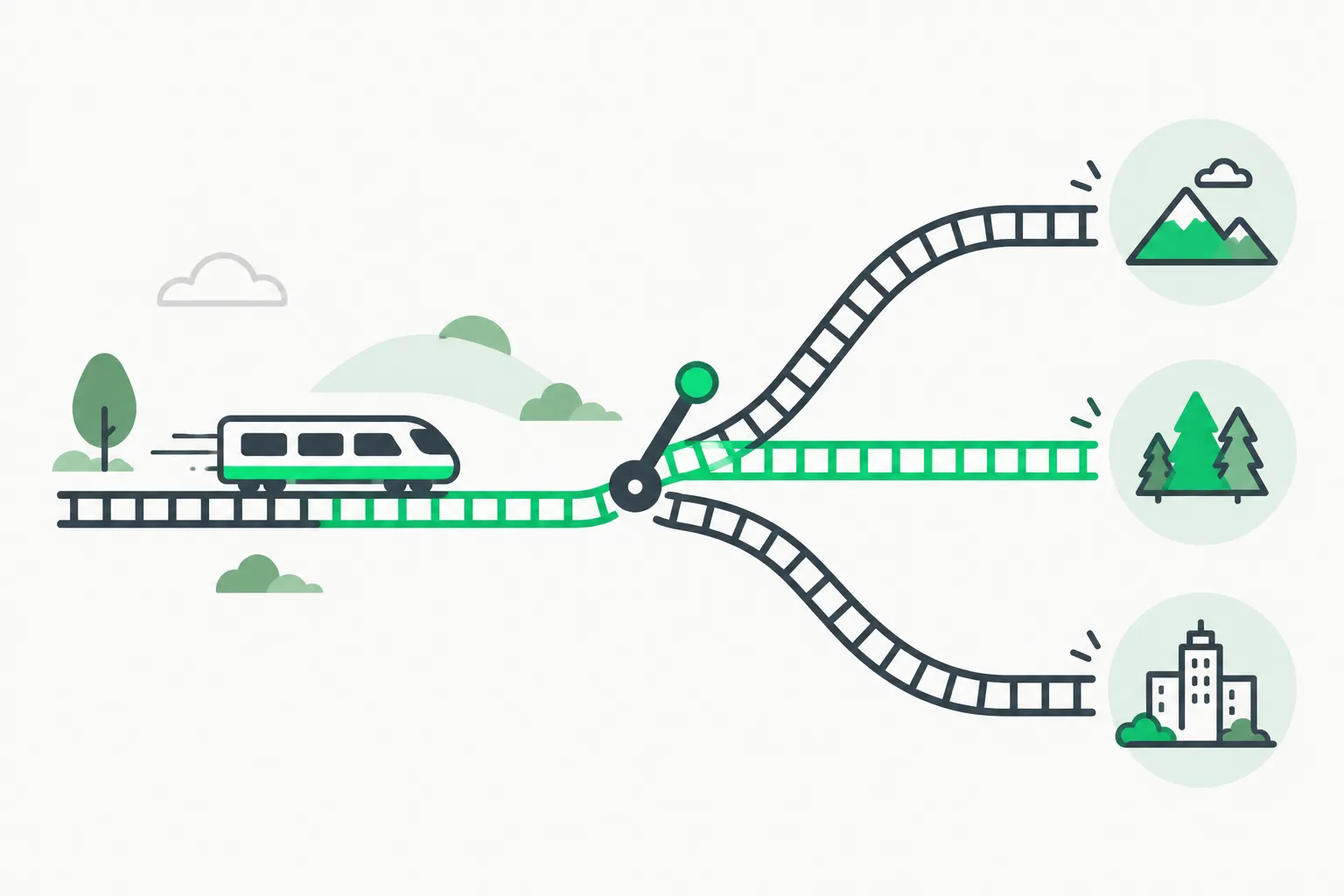 A rail switch sending one track toward three destinations, matching how ThinkStream routes prompts across AI providers
Local-first storage claims
The site states: conversations in local SQLite, API keys encrypted (AES-256), no telemetry, no tracking. Important nuance: local-first here means your copy of the thread and keys live on disk. Inference still hits the provider you select unless you point at a localhost compatible API.
 A key enclosed in a capsule beside a closed folder, illustrating encrypted local storage for ThinkStream API keys
How to try it
- Open thinkstream.app on a desktop browser and play with the embedded canvas demo.
- Join the macOS beta waitlist on the same page if you want streaming generation and template extraction in the app.
- Prepare API keys for at least one provider you already use; rotate keys if you test on a shared machine.
- Start with a real multi-path question (migration choice, hiring scenario, debug tree) so branching earns its keep.
The product site and the November 8 Show HN post describe the same feature set the beta markets today: parallel exploration without overwrite, templates for repeated setups, and local storage.
Comparisons readers actually ask about
| Tool | Branching | Local storage | Open source | Notes |
|---|---|---|---|---|
| ThinkStream | Yes, mindmap | Claimed SQLite on device | No public repo listed on the site | Polished beta, macOS focus |
| Thought Canvas | Yes, canvas | Local-first per README | Yes on GitHub | Multi-model compare, Obsidian export |
| br[AI]nch (tree-ai) | Yes, React Flow tree | In-memory dev store | Yes on GitHub | Teaching project; context rebuilt per branch |
| Default ChatGPT / Claude web | Mostly linear | Cloud | No | Best for single-thread Q and A |
| Claude Code / Codex CLI | Session + tools, not mindmap | Mixed | Partial | Built for repo work, not ideation trees |
If you want an open-source alternative you can audit, Canvas Chat by Eric J Ma is a close relative. Conversations are nodes on an infinite canvas, and replying to any message creates a new branch. You can also highlight text to spin off an excerpt node, or select several nodes to combine their context. Data stays in your browser's IndexedDB, API keys stay in localStorage, and sessions export as .canvaschat files. It connects to OpenAI, Anthropic, Google, Groq, GitHub Models, OpenRouter, and local models through Ollama, and it is MIT licensed.
Another route is to build your own. The tldraw branching chat starter kit is a template where each message is a draggable node on an infinite canvas. Ports link nodes so one conversation can branch into several paths, or merge several messages into one AI response. When you send a message, the system follows connections backward to assemble the history for the model. The kit streams Gemini responses through Cloudflare Workers and the Vercel AI SDK. Developers can add custom node types or switch providers. That makes it a better fit for teams who want a branching interface inside their own product than for people who want a finished desktop client.
None of these replace a coding agent in your repository. They compete for thinking time before you commit to one path. If your work is already inside Remotion or Three.js agent skills, you still need an IDE harness for merges and tests.
Limits and honest risks
- Beta and macOS-only for the full app. Linux and Windows users get the web demo only today.
- No published GitHub repo on the marketing site. You cannot audit the encryption implementation without a build in hand.
- Provider trust boundary unchanged. Local storage does not stop prompt exfiltration if you paste secrets into a cloud model.
- Branch explosion. Mindmaps help until you create twelve unfinished tangents. You still need discipline to merge insights back to a decision.
- LinkedIn history mismatch. An older ThinkStream.ai post described a different "Stream" product focused on email and calendar noise. The November 2026 site is clearly an AI branching client. If you evaluate the company, confirm which product line you are testing.
What developers are saying
The November 8 Hacker News thread had 10 points and no substantive comments at fetch time, so there is little threaded feedback to cite yet. The February LocalLLaMA post drew mixed reactions (one commenter nitpicked typography). Treat social proof as early, not settled.
If the thread grows, watch for hands-on reports on: context reconstruction quality across deep branches, template extraction accuracy, and whether nudges help or distract.
A practical workflow for architecture decisions
Here is a pattern that maps cleanly onto ThinkStream's Postgres-versus-MongoDB demo on the marketing site, and onto real engineering debates we see in benchmark posts.
Start from a single root question written in concrete constraints: user count, OLTP versus document reads, regulatory data, team skill, migration cost. Ask the model once at the root. When the answer lists three forks, branch instead of editing the root prompt. Put each major assumption in its own child: "Postgres wins when…", "Mongo wins when…", "Hybrid when…".
After each branch completes, add a synthesis branch that only compares outcomes. The mindmap view then shows dead ends you explored honestly, not arguments you flattened into one paragraph. Save the root prompt as a template with {{user_count}}, {{dominant_query}}, and {{compliance_regime}} placeholders so the next product line reuses structure.
If you export decisions to engineering tickets, copy the winning branch summary into your issue tracker. ThinkStream does not replace git or CI; it reduces the odds you pick a datastore because the last message sounded confident.
Security checklist before you beta test
Local-first marketing is not a threat model. Run this list before you paste proprietary schema diagrams into branches:
- Create dedicated API keys with spend caps for experimentation, not production keys.
- Assume every branch resends parent context to the provider unless you verify otherwise in the beta build.
- Do not store customer PII in template variables on a shared Mac.
- If you test OpenAI-compatible proxies, confirm where logs land on the proxy operator's side.
- Review macOS Full Disk Access prompts the app requests; compare to other desktop clients you already trust.
For teams building agents on top of branching UIs, pair client-side navigation with server-side guardrails. Agent security guidance applies the same whether the UI is linear or tree-shaped.
Who should skip it
Skip ThinkStream for now if you need team-shared chat history, on-device open-weight inference only, or open-source audibility before install. Also skip if your workflow already lives inside a single vendor's Projects feature and you rarely fork ideas.
Related reading
- AnyModelBot: local-first agent app with a gateway catch
- How to read AI benchmarks when agents look perfect on leaderboards
- Co-Design Bench: why coding agents still fail real app edits
- Loop engineering for coding agents
- vLLM vs SGLang for self-hosted inference
- Mempalace and local AI memory patterns
- How to read a Hugging Face model card
Product details reflect thinkstream.app and public builder posts as of November 8, 2026.