



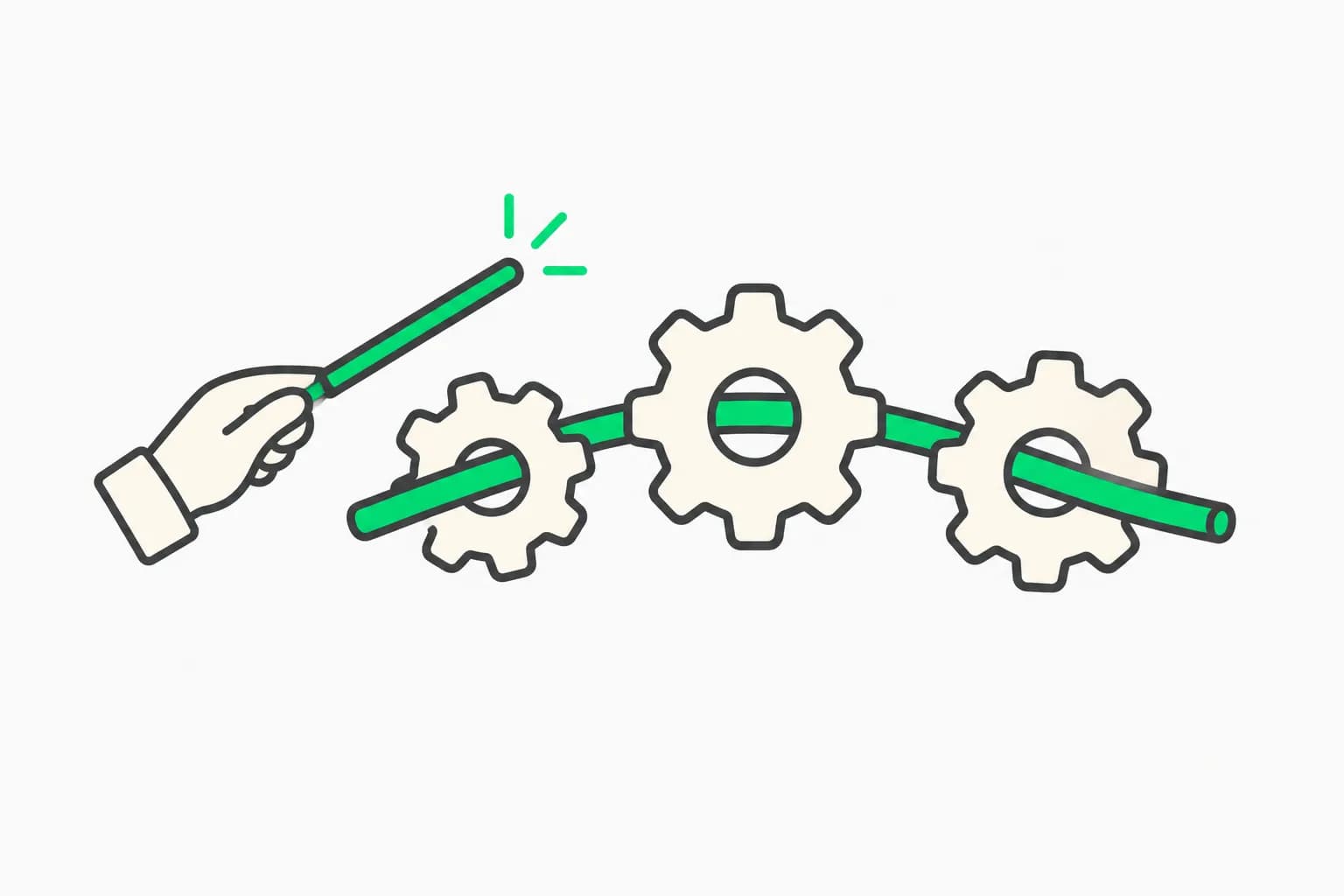
Prospero is a bloat-free, native AI coding harness built around Dear ImGui, not another Electron shell wrapping a browser. skeeto/prospero had about 210 GitHub stars when explainx.ai checked on November 27, 2026, after it reached the Hacker News front page. The project advertises a single C++ executable that can run the window, a headless engine over ssh, MCP servers, Agent Skills, and optional desktop control while speaking the same APIs your local stack already exposes.
If you are comparing harnesses, start with the practical split: Prospero optimizes for a small native binary and long-running unattended tasks, while web-first agents optimize for IDE integration. Our SoduWork hub guide covers multi-harness governance; this post is about what Prospero itself ships today according to its README and official docs on GitHub.
What Prospero does in one sentence
The README says Prospero connects to a model provider, local or remote, and allows AI agents to drive your computer to develop software. It plows through intermittent errors and keeps working while unattended. That framing matters: Prospero is explicitly a harness, not a chat widget.
| Question | Answer (official docs) |
|---|---|
| What languages is it written in? | C++, with third-party MIT and Apache libs (ImGui, SDL3, mbedTLS, and others listed in README) |
| Does it need a background daemon? | No in the typical case; engine and window share one process |
| Can it run headless? | Yes via prospero run, prospero --headless, ssh deploy, and background sessions after the window closes |
| License | Public domain via UNLICENSE; itch.io build is a separate professional edition |
 Open and closed API pipes meet through an adapter, matching how Prospero speaks several chat and completion APIs from one harness
Why native ImGui matters for a coding harness
Most popular agents wrap Chromium or VS Code. Prospero's pitch is the opposite: passive rendering while idle. The README states that unlike conventional ImGui apps, rendering is passive and will not consume resources while idle. For builders who leave an agent running overnight on a laptop, that design choice is the story.
The UI is dockable. You rearrange panes by dragging, save layouts under View → Layouts, and restore them later. Official usage documentation also documents a Files pane, Terminal tabs, subagent trees, fork and worktree sessions, and Ctrl+K command palette navigation comparable to modern IDE agents.
Desktop control is a differentiator. docs/desktop.md (linked from the README) covers letting the agent see and drive the screen, which the README highlights for developing and debugging native GUI applications. On Windows it pairs with w64devkit, skeeto's portable GCC environment.
For contrast, our ClawDOS retro harness piece shows extreme constraint engineering; Prospero sits at the opposite end, targeting current desktop OSes with modern APIs and MCP.
Supported model endpoints
Prospero does not ship preconfigured cloud keys. Everything goes into ~/.config/prospero/prospero.ini (or the Windows paths documented in configuration.md).
The configuration guide documents these endpoint kinds:
- OpenAI Chat Completions — default shape for llama.cpp, vLLM, LiteLLM, and OpenAI-compatible proxies
- Anthropic Messages — with adaptive thinking, effort controls, and prompt cache breakpoints
- OpenAI Responses — encrypted reasoning replay for cache hits, used with OpenAI or llama-server
- ChatGPT
kind = chatgpt— OAuth against the ChatGPT Codex backend, billed to a subscription instead of per-token API billing - GitHub Copilot
kind = copilot— device flow login; Prospero notes Copilot's integrator model list differs from the IDE picker kind = builtin— downloads Gemma 4 E2B (~3.3 GB) into local state for a free private smoke test, with AVX2 and ~6 GB RAM requirements
API keys use key = env:NAME or key = file:PATH, never plaintext in the INI file. That matches how serious harnesses should treat secrets, similar in spirit to our MCP security guide for workstation agents.
If you run local inference, pair Prospero with our llama.cpp AMD dashboard guide so you know what tokens per second to expect before you aim an unattended agent at a refactor.
MCP, skills, tools, and memory
Prospero targets the same skills folders Claude Code popularized. configuration.md says skills load from .claude/skills, .agents/skills, .cursor/skills, and .codex/skills walking up from the working directory, with SKILL.md frontmatter naming each skill. If you are new to the format, read our agent skills explainer first, then the Obsidian official skills launch as a reference implementation.
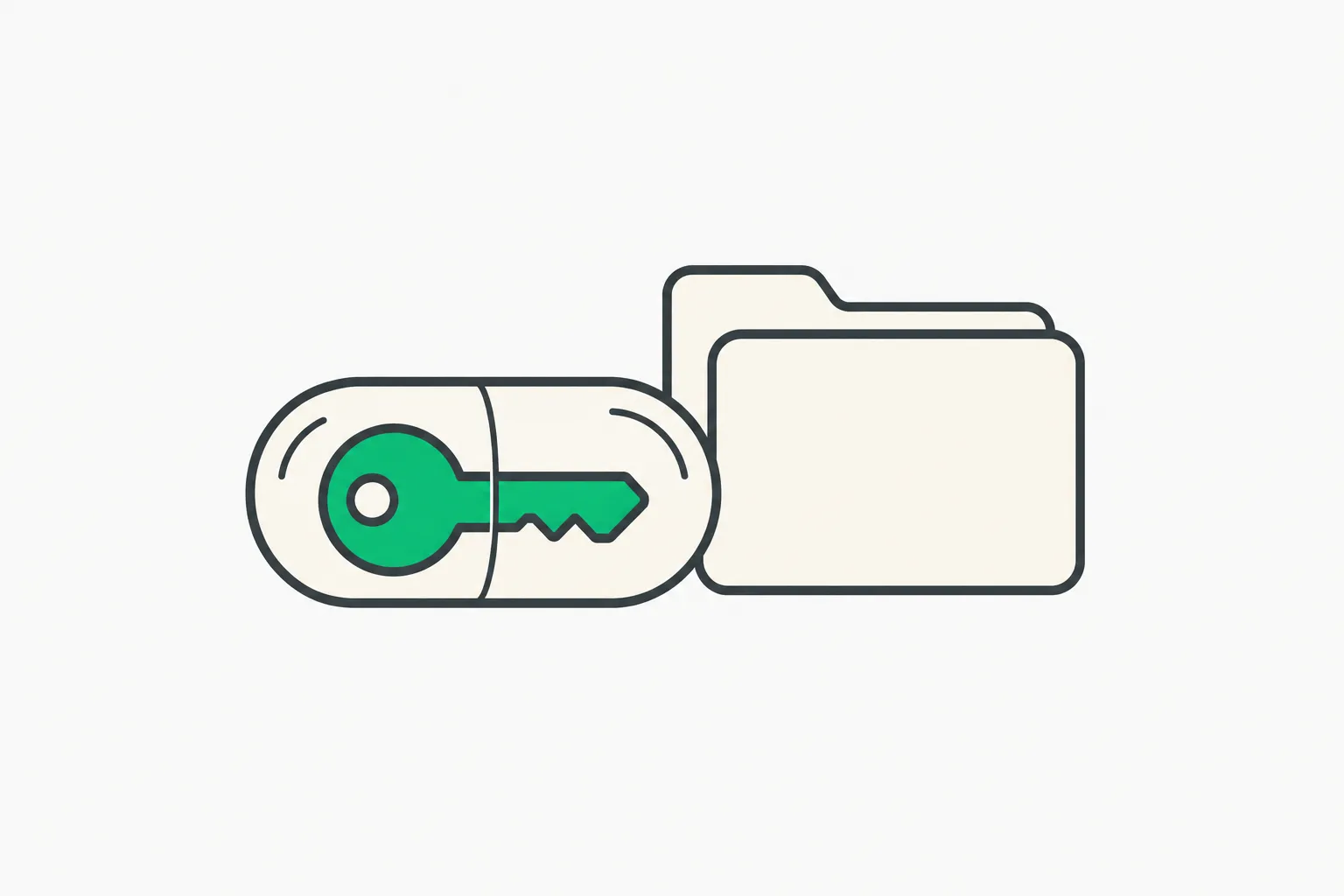 A key inside a capsule beside a closed folder represents how Prospero keeps API keys out of prospero.ini and gates MCP trust
MCP servers are declared in prospero.ini. The docs describe URL-based servers, optional trust flags, and an approval store in approvals.json so remote includes cannot silently exfiltrate environment variables. Prospero also ships prospero mcp list, auth, and logout CLI commands per usage.md.
Tooling includes read, write, edit, shell, grep, glob, memory files, web search (configurable), subagents, and desktop automation. Sessions can run Build mode from prospero ., spawn git worktrees, and import exported session logs from other machines.
Memory works like Claude Code auto-memory: per-project MEMORY.md under the state directory, plus optional user-level AGENTS.md the agent may edit after asking.
How to install and run Prospero today
Fast path: GitHub releases
building.md lists release artifacts:
- Windows —
prospero-VERSION-windows-x86_64.zipcontainingProspero.exe - macOS — signed
prospero-VERSION-macos-arm64.dmg(macOS 13+, Apple silicon) - Linux —
prospero-VERSION-linux-x86_64.tar.gzor aarch64 tarball needing glibc 2.34+
Unpack, launch, and complete the first-run flow. The window opens Settings and Hosts when no model endpoint is configured.
Build from source
Requirements: CMake 3.25+, C++20 with #embed, and network at configure time to fetch pinned deps (ImGui docking branch, SDL3, mbedTLS, Wuffs, and others).
cmake -B build
cmake --build build
Use -DPROSPERO_GUI=OFF for a headless-only engine, or the documented MinGW i686 toolchain if you want the Windows XP class build skeeto showcases.
Everyday commands
From usage.md:
prospero— open the GUIprospero .— new session rooted in the current directoryprospero run PROMPT— headless turnprospero deploy NAME— push engine binaries to a remote host over sshprospero eval SUITE...— run model eval suites documented under development.md
The Community Edition window title reminds commercial users to buy the itch.io Prospero build, which bundles the cross-platform engines zip for deploy scenarios.
Configuration checklist for your first real session
Walk through this once before you trust Prospero on a production repo:
- Create
[endpoint local]pointing at your llama-server or cloud URL, withkey = env:...if needed. - Add a
[model NAME]section with context limits and optionaleffortor chat-template kwargs for thinking models. - Enable
[skills]paths if you keep skills in.agents/skills. - Register MCP servers only after you read their tool manifests; treat
trust = yeslike production sudo. - Set
[tools] path_prependon macOS if GUI-launched Prospero cannot find Homebrew binaries (documented workaround in configuration.md). - Turn on desktop control only in a VM snapshot if you are testing screen-driving tools.
Prospero can edit its own prospero.ini through a skill, but configuration writes always prompt unless you explicitly grant the file, which is the right default for a harness that can run shell commands.
How Prospero compares to other harnesses
| Harness | UI stack | Standout Prospero angle |
|---|---|---|
| Claude Code / Codex CLI | Terminal or IDE extension | Prospero adds dockable ImGui, desktop control, and Copilot OAuth in one binary |
| SoduWork | Web hub over nine CLIs | SoduWork optimizes sign-off workflows; Prospero optimizes single-machine native control |
| Muxlio | Workflow coordinator | Muxlio focuses durable job graphs; Prospero focuses interactive agent sessions |
| Electron agents | Chromium shell | Prospero claims idle CPU near zero thanks to passive ImGui rendering |
None of these are drop-in replacements. Prospero is strongest when you want one portable binary, ssh-forwarded engines, and GUI testing loops without adopting a full IDE fork.
What developers are saying (Hacker News)
The HN thread was still thin when this post was written. User speps joked that Prospero was Sony's PlayStation 5 codename (comment 50672480). No other commenters posted benchmark numbers or security reviews explainx.ai could rely on. Treat social traction as early curiosity, not a maturity signal, and run your own eval on a scratch repo first.
Risks and limits to plan for
Prospero is powerful in the same places every harness is dangerous:
- Shell and write tools can destroy a repo if the model drifts; use git worktrees and snapshots.
- Desktop control expands blast radius to everything on screen, not just the project folder.
- MCP and web search import untrusted tool definitions and page content; Prospero's approval flow helps, but you still curate servers.
- Built-in Gemma is for smoke tests, not serious coding; the docs warn it is far less capable than cloud models.
- Copilot and ChatGPT login flows bind billing to consumer plans with usage limits that end turns abruptly, per configuration docs.
Teams adopting agents at scale should pair experimentation with structured training. Our AI builder workshop covers harness selection, evaluation, and guardrails for teams that outgrow ad hoc CLI experiments.
Related reading
- SoduWork multi-harness workspace — governance across Pi, OpenCode, and Codex
- Obsidian official agent skills — reference SKILL.md packaging
- What are agent skills? — how skills load in modern agents
- llama.cpp on AMD — local endpoint tuning
- Muxlio workflow coordinator — when you need durable jobs instead of one GUI session
Prospero is young on GitHub, but the documentation depth already rivals mature harnesses: configuration alone spans endpoints, effort maps, MCP approvals, and PDF vision paths. Treat the November 2026 HN spike as a cue to run your own eval, not as proof the binary is production hardened.
Reading gets you the idea. Building it with feedback gets you the skill.