




01Start here
Wireframe to working product
Translate a rough product idea into a purposeful wireframe, reusable interface components, and a working experience instead of stopping at a static design.
See the session plan
Go from an idea to working automations, AI agents, and a deployed full-stack app in four live Claude Code sessions, with a workflow that also works in Cursor.
See the curriculumYour take-home work
Build these with your instructor. Keep them, adapt them, and put them to work after the workshop.
01Start here
Translate a rough product idea into a purposeful wireframe, reusable interface components, and a working experience instead of stopping at a static design.
See the session plan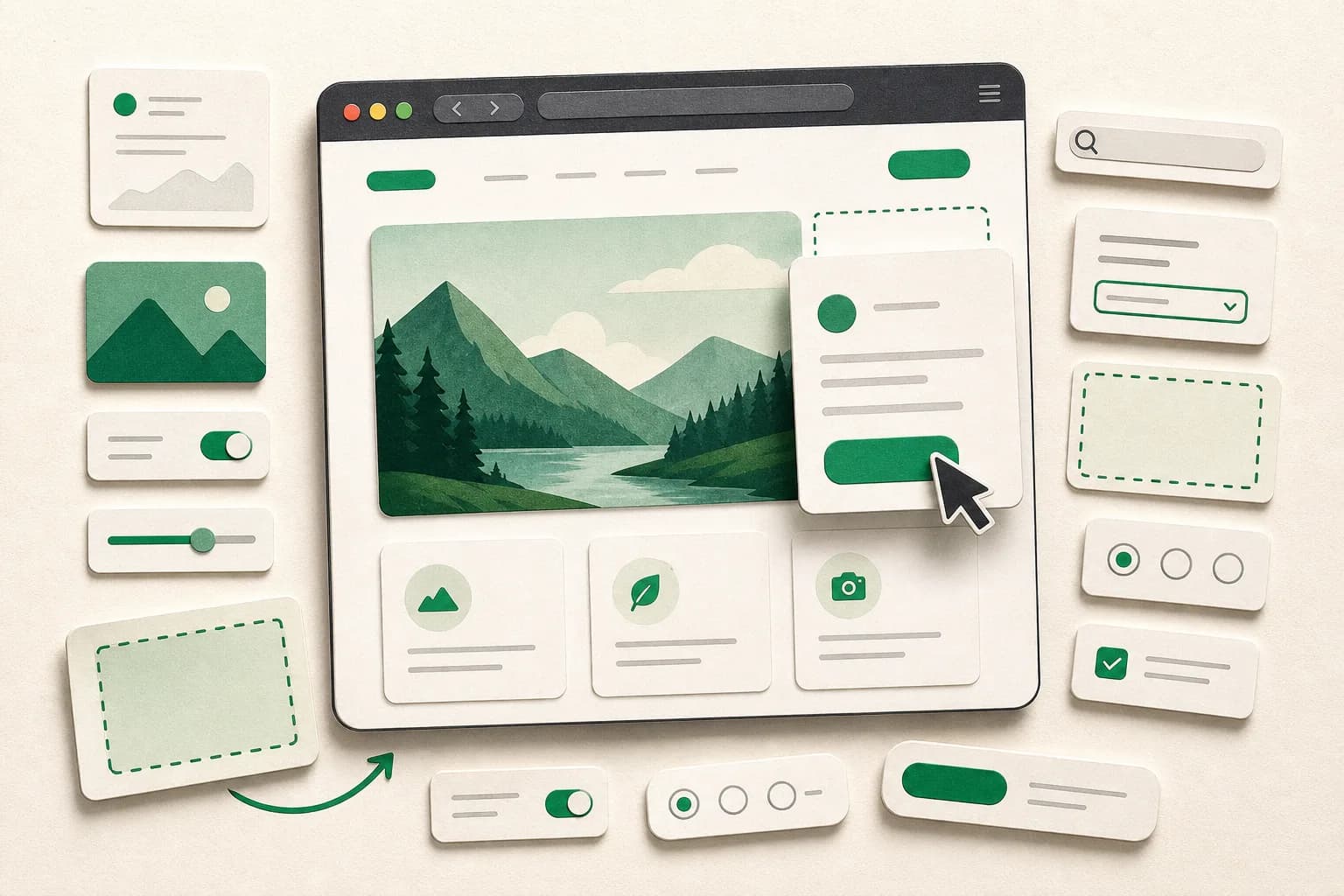
Early bird
Nov 15–23, 2026
02Make it yours
Turn a plain-language product or campaign brief into a polished HTML, CSS, and JavaScript experience you can open and share immediately.
03Make it yours
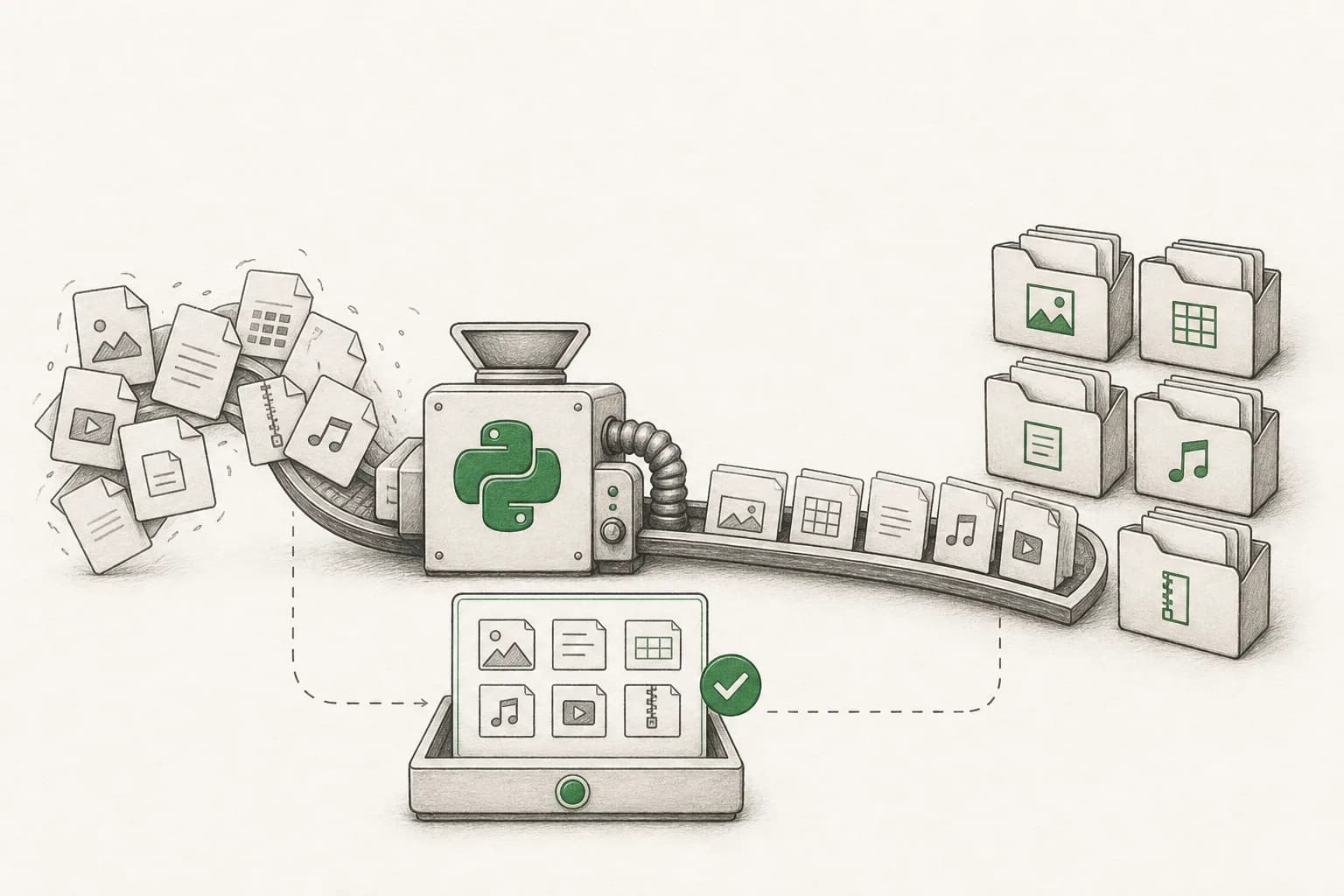
Build a safe Python tool that previews, renames, and organizes large folders of files without tedious manual work.
04Make it yours
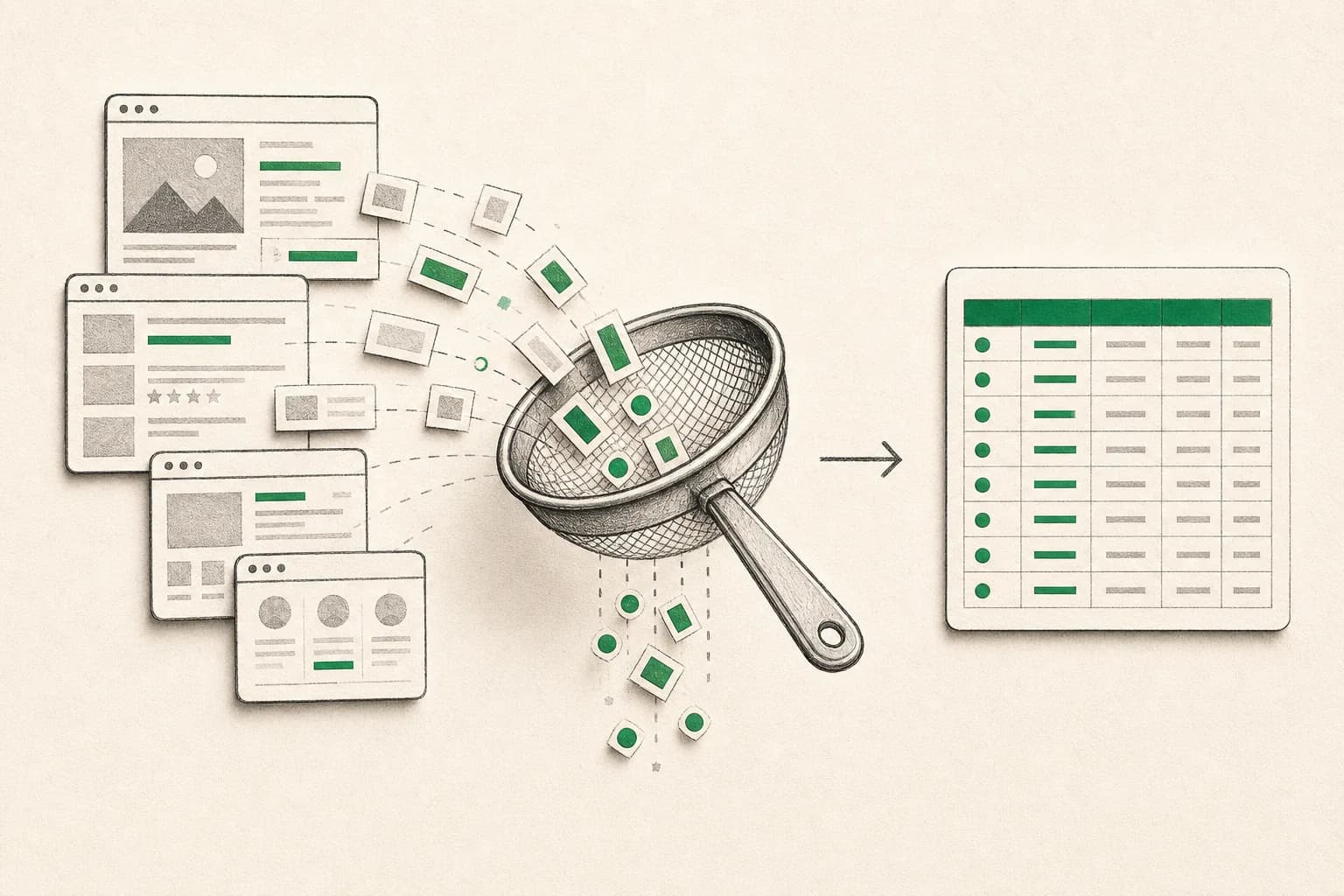
Collect structured public information from the web, clean it, and export a useful dataset for research or operations.

05Make it yours
Create an agent that gathers current market information, checks its sources, and produces a concise daily decision brief.

06Make it yours
Build an agent that searches for relevant roles, scores fit against your criteria, and organizes the best opportunities for review.

07Make it yours
Ship a Next.js AI chat product with authentication, protected access, backend routes, and persistent conversations. No payment integration.

08Make it yours
Apply the complete workflow to a personal portfolio that explains who you are, shows what you built, and is deployed on your own public link.
This is what you build. Two evenings, live with your instructor.
Secure your spotWhat you’ll take away
Product managers, founders, marketers & developers · guided setup
Go from a rough idea to something you can click, test, and improve. You will learn the technical foundations to build confidently with AI, make informed decisions, and collaborate clearly when a project grows beyond the prototype.
Test product, campaign, and workflow ideas yourself before spending weeks on handoffs or development cycles.
Understand files, terminals, APIs, environments, databases, authentication, agents, and deployment as you use them.
Leave with working projects you can use at work, show your team, or turn into a portfolio and future product.
The curriculum
4 days · 2 hours per day · Recordings included · 11:30 AM–1:30 PM GMT+5:30
Walk through the terminal, files, project structure, HTML, CSS, and JavaScript without dry theory. Learn how to plan with Claude Code, install and use reusable AI skills, sketch a clear wireframe, turn it into a simple interactive browser product, inspect the result, and improve it safely. The same project structure and skill workflow is demonstrated for Cursor users.
Skills you’ll practice: Claude Code fundamentals · AI skills discovery and use · Terminal and project files · HTML, CSS, and JavaScript · Wireframing and component planning · Design-to-product workflow · Prompt-to-prototype workflow · Debugging and verification
Install Python with hands-on guidance, understand packages and environments, then build small tools that rename and organize files, process folders, and scrape structured public information into useful outputs.
Use Eve on Vercel and practical agentic frameworks to move beyond chat. Build a daily financial briefing agent and a job opportunity agent, connect tools and data, add verification steps, and produce outputs you can actually trust and act on.
Install Node.js with guided support, understand client and server code, API routes, environment variables, authentication, and deployment, then build and launch a complete AI chat app. Authentication is included; payment integration is intentionally out of scope.
skills
Everything you practise hands-on across the live sessions.
Looks like something you need? Seats are limited.
Secure your spotUse the two-week build workflow to create a portfolio that introduces your work and showcases the projects you are proudest of. Submit the live link during week three for feedback and a chance to be featured.
Submission form opens for enrolled learners
Selected projects receive an explainx.ai shout-out

Founder of AISOLO Technologies; AI entrepreneur & educator
350K+
Students
12+
Yrs exp
3
Startups
Yash Thakker is the founder of AISOLO Technologies and one of the most sought-after AI educators in the country. He's known for one thing above all: by the end of any session, students have already built something — no saving it for 'later.' His classes are built around real-life, happening-right-now examples, zero dry theory, and a teaching energy that makes complex things feel obvious. With over a decade shipping AI products across media, fintech, and edtech, Yash has delivered every learning format imaginable — in-person workshops, live bootcamps, online courses, and hybrid sessions — always exploring new ways to make learning land faster. He's obsessed with what learning looks like for this generation, now that AI changes what's even worth teaching. He has reached 350,000+ learners and is the creator behind Olly.social, BGBlur.com, and explainx.ai.
Your next step
Nov 15–23, 2026 · 4 days · 2 hrs/day
4 live build sessions
2 hours each · Nov 15–23, 2026
7 guided projects
Web prototypes, Python tools, agents, and a full-stack AI app
Lifetime class community
Your cohort’s private classroom: chat, Q&A, prompts and recordings, open for good
Lifetime AI community
Your instructor’s wider community, to keep learning long after class ends
Optional portfolio capstone
Build your personal portfolio and submit it by Nov 29
Claude Code skill stack
Discover, install, and use reusable AI skills while building
Cursor-compatible workflow
Use the same project structure and skills in Cursor
Guided technical setup
Hands-on help installing Claude Code, Python, Node.js, and project tools
Session recordings
1-year access to every live session
Melo learning assistant
Pre learning, all workshop content, and post learning practice
$120.00$150.00
20% early bird — ends Nov 1 · Only 49 seats remaining
faq
Everything you need to know before enrolling.
It is designed for product managers, founders, marketers, and other professionals who want to prototype ideas or collaborate more confidently with technical teams. Developers who want a practical Claude Code and AI-agent workflow will also get substantial value from the projects.
Join 350K+ learners
Live, hands-on, and capped so sessions stay interactive.
Reserve your seat49 seats remaining
 Built around real work
Private team sessions
Bring AI Builder Workshop: Build and Ship with Claude Code to your company with examples, projects, and guidance shaped around the tools your team already uses.
Real messages from students who trained with Yash across his live AI workshops and bootcamps.
“I've been using Claude for months but had no idea you could set up Projects with custom instructions. After Day 1 I restructured my entire research workflow — I got back about 3 hours a week immediately.”
“I had a great experience at this bootcamp. The chrome extension capstone was challenging and exciting. I enjoyed learning about LangChain, Tavily, and OpenAI API — I'm thinking of publishing it on the Chrome Web Store.”
“The prompt template library we built on Day 2 is now used by my whole content team. We went from everyone prompting differently to having a shared system that produces on-brand output every time.”
“Yash Thakker helped me design and build for one real problem, solved properly, without gimmicks. It came directly out of the AI Maker Bootcamp.”
“Yash doesn't just show you what to type — he shows you how to think about working with Claude. That mental model shift is what I came for and what I got. The research sprint session alone was worth the ticket price.”
“I wanted to build an AI tool that will translate any content into multiple languages. I've just posted my MVP on LinkedIn after completing the bootcamp.”
“Best class ever! You are an amazing teacher. Thank you for everything.”
“I learned so much and felt really empowered by this class. Thank you Yash!”
“Your bootcamp was very important to me and I hope we can stay connected. You are a great teacher and person.”
Skills you’ll practice: Python and virtual environments · Filesystem automation · Packages and dependencies · Web requests and parsing · Structured data exports · Safe automation patterns
Skills you’ll practice: AI models and structured outputs · Agent loops and tool use · Eve on Vercel · Agentic frameworks · Data grounding and verification · Scheduled agent workflows
Skills you’ll practice: Node.js and package management · Next.js and React · Frontend and backend boundaries · API routes and environment variables · Authentication and protected pages · Deployment and production checks
Shakeel
Bootcamp graduate
James Okafor
Head of Content, Lagos
Founder, Alba Host
Sara Lindqvist
Strategy Consultant, Stockholm
Inês A.
Bootcamp graduate
via LinkedIn
via LinkedIn
via Discord