




MLX is the straightforward way to run open-weight language models on an M-series Mac using Metal, not a remote GPU. The mlx-lm Python package downloads compatible checkpoints, runs chat in a terminal, quantizes models, and can expose a local API — the same jobs people rent Linux boxes for, but on the machine you already carry.
Quick answers
| Question | Answer |
|---|---|
| Install | pip install mlx-lm or conda install -c conda-forge mlx-lm |
| Fastest first run | mlx_lm.generate --prompt "Hello" |
| Interactive chat | mlx_lm.chat |
| Default model | mlx-community/Llama-3.2-3B-Instruct-4bit (per mlx-lm README) |
| Model catalog | mlx-community on Hugging Face |
| When to use Ollama instead | One-command pulls without touching Python |
What Apple ships
MLX is an open-source array framework built for Apple silicon. Apple describes it as efficient and flexible ML on Metal; the mlx-examples repository shows everything from MNIST to Whisper and diffusion models.
For text, you want mlx-lm. Its README lists:
- Hugging Face Hub integration for one-command downloads
- Quantization and upload back to the Hub
- LoRA and full fine-tuning, including on quantized weights
- Distributed inference with
mx.distributed - Prompt caching and rotating KV cache controls for long contexts
That last bullet is where Mac-specific engineering shows up. Unified memory means you are not fighting VRAM caps the same way as on a 24GB NVIDIA card — you are fighting how much memory macOS will wire for the GPU. mlx-lm documents sysctl iogpu.wired_limit_mb when generation warns that a model is too large for default limits.
Install and verify
On a current Apple silicon Mac:
pip install mlx-lm
Test generation:
mlx_lm.generate --prompt "How tall is Mount Everest?"
You should see streamed text. The default model is small on purpose — it proves Metal, tokenizer, and sampling work before you download a 20GB MoE.
For reproducible tok/s comparisons, mlx-lm ships mlx_lm.benchmark with the same --max-kv-size and --prefill-step-size flags as generate and server. Run it after driver or macOS updates so you know whether a regression is OS-level wired memory or your prompt template.
 Metal GPU pipeline feeding token generation during an mlx_lm smoke test
For a REPL with history:
mlx_lm.chat
Context persists for the REPL session, which is useful when you are iterating on agent prompts without rebuilding a harness.
Pick a model
mlx-community hosts thousands of converted checkpoints. Naming usually includes bit width (4bit, 8bit) and model family. For coding agents, follow Mac-specific posts like Apple MLX RDMA across Mac Studios when you are at the extreme end of size — most readers start smaller.
Convert your own quant from a standard Hugging Face repo:
mlx_lm.convert --model mistralai/Mistral-7B-Instruct-v0.3 -q
The Python API mirrors the CLI:
from mlx_lm import load, generate

model, tokenizer = load("mlx-community/Mistral-7B-Instruct-v0.3-4bit")
text = generate(model, tokenizer, prompt="Write a haiku about compilers.", verbose=True)
Set trust_remote_code=True when a model card requires custom code — mlx-lm documents the flag for both CLI and load().
Serving and agents
For tools that speak OpenAI APIs, mlx-lm ships server mode (see mlx_lm.server --help). Point a coding agent at the local base URL the same way you would llama.cpp llama-server or a vLLM container. The server path accepts the same KV-cache and prefill flags as interactive generate, which matters when a agent harness sends multi-megabyte transcripts: cap --max-kv-size before you expose the port, and keep the process bound to 127.0.0.1 unless your LAN policy explicitly allows shared Mac inference on the network.
On Mac, many developers still route through Ollama for ergonomics. Ollama uses MLX under the hood on Apple hardware; our Codex with open models via Ollama guide shows the agent side. Choose MLX directly when you need convert/fine-tune pipelines or prompt-cache files on disk.
Long prompts, KV cache, and memory
mlx-lm documents three levers:
--max-kv-size— rotating fixed-size KV cache. Smaller values save RAM; very small values hurt long conversations.--prefill-step-size— how many prompt tokens are processed per step during prefill. Lower peaks memory during ingestion.- Prompt caching —
mlx_lm.cache_promptwrites a cache file you reuse withmlx_lm.generate --prompt-cache-file.
Example from mlx-lm README flow:
cat prompt.txt | mlx_lm.cache_prompt --model mistralai/Mistral-7B-Instruct-v0.3 --prompt - --prompt-cache-file mistral_prompt.safetensors
mlx_lm.generate --prompt-cache-file mistral_prompt.safetensors --prompt "\nSummarize the above text."
That pattern mirrors prefix reuse ideas in datacenter servers, but entirely on laptop memory.
 Apple Silicon local LLM workflow from mlx-community download through Metal inference on a Mac
Quantization on Mac
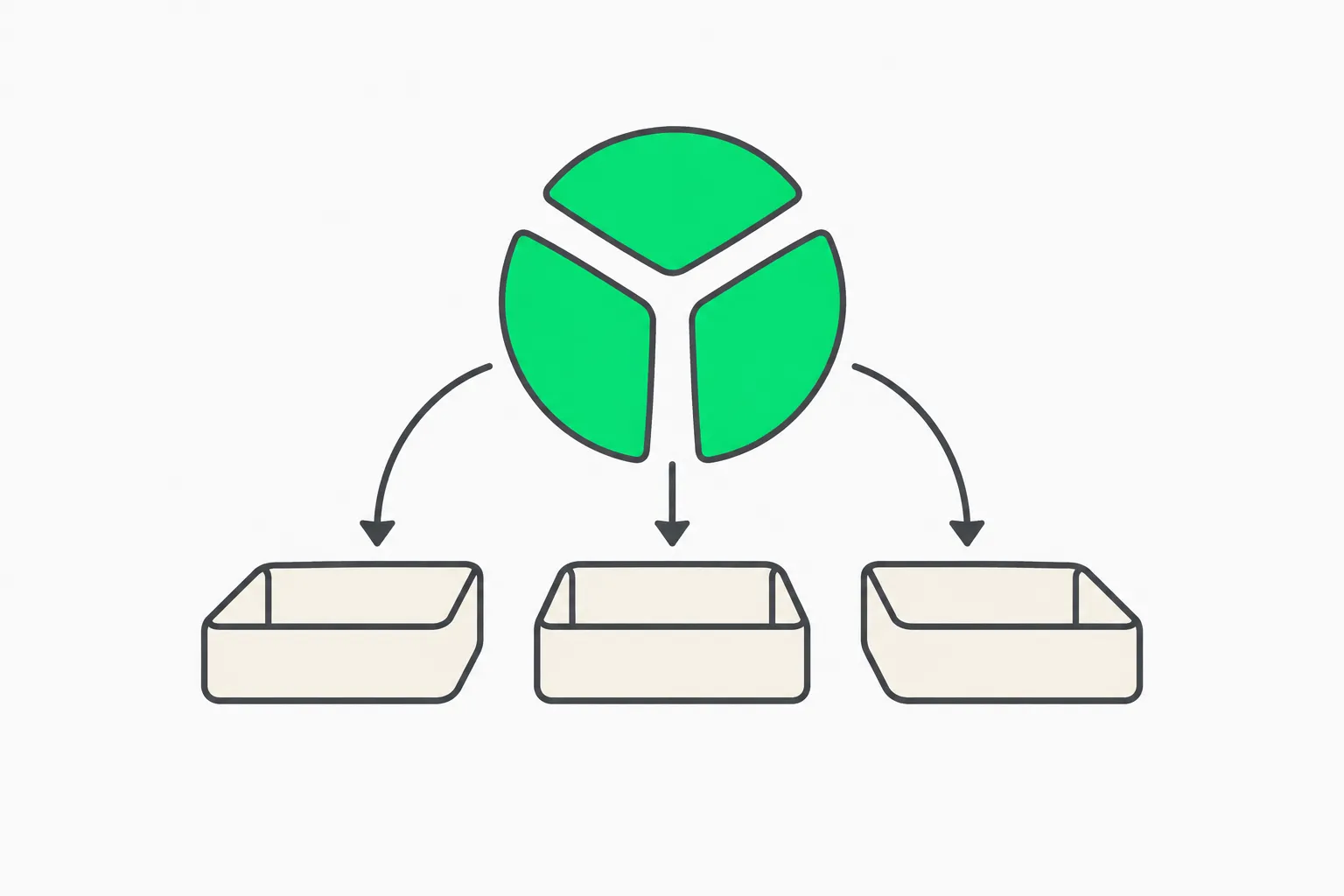 Quantized weight packs split for efficient MLX inference on unified Mac memory
MLX quants are not GGUF. If you need cross-platform GGUF for Linux friends, run llama.cpp convert separately. On Mac only, mlx-lm quants are usually faster to iterate because they skip the GGUF intermediate when you stay inside MLX.
Read bit width against task:
- 4bit — default daily driver for 8–16GB unified memory machines
- 8bit — safer for code and math where errors compound
- bf16/fp16 — when you have headroom and care about eval fidelity
Our quantization explainer covers the math; MLX just uses its own packed formats.
Fine-tuning (when you outgrow prompting)
mlx-lm supports LoRA and full fine-tuning, including on quantized bases. That is how teams adapt a small instruct model to an internal style without shipping data to a cloud API. Pair fine-tunes with agent skills and harness tests — MLX solves weights, not product safety.
Hardware note from mlx-lm: very large models relative to RAM need macOS 15+ wiring behavior. If you see the wired-memory warning, follow README guidance before blaming "Apple is slow."
MLX vs Linux GPU stacks
| Need | MLX on Mac | vLLM / SGLang on Linux |
|---|---|---|
| Solo dev, privacy | Excellent | Overkill unless you already own a server |
| Multi-user production API | Possible but not the main story | Purpose-built |
| Fine-tune open weights on laptop | Strong | Needs remote GPUs for big bases |
| Same weights as CI | Export carefully; formats differ | Hugging Face bf16/fp8 standard |
Apple's own research demos increasingly cite MLX for on-device stacks — for example on-device embedding workflows sit in the same "keep data on the Mac" bucket.
Streaming and Python APIs
For UX that feels like ChatGPT, use stream_generate instead of blocking generate. mlx-lm yields incremental text chunks you can print or push over SSE in a small FastAPI wrapper.
from mlx_lm import load, stream_generate

model, tokenizer = load("mlx-community/Mistral-7B-Instruct-v0.3-4bit")
messages = [{"role": "user", "content": "Explain KV cache in one paragraph."}]
prompt = tokenizer.apply_chat_template(messages, add_generation_prompt=True)

for response in stream_generate(model, tokenizer, prompt, max_tokens=400):
    print(response.text, end="", flush=True)
Sampling hooks (sampler, logits_processors) let you clamp temperature, ban tokens, or reproduce deterministic evals. That matters when you compare MLX against a cloud API baseline — uncontrolled sampling makes benchmarks meaningless.
Wiring Hugging Face workflows
mlx-lm is not a replacement for the Hub; it is a runtime for artifacts the Hub hosts.
- Search
mlx-communityfor a quant that matches your RAM budget. - Read the upstream model card for evaluation claims and limitations.
- If no MLX port exists,
mlx_lm.convertwith-qlocally, then optionally--upload-repoto share inside your org. - Pin the revision SHA in production configs so Friday’s “same” tag does not silently change behavior.
Our how to read a Hugging Face model card guide walks the YAML headers and eval widgets — the same fields you should parse before you trust a README chart.
Performance expectations (honest)
MLX is fast on Apple silicon because Metal sees unified memory, but tokens per second still scales with active parameters. A 4bit 7B model on an M3 Pro feels snappy; an 80B MoE port may be usable for experiments yet unsuitable for interactive agent loops.
Useful references on explainx.ai:
- DFlash-2 MLX on M5 Max for speculative decoding gains
- Gemma 4 MLX community speedups for what open optimization actually buys
- Tokens per second explainer so you do not confuse peak marketing with your CLI session
When someone claims “2x faster than Ollama,” ask for model, quant, context length, and batch size. Without those four, the number is not actionable.
Security and compliance on a local Mac
Local inference removes cloud data retention, but it does not remove license law or safety policy.
- Weights with OpenRAIL or custom community licenses still restrict use cases and commercial thresholds even when the bytes sit on your SSD. Read open-weight license basics.
trust_remote_code=Trueexecutes Python from the repo — treat it like installing a package from the internet.- Agent harnesses that call
mlx_lm.servershould sit behind localhost firewall rules unless you intend to share the port.
For agent tool abuse, pair local models with the same guardrails you would use in the cloud — see indirect prompt injection and AgentBeam when agents can run shell commands.
Multi-machine and research setups
Most readers run one Mac. Research teams sometimes chain multiple Mac Studios with RDMA-style paths for huge checkpoints — see Apple MLX RDMA demo coverage. That is not a home-laptop workflow; it is a signal that MLX scales horizontally when Apple hardware and networking align.
For everyone else, treat MLX as edge dev and promote winning prompts to a Linux vLLM or SGLang fleet when concurrency appears.
Example day-one workflow
| Step | Action |
|---|---|
| 1 | pip install mlx-lm and run the default mlx_lm.generate smoke test |
| 2 | Pick a mlx-community/*-4bit instruct model under your RAM comfort zone |
| 3 | mlx_lm.chat with three representative prompts from your product |
| 4 | Cache a long system prompt with mlx_lm.cache_prompt if latency drops |
| 5 | Point OpenCode or Continue at mlx_lm.server if the harness needs HTTP |
| 6 | Document license + quant in your internal runbook before teammates pull weights |
Troubleshooting checklist
- Confirm Apple silicon, not Rosetta Python —
python -c "import platform; print(platform.machine())"should readarm64. - Match model family to mlx-community before debugging sampling.
- Trim KV if fans spin and swap grows — use the lab slider above as intuition.
- Compare against Ollama with the same prompt to see if the issue is model or harness.
- Read the model card license before commercial use — MLX does not remove OpenRAIL restrictions.
Keep a notes file with the exact pip show mlx-lm version and model SHA you used when a regression appears. MLX and mlx-lm move quickly; pinning versions saves weekend debug time.
If you benchmark against cloud APIs, log power plug status and Low Power Mode — laptop thermals change tok/s more than a point release bump.
Related on explainx.ai
- vLLM vs SGLang for GPU fleets
- What is llama.cpp?
- MacBook vs dedicated GPU for local LLMs
- DFlash-2 speculative decoding on M5 Max
- Choose open-weight vs closed models
- How to run open models locally with OpenCode
Commands and defaults follow mlx-lm README on GitHub as read on November 7, 2026.