




Apple has published a hands-on research post showing how to run models above 800 billion parameters on Mac Studio hardware, no cloud involved. The headline figure: four Mac Studio M5 Ultras linked with RDMA over Thunderbolt 5 decode the 816B-parameter Muse Spark Open at over 36 tokens per second, according to Apple Machine Learning Research (October 15, 2026). A single M5 Ultra also starts generating up to 4.6x sooner than an M3 Ultra.
This is vendor-run benchmarking on Apple's own hardware, so treat the numbers as Apple's. But the post is unusually practical: it names the commands, the flags and the trade-offs. This guide walks through what was measured, what the tables actually say, and what it means if you are choosing hardware for local AI.
TL;DR: the questions people will ask
| Question | Answer from Apple's post |
|---|---|
| What hardware? | Mac Studio M5 Ultra (1.2 TB/s memory bandwidth, up to 512GB unified memory) vs M3 Ultra (819 GB/s) |
| How are Macs linked? | RDMA over Thunderbolt 5, enabled by macOS 26.2; two cables per pair, a four-machine mesh |
| Which models? | Muse Spark Open (816B total, 42B active, MoE), Mistral Medium 3.5 (128B dense), Qwen 3.8 (27B dense) |
| Best decode speed on Muse Spark Open? | 36.73 tokens/s on four M5 Ultras with tensor parallelism |
| Single-machine gain? | Time to first token up to 4.6x faster, decode about 1.6x faster than M3 Ultra |
| Power? | About 200W (M3 Ultra) and 300W (M5 Ultra) peak during inference |
| Software? | MLX v0.30.1+, macOS 26.2+, mlx.launch --backend jaccl |
What did Apple actually test?
The post covers three things: single-machine inference, multi-machine inference, and serving a local model to an agentic coding tool. It uses the mlx_lm.benchmark tool at 8,192 and 65,536 token contexts, measuring decode over 128 generated tokens at batch size 1.
Batch size 1 matters. It reflects one person talking to one model, which is the local-AI use case. It says nothing about throughput when serving many users at once.
The three models were chosen to cover different shapes:
- Muse Spark Open: 816B total and 42B active parameters, a mixture-of-experts model. In BF16 it needs over 1.6TB, so Apple evaluated it in 4-bit NVFP4, about 493GB before runtime overhead. It cannot fit on one 512GB machine with room to spare, which is why it needs a cluster.
- Mistral Medium 3.5: 128B dense, evaluated in FP8.
- Qwen 3.8: 27B dense, evaluated in BF16.
For background on the model Meta released, see our coverage of Meta's Muse Wonder launch and Muse Code.
How much faster is the M5 Ultra than the M3 Ultra?
Apple attributes two different gains to two different parts of the chip. Time to first token (the wait while the model reads your prompt, called prefill) is up to 4.6x faster, which Apple credits to the GPU Neural Accelerators. Decode speed, the steady stream of output tokens, is about 1.6x faster, credited to the higher memory bandwidth (1.2 TB/s against 819 GB/s). The ratio 1.2 over 0.819 is about 1.47, so the decode gain tracks bandwidth closely, as you would expect for a memory-bound workload.
From Apple's decode table (tokens per second):
| Model | M3 Ultra | M5 Ultra | 2 M5 pipeline | 2 M5 tensor | 4 M5 tensor |
|---|---|---|---|---|---|
| Muse Spark Open | n/a | n/a | 15.74 | 24.99 | 36.73 |
| Mistral Medium 3.5 | 4.95 | 7.70 | 7.70 | 13.69 | 23.37 |
| Qwen 3.8 | 12.46 | 19.69 | 19.44 | 33.27 | 50.89 |
Muse Spark Open has no single-machine cells because it does not fit on one box in this setup.
Time to first token tells the prefill story. Mistral Medium 3.5 drops from 95.9 seconds on an M3 Ultra to 24.6 seconds on one M5 Ultra, and to 7.5 seconds on four. Qwen 3.8 goes from 18.2 seconds to 4.1 to 1.7. One caveat: the extracted table does not clearly label which context length each row uses, and Apple's text quotes a different figure (40.6 seconds on two cables, down from 50.5 on one) for a longer-context run. Read the original tables before quoting a specific TTFT.
Pipeline vs tensor parallelism: which should you use?
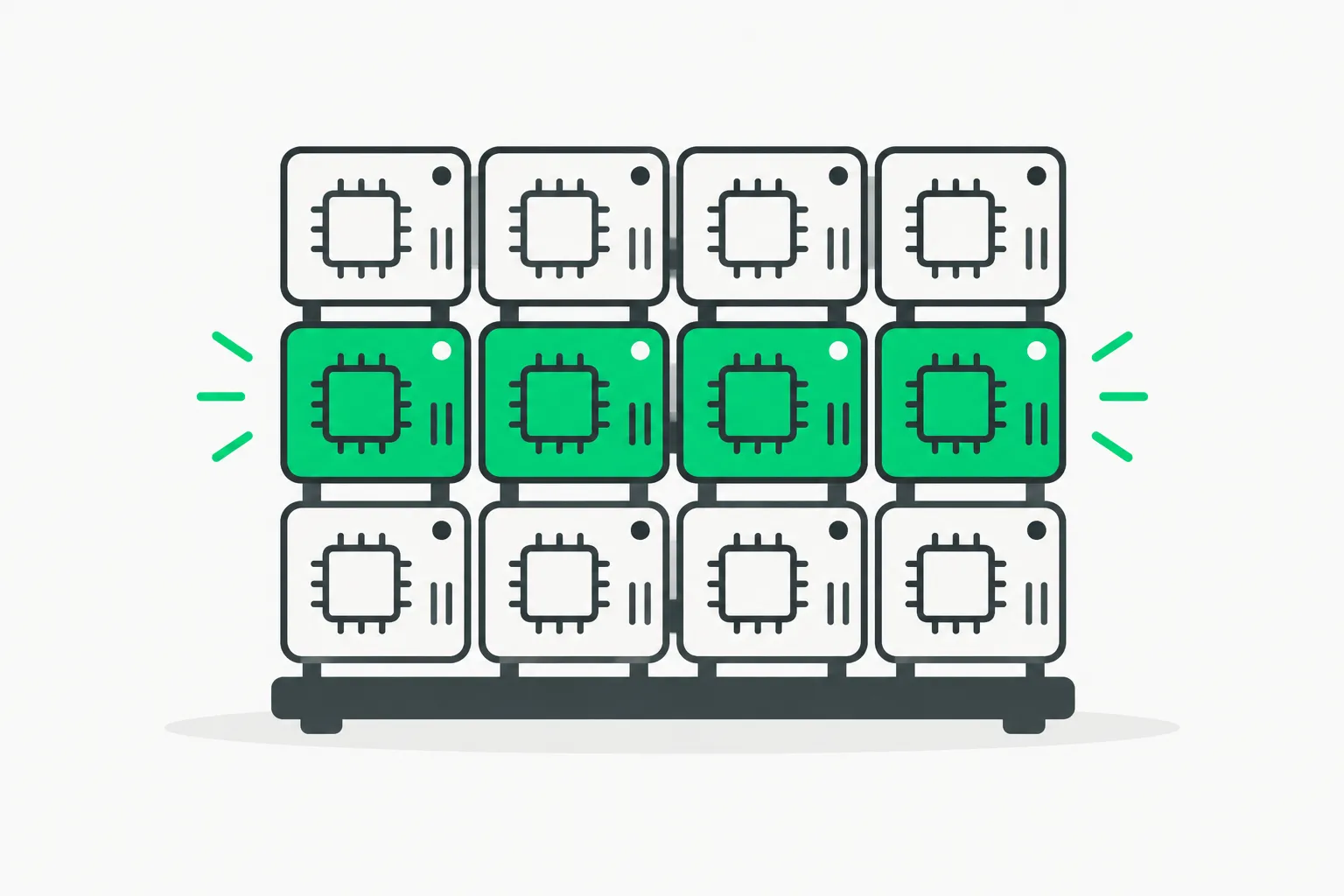 A grid of chips with one row lit, showing how MLX RDMA splits LLM work across Mac Studio machines
This is the most useful section for anyone building a cluster.
Pipeline parallelism splits the model by layers: machine one runs the first layers, machine two the rest. Decode speed barely changes (Mistral Medium 3.5 stays at 7.70 tokens/s on two machines), because a single token still has to pass through every stage in order. But prefill improves: at 65,536 tokens, MLX overlaps chunks of 8,192 tokens across machines for up to about 1.8x faster prompt processing.
Tensor parallelism splits each layer across machines, so all machines work on every token. Decode gains are much larger (Mistral Medium 3.5 goes from 7.70 to 13.69 to 23.37 tokens/s across one, two and four machines), and it scales better as you add nodes. The price is communication: every layer needs a synchronization step, so latency between machines becomes the bottleneck. That is where RDMA matters. Remote direct memory access lets one machine read another's memory without going through the usual network stack, cutting latency enough to make tensor parallelism pay off over Thunderbolt.
Dense models benefit more than the mixture-of-experts model. And there is a counter-case: for Muse Spark Open at 65,536 tokens, two-machine tensor parallelism is slower than two-machine pipeline for prefill, because of extra communication to normalize expert outputs. So the right answer depends on whether your workload is long prompts (pipeline helps) or long answers (tensor helps).
What is RDMA over Thunderbolt 5 and why does it matter?
Earlier Mac clustering relied on ordinary networking, where each hop adds latency. Apple says macOS 26.2 enables RDMA over Thunderbolt 5. Pairs of machines use two cables to double link bandwidth, and four machines form a mesh. Apple's own writeup includes a data point on this: for Muse Spark Open the text reports a two-cable run beating a one-cable run (40.6s against 50.5s) in a long-context test.
Compare this with other approaches we have covered. Mesh LLM spreads inference across arbitrary machines over the network, which is flexible but latency-bound. Apple's approach trades flexibility for a tightly coupled, low-latency cluster you can fit on a desk.
How do I try it?
The steps in Apple's post are short:
- Install MLX v0.30.1 or later on macOS 26.2 or later.
- Benchmark one model locally:
mlx_lm.benchmark --model Qwen/Qwen3.8-27B -p 8192 -g 128 -b 1. - For several Macs, write a
hostfile.jsonand launch withmlx.launch --backend jaccl. Add--pipelinefor pipeline mode. - For coding agents, run
mlx_lm.server(optionally undermlx.launch) on a port such as 8080, then add an OpenAI-compatible provider pointing tohttp://127.0.0.1:8080/v1in a tool like OpenCode.
Apple also notes the MLX_METAL_FAST_SYNCH flag is experimental. Resources it points to include mlx-framework.org, the MLX LM repository and the mlx-community page on Hugging Face.
What are the limitations?
- Quantization: Muse Spark Open is measured in 4-bit NVFP4, not native BF16. Quality at 4-bit is not evaluated in the post.
- Batch size 1: fine for one user, silent on concurrent serving.
- Short decode window: 128 generated tokens, not long generations where cache growth slows things.
- Cost: four M5 Ultra Mac Studios is a serious purchase. Apple's post does not give prices, and we are not inventing them here.
- Self-reported: these are Apple's numbers on Apple's silicon with Apple's framework. Independent reproductions will tell us more.
- Mixed tensor results: the MoE model gains less from tensor parallelism than the dense ones.
What this means for what you build or buy
If you want a private, offline coding assistant backed by a frontier-sized open model, this is the first Apple-authored recipe that makes a four-box desk cluster look credible. At 36.7 tokens per second a conversation feels responsive, though not as fast as a hosted API.
If your target is a 27B to 128B model, you may not need a cluster at all. A single M5 Ultra gives 19.69 tokens/s on Qwen 3.8 27B, and the 4.6x TTFT improvement helps most with long prompts such as large codebases. Our earlier reading of Apple's Mac Studio M5 Max and Ultra local AI picture and the 1-trillion-parameter Mac Studio experiment set the stage; this post adds measured scaling numbers.
For the alternatives, compare with antirez's DwarfStar ds4 local inference, the Llama Windows app on RTX Spark, and the Gigabyte GB300 deskside workstation. For the general laptop-versus-GPU decision, see MacBook vs dedicated GPU for local LLMs.
Why is Apple publishing this now?
The timing fits a broader pattern: Apple is positioning Apple silicon as a local-inference platform, with MLX as the software layer and the Neural Accelerators in the M5 generation as the prefill engine. Showing a third-party-sized open model (Muse Spark Open, plus Mistral and Qwen) rather than only Apple's own models signals that the audience is developers who already choose their own weights.
The post also sets expectations about where unified memory wins and loses. Memory capacity lets one machine hold a model that would need several discrete GPUs, but bandwidth still caps decode. The 1.6x decode gain between generations is a reminder that a bigger chip does not make token generation instantly faster; it follows bandwidth. Clustering adds more total bandwidth, which is why four M5 Ultras roughly triple Mistral Medium 3.5's decode speed over a single M5 Ultra (7.70 to 23.37 tokens/s).
Bottom line
Apple's post makes a clear claim and shows its work: RDMA over Thunderbolt 5 turns a stack of Mac Studios into a usable inference cluster, with tensor parallelism giving the speed and pipeline parallelism helping long prompts. Verify on your own workload before buying four machines, and read Apple's original tables for context lengths. The raw benchmarks, flags and commands are in the Apple Machine Learning Research post.
Specs, versions and figures are as published by Apple on October 15, 2026 and may change.