




CowAgent is an open-source agent harness that turns any major language model into a persistent assistant you can message from Telegram, Slack, WeChat, Feishu or a local web console. It reached the Hacker News front page on October 24, 2026, and its GitHub repository now shows roughly 47,500 stars and 10,400 forks under an MIT license. The project is the new name of what many developers know as chatgpt-on-wechat, and its v2.2.1 release landed on October 14, 2026.
This guide explains what CowAgent actually is, how it differs from the other agent harnesses we have covered, how to install it, and what to watch out for before you hand an agent your machine.
CowAgent at a glance
| Question | Short answer |
|---|---|
| What is it? | A self-hosted agent harness: planning loop, tools, skills, memory, knowledge base, and chat channels in one Python project |
| Who makes it? | Developer zhayujie, with a hosted option sold through LinkAI |
| License | MIT |
| Latest release | v2.2.1 (October 14, 2026) per the changelog |
| Which models? | Claude, OpenAI, Gemini, DeepSeek, Qwen, GLM, Kimi, MiniMax, Doubao, ERNIE, MiMo, custom endpoints |
| Where can I talk to it? | Web console, Telegram, Slack, Discord, WeChat, Feishu/Lark, DingTalk, WeCom, QQ |
| Does it cost money? | The software is free; you pay for model tokens |
| Biggest risk | The agent can touch your local OS, files and terminal |
What is an agent harness, and why does CowAgent call itself one?
An agent harness is the scaffolding around a model: the loop that lets it plan, call tools, read results, store memory and try again. We unpacked the idea in our explainer on loop engineering for coding agents, and the same shape shows up in tools like Hermes Agent and OpenClaw, compared in our proactive agent roundup.
The CowAgent README describes the project as "a reference implementation of Agent Harness engineering." Messages flow in through channels, the agent core plans over memory, knowledge and available tools and skills, a model generates the response, and the answer returns through the channel the message came from. The README says every layer is decoupled and independently extensible.
That framing matters because it separates CowAgent from a plain chatbot wrapper. The project began as a bridge that put ChatGPT inside WeChat. The current version keeps the chat-app reach but adds the pieces that make an assistant feel persistent.
The main capabilities, in plain terms
Planning and tools
CowAgent decomposes a complex task into steps and loops over tools until the goal is reached. The built-in tool set covers file read, write and edit, a terminal, web fetching and search, a scheduler, vision, browser automation, memory retrieval and file sending. The README says there are more than ten built-in tools.
It also speaks the Model Context Protocol. According to the README, a single mcp.json file is enough to connect stdio or SSE servers with hot reload. The changelog adds MCP OAuth authorization in v2.1.4 and on-demand MCP tool retrieval in v2.1.3, which keeps long tool lists from flooding the context window.
Three-tier memory with "Deep Dream"
Memory is the feature the project leans on hardest. The README describes a three-tier design: conversation context as short-term memory, daily memory as mid-term, and a long-term MEMORY.md file. A nightly pass called Deep Dream distills scattered daily notes into refined long-term entries and a narrative journal. Retrieval is hybrid, mixing keyword and vector search, and v2.1.6 made the vector backend pluggable.
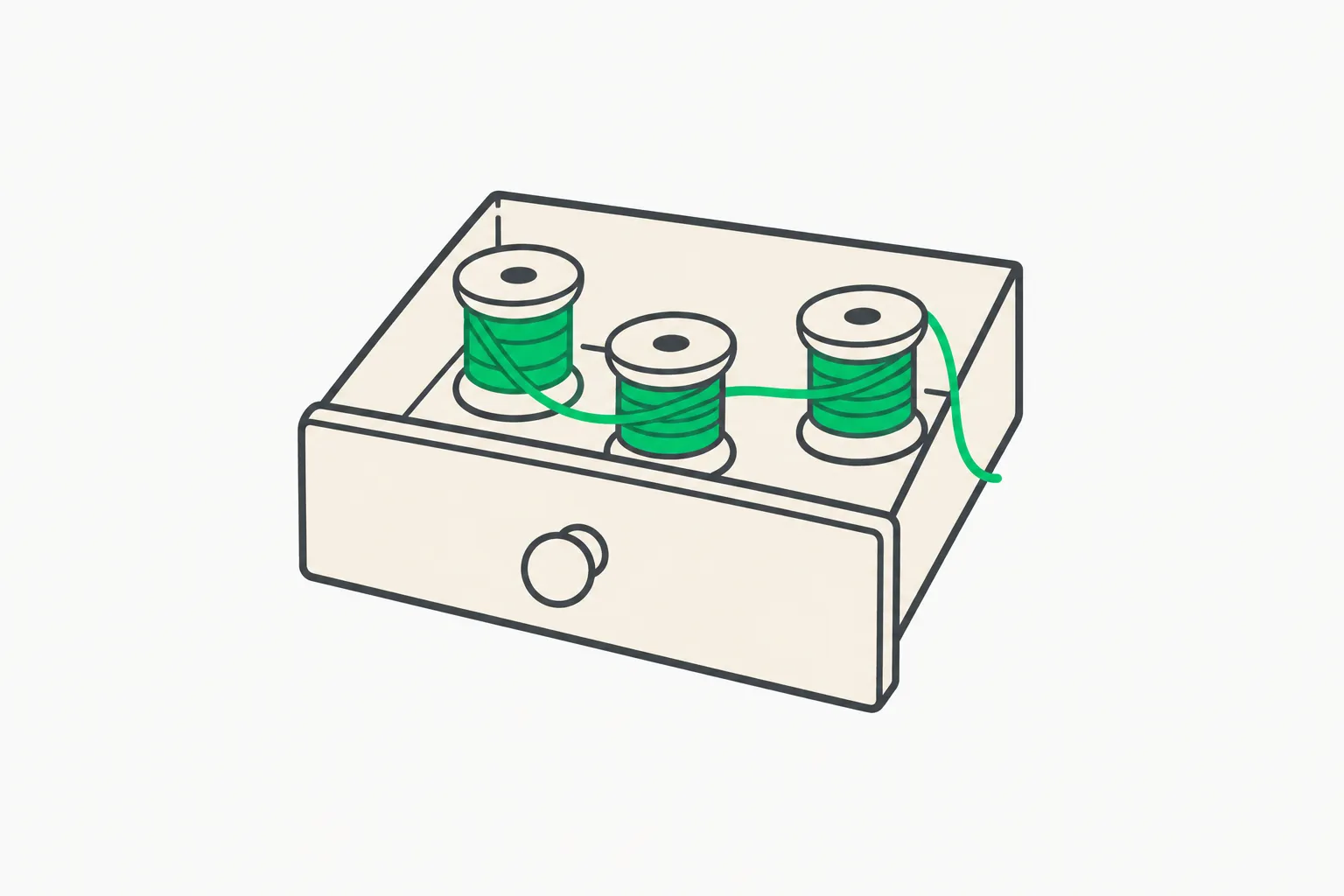 Agent long-term memory drawer illustrating CowAgent's three-tier memory design
If you have read our piece on agent skills, the pattern will look familiar: plain files that a model reads and rewrites, rather than an opaque database.
A personal knowledge base
Alongside time-ordered memory, CowAgent organizes information by topic. The agent curates valuable material from conversations into a Markdown wiki, maintains cross-references and indexes, and the web console offers an interactive knowledge-graph view. Version 2.1.3 added document management for the knowledge base.
Skills and a Skill Hub
Skills are higher-level workflows defined by a manifest that compose several tools. You can install them from the project's Skill Hub, from GitHub, from ClawHub or from a URL, and the README says you can also create one by describing a workflow in conversation with a skill-creator skill. In the chat interface the commands are /skill list, /skill search and /skill install.
The Skill Hub is described as an open marketplace that works with CowAgent, OpenClaw, Claude Code and others, so a skill written once is not locked to this harness.
Self-evolution
The README says a self-evolution routine reviews conversations automatically to improve skills, follow up on unfinished tasks, and consolidate memory and knowledge. This landed in v2.1.1 on June 9, 2026. It is also the claim that deserves the most skepticism, since the project does not publish benchmarks showing how much the agent improves over time. Read it as "the agent edits its own skill and memory files," not as a measured capability gain.
Multi-agent teams and sub-agents
Version 2.1.8 (September 10, 2026) introduced multi-agent teams: each agent gets its own role, model, skills, knowledge and workspace, and the team collaborates in a shared conversation. Sub-agents for parallel task delegation arrived earlier, in v2.1.6. Teams work on the web console, the desktop client and IM channels.
Channels: where CowAgent differs most
Most agent harnesses we cover live in a terminal. CowAgent's distinguishing feature is reach into chat apps, especially Chinese enterprise messengers. One agent instance can serve several channels in parallel.
| Channel | Notes from the README |
|---|---|
| Web console | Default entry point for configuring models, channels, skills, memory |
| Telegram, Slack, Discord | Added in v2.1.0 (June 1, 2026) |
| WeChat, WeChat Customer Service, Official Account | The project's original home |
| Feishu/Lark, DingTalk, WeCom (bot and app), QQ | Popular enterprise and consumer chat in China |
Each model feature can also be routed separately. Chat, vision, image generation, speech recognition, speech synthesis and embeddings can each go to a different provider, and the model table in the README lists Claude and OpenAI model names alongside DeepSeek, Qwen, GLM, Kimi, MiniMax and Doubao entries. If you want to use a new open-weight model, our coverage of the Kimi K3.1 Pro launch is a good example of the kind of model you would plug in.
How to install CowAgent
The project offers a one-line installer for each platform. These commands come straight from the README and the project website, so inspect the script before piping it to a shell.
# Linux / macOS
bash <(curl -fsSL https://cdn.link-ai.tech/code/cow/run.sh)

# Docker
curl -O https://cdn.link-ai.tech/code/cow/docker-compose.yml
docker compose up -d
Windows users run an equivalent PowerShell installer. Once started, open http://localhost:9899 for the web console, where you configure a model provider, connect channels and install skills. A cow CLI manages the service: cow start, cow stop, cow restart, cow status, cow logs, cow update, cow skill install and cow install-browser. There is also a desktop client for macOS and Windows with the backend bundled.
If you plan to deploy on a server and reach the console from outside, the README tells you to set web_host to 0.0.0.0, set web_password, and open port 9899 in your firewall. Think carefully before doing that: a publicly reachable agent console with local file and terminal access is exactly the kind of surface attackers look for.
What people are asking
Is this just another OpenClaw or Hermes clone?
Hacker News user ribhu97 put it bluntly, asking why people keep rebuilding Hermes, and another commenter quipped that they could not keep up with the "Super Artificial Intelligence" naming. The thread is small (five points and two comments when we read it), so treat it as a vibe check rather than evidence. The honest comparison is that the feature list overlaps with Hermes Agent and OpenClaw: memory, skills, MCP, scheduling, multi-agent. What CowAgent adds is breadth of chat channels and a long history. Our Hermes Agent v0.22.0 release notes and local AI diary lessons show what that neighbouring ecosystem looks like.
Do I need to trust the one-line installer?
Same answer as for any curl-to-shell command: read it first, or install from source using the project's source-install guide. The installer fetches from a LinkAI CDN domain, which is the commercial company behind the hosted offering.
What does it cost?
The software is MIT-licensed and free. Tokens are not. The README warns that agent mode consumes substantially more tokens than regular chat. The changelog shows the maintainers working on this: v2.2.1 mentions prompt caching and context cost savings, and v2.2.0 mentions higher model cache hit rates. Long-running memory distillation also costs tokens, since Deep Dream runs on a model.
Is there a commercial angle?
Yes, and it is disclosed. LinkAI sells a hosted runtime ("spin up a CowAgent online assistant in under a minute") plus team features such as workspaces, role-based access, audit logs and private deployment. The README also says that CowAgent is a pure open-source project and does not participate in, authorize or issue any cryptocurrency. That is worth stating plainly because the project's name is easy to confuse with unrelated token projects.
Risks and limitations
- Local access. The README says the agent has access to your local operating system and should only be deployed in trusted environments. It can run terminal commands and edit files. Run it in a container or a dedicated machine if you can.
- Skills are code. Skills from a marketplace, GitHub or a URL can instruct the agent to run commands. Review them like you would a package from a registry. We walked through this class of risk in our look at an agent harness with 311 skills and its install risks.
- Messaging exposure. Connecting an agent with tool access to a group chat means anyone who can message it can try to steer it. Use allowlists where the channel supports them.
- Self-evolution is unmeasured. Automatic edits to skills and memory can drift. Version-control the workspace so you can roll back.
- Legal responsibility. The disclaimer says the project is for technical research and learning, and that you must comply with applicable laws in your jurisdiction.
- Platform terms. Bridging consumer messengers like WeChat with an automated agent can conflict with the platform's own rules. Check before running it on a personal account.
If you are building agents that touch real systems, AgentBeam, the agent security platform from the explainx.ai team, stops AI agents before they take dangerous actions, which is the layer this kind of always-on assistant needs.
 A transparent dome sandbox around a mechanical gripper, illustrating isolating a CowAgent deployment
A sensible first-hour plan
- Install in Docker on a spare machine or a cheap VPS, not on your daily laptop.
- Open the web console and add one model provider. Start with a mid-priced model and watch the token meter; v2.1.8 added context-usage visualization.
- Connect a single private channel, such as a one-person Telegram bot, before touching any group.
- Install one or two skills from the Skill Hub and read their manifests first.
- Add MCP servers one at a time via
mcp.json. - Leave memory on for a few days, then open
MEMORY.mdand see what Deep Dream kept. That file tells you more about whether the system is useful than any README claim.
Release cadence: a sign of life
The changelog is a useful maturity signal. Since June 1, 2026 the project has shipped v2.1.0 through v2.2.1, roughly every one to three weeks: internationalization and new channels, self-evolution, a desktop client, sub-agents, multi-agent teams, a capabilities center, a rebuilt web console, and an open Agent Chat API in the latest release. The repository shows more than 4,200 commits. That is a healthy pace, but fast-moving agent software also breaks things, so pin versions in production and read release notes before running cow update.
Why it matters
Open-source agent harnesses are becoming the default way developers deploy always-on assistants outside a single vendor's app. CowAgent shows the Chinese-ecosystem version of that trend: heavy on messaging channels, multi-model by default, and commercialized through a hosted tier. For builders, the lesson is architectural. Memory as plain files, skills as portable manifests, MCP for tools, and channels as thin adapters are converging across projects, which makes it easier to move skills and knowledge between them.
For readers choosing a harness, the practical question is not star count but fit: which chat apps you need, which models you can pay for, and how much local access you are willing to grant. The star count is a measure of attention, not safety.
Related reading
- Loop engineering for coding agents
- What are agent skills? A complete guide
- What is MCP? The Model Context Protocol guide
- OpenClaw vs Hermes Agent vs proactive assistants
- Hermes Agent v0.22.0 release notes
- Agent harness with 311 skills: install risks
- Official: CowAgent website, CowAgent on GitHub, Model Context Protocol, and the Hacker News discussion.
Details such as star counts, versions and model lists are accurate as of October 24, 2026 and change quickly. Check the repository for current information.