



ffmpeg-skill gives coding agents a local video department: 42 FFmpeg-backed Python tools, an MCP server, and a probe-edit-verify discipline — with no cloud upload and no API keys. The kajisho5/ffmpeg-skill repository listed 6,158 GitHub stars when we fetched it on November 16, 2026.
If you already use cinecode for generative films, think of ffmpeg-skill as the operator bench for real footage: cuts, captions, loudness, reframes, and TikTok or YouTube export presets agents can verify before they say "done."
TL;DR
| Piece | What it does |
|---|---|
| SKILL.md | Maps user requests → scripts; enforces probe → edit → verify reporting |
| 42 tools | cut, join, captions, loudness, scenes, render templates, batch, etc. |
| contract --json | Schemas generated from argparse — CI blocks drift |
| MCP | mcp/server.py exposes tools/list derived from contract |
| Install | npx ffmpeg-skill (+ --cursor, --codex, or --all) |
Why agents need a video skill — not raw FFmpeg
Agents that "know FFmpeg" still hallucinate frame rates, pick codecs containers reject, and re-encode when stream copy would work. ffmpeg-skill's README states the fix plainly: probe first, structured tools, contract, verification.
That mirrors Plannotator's human-in-the-loop review for plans, but for pixels and loudness.
The author documents the design in a Zenodo position paper (DOI 10.5281/zenodo.23720216) and notes the skill does not yet fully meet its own verification ideal — honest scope for adopters.
Quick start
Prerequisites: ffmpeg on PATH (README shows sudo apt install ffmpeg on Debian).
npx ffmpeg-skill
npx ffmpeg-skill doctor
npx ffmpeg-skill contract --json | head -40
Re-run npx ffmpeg-skill to refresh ~/.claude/skills/ffmpeg-skill; copies do not auto-update.
Optional captions from speech need a local ASR (pip install faster-whisper is the simplest path per README). Audio never uploads; models download on first run.
Workflow the skill enforces
 Cream scissors trim a short green section from a filmstrip — the probe-then-cut loop ffmpeg-skill asks agents to follow
probe.py— duration, fps, HDR, rotation, audio layout.- Edit tools — prefer lossless stream copy when filters are not required (
cut.py, parts ofloudness.py). --dry-run/--plan— print ffmpeg lines or save a fingerprinted plan forrender.py.- Verify — probe output,
check.pyagainst platform specs,look.pycontact sheets when pixels change.
Agents must end reports with Done: or Failed: per SKILL rules — no invented partial states.
Tool surface (selected)
The README groups 42 public tools. Highlights for builders:
| Category | Examples |
|---|---|
| Analysis | probe.py, scenes.py (cuts, peaks, beats — ranking is proxy-based, not semantic) |
| Editing | cut.py, join.py, silence.py, fit.py, reframe.py |
| Captions | caption.py with karaoke and animation modes |
| Delivery | export.py presets, `render.py --template tiktok |
| Audio | loudness.py (-14 LUFS targets), noise reduction, dynamics |
| QC | check.py --platform, metadata.py, verify.py orchestration |
render.py can emit a multi-platform pack (--template all) — useful for shorts workflows next to Seedance video APIs where you still need mechanical compliance (loudness, aspect, safe zones).
MCP integration
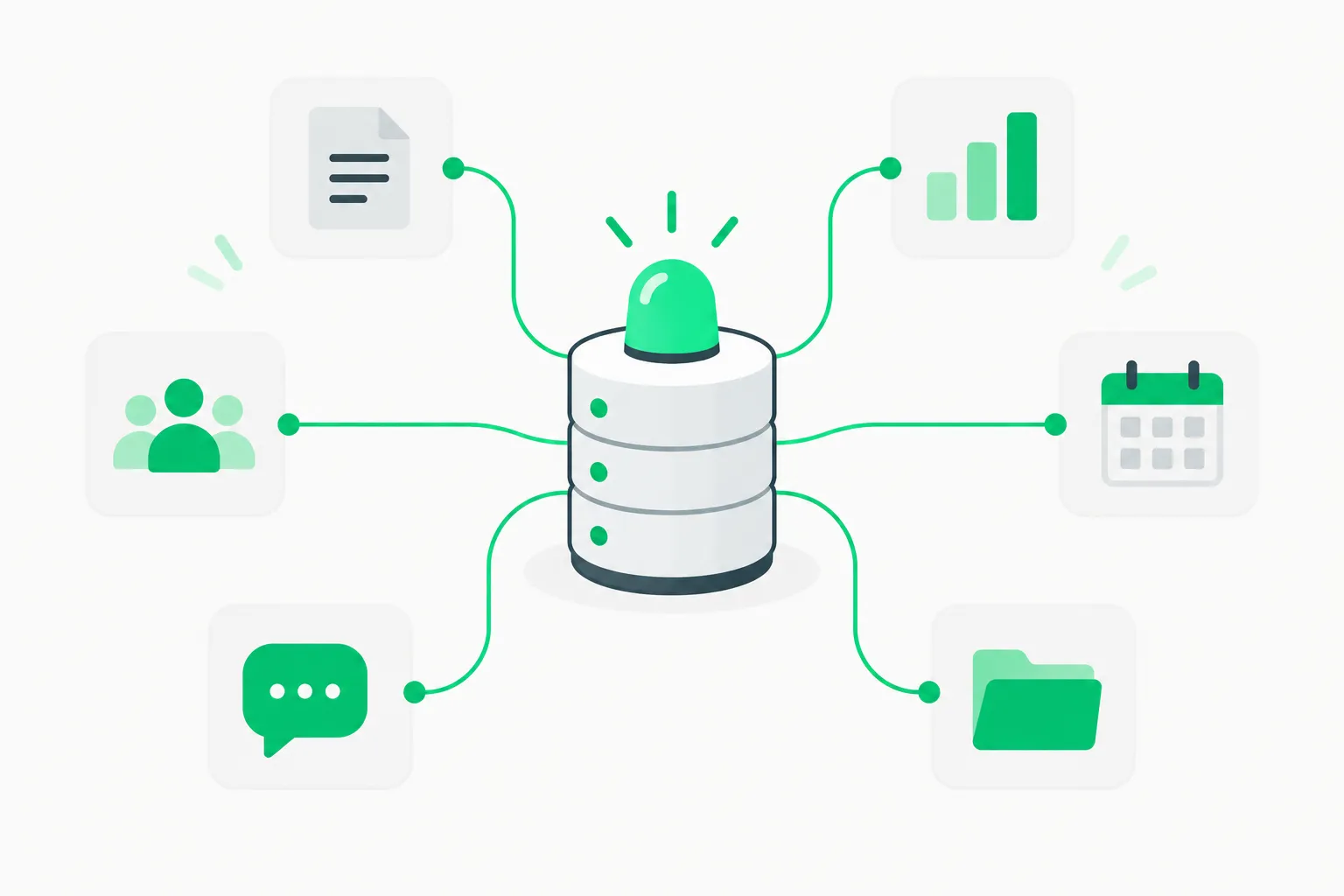 A tower with a green beacon linked to small boxes — how MCP exposes ffmpeg-skill tools to Claude Code, Cursor and Codex
mcp/server.py implements JSON-RPC stdio. tools/list schemas are generated at startup from argparse, so new flags cannot desync MCP silently — a regression test copies the repo and mutates scripts to prove it.
Default tools/list exposes 12 core tools to protect context windows. Set FFMPEG_SKILL_MCP_FULL=1 to advertise all 42.
Same pattern as Google Stitch Skills MCP: contract-first, host-agnostic.
Ecosystem note (optional brain layer)
The README positions ffmpeg-skill as "hands" in kajisho5's wider video stack — video-production-agent and remotion-ffmpeg-skill sit above as planners. This repo does not call upstream; dependency is one-way. Standalone adopters can ignore the ecosystem block.
Security and privacy
- Local-only video — good for NDA footage and pre-release game capture unlike cloud editors.
- ASR models download from Hugging Face or whisper.cpp hosts on first transcribe — air-gap if needed.
- No shell injection — tools use typed argparse, not arbitrary filter strings from the model.
For agent misuse (destructive batch deletes), combine with human approval workflows — the skill verifies technical output, not editorial intent.
Compared to cinecode and Cursor FFmpeg credits
| Tool | Best for |
|---|---|
| ffmpeg-skill | Operator edits on existing video inside agent sessions |
| cinecode | Procedural films from code |
| Cursor FFmpeg credits | Sponsorship for upstream FFmpeg devs, not agent tooling |
Caption, karaoke, and accessibility workflows
caption.py burns user-supplied cue text — the README promises it never rewrites lines to fit timing. That is important for legal and marketing review: agents cannot silently soften claims in supers.
Animation modes (--animate pop, karaoke styles in README demos) pair with fit.py --aspect 9:16 for vertical social delivery. When captions must meet WCAG contrast, run look.py and inspect PNGs yourself; the skill does not auto-score contrast ratios.
For multilingual pipelines, feed SRT or VTT you already audited; optional --transcribe stays on-device with faster-whisper or parakeet-mlx per README install lines.
Cost comparison versus cloud video APIs
Cloud editors charge per minute rendered and often retain content on their servers. ffmpeg-skill's economic model is cap-ex on CPU you already own:
- Pros — predictable cost at scale, NDA-safe footage, scriptable QC.
- Cons — you maintain ffmpeg builds, ASR models, and agent guardrails.
If your product mixes generative inserts and human A-roll, use generative APIs for B-roll only, then pass through ffmpeg-skill for loudness, captions, and platform compliance — the division of labor cinecode and ffmpeg-skill were designed for.
When to adopt
Adopt ffmpeg-skill if your agent routinely:
- Produces Shorts/Reels variants from one master clip.
- Needs LUFS normalization before upload.
- Must prove 9:16 reframes with contact sheets.
- Runs offline on laptops without GPU video APIs.
Skip it if you only need generative video — use fal or BytePlus video models instead.
Platform export templates explained
render.py --list-templates advertises presets such as tiktok, reels, shorts, youtube-shorts, youtube, x, linkedin, facebook, podcast, and audiogram. Each JSON template encodes:
- Target aspect ratio (for example 9:16 crop with safe zones)
- Caption placement above platform chrome (TikTok description bar called out in README demos)
- Loudness targets (for example −14 LUFS integrated)
check.py --platformvalidation after render
The README's demo gallery (npm run demo) rebuilds before/after frames via python3 demos/build.py, using synthetic FFmpeg sources — proof the scripts are reproducible, not cherry-picked stills.
| Platform preset | Typical agent task |
|---|---|
| tiktok / reels / shorts | Crop talking-head to vertical, pop captions |
| youtube | 16:9 deliverable with broadcast safe guides in look.py |
| podcast / audiogram | Audio-first exports when video is static waveform |
| linkedin / x / facebook | Corporate talking clips with conservative loudness |
Pair exports with Seedance-generated B-roll only after you probe generative files — AI video often ships variable frame rate or odd color tags probe.py must measure.
Silent removal, fillers, and podcast cleanup
silence.py removes dead air; with --transcribe it can align cuts to speech (optional local ASR). --filler modes target verbal fillers when transcript timing exists. For interview podcasts, the README recommends measuring sentence-level silences with --sentence-min-silence — tunable margins matter because aggressive silence stripping sounds robotic on Zoom recordings.
Agents should run --dry-run first and attach look.py sheets when the video track changes — audio-only jobs explicitly end with Look: not needed per SKILL reporting rules.
Multicam, sync drift, and HDR
Advanced tools include multicam switching, audio drift correction, and HDR → SDR with LUT support. doctor lists whether your ffmpeg build exposes zscale, libass, and loudnorm — Homebrew defaults sometimes lack subtitles filters, producing missing not unknown in capability tables.
If doctor reports unknown for a filter listing, treat the host as untrusted for production until you install a full ffmpeg build (static builds from upstream are the usual fix on macOS).
Batch folders and CI
batch.py walks directories with consistent operations — useful when an agent generates hundreds of UGC variants. Combine with --plan files so CI replays the exact ffmpeg graph later; plans fingerprint inputs and refuse stale reruns if source media changed.
For GitHub Actions, mount ffmpeg once in the runner image, run npx ffmpeg-skill doctor in a setup step, and cap parallelism — ffmpeg is CPU-heavy and agents may spawn concurrent tools unless you throttle MCP calls.
SPEC contract discipline
The README's SPEC (Self-Producing Execution Contract) promise matters for MCP users: input_schema is generated from argparse at runtime, and CI fails if schemas drift. That is stricter than ad-hoc "tool JSON" many agent demos ship. When you add a wrapper skill on top, do not duplicate schemas — call npx ffmpeg-skill contract --json and ingest it.
Installing across Claude Code, Cursor, and Codex
npx ffmpeg-skill --all
lays skill copies for each host. Re-run after upgrades so MCP tools/list schemas refresh. IT should ship libass-enabled ffmpeg on agent laptops used for caption workflows.
SKILL.md requires agent reports to end with Done: or Failed:, JSON probes, and Look: paths when pixels change — add that rule to your AGENTS.md or agents skip verification.
For workshop teams comparing agent stacks, ffmpeg-skill is a useful shared homework assignment: give every attendee the same master clip, let Claude Code and Cursor each run npx ffmpeg-skill, and compare LUFS and contact sheets. The exercise surfaces host differences faster than abstract benchmark slides, and it mirrors how we teach verification in live AI workshops without uploading client media to the cloud. Bring your own ffmpeg build so everyone measures the same loudnorm filter chain locally.
Tool count, MCP defaults, and Zenodo paper reference match kajisho5/ffmpeg-skill README November 16, 2026.