



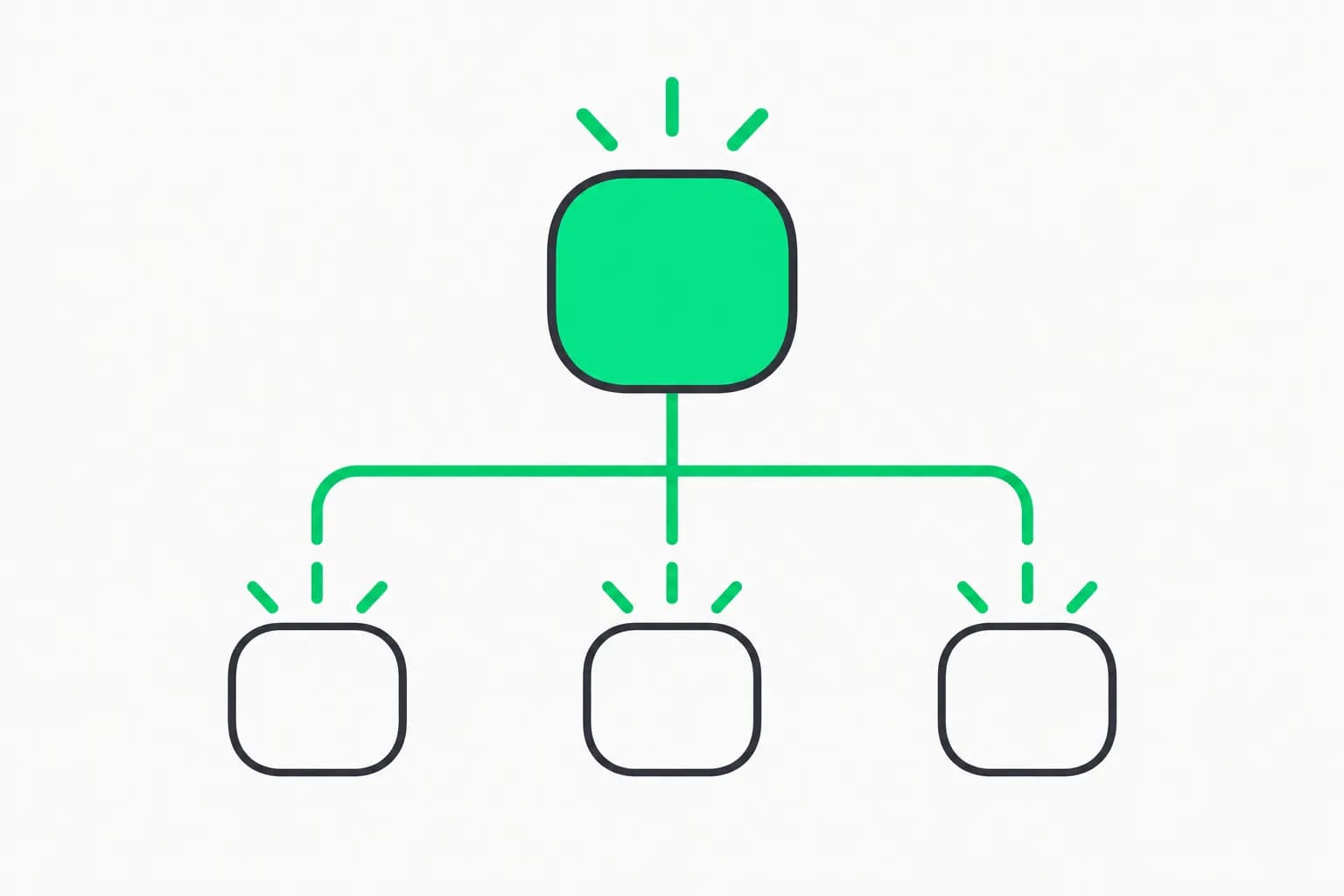
LobeHub, the open-source chat and agent workspace formerly known for its multi-model chat app, now describes itself as "Super-Agents on Your Team": agents you add to the chats your team already uses, which "take on work by themselves and get better every week." The repo trended on GitHub in the week of November 9, 2026, with about 1,186 stars gained in seven days. The page we reviewed shows 85,200 stars, 16,300 forks and more than 16,000 commits.
This guide covers what is in the project today, how to self-host it, how its marketplace works, and the one thing to check first: its license is Apache-based but not plain Apache.
TL;DR
| Question | Answer |
|---|---|
| What is it? | An agent workspace with a built-in agent (Lobe AI), Agent Teams, tasks, memory and a marketplace |
| Where do agents live? | In Discord, Slack, Telegram, LINE, QQ, WeChat, Feishu and Lark channels, or in LobeHub's own apps |
| Self-host? | Yes: Docker Compose, plus Vercel, Zeabur, Sealos, RepoCloud and Alibaba Cloud |
| License | LobeHub Community License: Apache 2.0 plus extra conditions, with a commercial license needed for distributed derivative works |
| Models | Setup guides for 40+ providers, inference platforms and local models |
| Marketplace | Agents, MCP servers, skills in SKILL.md format, and an AI icon set |
| Main caveat | The project says it is under active development; agents with team-chat access need tight permissions |
What changed in how LobeHub describes itself?
Earlier versions of the project were best known as a polished chat front end for many model providers. The current README tells a different story, written as a timeline of an agent joining a team:
- Day 1: you add the agent to your team chat and ask it to read up. By lunch it has gone through the history and said hello to everyone.
- Week 1: someone posts a feature request in Discord and nobody assigns it. Lobe AI takes it on, and you step in once, to accept the result.
- Month 1 to 2: everyone has their own agent, and design, releases and docs each get a dedicated one.
- Month 3: it "passes its review", and every correction you gave it has become a lesson it keeps.
The README lists four traits of a "super-agent": flexible access (plug in any IM app, agent or model), parallel work, finding its own work, and building expertise the more you use it. This is marketing language, and the README gives no benchmark for "gets better every week". Treat it as a product direction. The code and docs are where you can verify what exists.
The repo's own topic tags include agent-harness, loop-engineering, proactive-agent and skills, which fits a wider trend we have tracked in posts such as our look at Orkas, a local-first AI team desktop and the OpenClaw personal assistant.
What does the product include?
The documentation index in the README maps the product surface. The main parts:
| Area | What it covers |
|---|---|
| Lobe AI | The built-in agent: chat, code, research and write with no setup |
| Agents | System role, model, skills, connectors, web search, resources and memory |
| Agent Team | Several agents working together: sequential, parallel, iterative or debate |
| Connect External Agents | Bring in Claude Code, Codex, OpenClaw, Hermes and more, with project context and permissions |
| Tasks | Delegate work, track status, follow up in comments, run once or on a schedule |
| Memory | Structured memories you can review, edit and delete |
| Pages and Resource Library | Long Markdown documents and files your agents can answer from |
| Channels and Messenger | Your own bots on Discord, Slack, Telegram, LINE, QQ, WeChat, Feishu and Lark, plus a LobeHub bot |
| GitHub Integration | Track agents' pull requests; merging accepts the work, failed checks go back to the agent |
Two details stand out. First, memory is reviewable: the docs say memories are structured and you can review, edit and delete them. That is the right design for a tool that learns from your team. Second, the GitHub integration closes a loop: a merged pull request counts as accepted work, and failed checks return to the agent.
How do Agent Teams work?
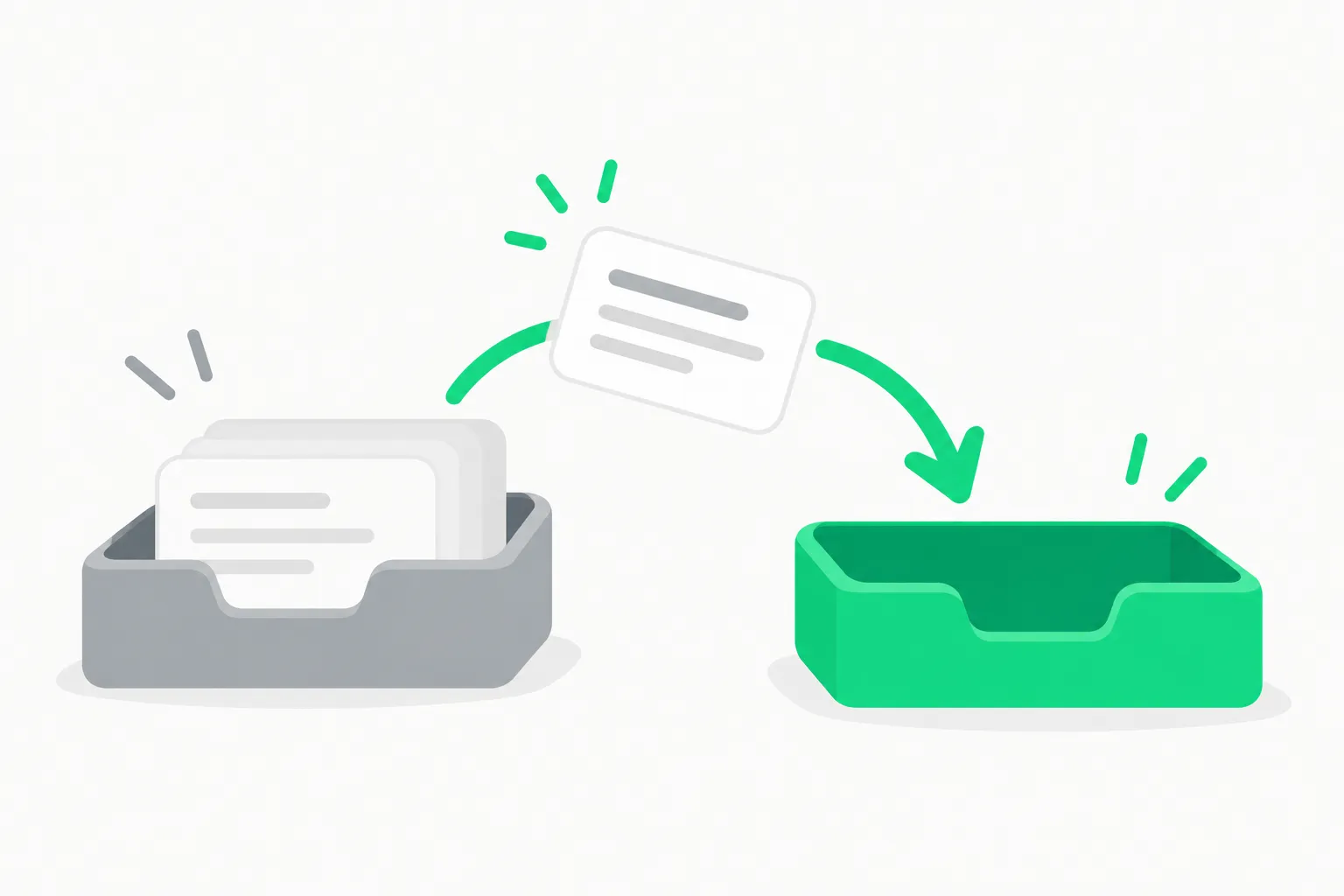 Delegation handoff between agents illustrating LobeHub Agent Team task passing
The Agent Team docs list four collaboration modes: sequential, parallel, iterative and debate. Sequential hands work from one agent to the next. Parallel runs several agents on separate parts. Iterative loops until a condition is met. Debate has agents argue positions before a result is chosen.
If you have used subagents in Claude Code or Codex, the idea is familiar. The difference is the interface: LobeHub puts the team in a chat workspace with channels and tasks, where a coding-agent CLI puts it in a terminal. Our posts on side-by-side agent control planes and MCP gateways cover related designs.
How do you self-host LobeHub?
The README recommends Docker Compose. It starts LobeHub with PostgreSQL, Redis, RustFS file storage, SearXNG search and the agent gateway, and it runs on Linux and macOS, or on Windows through WSL 2.
mkdir lobehub && cd lobehub
bash <( curl -fsSL https://lobe.li/setup.sh ) -l en
docker compose up -d
Then open http://localhost:3210. The README points to a Docker Compose guide for ports, LAN and domain modes, and upgrades.
For one-click deploys, the README lists Vercel, Zeabur, Sealos, RepoCloud and Alibaba Cloud. The Vercel route needs a PostgreSQL database, S3-compatible storage and a few secrets before you deploy, so it is not a true one click.
Read the setup script before you run it, as with any curl | bash. The self-hosted stack stores your chats, memories and files in your own database. That is the main reason teams choose self-hosting, and it is also why you own backups and upgrades.
What is in the marketplace?
The README says you can find agents, MCP servers and skills on lobehub.com, add them to your workspace, or publish your own.
- Agents: ready-made agents for writing, Q&A, images, video, voice and workflows. A Creator Reward Program features a community agent every two weeks.
- MCP servers: listed with ratings for activity, stability and community feedback.
- Skills: agent skills in the open SKILL.md format. The README says they also work in Claude Code, Codex CLI and ChatGPT.
- Icons: a free icon set for major AI brands and models.
Publishing an MCP server can be done through an agent that reads a published skill file, or through the market CLI with npx -y @lobehub/market-cli plugin submit <repo>. For background on the protocol and on skills, see our MCP guide and agent skills guide. For other directories and servers, see our top MCP servers list.
What does the LobeHub Community License mean for you?
The license section of the README is short: "This project is LobeHub Community License licensed." The repo's license badge says "apache 2.0", which can confuse readers. The LICENSE file explains why: it is "based on Apache License 2.0 with the following additional conditions". The file we read on November 13, 2026 says three things that matter:
- Commercial use of the unmodified software is allowed. The file says it may be used commercially, "including as a frontend and backend service without modifying the source code".
- Derivative works need a commercial license. If you want to develop and distribute a derivative work, the file says you must obtain a commercial license from the producer, by email to the address in the LICENSE file.
- Contributors accept extra terms. Contributors agree that the producer can make the license stricter or more relaxed, and that their code may be used commercially, including in the cloud edition.
In plain terms, self-hosting for your own team looks fine, but forking and redistributing a modified version is not covered by the standard Apache terms. This is our reading, not legal advice. Check the current LICENSE file and ask a lawyer before you build a product on it. Note that the file's text names "LobeChat", the project's earlier name. The principal maintainers named in the README are arvinxx and canisminor1990.
Many projects in this space moved from MIT to custom licenses once they gained traction. Do not assume the license is permissive because the repo is public.
What are the risks of an agent in your team chat?
The product idea, an agent that reads history and picks up unassigned work, raises real security questions.
- Prompt injection through chat. Anyone who can post in a channel can write text the agent will read. If the agent can also touch GitHub, files or other systems, a malicious message could steer it. Limit connectors per agent.
- Scope creep in memory. An agent that "gets better every week" stores lessons. Review memory regularly, using the review and delete controls the docs describe.
- External agents with permissions. Connecting Claude Code or Codex through the external agents feature passes project context and permissions. Check what each one can run.
- Marketplace trust. MCP servers and skills from a community marketplace are third-party code and instructions. Read before you install, and prefer rated, active servers, as the README itself suggests.
- Active development. The README warns that LobeHub is under active development, so expect changes and read the changelog before upgrades.
What are people asking?
How is this different from the old LobeChat? The README no longer leads with a multi-model chat UI. It leads with agents that live in team channels and work on tasks. Multi-provider support remains, with setup guides for 40+ providers.
Can I run it with local models? The docs list local models among the supported providers. Check the model provider guide for your runtime.
Does it have research behind it? The README's research section lists MCPMark, a stress-testing benchmark for MCP tasks such as file systems, databases, Playwright browser automation and GitHub, built by EVAL SYS, LobeHub and the National University of Singapore, and open source under Apache-2.0.
Is the star count a quality signal? It signals attention. A repo with 85,200 stars and 16,300 forks has a large user base, but the stars say nothing about fit for your team.
What this means for what you build or pay
If you want an agent workspace your team controls, LobeHub is one of the largest open options and the Docker route is straightforward. The cost is infrastructure you run yourself, plus model API spend. The catch is the license and the security work: decide who may talk to the agent, what it may touch, and who reviews its memory.
If you only need coding help, a terminal agent is simpler. If you need team-wide agents in Discord or Slack with tasks and a marketplace, LobeHub is worth a pilot in a sandboxed channel first.
Related reading
- Orkas: local-first AI team desktop
- What is OpenClaw?
- Executor 2 beta: an open-source MCP gateway
- Agentplane: side-by-side agent control plane
- What is MCP?
- Agent skills: the complete guide
- Top MCP servers, open and closed source
Official sources: the LobeHub repository and the LobeHub site and docs.
Star counts, features and license details are accurate as of November 13, 2026. Read the LICENSE file and changelog in the repo before you deploy.