



SolidCraft is a new open-source parametric CAD application written in pure Rust, and its notable feature for AI builders is that an agent can model with it. The repository, published by GitHub user bherbruck, was created on October 7, 2026 and had passed roughly 2,000 stars and 186 forks within a week. It also hit the Hacker News front page as a Show HN with 135 points. It ships a desktop app, a browser build, a headless CLI, and a Model Context Protocol server, all driving the same command engine.
The README is candid about maturity: "early but usable for simple parts." This post covers what SolidCraft does, how the MCP side works, what the project's own documents say is missing, and what Hacker News commenters raised.
TL;DR: the questions people ask first
| Question | Short answer |
|---|---|
| What is it? | Parametric CAD: constrained sketches, solid features, an editable timeline, parameters, assemblies. |
| Language and UI? | Pure Rust; desktop UI on egui and wgpu; browser build via WebAssembly (WebGPU or WebGL2). |
| License? | MIT OR Apache-2.0. |
| Can agents use it? | Yes. solidcraft-cli mcp is an MCP server over stdio, headless or bridged to the running app. |
| Export formats? | STEP (AP242), IGES 5.3, 3MF, STL, OBJ, and URDF for robot simulators. |
| Does it replace Fusion or FreeCAD? | No claim of that. Status is early; drawings and CAM are deferred. |
| Signed installers? | Not yet. The README warns about Windows SmartScreen and a macOS right-click-to-open step. |
What SolidCraft actually is
The README describes it as an app where you "sketch, constrain, and build solids with a parametric feature timeline. Change a dimension and watch your model rebuild." The demo it embeds builds a Raspberry Pi 4 case from an empty design: a dimensioned sketch, extrude, fillet, shell, a patterned M2.5 standoff, port cut-outs, vent slots, engraved text and a PETG material, then a height change from 24 to 32 mm that rebuilds everything.
The feature list is broad for a week-old public repo. It covers sketches with lines, arcs, splines, conics and text; a home-built constraint solver (coincident, tangent, curvature, symmetry, and linear, radial and angular dimensions); extrude, revolve, sweep, loft, fillet, chamfer, shell, draft, holes, threads, patterns and split; unit-aware parameters such as 2 * width + 5 mm; configurations; assemblies with joints and motion studies; and a sheet-metal and plastic-enclosure subset. The README says the commands are listed by area in docs/features.md, and notes that registry breadth "does not establish workflow or geometric depth."
Fusion users will recognize the layout. The README says so directly ("Coming from Autodesk Fusion?") while stating that SolidCraft is independent, developed under clean-room contribution rules, and "not affiliated with, sponsored by or endorsed by Autodesk."
 Parametric blueprint with compass representing SolidCraft's dimension-driven feature timeline in open source CAD
How the architecture is layered
The README publishes a layer table that explains why agents can drive the app so easily. At the bottom (L0) sits geometry; then the sketch solver, the B-rep kernel boundary (built on the Truck crate) and a CPU rasterizer; then the document layer with parameters and the incremental timeline; then file I/O; then an engine whose core idea is that "everything is a command." The top layer holds the egui desktop front end and the MCP server.
Because the toolbar, command palette, JSON scripts, a control channel and MCP all call the same command registry, an agent has the same capabilities as a person. A script is just a JSON list:
{ "commands": [
  { "command": "sketch.create", "params": { "plane": "XY" } },
  { "command": "sketch.rectangle.two_point", "params": { "p0": [0, 0], "p1": [40, 30] } },
  { "command": "solid.extrude", "params": { "distance": 20 } },
  { "command": "solid.fillet", "params": { "edges": [[0, 0, 10]], "radius": 3 } }
] }
A headless solidcraft-cli can run such scripts, measure volume and centre of mass, render PNG snapshots and export STEP, which makes it usable in CI or in an agent loop without a window.
The MCP server: what an agent can do
If you have followed the Model Context Protocol, the setup is familiar. solidcraft-cli mcp speaks JSON-RPC 2.0 over stdio. The MCP documentation lists these tools: list_commands, execute, batch, inspect_design, measure, body_topology, set_parameter, screenshot, export, undo, redo, new_design, open, save, and crash_reports.
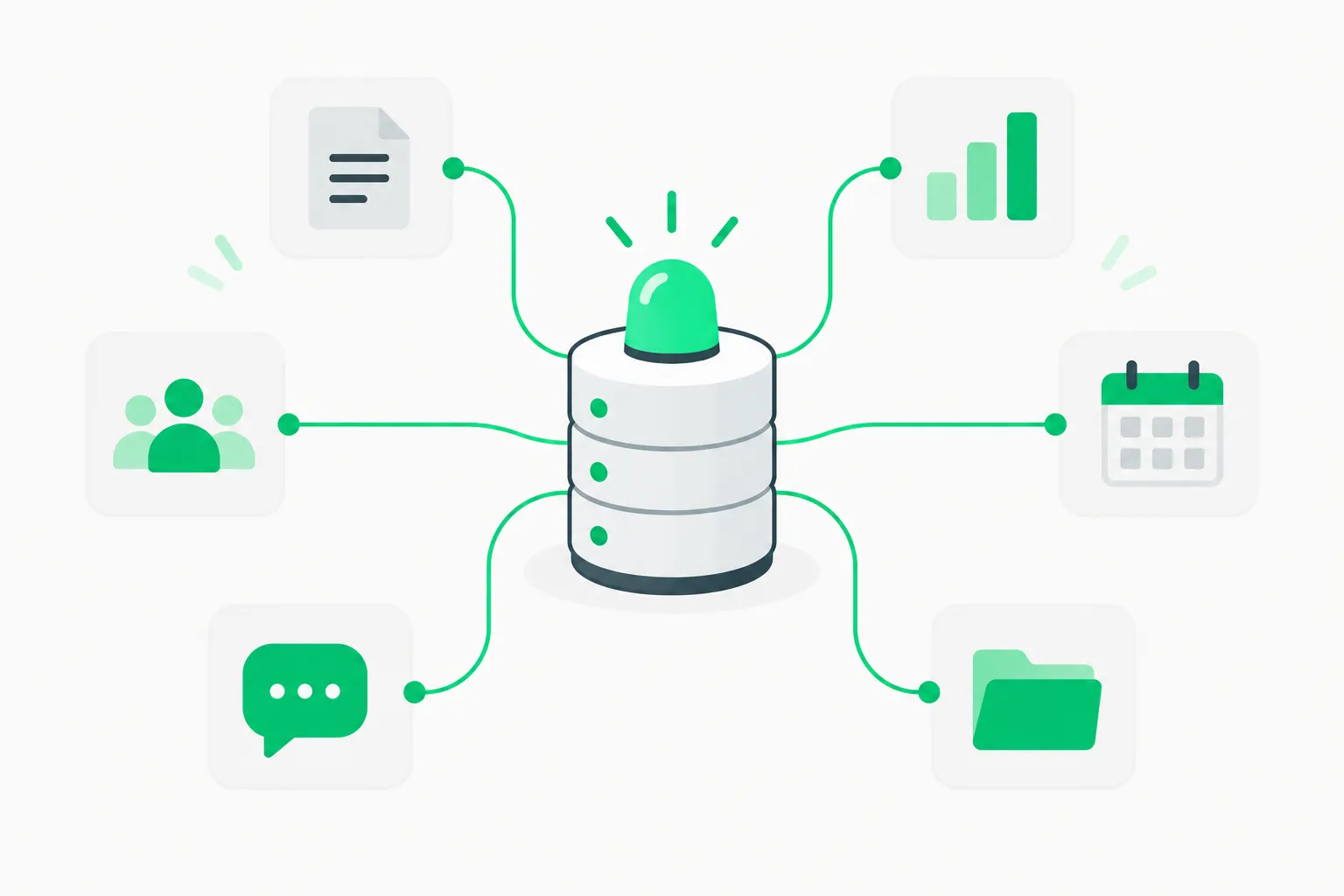 MCP server tower connected to small tool boxes, illustrating the SolidCraft CAD MCP server agents call
Three design choices stand out.
Batches roll back. The batch tool runs steps in order, stops at the first error and undoes the completed steps, naming the failing step. That gives a model a safe "try this whole feature" primitive rather than a half-built part.
Measurement closes the loop. measure returns volume, area, centre of mass, bounding box and topology counts, and screenshot returns an image block. An agent can check its own geometry numerically instead of guessing from a picture. This matters because a model that cannot verify a solid tends to hallucinate dimensions.
You can watch. Started with solidcraft --control 7878 and solidcraft-cli mcp --connect 127.0.0.1:7878, the server drives the live app. The repo includes an enclosure demo where a pointer glides to toolbar buttons while the agent builds.
The docs also ship three Agent Skills (solidcraft-modeling, solidcraft-editing, solidcraft-checking) that you copy into ~/.claude/skills/. If you are new to the format, see our agent skills guide. The README states that with them an agent "builds a part in a few batch calls and reads far less output."
Try it with Claude Code
claude mcp add solidcraft -- solidcraft-cli mcp
Then ask for something verifiable: "Model a 40 by 30 by 20 mm block with a 3 mm fillet and a 10 mm through hole, then report its volume and export STEP." The README's own session shows a result of about 22,390.6 mm³ for a similar box, fillet and hole, so you can sanity-check what you get.
Safety: what the server is allowed to touch
An MCP tool that writes files deserves a threat model, and the docs have one. Tool calls may read, write and delete only inside a short list of folders: the open design's folder (only if it lies strictly inside your home folder or the temp folder and is not hidden), SolidCraft's recovery folder, the server's scratch folder, and anything you pass with --allow-path. Per the docs, ~/.ssh, ~/.aws and dotfiles are never reachable by default, .. and symlink escapes are refused, and Windows UNC and device paths are rejected. --allow-any-path restores the old unlimited behavior.
Tool annotations are honest too: execute, batch, open, save and export are flagged as able to write or overwrite files. That is good practice, and it connects to a wider pattern of MCP tool poisoning risks. Treat any MCP server as code with your permissions: review --allow-path choices, and keep agents away from folders you cannot afford to lose. For teams running coding agents against real systems, AgentBeam is the agent security platform from the explainx.ai team that blocks dangerous agent actions before they run.
How correct is the geometry? Claimed vs. verified
CAD is unforgiving, so the verification story matters. The README says 75 of 76 public reference parts match their analytic or FreeCAD-computed volume, area, centre of mass and bounding box, with one "tracked bug." The ROADMAP.md (status dated 2026-10-11) says "76 / 76 parts match," split into 55 analytic and 21 FreeCAD-computed cases run by CI. The two documents disagree by one part, which most likely reflects different update times, but it is worth noting rather than rounding up.
Both documents add a limit: the checks "do not establish complete geometric or workflow equivalence." Volume and centre of mass agreeing says nothing about whether a fillet is smooth, a STEP file opens cleanly in a shop's CAM, or a complex assembly rebuilds after edits. Test with your own parts before trusting it for manufacturing.
What is still missing
The roadmap is unusually detailed. Done: the first vertical slice (M0) and "never lose work" (M13), which covers atomic saves, .bak files, autosave every five minutes and crash recovery. In progress: sketch depth, robust modeling, general fillets and chamfers, STEP and file handling, persistent naming, UI depth, sweep and loft, components and assemblies, sheet metal, configurations, and release packaging. Deferred: the surface workspace, mesh, form (T-splines), PCB, rendering, animation, simulation, CAM and 2D drawings.
Notably, the roadmap estimates "about 82 agent hours" remaining to a useful alpha. The repo contains AGENTS.md and CLAUDE.md files and the project is clearly built with coding agents in the loop, though we have not verified how much of the code was machine-written. That makes it an interesting data point next to our coverage of the clean-room Rust Photoshop clone PhotoCraft and the LLM-driven Rust port of the TypeScript compiler: agent-assisted rewrites of mature commercial software categories are becoming a pattern.
What developers are saying on Hacker News
The Show HN thread had 135 points and 49 comments at the time of writing. A few substantive threads, presented as commenters' views rather than established fact:
- Kernel risk. bruckie noted that SolidCraft appears to use the Truck B-rep kernel and observed that writing a B-rep kernel is "a phenomenal amount of work," wondering how fast it will mature.
- Hard problems remain. phkahler, who mentioned working on SolveSpace, said they did not expect fast progress on the open hard problems, and suggested wrapping or converting the OpenCascade kernel instead. The same commenter reported that Claude-authored NURBS boolean fixes were accepted into SolveSpace after expert review, so the skepticism is about this project's approach, not about AI help in general.
- MCP versus plain scripts. mijoharas reported a poor experience with a FreeCAD MCP because the agent did not build clean, editable sketches, while InsidiousWombat said an LLM writing Python for FreeCAD worked well without any MCP layer.
- Longevity. zamalek worried that CAD files live for decades and asked whether an AI-generated project will still be maintained in five years.
- Demand. Commenters including jpettersson said they had long wanted an open alternative to Fusion, and maidaman liked that the browser build runs at work without asking IT.
How SolidCraft fits with other AI-and-CAD tooling
SolidCraft is not the only route from a prompt to a physical part. Our guide to the text-to-CAD agent plugin covers a code-generation approach that outputs STEP and STL. The trade-off is the one the HN thread surfaced: scripts are flexible and cheap, while a parametric timeline gives you something a human can reopen, edit by dimension and rebuild. SolidCraft bets that an editable timeline is the better target for agents because every step is inspectable and undoable.
What this means for what you build
- Hardware tinkerers: try the browser build first (linked from the README) to judge the UI without installing anything. Remember the desktop downloads are unsigned.
- Agent builders: SolidCraft is a clean case study in MCP design: rollback batches, read-only measurement tools, honest annotations and a path allowlist.
- Teams: keep STEP exports as your interchange format, verify against known dimensions, and do not move production designs into
.solidcraftfiles until the file format and kernel settle (the format is versioned, currentlysolidcraft/12). - Contributors: the project asks for help in CONTRIBUTING.md, and the clean-room rules mean you should not paste in code or behavior from proprietary tools.
Bottom line
SolidCraft is a fast-moving, openly licensed, agent-friendly CAD project with unusually transparent status documents. It is a promising playground for agent-driven modeling and a credible alternative to try for simple parts. It is not yet a Fusion or FreeCAD replacement, and its maintainers do not say it is. Watch the roadmap milestones for fillets, persistent naming and assemblies, the areas where parametric CAD tools usually break.
Related reading
-
Scene-Designer: an 8B agent that designs 3D rooms and critiques them
-
Official: SolidCraft repository, MCP docs, ROADMAP
Star counts, roadmap status and feature lists are accurate as of October 14, 2026 and change quickly in a young repository.