



You cannot run a modern web search engine with zero machine learning — but you can avoid generative AI Overviews and chat-style answers if you know which layer you are trying to shut off. That distinction is the core of a November 9, 2026 explainer by Damiano Spina at RMIT University on The Conversation.
The piece landed on Hacker News the same week Google tightened K-12 AI controls and headlines claimed Search and AI are inseparable. This article unpacks what Spina actually recommends, how it overlaps with explainx.ai's Jessamyn West disable guide, and what publishers should read from Zyppy's opt-out experiment.
TL;DR: questions readers actually ask
| Question | Short answer |
|---|---|
| Can I remove all AI from search? | No — ranking, spam detection, and autocomplete still use ML. |
| Can I remove generative summaries? | Often yes — udm=14 on Google, or engines with explicit non-AI modes. |
| Is there a Google account toggle for Overviews? | Not a durable global off switch in Spina's telling — URL or extension workarounds remain. |
| What about schools? | Admin consoles can tune Gemini vs Search; see Google K-12 policy coverage. |
| Does DuckDuckGo count? | Different index and defaults — verify current UI; Spina lists it as an alternative. |
How search engines use AI — two different layers
Spina breaks a search stack into crawl, index, spam filtering, ranking, UI helpers, and evaluation. Classical information retrieval has used statistical and neural rankers for years. That is AI in the computer-science sense, but not what most protesters mean in 2026.
What changed recently is retrieval-augmented generation (RAG) on the results page: a large language model drafts an AI Overview or powers AI Mode, then attaches links after the text is generated. Spina notes the index updates faster than many model weights, and that citation attachment can err — the same class of failure mode seen in wired mundane AI app scams when users trust a polished summary.
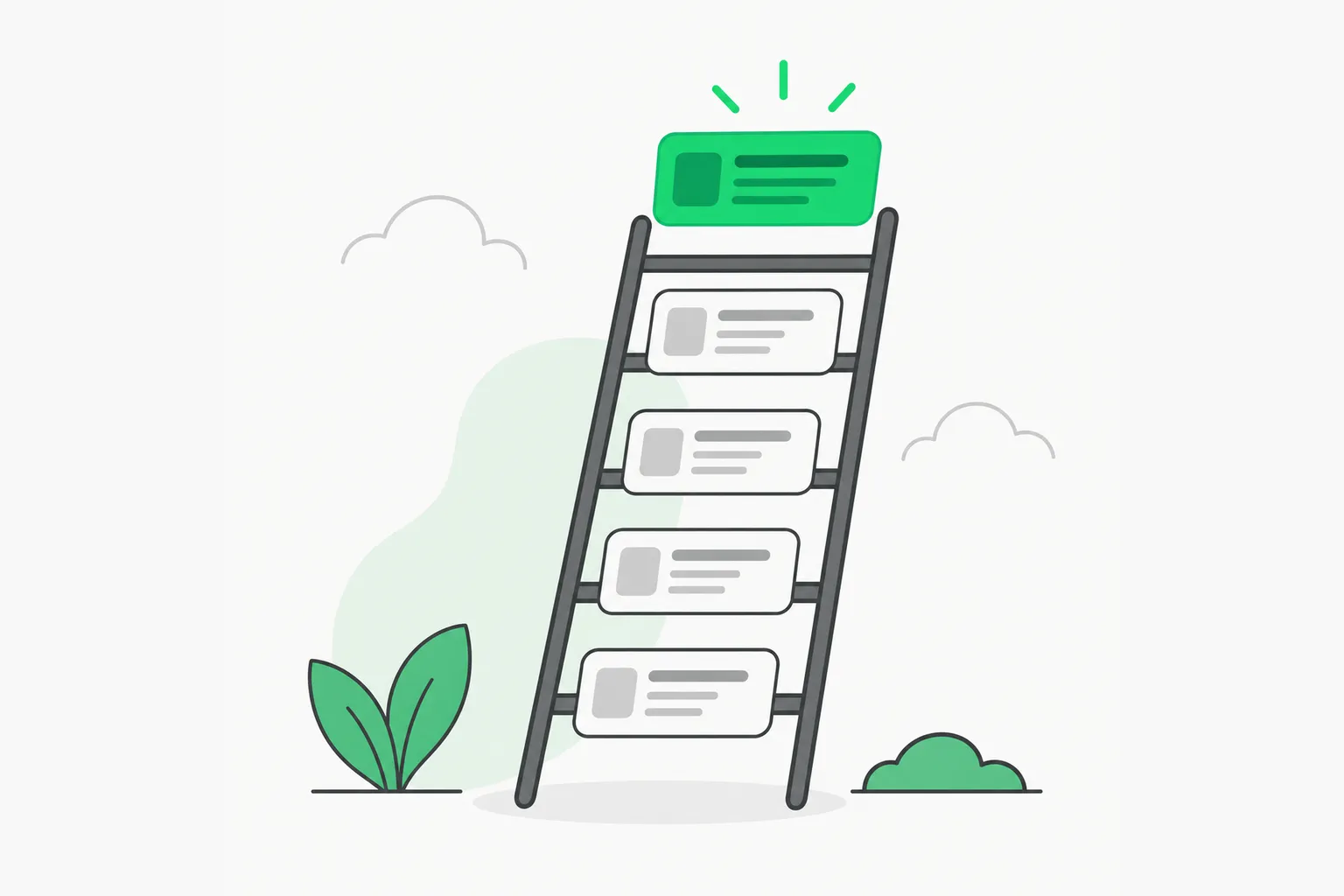 Search ranking ladder showing layers between crawling and generative AI Overviews on results pages
Practical takeaway: if your goal is privacy, attribution, or fewer hallucinated summaries, target generative surfaces. If your goal is no neural networks anywhere, you are asking for a pre-2000 search stack that no major provider sells at scale.
Google: udm=14 and custom search engines
The Conversation documents a URL hack: append &udm=14 to a Google search to land on the Web tab without AI Overviews on that view. It is per query, easy to forget, and exactly why Jessamyn West's guide recommends Firefox/Chrome custom search engines that inject the parameter automatically.
Limitations Spina and West both imply:
- Parameters can change without a changelog — treat hacks as best-effort, not SLAs.
- Other AI UI — AI Mode, Gemini side panels, Chrome flags — are separate toggles from Overviews.
- Mobile clients may not expose the same tab structure.
For district IT, the fight is different: Google's education VP Chris Phillips told the New York Times that search and AI are deeply integrated, which sparked political pushback covered in our NYC / Mamdani Google schools thread. Admins now get per-product toggles, but "no generative answers anywhere" is still not a single checkbox.
Non-Google engines Spina highlights
| Engine | What Spina emphasizes | Caveat for builders |
|---|---|---|
| DuckDuckGo | Non-AI mode defaults; mixes Bing and its crawler | Features ship often — re-check settings quarterly. |
| Brave Search | Independent index; can filter AI images | Index coverage differs from Google for long-tail docs. |
| Ecosia | Climate-funded search; de-emphasizes generative UI | Not a primary tech doc search for most devs. |
| OpenWebSearch.eu | EU effort for an open index others can build on | Infrastructure project — not a consumer switch you flip today. |
None of these are drop-in replacements for site: queries on niche forums or fresh GitHub issues. Many teams use Google for precision and an alternate engine for news reading — a pattern that also shows up when developers route coding questions to Claude or Codex instead of search alone.
Publisher-side controls readers rarely see
If you publish documentation, your readers' choices intersect with your choices:
- Search Console generative exclusion — documented in our Zyppy measurement post — removes AI feature impressions but not training crawlers (Google-Extended is separate).
- AI Overviews citations can reduce clicks to primary docs even when answers are right — the verification tax problem for workplace AI writing shows up in search too.
Spina's reader-facing advice and Zyppy's publisher experiment are two sides of one product: consumers want fewer summaries; sites may want more qualified clicks.
Setup steps you can run today
Firefox custom Google search (desktop):
- Open Settings → Search.
- Add a new Google entry whose query URL ends with
&udm=14before the{searchTerms}placeholder (see Mozilla docs for the exact template). - Set it default for a week and compare hit rate on your own queries.
Chromium (Brave/Chrome/Edge):
- Settings → Search engine → Manage.
- Duplicate Google with the
udm=14suffix or install a community extension —West's HN thread lists several maintained in 2026.
Brave/DuckDuckGo:
- Open settings → AI features (wording varies).
- Disable assistive answers if offered.
- Pin the profile for personal browsing, keep Google for technical
site:hunts.
School admins:
- Start from Google's education AI controls article (verify current title).
- Cross-read explainx.ai's K-12 Gemini/Search pilot for what is still claimed vs shipped.
Honest limitations — do not expect purity
Spina closes with "the short answer is no" for AI-free search altogether. Even open indexes need ML spam filters at web scale. Environmental and labor objections to generative search are real policy debates, but they do not map 1:1 to a browser setting.
If you need citations you can audit, prefer:
- Primary docs and issue trackers over summaries.
- Semantic caching in your own apps instead of outsourcing reasoning to a search sidebar.
- Feed readers and newsletters for recurring topics — the same hygiene as daily journaling without pasting into AI.
What developers are saying
The Hacker News thread had few comments at crawl time — the conversation is still forming. When threads grow, watch for broken udm=14 behavior on mobile reports and region-specific Google labs — those are the practical failure modes, not philosophy debates.
AI Mode vs AI Overviews vs classic results
Google markets multiple generative entry points that do not share one toggle:
- AI Overviews — inserted on many informational queries; what
udm=14usually sidesteps on desktop Web tab. - AI Mode — full conversational UI; closer to Gemini in Chrome than to classical ranking.
- AI-organized results pages — experimental layouts that group sources; may still appear even when Overviews are absent.
Spina's distinction matters for product managers wiring RAG: users blame "Google hallucinated" when the failure is often post-hoc link attachment, the same architectural risk described in Wikimedia's amicus discussion of training vs retrieval.
 Search source citations illustrating why users still need to open primary docs after generative summaries
When alternate search is the wrong tool
Stick with Google or Bing (or internal Elasticsearch) when you need:
site:github.comissue hunts hours after a release.- Long-tail error strings from CI logs.
- Locale-specific regulatory PDFs indexed unevenly on smaller engines.
Use non-generative engines when you want news reading without a summary card, student research with mandatory source lists, or personal policy against LLM answers in the loop. That mirrors Kevin Boone's trust essay on AI-generated web text — the fight is provenance, not laziness.
Compliance and enterprise overlays
Enterprise buyers increasingly ask whether search assistants store queries. Generative layers add retention and training questions beyond classical search logs. If you evaluate ChatGPT search, Perplexity, or Gemini enterprise, read data processing terms separately from consumer Search.
For EU readers, Spina's mention of OpenWebSearch.eu sits in the same policy week as digital fairness leaks on dark patterns in chatbots — regulation targets manipulative UX, not udm=14 hacks, but both shape what defaults look like in 2027.
Measuring whether your workaround still works
Because udm=14 and Brave/DuckDuckGo toggles are undocumented guarantees, schedule a five-minute quarterly test:
- Run three golden queries you care about (a library version string, a regulatory phrase, a competitor SKU).
- Record whether generative panels appear, how many organic results you needed to click, and whether cached copies on Internet Archive or Gutenberg mirrors look healthier than live SERPs.
- If AI Mode starts intercepting the same queries, update your custom search URL or rotate default engines.
Teams documenting support runbooks should store screenshots — vendors change UI strings without release notes, the same pain point Jessamyn West's crowdsourced guide was built to solve.
Bottom line
Generative AI Overviews are optional on some surfaces; machine-learned ranking is not. The Conversation guide gives credible, step-level options: udm=14, alternate engines, and awareness of RAG failure modes. Pair it with explainx.ai's broader AI-off menu paths and publisher traffic math when your stake is docs, classrooms, or SEO, not just personal browsing.
Related on explainx.ai
- How to disable AI features — Jessamyn West guide
- Google AI search opt-out — Zyppy experiment
- Google K-12 AI and Search controls
- Mamdani interview and Google schools backlash
- Google publishers and crawler threats
- Zonder Labs clarity taxonomy for AI writing at work
Engine feature names and Google education settings change without notice; verify against official help pages dated near your install.