



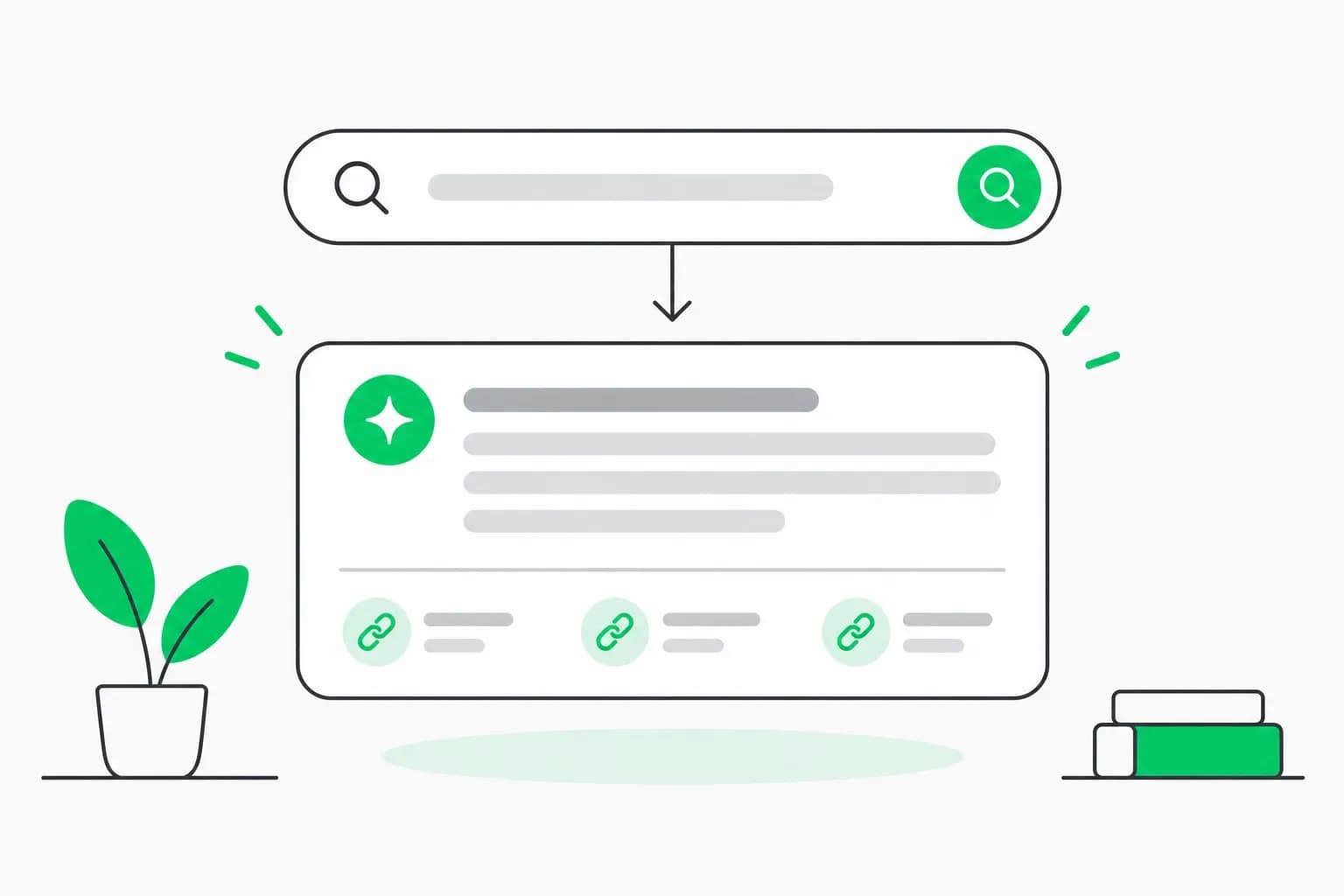
Starting November 23, 2026, Google Search can use more of your own Google data in AI Mode when you opt in. Robby Stein, VP of Product for Google Search, says Personal Intelligence now adds Google Wallet (rolling out that day), with Google Drive and two-way context from the Gemini app arriving in the coming weeks. Wallet joins Gmail, Calendar, and Photos, which were already eligible connected apps.
This is not a silent upgrade. Google routes every new connector through Search Personalization → Connected Apps, repeats that Wallet is read-only, and promises a Personalization icon under tailored answers so users can see what context fired. For builders, it is another live example of scoped, revocable connectors across Search and Gemini, not a monolithic memory dump.
TL;DR: what changed today
| Piece | What Google announced Nov 23, 2026 |
|---|---|
| Wallet in Search AI Mode | Rollout starts Nov 23 in AI Mode and the Gemini app |
| Drive in Search | Coming weeks — answers can draw on docs, sheets, PDFs |
| Gemini ↔ Search context | Coming weeks — ideas explored in Gemini carry into AI Mode threads and vice versa |
| Thread memory | More personally relevant AI Overviews and AI Mode answers from recent search context |
| Controls | Search Personalization settings; per-app opt-in; edit context in-thread (example: dietary preferences) |
If you only connected Wallet inside Gemini on November 13, this Search launch is the second surface for the same finance read model, plus new document and cross-app behavior.
What is supercharge search with personal intelligence?
Google's phrase Personal Intelligence names the layer that lets generative Search and Gemini read opt-in data from your Google apps. The November 23 post frames the goal as merging world knowledge with insights unique to you — spending patterns, scattered project files, and prior Gemini chats.
That sits on top of work explainx.ai already covered: AI Mode on the Google homepage, temporary threads that skip account history, and the Connected Apps platform preview that described one integration path for third-party developers. Today's news is first-party connectors, not the 50-app MCP wave, but the permission shape matches what Google told developers to expect.
Google Wallet in Search: what it can read
 Google Wallet spending insights in Search AI Mode Personal Intelligence
Image: Google
With Wallet connected, Google says AI Mode can help you map financial milestones, spot everyday spending to trim, and optimize card perks such as cash-back categories, travel benefits, and reward points based on cards linked in Wallet.
The constraint worth underlining in every FAQ: read-only finance. Google's post states explicitly that AI Mode cannot move, manage, or invest money when Wallet is linked. That mirrors the November 13 Gemini Wallet language in Google's Gemini app announcement and aligns with how Chrome AI autofill positions Gmail reads — useful automation with no payment rail.
For teams evaluating employee AI policies, treat Wallet-in-Search like any other Plaid or Wallet connector: valuable for individuals, risky on shared workspace accounts if someone opts in without reading scopes.
Google Drive: project context across files
 Google Search Personal Intelligence connecting Google Drive documents for tailored AI answers
Image: Google
Drive support is not day-one everywhere but Google describes the use case clearly. When specs live across Docs, Sheets, and PDFs, a connected Drive lets AI Mode return preparation plans that respect existing files — Stein's example is tax-season prep built from documents you already store.
That is closer to retrieval-augmented search than chat memory: the model still answers in Search, but the corpus is your Drive, not the public web. Compare Gemini Personal Intelligence on Android Auto, Gmail, Photos, and Maps, where Google shipped similar per-app toggles months earlier. Drive in Search is the document-heavy variant product managers asked for once AI Mode became the default research surface.
Builders cloning this pattern should note user-visible provenance. Google promises a Personalization icon below tailored responses and in-thread edits ("I'm no longer a vegetarian") so corrections propagate. That is the minimum viable audit trail when answers cite private files.
Gemini app and Search: shared context
The coming weeks piece may matter most for power users. Google already let you connect Search history into Gemini's Personal Intelligence; soon you can connect the Gemini app back into AI Mode so an exploration started in Gemini continues in Search without re-explaining constraints.
Practically, that reduces context re-entry tax — the same problem Google Tasks agent demos attacked with Personal Intelligence memory for vehicles and addresses. Here the linkage is cross-product rather than a new agent skill, which keeps scope narrow for Google's trust team but still changes how developers should design multi-surface assistants.
If your product spans chat + search + email, copy three habits from this rollout:
- Per-surface opt-in, not one global "use my data" flag.
- Read scopes stated in plain language (Wallet cannot move funds).
- In-product editing of remembered facts, not a buried privacy dashboard only lawyers read.
Cross-thread search personalization
 Search AI Mode continuing trip planning across threads with personal context
Image: Google
Separate from app connectors, Google says AI Overviews and AI Mode will surface more personally relevant answers from recent search context. Stein's travel example: after days of trip research, a new thread can pick up the itinerary thread without repeating cities and dates.
That is distinct from Temporary threads, which detach from account history on purpose. Persistent personalization and ephemeral sessions now coexist; admins blocking student AI must still assume Search history plus personalization can influence answers when both stay enabled — the same bundle Google workers petitioned about in schools.
How to turn Personal Intelligence on or off in Search
Google's instructions:
- Open Search Personalization.
- Choose Connected Apps.
- Enable Wallet, and later Drive or Gemini when listed.
You can disconnect anytime. Google also says personalization can be adjusted or turned off in Search Settings globally.
For finance specifically, compare setup steps in our Gemini Wallet guide: Gemini uses Personal Intelligence settings inside the app, while Search uses the Search Personalization path. Same data class, different UI, which matters for support docs.
Privacy and compliance questions teams should ask
Google repeats you remain in control, but enterprises still need checklists:
| Risk | Mitigation question |
|---|---|
| Workspace account bleed | Are Wallet or Drive connectors blocked by admin policy on work profiles? |
| Regulated data in Drive | Do tax, health, or client files live in folders users might link? |
| Cross-app memory | Does Gemini-to-Search sharing violate data-residency rules for EU users? |
| Marketing use | Will personalized spending tips trigger finance marketing rules in your jurisdiction? |
None of those are answered in the November 23 post; they are implementation choices Google leaves to customers. Our publisher opt-out experiment covered the open-web side of Search AI; this post covers the closed-user-data side.
Step-by-step: turning on Wallet in Search AI Mode
Google's public instructions are short, but teams rolling this out to staff should document the full click path:
- Sign in to the Google account that owns the Wallet cards or passes you want read.
- Open Search Personalization from Search settings on desktop or mobile browser.
- Select Connected Apps and locate Google Wallet when the Nov 23 rollout reaches your account.
- Toggle Wallet on and confirm any consent dialogs Google shows for finance data.
- Open AI Mode on a finance question — rewards optimization, recurring spend, or milestone tracking — and check whether the Personalization icon appears under the answer when Google enables that UI.
If nothing connects, verify you are not on a Workspace account where an admin disabled generative features, and remember the November 13 Wallet launch was US-only in Gemini. Search may follow the same geography even when the Nov 23 post omits a country list.
Disconnecting is the same path: return to Connected Apps and toggle Wallet off. That should stop new reads; it does not by itself answer how long Google retains prior context for model tuning — a gap worth watching on official help pages.
Work and education accounts
Google's schools AI defaults already force districts to choose whether students get Search with bundled AI. Adding Wallet or Drive on a student or teacher account raises FERPA-adjacent questions if project files contain grades or health forms.
For employers, mirror the guidance we gave on Gemini Tasks calling businesses: separate personal and work Google profiles before connecting finance or document stores. Personal Intelligence does not know which hat you meant to wear.
How this compares to other assistants
Claude shipped read-only Personal Finance days before Gemini's Wallet move. ChatGPT continues to expand memory and workspace connectors on a different permission model. Google's advantage in this release is native Wallet and Drive without third-party OAuth for those surfaces — at the cost of ecosystem lock-in.
For builders on MCP, Google's Connected Apps platform is still the path for non-Google sources. Personal Intelligence is Google's walled-garden fast lane.
What to watch next
Google gave no dates beyond "coming weeks" for Drive and Gemini cross-context. Watch for:
- Help-center docs listing supported countries for Wallet in Search.
- Admin controls in Google Workspace for Connected Apps in AI Mode.
- Whether AI Overviews on classic Search inherit the same personalization without opening AI Mode explicitly.
What is not known yet
- Exact Drive launch calendar and whether Sheets formulas receive the same treatment as Docs.
- Whether Plaid-linked bank accounts from the Gemini Wallet flow surface automatically in Search or need a second opt-in.
- Training use statements specific to Search personalization versus Gemini chat logs.
- EU or UK availability while regulators scrutinize personal context in search under DMA and GDPR.
Google's post is a product announcement, not a compliance memo. Treat unknowns as open until Google publishes matching help-center language.
Related reading
- Gemini + Google Wallet finance insights
- Gemini Personal Intelligence on Android Auto, Gmail, Photos, Maps
- Google homepage AI Mode and recent chats
- Temporary threads in AI Mode
- Connected Apps platform preview
- Chrome autofill with Gmail Personal Intelligence
Details reflect Google's November 23, 2026 post. Rollout timing may vary by account and region.