



The ChatGPT desktop app finally runs on the operating system most of its power users actually deploy to. OpenAI shipped the Linux build in preview on August 11, 2026: "Use ChatGPT, ChatGPT Work, and Codex where you already work and build, with your projects and browser workflows on supported Linux systems."
The joke that circulated within the hour — that Linux holdouts could now cancel the MacBook they had ordered out of impatience — is funnier than it looks, because it names the actual gap. Codex crossed 8 million users while its desktop client existed only on macOS and Windows, and a very large share of the people running coding agents run them against Linux machines. The client and the workload had been on different operating systems for a year.
TL;DR — the answers you came for
| Question | Direct answer |
|---|---|
| Is it out? | Yes, in preview as of August 11, 2026 |
| Which distros? | Ubuntu 24.04 LTS, Ubuntu 26.04 LTS, Debian 13, Fedora 43, Fedora 44 |
| Package formats? | .deb and .rpm |
| Architectures? | x64 and ARM64 |
| What's inside? | ChatGPT, ChatGPT Work, and Codex, plus project and browser workflows |
| Arch / openSUSE / NixOS? | Not officially supported |
| New in the same release? | Import projects, chats, skills, and plugins from other agents |
| Auto-updates? | Opt-in, in Settings, with a reviewable import history |
| Production-ready? | No — preview, with acknowledged rough edges |
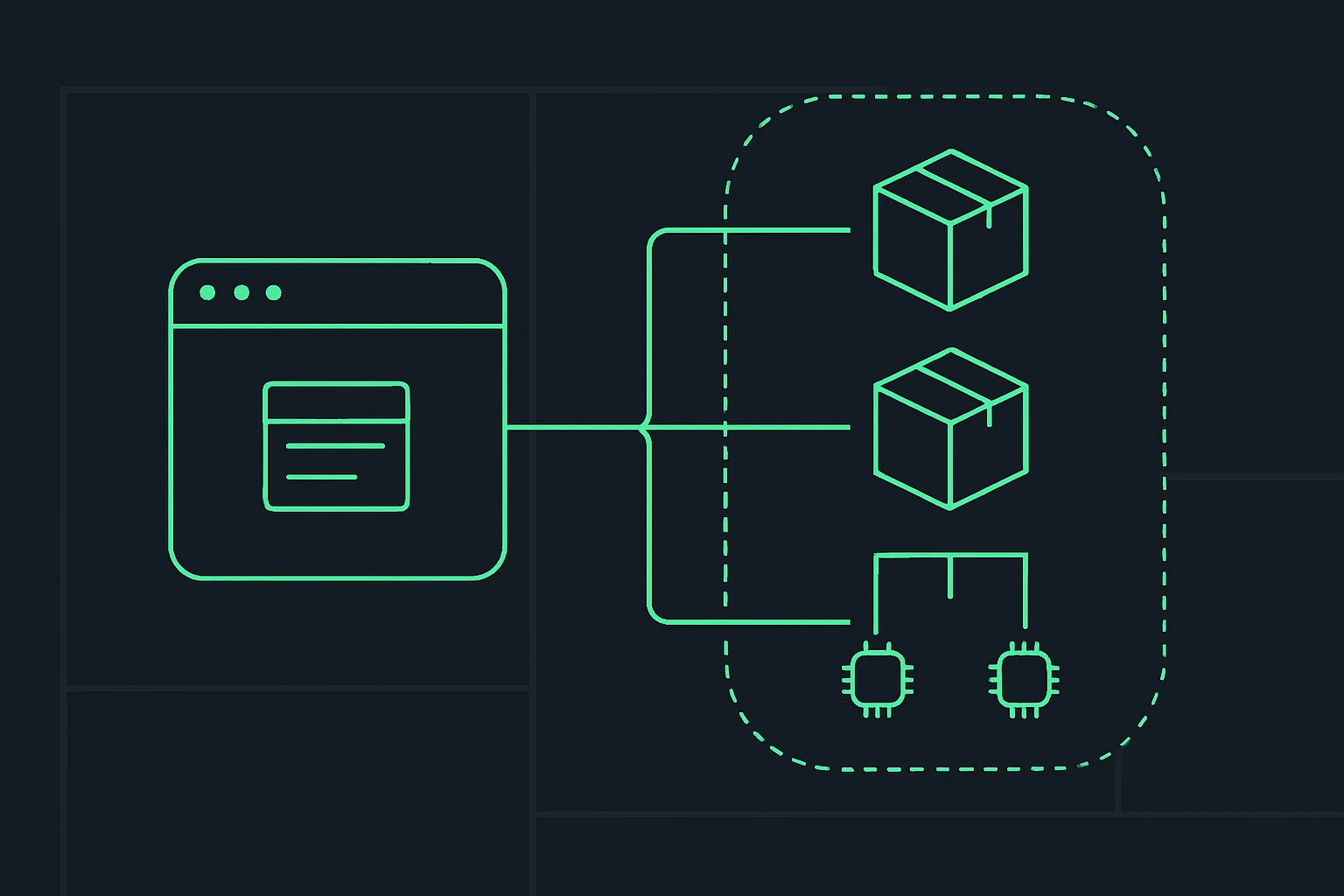 Diagram of a desktop AI application packaged for three Linux distributions across two processor architectures
Supported platforms, precisely
| Distribution | Versions | Package | Architectures |
|---|---|---|---|
| Ubuntu | 24.04 LTS, 26.04 LTS | .deb | x64, ARM64 |
| Debian | 13 | .deb | x64, ARM64 |
| Fedora | 43, 44 | .rpm | x64, ARM64 |
Two things stand out in that grid. First, ARM64 is in the first release, not deferred — which matters for anyone running a Linux desktop on Apple silicon under virtualization, on Ampere-based workstations, or on ARM cloud desktops. Shipping ARM at preview rather than adding it later suggests the build pipeline was designed for it rather than retrofitted.
Second, the distro list is conservative in a specific way: two Ubuntu LTS releases, current-stable Debian, and the two newest Fedora releases. That is the standard enterprise-desktop matrix, not the enthusiast matrix. Combined with ChatGPT Work being in the app on day one, the target here is clearly the company-issued Linux workstation, not the person who compiles their own kernel.
Anyone on Arch, openSUSE, NixOS, or an older LTS is outside the supported set. Repackaging a .deb is a well-worn path and community builds will appear quickly, but a preview client is the worst possible candidate for unofficial packaging — you inherit both the preview's bugs and the repackager's.
The import feature is the bigger story
Shipped in the same window, and easier to overlook: the desktop app can now import projects, chats, skills, and plugins from other agents, review its import history, and opt into automatic updates from Settings. One OpenAI engineer summarised it in four words — "Import your world. Codex. Run."
That is a switching-cost feature, and it lands in a specific competitive context. Over the last quarter the industry converged on a shared plugin standard across OpenAI, AWS, Cursor, GitHub, and VS Code, and agent skills became the common unit for encoding a workflow. Once skills and plugins are portable formats rather than proprietary ones, the moat around any single harness gets thinner — and the first vendor to build a good importer converts that thinness into net inflow.
Worth being precise about what portability means here, because it cuts both ways:
- Skills and plugins are the portable part. They are essentially structured instructions plus tool definitions, so moving them between harnesses is mostly a translation problem.
- Chats and projects are the sticky part. History, context, and accumulated project state are what make people reluctant to switch. An importer that moves those is aimed directly at that reluctance.
- Import history and opt-in auto-update are trust features. They exist because the reasonable objection to "let us import everything" is "what did you take, and when did it change?"
What this changes for the way you actually work
If you were already running Codex on Linux, you were doing it through the CLI or through a browser tab. The desktop client changes three things concretely:
- Browser workflows come along. The announcement specifically names browser workflows as part of what moves to Linux, which is the piece the CLI cannot cover — the same convergence Anthropic made with Claude Code's built-in desktop browser.
- ChatGPT Work is on the developer machine. The document, meeting, and knowledge surfaces stop being a context-switch to a different OS or a different device.
- One client, three surfaces. ChatGPT, ChatGPT Work, and Codex in one app is a consolidation play — and it mirrors what every other vendor is doing, from Kimi's desktop agent to Anthropic's desktop consolidation.
What it does not change: the CLI remains the right tool for scripted, headless, and CI use, and the Codex CLI and SDK are where the automation story lives. A desktop client is an interactive surface, not a replacement for either.
Honest caveats before you install it
- It is a preview. OpenAI engineers publicly noted rough edges even while describing feature parity as strong. Preview clients ship regressions.
- Desktop apps have had a rough year for false positives. A macOS Codex build was blocked by malware scanners as a false positive in July. Linux endpoint tooling is less standardized, not more, so expect at least some environments to flag an unfamiliar signed package.
- Auto-update is opt-in for a reason. On a machine that touches production, an agent client that silently updates itself is a change-control problem. Leaving it off and updating deliberately is the defensible default.
- The importer reads from your other tools. Before importing "your world," it is worth knowing which credentials and connectors that traverses — the same scope discipline that applies to any agent granted access to your accounts.
- No stated GA date. Preview means the supported-distro list and packaging can still change.
Bottom line
This is a catch-up release rather than a capability release, and that is the point — the capability already existed, it was just running on the wrong machine for a large slice of the people who wanted it. The distro matrix says enterprise Linux desktop, the ARM64-at-launch decision says they expect it to run on non-Intel hardware, and the importer says OpenAI is optimizing for people arriving from another harness rather than for people already inside.
If you build on Linux and have been holding off, the sensible move is: install it, keep the CLI, leave auto-update off, and import selectively rather than wholesale.
Related on explainx.ai
- ChatGPT desktop 94% faster load for giant threads (benchmark)
- ChatGPT Work vs Codex: complete guide — what each surface is actually for
- Codex and ChatGPT Work hit 8 million users — the install base this release serves
- Codex CLI and SDK go open source — the headless path the desktop app does not replace
- ChatGPT voice arrives on desktop — the previous desktop-client expansion
- The cross-vendor agent plugin standard — why importing plugins between agents is even possible
- Claude Code's built-in desktop browser — the competing consolidation of browser workflows into the client
- Kimi Work's desktop agent — the same one-client pattern from another vendor
- What are agent skills? Complete guide — the portable unit the importer moves
- macOS Codex build flagged by malware scanners — precedent for desktop-client packaging friction
Primary sources: OpenAI announcement post on X (August 11, 2026) · OpenAI Developers post on cross-agent import · OpenAI engineering commentary on the Linux launch
Accurate as of August 12, 2026. The Linux desktop app is in preview; supported distributions, package formats, and feature parity may change before general availability. Follow @explainx_ai for updates.