



Macro is a trending, AGPL-3.0 open-source workspace that puts email, chat, docs, tasks, calls and CRM into one @-linked system with shared AI memory, and it exposes the whole thing to coding agents over MCP. The repository, macro-inc/macro, showed about 5.2k stars, 505 forks and 7,464 commits on October 28, 2026. The README describes it as "the all-in-one workspace for you and your team" that "unifies email + messages + docs + tasks + agents + CRM into a single fast interface with shared team-level memory."
Every feature claim in this post comes from that README and the company's own materials, so treat them as claims. The useful questions for a builder are what is actually distinctive, what is the license cost, and how agents plug in.
Quick answers
| Question | Answer (from the README) |
|---|---|
| What is it? | Unified team workspace: email, chat, docs, tasks, canvas, calls, files, pull requests, CRM |
| License | AGPL-3.0, "not open core" |
| Stack | SolidJS client, Rust services, 42 deployable services, 167 Rust libraries |
| Email support | Gmail and Google Workspace accounts |
| Agent access | MCP server, API and SDK; works with Claude Code and Codex |
| Team size it was built by | About 15 people, dogfooded for two years |
| Mobile | iOS app; Android "coming soon" |
| Security claims | Zero data retention with model providers, SOC 2 Type II |
| Self-hosting | Allowed under AGPLv3; FAQ covers requirements |
What is the core idea?
The founders say they used Slack, Linear, Notion, HubSpot and Superhuman, but "they don't work together as one system." As they scaled a previous venture to about 20 people, "every team got their own tools and the company was held together by MCP and Zapier." Their conclusion: "The company was not computable."
Macro's answer is one backend where cross-references are stored as a bidirectional graph. A message can link to the task it created, a task to the email that prompted it, an email to a CRM record, and any of them to a doc. Permissions follow channels: anything you @mention in a channel is shared with its members, so joining a channel grants access and leaving removes it.
What are the building blocks?
| Block | What the README says it does |
|---|---|
| Multi-account unified inbox with keyboard shortcuts and shared inboxes; Gmail | |
| Messages | Channels and DMs "designed for focused technical discussions," with inline first replies and collapsed threads |
| Tasks | Linear-inspired, linked to channels, email and agents; created from email, docs, chat or MCP |
| Docs | Real-time markdown docs on CRDTs, with version history, offline editing and @-links |
| Canvas | 2D board with embedded links to tasks, files and emails |
| Agents | Team-level memory; can act on your behalf |
| Calls | Recorded, transcribed and logged to team memory |
| File storage | Auto-imported from email and channels, searchable |
| Pull requests | Linked to tasks, embeddable in channels |
| CRM | Contacts and companies, custom properties, email sync, kanban deal stages |
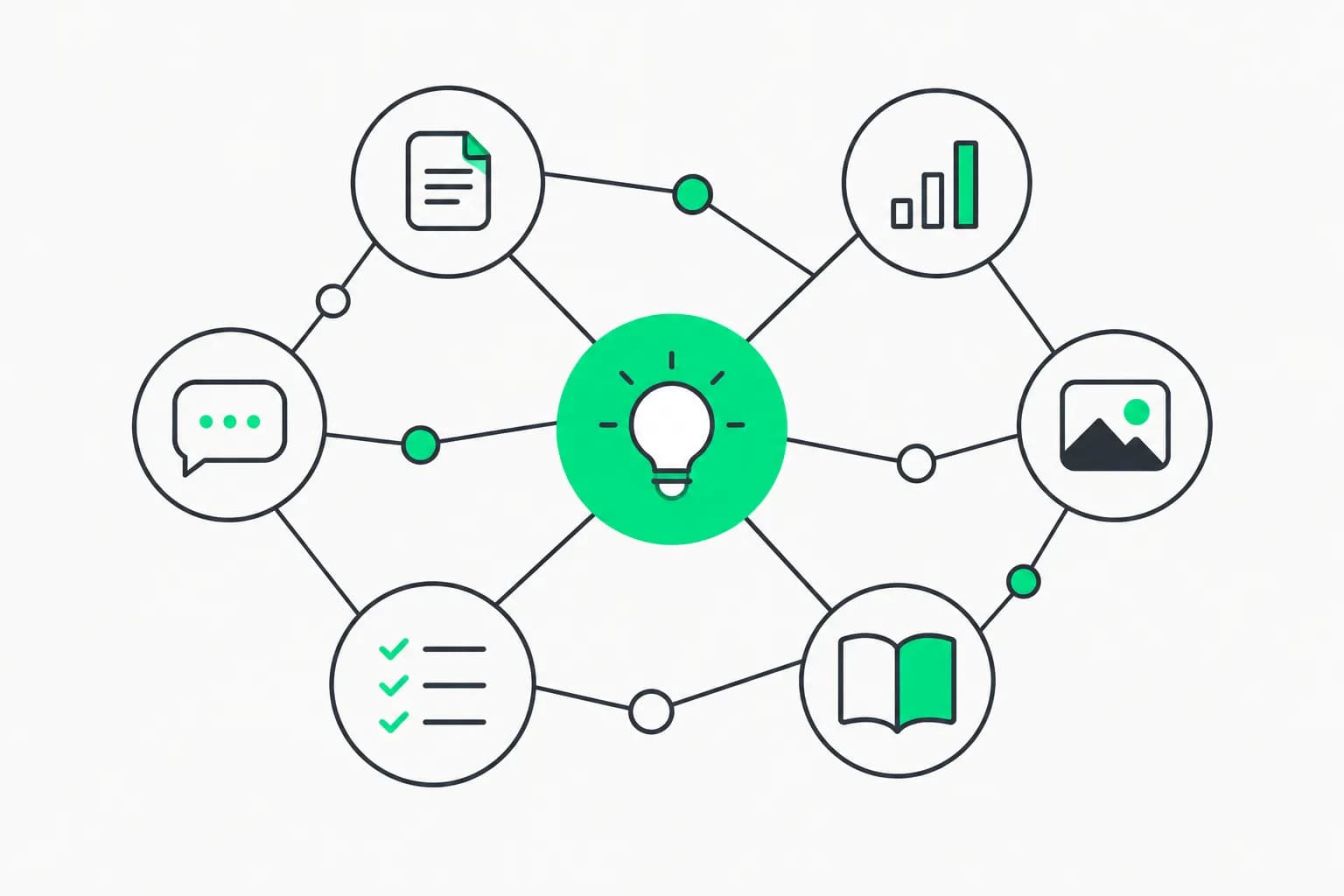
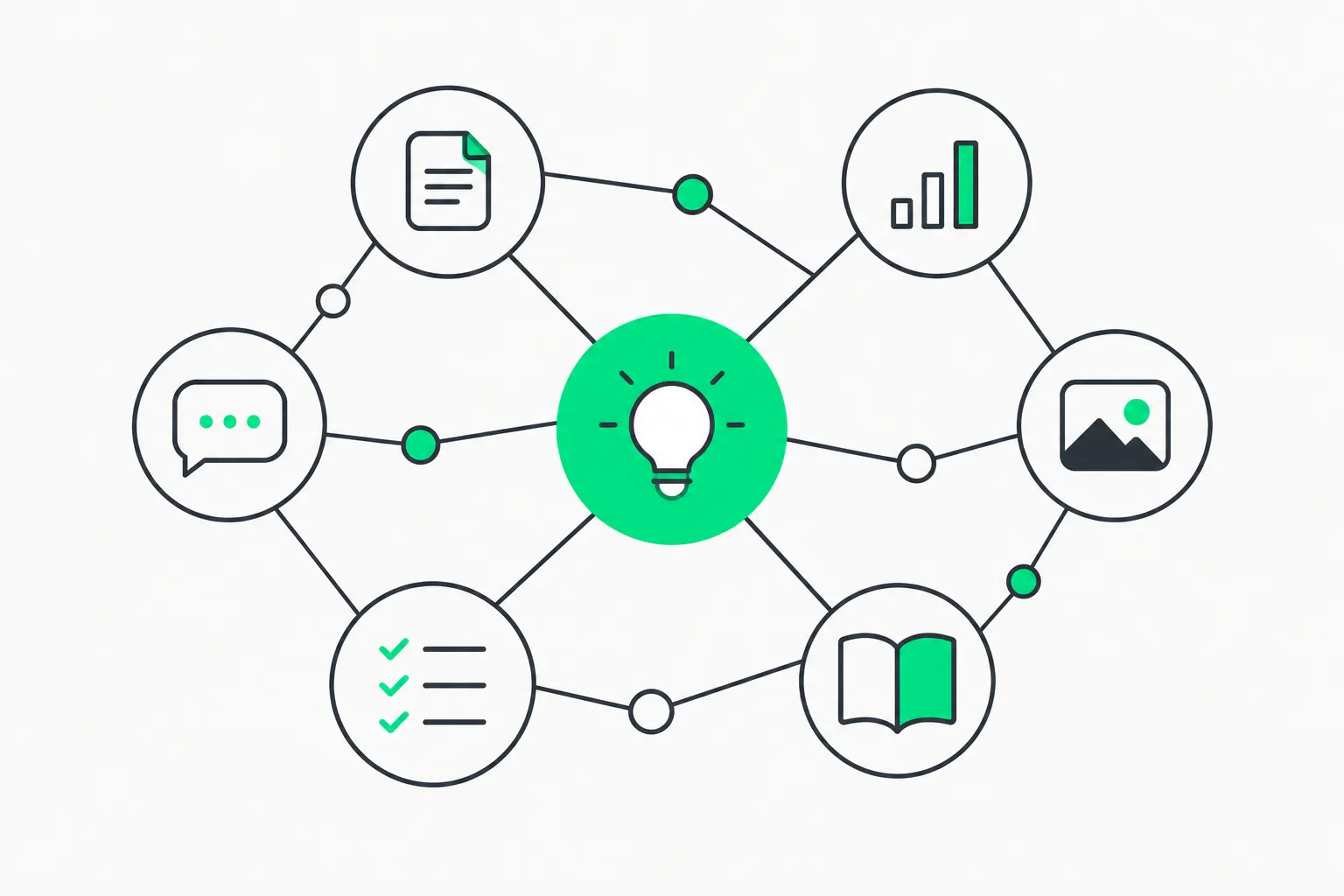 Web of connected nodes around a green center, representing Macro's bidirectional link graph across email, chat and tasks
How does the AI memory work?
This is the feature that makes Macro an AI story rather than another Slack clone. According to the README, a daily cron job synthesizes team conversations, your DMs, sent and received email, and tasks created and completed "in one pass," and merges the result with the previous memory. The memory is stored as plain markdown, so you can export it, and you can ask the AI to remember or update something manually.
The claimed advantage: "Macro has the best memory on what you're working on and what you care about vs. chatbots that only build memory from prior chats." That is a marketing claim with no benchmark behind it. What is concrete is the architecture: one database holds the context, so a single memory job can see email, chat and tasks together, and the output is portable to any model in the picker or to external agents over MCP.
The README gives one anecdote: taking a photo of handwritten feature notes and asking the agent to create tickets and assign them, which "it did perfectly without any runtime tool use." One user's example, not a measurement.
How do coding agents connect?
The README says your coding agents "can use Macro too." For Claude Code:
claude mcp add --transport http macro https://mcp-server.macro.com/mcp
The company says the MCP and tool surface covers nearly all of what the UI can do, with no rate limits on MCP, and that it exposes unified search across file attachments parsed out of email. Agents can also edit documents, open or closed, as peers in the CRDT collaboration system, with conflicts handled by the same machinery as human edits. One example in the README is a daily automation that scans channels and updates an office pool-games doc, skipping the update if someone already edited it.
If MCP is new to you, read our MCP primer. For how other open-source projects frame agents as company infrastructure, compare Agent Swarm's open-source company OS and Tencent Cloud's multi-user AI workspace Octop.
How do the CRM and email pieces differ from the usual tools?
Two design choices are worth understanding because they show the philosophy.
CRM without a separate system. The authors say their complaint with Attio, HubSpot and Salesforce is that "the actual important conversation about a deal happens not in the CRM but over messages." Macro's fix is to colocate the CRM with chat and email. Every deal gets its own channel, pinned to the deal record. Mentioning a company or contact from any note, message, task or pull request creates a two-way link, so you can trace conversations from the record later. The README is candid that "we haven't innovated on the core idea of CRM" beyond that, and lists the standard features: kanban deal stages, list views, saved and shareable views, and custom properties.
Email inside the workspace. Macro Mail is "inspired by Superhuman's keyboard-first interface," with multi-account triage and a unified inbox where email, messages, mentions and tasks share one list navigated with j, k and e. Because email lives in the same permission system as channels, sharing an email to a DM or channel needs no screenshot. The AI angle is a unified search tool that can search PDF attachments parsed out of email directly, rather than forcing an agent to fetch threads and then attachments, plus the ability to draft, edit and send emails from an AI chat.
The documentation lives at docs.macro.com, which the repo's apps folder builds, with a getting-started guide the README says takes about 15 minutes, and migration notes for people coming from Notion, Slack, Superhuman or Linear.
None of this is independently benchmarked. The test that matters is whether a small team can run a week of real work in it, and whether agents behave well against a graph with this much shared context.
What does AGPL mean for you?
 Badge with an open padlock and green ring, representing the AGPL-3.0 open-source license
The README calls Macro "fully open source, not 'open core,'" under AGPL-3.0. In practice:
- Self-hosting for your own team is allowed under the license terms.
- Network copyleft applies. The AGPL requires offering source to users who interact with a modified version over a network. If you modify Macro and run it as a service for others, you must share your changes.
- Different terms cost money. To build on it under another license, the README says to contact licensing@macro.com; managed hosting is a commercial arrangement.
- Run the numbers on ops. The layout lists 42 services plus Pulumi infrastructure, Docker Compose for the local stack and a Nix dev shell. That is a substantial system to run yourself.
What should you check before adopting it?
- Maturity. About two years of internal use by roughly 15 people is real dogfooding, but it is a small base. The Android app is not out yet.
- Email dependency. The README names Gmail and Google Workspace. If you use Microsoft 365, confirm support first.
- Security claims. Zero data retention with model providers, no training on customer data and SOC 2 Type II are the company's statements. Request the report and data processing terms.
- Agent permissions. A near-complete MCP surface with no rate limits is powerful, and also means a misbehaving agent can do a lot. Scope access, and review actions. An action-review layer such as AgentBeam, from the explainx.ai team, exists for stopping agents before dangerous actions.
- Lock-in and export. Docs and memory are markdown, which helps. Check email, CRM and task export before migrating.
- Opinionated design. The authors say issue tracking "never really worked" and prefer lightweight tasks tied to chat. If your process needs heavy project management, test that first.
Why is it trending?
Two forces. First, teams want one place where agents can see everything and act, instead of stitching tools together with connectors. Second, an open-source, self-hostable version of that idea is rare. The repo also asks users to star it, noting that stars move it up GitHub search and trending, so some growth is promotion, not only organic demand. A fair test is to try the hosted app, connect an agent over MCP, and see whether the shared memory beats what you already use.
Related reading
- MCP: the Model Context Protocol guide
- Agent Swarm: an open-source company OS
- Octop: Tencent Cloud's open-source multi-user AI workspace
- Postiz: open-source agentic social media scheduler
- What are agent skills? A complete guide
- Grok Bot Vault and agent approvals
Details reflect the repository README and star counts as of October 28, 2026; features and terms change.