



A phone that folds open to a 7.6-inch inner display raises a practical question for people who learn and build with AI: what is it actually good for? Apple's iPhone Duo, announced September 9, 2026 at $1,999 with an A20 Pro chip and a 5.4-inch cover display (see our event recap), is the first foldable iPhone.
This list is about workflows, not specs. We have not run a hands-on review, so each item is a use case the screen shape suggests, not a benchmark. The common thread: a foldable is a better review-and-steer device than a phone has been, and still a weaker make-everything device than a laptop.
TL;DR: ten uses at a glance
| # | Use case | Which screen |
|---|---|---|
| 1 | Study with docs beside a chat | Inner |
| 2 | Review agent output and diffs | Inner |
| 3 | Approve or reject agent actions | Cover or inner |
| 4 | Draft and proofread writing | Inner |
| 5 | Edit photos and video | Inner |
| 6 | Blur faces before sharing | Inner |
| 7 | Clean up product photos | Inner |
| 8 | Quick questions and voice | Cover |
| 9 | Read research and papers | Inner |
| 10 | Monitor builds and agents on the go | Cover |
1. Study with documentation beside a chat
The classic phone problem: you read a doc, switch to a chat, forget the doc. A wide inner display lets you keep a guide on one side and an assistant on the other. Ask the assistant to explain a paragraph while it stays visible. For structured study, our courses and workshops give you material worth keeping open.
2. Review agent output and diffs
Coding agents produce diffs, logs and summaries. Reviewing them on a small phone is painful; on a tablet-sized display it is plausible. Read the change, scan the file list, and leave a comment. Pair this with what the Claude Code team recommends in its code review process, which tiers human approval by risk.
3. Approve or reject agent actions
Agents that hold permissions need a human in the loop. A phone is the right place for approvals because it is always with you. Keep the prompts clear: what the action is, what it touches, and how to refuse. If you run agents that act on your accounts, add an action-gating layer; our security platforms roundup compares options.
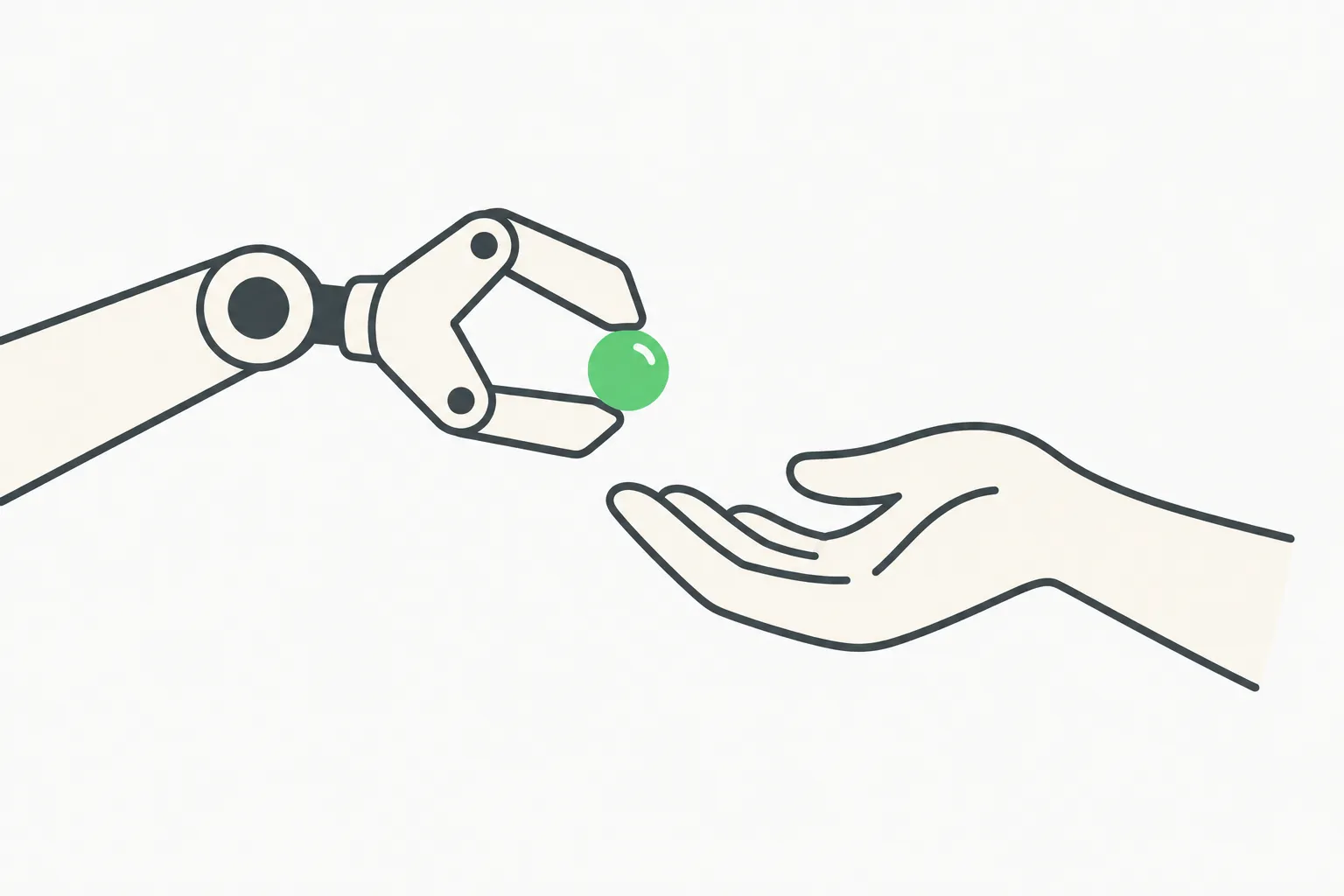 Agent approval handoff, a person approving an agent action from a phone
4. Draft and proofread writing
Open a draft on the inner screen, ask an assistant to tighten it, and compare the two versions side by side. This works well for emails, posts and documentation. Always read the final version yourself; an assistant can introduce an error confidently.
5. Edit photos and video
The Duo has a 48MP main camera and, as reported, no telephoto. Use the big screen to check focus and edges before you post. Our guides cover removing photo backgrounds and blurring faces.
 A folding phone drawn with motion arcs, showing a foldable opening and closing
6. Blur faces before sharing
Bystanders and children in your shots deserve consideration. Run faces through an AI blur tool and inspect the result at full size on the inner display before you send. See the blur guide for the checklist.
7. Clean up product photos
Sellers can shoot, cut out and list from one device. A solid background, consistent framing and a quick edge check on the inner display are usually enough for a listing. Details are in the background removal guide.
8. Quick questions and voice
The cover screen is the glanceable one. Use it for short questions, voice notes and quick lookups without unfolding. Keep sensitive prompts out of voice assistants in public places.
9. Read research and papers
PDFs and long articles read better on a larger display. Ask an assistant to summarize a section, then read the original for anything you will act on. Do not cite from a summary alone.
10. Monitor builds and agents on the go
Deploy status, test results and agent logs fit the cover screen as notifications. Set alerts for failures and approvals, and keep your laptop for the actual fix. For agent monitoring ideas, see our post on AI agent safety monitoring.
What a foldable will not do for you
- Replace a keyboard. Long coding sessions still want a physical keyboard and a laptop.
- Run everything locally. A20 Pro-class chips handle on-device models, but large models and heavy builds are cloud or desktop work.
- Make agents safe. Permissions and approvals are your job, not the hardware's.
- Unlock with your face. The Duo uses Touch ID in the side button. Our Touch ID security guide explains what to set up.
Pair it with a learning path
If you want to build the skills behind these workflows, explainx.ai has skills, MCP servers and workshops you can follow on any device, including a foldable. Start with one use case from this list, run it for a week, and keep what works.
A week-one plan for a new foldable
If you are setting up a Duo for learning and building, this order keeps risk low and value high.
- Day 1: lock it down. Set a long passcode, enroll fingerprints for the side-button Touch ID, enable Find My, and turn on two-step login for your key accounts. See the Touch ID guide.
- Day 2: set up your reading flow. Put docs and an assistant side by side, and try study use case 1 on a real topic.
- Day 3: try review. Pull a diff or a report from a project and review it on the inner screen. Note what is awkward.
- Day 4: media. Shoot a few photos, blur or cut out one, and compare to your laptop workflow.
- Day 5: approvals. Set up notifications for builds or agent approvals, and test that you can say no.
- Weekend: decide. Keep the workflows that you actually used. Drop the rest.
Questions worth asking before you buy
- Will I use it to review or to create? Review favors a foldable; heavy creation favors a laptop.
- Do I need a telephoto camera? As reported, the Duo does not have one, so decide if the main 48MP camera covers your needs.
- Do I rely on Face ID? If you do, the Pro models keep it and the Duo does not.
- Is the price justified? At $1,999 it competes with a phone plus a tablet. Our pricing breakdown compares what the same money buys elsewhere.
How this connects to what you build
The best uses of AI on a phone mirror the best uses of agents: let the machine do the repetitive work, and keep a human on decisions that matter. A foldable gives you more room to see what the machine did, which is exactly what review needs. Whether you are learning prompt design, running coding agents or editing media, the habit is the same: small tasks, visible results, clear approvals, and a record you can check.
Tips for getting more from the larger screen
- Use split view deliberately. Put the thing you read on one side and the thing you write on the other. If you find yourself switching back and forth, rearrange.
- Keep prompts short and specific. A small screen punishes long typing; dictate longer prompts and review the transcript before sending.
- Save good prompts. Keep a note of prompts that worked, so you can reuse them on any device.
- Use the cover screen as a filter. Only unfold when something needs attention. That keeps focus and saves battery.
- Check sources. When an assistant cites a source, open it. Summaries can be wrong, and phones make it tempting to skip the check.
- Back up your work. Keep drafts and notes synced to an account you control, not only on one device.
Where a laptop still wins
Long writing sessions, serious debugging, large datasets and anything that needs many windows at once are laptop jobs. The honest framing is that a foldable shrinks the gap for review and light creation, and leaves the heavy lifting where it was. Choose the device for the task, not the other way around.
Privacy habits for AI on a phone
A phone sees more of your life than a laptop: your photos, location, contacts and messages. Before you connect an assistant, decide what it should never see. Keep work and personal accounts separate, review which apps have photo and microphone access every few months, and prefer on-device processing for sensitive material when the feature offers it. If you share media made with these workflows, blur faces and strip location data first, and tell people when a post includes AI-edited images.
Summary
The iPhone Duo is a good review-and-steer device: study with docs open, read agent diffs, approve actions, edit media and check results on the inner screen, then fold it shut for quick glances. Treat it as a companion to a laptop, set tight permissions on any assistant, and verify what an AI tells you before you act on it.
For related reading, see iPhone Duo pricing and global availability.
Specs reflect Apple's September 2026 announcement as reported; check Apple's current pages. These are suggested workflows, not tested results.