



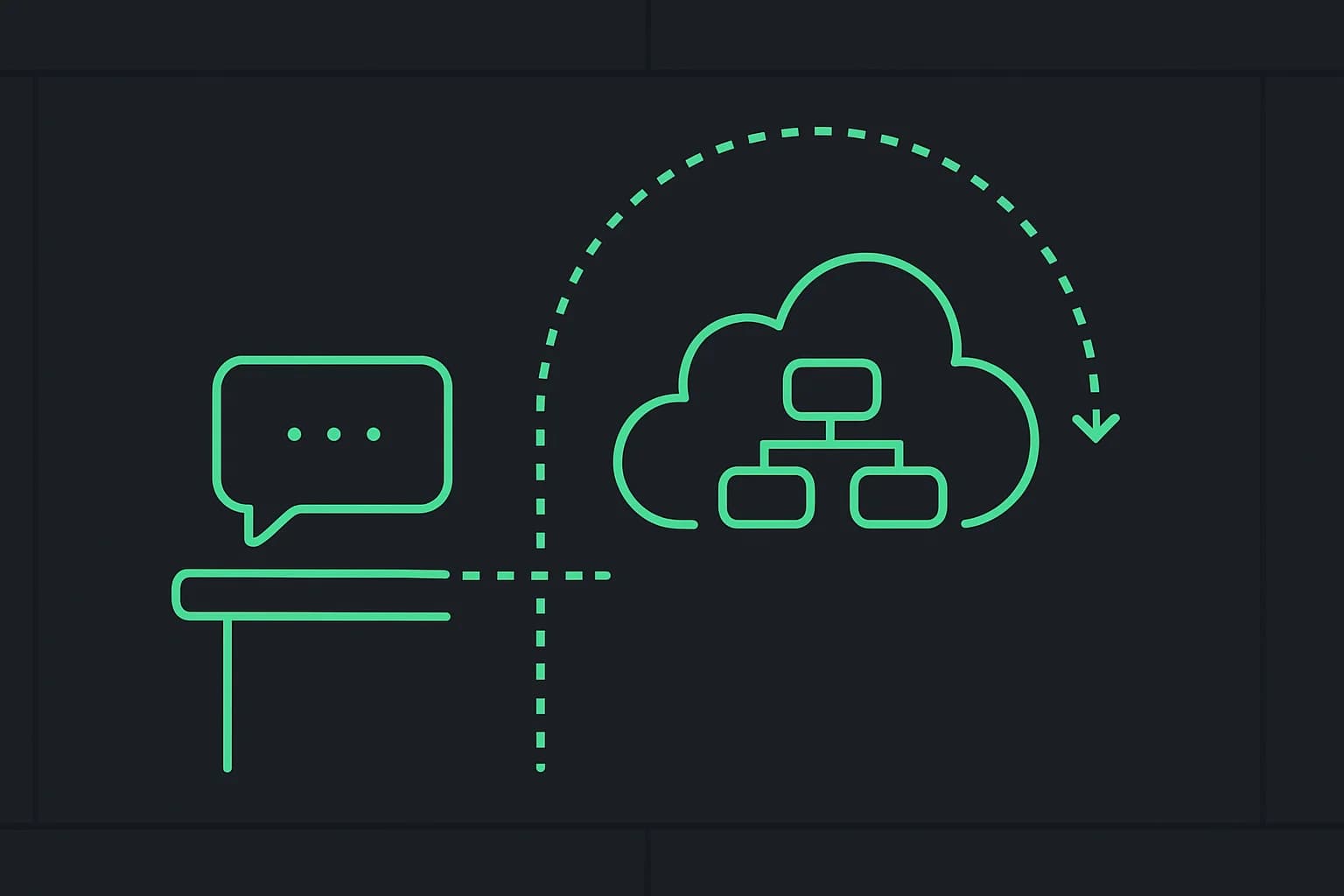
People search "how to run loops in Microsoft Copilot" and land in one of three products. Only one of them matches what loop engineering usually means — a standing trigger → act → verify cycle:
| Product | Loop-shaped? | This post |
|---|---|---|
| GitHub Copilot | Yes — Agent mode, CLI Autopilot | Different guide |
| Copilot Studio | Yes — Workflows, autonomous triggers | Different guide |
| Microsoft 365 Copilot | Mostly no — turn-based chat + Agent Builder | You are here |
This page is honest about M365 limits and the upgrade path to Studio. For the craft itself, start at the loop-engineering hub. New to Microsoft 365 Copilot itself? Start with what is Microsoft 365 Copilot — a complete beginner's guide before this one.
TL;DR
| Question | Answer |
|---|---|
Does M365 Copilot have /loop? | No — not Claude Code's skill, not Copilot CLI /every. |
| What runs each turn? | Chat, Copilot in Word/Excel/Outlook/Teams — one prompt → one session arc. |
| What does Agent Builder do? | Lightweight Q&A agents over content you can access (SharePoint, files, URLs). |
| Can Agent Builder run on a schedule? | No — Microsoft reserves schedules and connector triggers for Copilot Studio. |
| What should I do instead? | Copy agent to Copilot Studio → add Workflow or autonomous trigger. |
| Coding loops? | GitHub Copilot, not M365. |
What Microsoft 365 Copilot actually loops
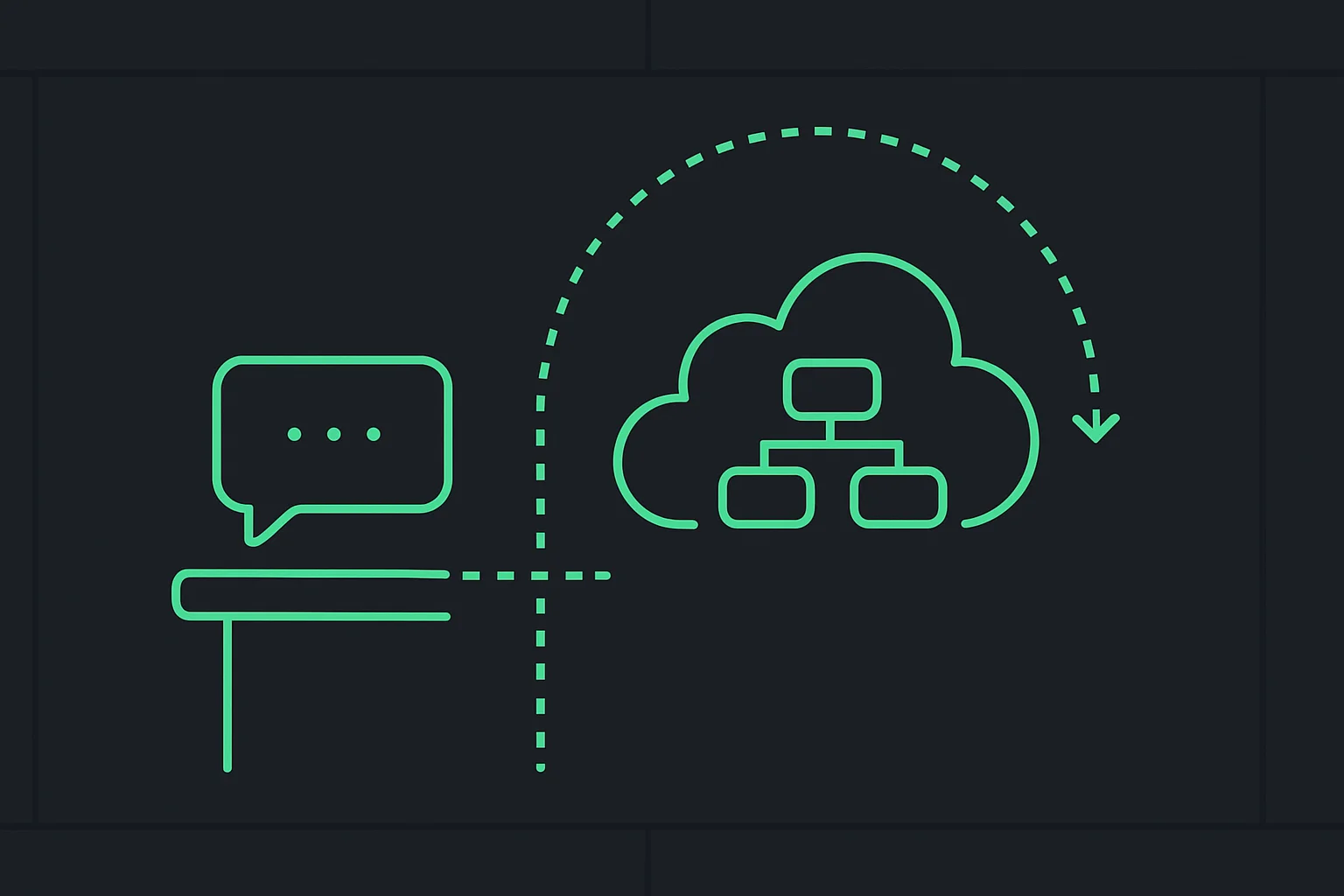 How to run loops in Microsoft 365 Copilot: chat stops where Copilot Studio scheduled workflows continue
Inside a single chat turn, M365 Copilot still runs an inner agent loop: plan, call Microsoft Graph and apps, draft a reply. That is not something you configure — it is the agent harness behind Copilot in the M365 app.
What M365 does not ship today:
- A
/loop 5m check the queuecommand - Agent Builder publishing on a cron
- Unattended continuation across hours without a user in the thread
Microsoft's own Copilot Studio experience comparison table lists autonomous capabilities and multistep workflows under Copilot Studio, not under Microsoft 365 Copilot.
Step 1: Agent Builder (the most loop-like thing in M365)
Where: Microsoft 365 Copilot app → create an agent.
Copy-paste instruction pattern (natural language, not slash commands):
You are the Finance FAQ agent for Contoso North America.
Answer only from the SharePoint sites and files I attached.
If the question needs a human, say "Escalate to Finance" and cite the doc title.
Never invent policy numbers not present in sources.
Good fit: team Q&A, policy lookup, onboarding answers grounded in internal docs.
Bad fit: "Every hour scan the mailbox and open tickets" — that sentence is a Copilot Studio Workflow, not Agent Builder.
Agent Builder respects user permissions on Graph data. It does not add connector reach into Salesforce, ServiceNow, or arbitrary APIs until you move to Studio.
Step 2: When to copy the agent to Copilot Studio
Microsoft documents copying an Agent Builder agent into Copilot Studio when you need:
- Broader audience (department, org, customers)
- Multistep logic, approvals, branching
- Connectors beyond M365 Graph
- Autonomous triggers — schedule or event
Practical rule: If the requirement contains "every", "when a record", "without asking", or "create a ticket", skip straight to How to run loops in Copilot Studio.
Suggested migration checklist:
- Validate the Agent Builder agent with a small team (Q&A quality).
- Copy to Copilot Studio (Microsoft documents this in the extensibility comparison article).
- Add a Workflow with recurrence or connector trigger.
- Paste the same instructions into an agent node or autonomous trigger block.
- Add approval before external sends.
Step 3: What not to confuse with loops
| Surface | Looks like a loop | Actually |
|---|---|---|
| Copilot in Excel | Recalculates when data changes | Spreadsheet engine, not an AI agent schedule — see the Excel Copilot how-to for prompts and limits |
| Teams Copilot | Summarizes meeting after it ends | Event-triggered once, not your custom standing job |
| Researcher / Analyst agents (M365) | Multi-step inside one request | Single user-initiated run |
| Power Automate cloud flows | Recurrence | Related platform; Copilot Studio agent flows are the agent-native path |
The 87% agent-initiated LLM calls paper measures GitHub Copilot's coding agent, not M365 Copilot chat volume. Do not read it as proof that Outlook is running overnight agent loops.
What this means for what you build or pay
| Stay on M365 Copilot | Move to Copilot Studio |
|---|---|
| FAQ over SharePoint / Teams files | Ticket triage, CRM updates, approvals |
| Individual or small-team agents | Org-wide or external publishing |
| M365 Copilot license you already have | Copilot Studio capacity per action + admin overhead |
Build: M365 is the fast on-ramp for knowledge loops (ask → retrieve → answer). Studio is the on-ramp for process loops (trigger → act → verify → notify).
Pay: Agent Builder does not replace Studio capacity. Recurring automation bills when Studio actions run — budget it like any other Power Platform workload.
Work through one requirement before choosing a surface
Suppose a team asks for a weekly list of unanswered procurement questions. Split that request into knowledge work and process work. Knowledge work identifies relevant questions and drafts a summary from permitted sources. Process work starts at the required time, tracks what was handled, stores the result, and delivers it to an agreed destination.
A good chat prompt can help with the first part when a person initiates the task. It does not, by itself, establish the operational contract for the second part. Write that contract down before deciding which Microsoft surface owns the job. This prevents a successful manual demonstration from being mistaken for a working recurring automation.
Define the trigger, source scope, output format, destination, and owner. Also define what happens when there are no unanswered questions. A quiet successful week should produce an intentional result, not an ambiguous absence of output that looks the same as a failed run.
Design a safe transition from answer to action
Begin with a manually initiated summary over a small source set. Have the team review whether the questions were selected correctly and whether the answers cite the relevant documents. If the knowledge task is unreliable, adding a scheduler makes the same unreliable work recur; it does not fix the underlying source or instruction problem.
Then prototype the process separately. Use a sample destination and a deliberately small input set. Check whether the run starts, records completion, and can distinguish previously processed material from new material. Microsoft describes event-triggered designs in its autonomous-agent guidance; check the specific capabilities and settings in your environment rather than assuming every tenant exposes the same path.
Before enabling external delivery, inspect an actual generated draft with the destination visible. The person approving it should see what will be sent and to whom. A generic approval saying “continue automation” is weaker than approval of a concrete message, record update, or ticket creation.
Plan for duplicate events and retries
Recurring work needs a memory of what it already did. For the procurement example, choose a stable identity for each source question and record whether it was included in a completed report. A timestamp alone can be misleading when documents are edited, moved, or encountered again during a retry.
Imagine the workflow creates the report but fails before recording success. Retrying the entire sequence might create another report. Decide which step establishes the durable result and how a later run recognizes it. This is a workflow-design concern whichever platform supplies the trigger.
Distinguish retryable problems from requests needing a human decision. A temporary connection failure may justify a bounded retry. A missing permission, ambiguous recipient, or unsupported source should create a visible escalation. Repeatedly prompting an agent to “try harder” is not a substitute for resolving the underlying condition.
Verify permissions with the intended audience
A builder's successful test does not prove every colleague can access the same source material or result. Test with the roles that will actually use the agent. Include a question whose source should be unavailable to one test user and verify that the answer respects that boundary.
For scheduled or event-driven work, identify the identity under which actions run and who maintains its access. Do not copy personal credentials into a workflow to make a demonstration succeed. Use the supported administration path for your environment and document the owner who can diagnose an access failure after the original builder leaves the team.
A useful pilot acceptance record
For the weekly-summary pilot, retain one ordinary result, one empty-result case, one interrupted run, and one permission-related failure. Record which behavior was expected in each case. These scenarios establish the difference between a working answer generator and an operational process.
Track the time people spend reviewing and correcting the output alongside platform usage. A process that runs automatically but creates a large cleanup queue may not save work. Start with a narrow report whose accuracy is easy to inspect, then increase scope only after the team can explain failures and recover from them.
The final handoff should say who owns the sources, who owns the trigger, where completion is visible, and how to stop the process. That information remains useful as Microsoft changes feature names or product menus. Reliable loops depend on explicit operational responsibilities as much as the agent's prompt.
Related reading
explainx.ai harness series
- What is Microsoft 365 Copilot? A complete beginner's guide
- Microsoft 365 Copilot pricing and licensing: what it actually costs
- What is Copilot Studio? Build your first AI agent
- Copilot Studio loops — Workflows and autonomous agents
- GitHub Copilot loops — VS Code Agent and CLI
- Microsoft Copilot in Excel: what it can actually do
- Claude Code · Cursor · Codex CLI
- Loop engineering hub
- What is loop engineering?
Microsoft documentation
Dictionary: Microsoft 365 Copilot · Copilot Studio · Copilot brand · loop engineering
Product boundaries reflect Microsoft's Learn documentation as of August 2026. Agent Builder and Copilot app features vary by tenant SKU and rollout wave.