



Update — September 25, 2026: Anthropic ran 150+ parallel Claude threads to speed up claude.ai 3.1x. See How Anthropic made Claude.ai faster.
Update — September 24, 2026: Related coverage — LangChain Managed Deep Agents schedules.
The question after you read what a loop is is usually not theoretical. It is: what do I type in Claude Code today so CI goes green, review comments get answered, or tests keep running without me sitting on the terminal?
This post is that cookbook. Copy a recipe, paste it, add a budget. For which kind of loop you are in — turn-based vs goal vs time vs proactive — use the official Claude Code loops taxonomy. Do not re-learn the four axes here.
The hub for loop engineering on explainx.ai is still Loop Engineering: How to Design Coding Agent Loops. This page is the "type these commands" companion.
TL;DR — which command do I type?
| Question | Type this | Stops when |
|---|---|---|
| I need a poll while this session is open | /loop 5m check the deploy | You close the session, press Esc, or the 7-day expiry hits |
| I need a verifiable "done" | /goal …, stop after 5 tries | Evaluator says the goal is met or the turn cap |
| I need it to keep going without my laptop | /schedule / cloud routine | You disable the routine |
| I already have a verification skill | /loop 30m /your-skill-name | Same as /loop |
| I want Cherny's starter | /loop babysit all my PRs | Session ends, or you cancel |
Official reference: Run prompts on a schedule. Same-harness siblings: Cursor · Codex CLI · GitHub Copilot.
Recipe picker (do this before you invent a cron)
An agent loop is a coding agent repeating work until a stop condition. In Claude Code you only hand off one of three knobs at a time:
- The trigger —
/loopor/scheduleowns when the next tick fires. - The stop condition —
/goalowns when Claude is allowed to quit. - The check — a skill owns how it knows the tick did anything useful.
If you cannot write done as a boolean (tests pass, CI green, queue empty), skip /goal and stay on a short /loop you can cancel. If the work must survive closing the laptop, skip /loop and go to /schedule. That is the whole decision. Taxonomy details live in the July official guide.
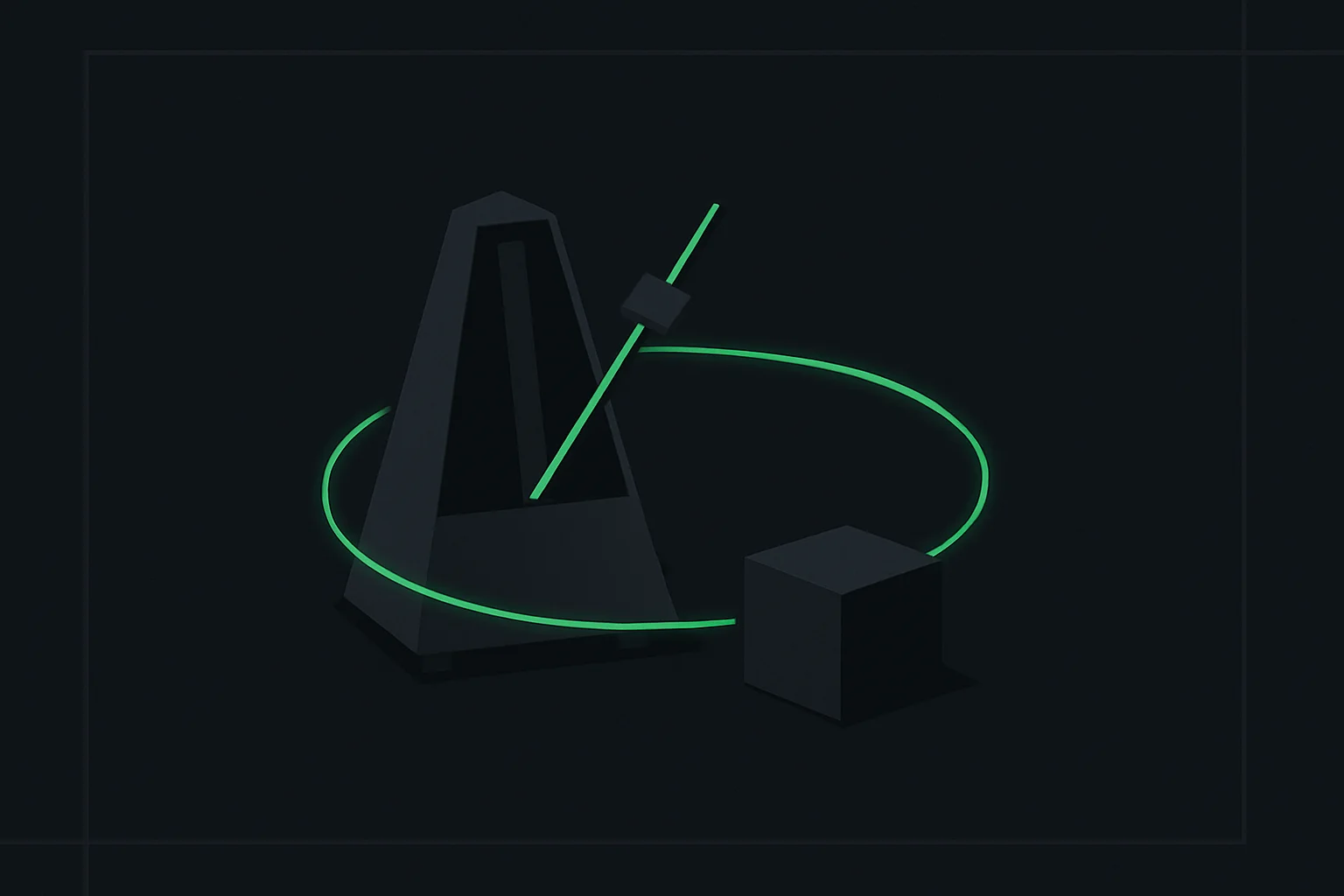 How to run loops in Claude Code: a metronome orbiting a cube, showing an agent repeating work on a timer until it stops
Recipe 1 — CI until green (/loop)
Use this when a pipeline is already running and you want Claude to pull logs, patch, and push until the check is green — while this session stays open.
/loop 5m check the deploy
That is Anthropic's own interval example: interval first, prompt second. Claude converts 5m to a cron step, confirms the job ID, and re-runs the prompt every five minutes.
A tighter CI recipe:
/loop 5m Check GitHub Actions on this branch. If the latest run is red, pull the failing job log, make the smallest fix, push, and wait. If it is green, say so in one line and do not start new work. If the same test fails twice with the same stack, stop and report.
Session rule: /loop lives in the current conversation. Close the terminal and it stops firing. claude --resume / --continue can restore an unexpired task (recurring tasks expire 7 days after creation). Unattended overnight CI babysitting is not this recipe — that is Recipe 5.
Stop it: press Esc while it is waiting for the next tick.
Recipe 2 — PR babysit (Cherny starter)
Boris Cherny's public starter is the one people actually paste:
/loop babysit all my PRs
The useful expansion — auto-fix builds, dispatch a worktree agent when review comments arrive:
/loop babysit all my PRs. Auto-fix build issues, and when comments come in, use a worktree agent to fix them. Do not start new features. If a PR is green and approved, say so and leave it. Stop if you make the same empty diff twice.
Why a worktree matters: the loop is supervising several PRs. Editing them all on HEAD collides. Each review-comment tick should check out an isolated worktree, patch, test, and push from there.
A single-PR variant (cheaper, easier to budget):
/loop 10m Review PR #123. If CI is failing, fix it. If there are unresolved review comments, address them in a worktree and push. If everything is green and approved, stop.
Omitting the interval (/loop babysit all my PRs) lets Claude pick a delay between 1 minute and 1 hour based on how noisy the PRs are — short waits while CI is moving, longer waits when the branch is quiet. That is usually cheaper than a fixed 5m tick on a silent PR.
Recipe 3 — test watcher (skill + /loop)
Do not re-prompt "run the tests" every few minutes. Encode the check as a skill, then loop the skill.
/loop 30m /your-skill-name
Swap in a real skill you maintain — for example a project verify-frontend-change or a focused /review-pr 1234. Official docs: a scheduled fire only runs skills Claude is allowed to invoke on its own. Built-in commands (/permissions, /model, /clear) and skills with disable-model-invocation: true arrive as plain text and will not execute.
A test-watcher prompt if you do not have a skill yet:
/loop 5m Run the unit test suite for the files changed on this branch. If anything fails, fix only those tests and re-run. If the suite is green, reply with the pass count and wait. Do not expand scope to refactors.
For how to turn an existing SKILL.md into this kind of tick, see How to Turn Your Agent Skills Into Loops. Browse patterns on /skills and the loop library.
Default prompt without typing one: a bare /loop (or /loop 15m) runs Claude's built-in maintenance prompt — unfinished work, current-branch PR, then cleanup. Override it with .claude/loop.md (project) or ~/.claude/loop.md (user). Edits take effect on the next tick. Keep the file under 25,000 bytes.
Recipe 4 — /goal with an evaluator and a turn cap
/loop asks "check again in N minutes." /goal asks "do not stop until this is true." The evaluator model checks your condition when Claude tries to quit. Introduced in Claude Code 2.1.139; full launch notes: Claude Code /goal command.
/goal get the homepage Lighthouse score to 90 or above, stop after 5 tries.
CI-shaped /goal:
/goal CI on this branch is green and there are zero failing tests. Stop after 8 tries. If the same failure reproduces three times, stop and report instead of retrying.
Put the turn cap in the command. Without it, a flaky suite becomes an unbounded token sink. /goal is the right primitive when done is a test, a score, or an empty queue. It is the wrong primitive for "make the refactor feel nicer."
Recipe 5 — /schedule (cloud, no laptop)
/loop requires the session (and usually the machine) to stay up. /schedule / cloud routines persist without your laptop. Anthropic historically shipped this as a research-preview cloud path; current docs split the same job three ways:
| Mechanism | Runs on | Laptop needed? | Open session needed? |
|---|---|---|---|
/loop | Your machine | Yes | Yes (restored on --resume if unexpired) |
| Desktop scheduled task | Your machine | Yes (machine on) | No |
Cloud routine (/schedule) | Anthropic-managed cloud | No | No |
Minimum cloud interval is typically 1 hour; /loop can go down to 1 minute. Use cloud when the cost of a missed tick is higher than the cost of another hourly run — triage a feedback channel, bump dependencies, re-check a nightly deploy.
/schedule every hour: check the project-feedback channel for bug reports. Don't stop until every report found this run is triaged. When fixing a bug, use a worktree.
Compose /schedule with /goal when each hourly fire has its own verifiable done. Do not paste a 5m CI poll into the cloud — you will pay for idle hourly wakes and still miss the 5-minute signal. For always-on product loops rather than CLI recipes, see /loops and the Loop Engineering course.
Guardrails you type in (or the loop never ends)
Every serious 2026 write-up on loop engineering converges on three hard stops. Put them in the prompt, the skill, or the /goal line — not in a sticky note.
| Guardrail | What to write | Why |
|---|---|---|
| Max iterations / turn cap | stop after 5 tries / max 12 ticks | Bounds a flaky test or a model that "one more fix"s forever |
| No-progress | If the same error or empty diff repeats twice, stop and report | Catches loops that are busy but not moving |
| Token or dollar budget | Stop if this session exceeds $X / N million tokens | /loop 5m that re-reads a monorepo is a billing incident, not a helper |
Also from Anthropic's scheduled-tasks docs:
- Recurring
/looptasks expire after 7 days (one final fire, then delete). Recreate, or move to a cloud routine, if you need longer. - A session holds up to 50 scheduled tasks.
- Closing the terminal stops
/loop. Backgrounding the session can carry tasks; a brand-new conversation clears them. CLAUDE_CODE_DISABLE_CRON=1turns the scheduler off entirely.
Worktrees: one parallel agent per worktree, not five agents fighting over the same index. Official: Running agents in parallel.
What this means for what you build or pay
A /loop 5m that re-ingests the repo every tick is a different product from a /loop 30m /verify-ci that only reads the last job log. You are choosing poll frequency × context size × model every time you paste a recipe.
- Stay on
/loopfor work you are watching this afternoon. You pay while the session is open; you stop paying when you walk away. - Move to
/goal+ a cap when "done" is a test or a score. You pay for extra evaluator turns; you save the human who would have been the evaluator. - Move to
/schedule/ cloud only for work whose absence costs more than an hourly cloud run. Cloud does not need your laptop, but it also does not see unsaved local files unless you clone. - Pair a skill so the tick is a cheap check, not a fresh "figure out the repo" prompt. That is usually the highest-leverage cost cut.
- Cap it. The failure mode is not a clever agent — it is an uncapped 5-minute poll on a quiet Friday.
If you are still designing the loop rather than pasting it, take the Introduction to Loop Engineering hour and then come back to this page.
What people actually get stuck on
/loop vs /goal on the same CI job. If the pipeline is already running and you are polling GitHub, that is /loop. If Claude must keep coding until tests pass in this session, that is /goal with a turn cap. Combining them (/loop that calls /goal every tick) doubles the evaluator spend; pick one.
Interval too tight. Seconds round up to a minute. 7m and 90m get snapped to the nearest clean cron step — Claude tells you what it picked. Match the interval to how often CI actually finishes, not to how anxious you are.
Skill did not run. The tick passed /your-skill-name as text because the skill is not model-invocable. Check disable-model-invocation and skill allow/deny rules before blaming the scheduler.
I closed the laptop and expected babysitting. That is /schedule or a Desktop scheduled task, not /loop. See the comparison table in Recipe 5.
Parallel edits trashed the branch. Missing worktrees. Isolate each PR or experiment before the loop pushes.
Related reading
Update — August 29, 2026: /usage now breaks down token consumption per /loop task (runs and tokens), so you can pin down which loop is expensive — see Claude Code's Aug 29 weekly update.
This cookbook series
- How to run loops in Cursor
- How to run loops in Codex CLI
- How to run loops in GitHub Copilot
- How to run loops in Copilot Studio
- How to run loops in Microsoft 365 Copilot
explainx.ai loop corpus
- Loop Engineering with Claude Code (hub)
- Claude Code loops official guide: turn, /goal, /loop, /schedule
- What is loop engineering?
- Claude Code
/goalcommand - Loop library · Introduction to Loop Engineering (course)
Official docs
Summary
Paste /loop 5m check the deploy for a session-local poll, /loop babysit all my PRs (with worktrees) for review, /loop 30m /your-skill-name for a test watcher, /goal … stop after N tries when done is a boolean, and /schedule when the routine must outlive your laptop. Put max iterations, no-progress, and a token or dollar budget in the prompt before the first tick.
Command names, session vs cloud behavior, and doc URLs are accurate as of 20 August 2026 against Anthropic's scheduled-tasks documentation; verify against current Claude Code docs before production rollout.