



Most AI products still work the same way: you type something, and the model hands back text that gets dropped into the same chat bubble every time. Google Research shipped a production system that breaks that pattern — Gemini 3 writes and renders a complete, custom interactive interface for a prompt, not a paragraph. Ask it to explain fractals and you get an interactive fractal explorer. Ask for fashion advice and you get a styled, browsable interface built around your specific question.
Google originally announced this on November 18, 2025, so it's not new this week — but it's worth a fresh, practitioner-focused look now, both because the underlying pattern (structured, generated interfaces instead of chat) is becoming a real design category worth understanding, and because it's directly comparable to how explainx.ai's own Melo learning copilot approaches the same problem, covered in a companion post below.
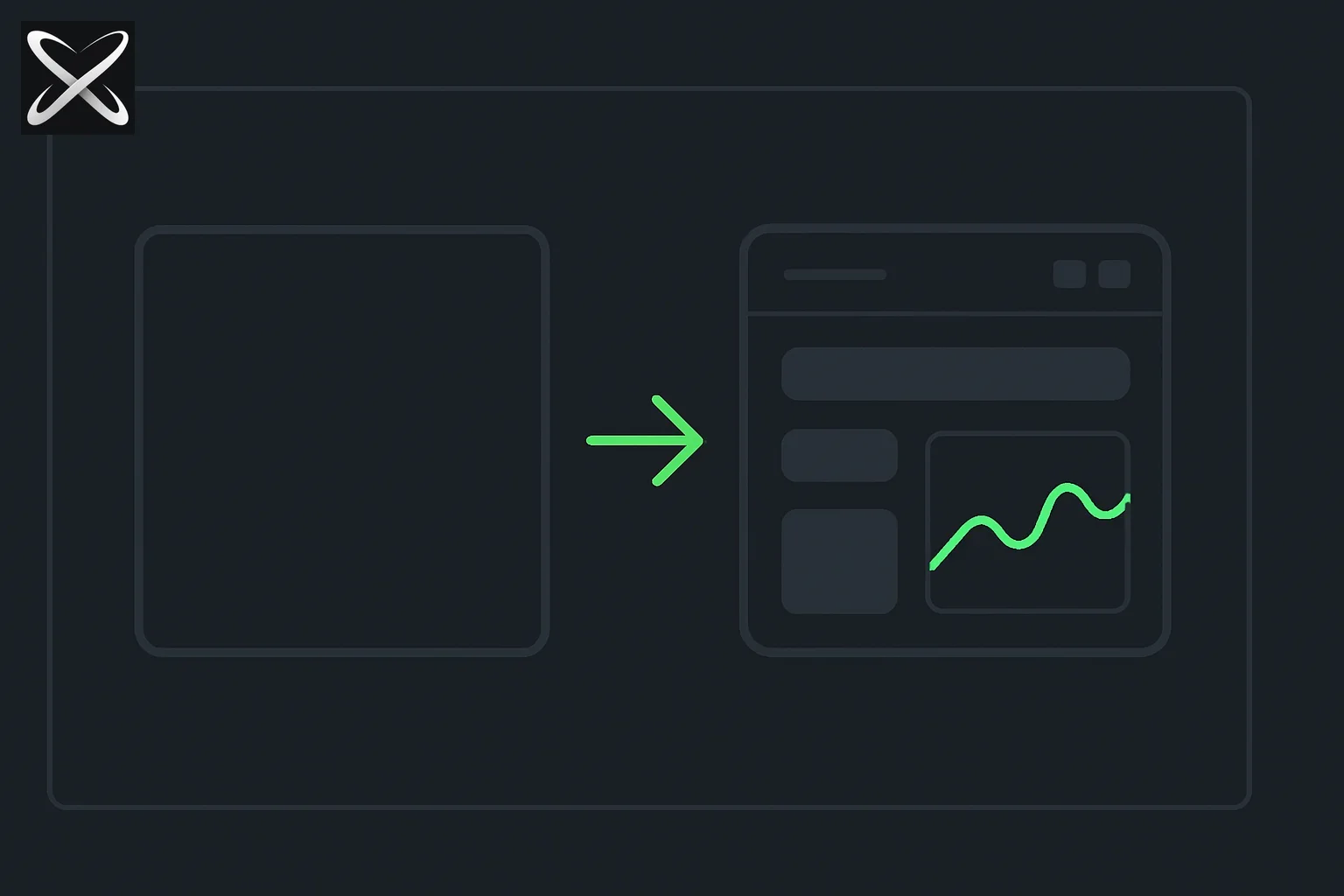 A blank frame transforming into a custom mini interface with panels and a chart, symbolizing a prompt becoming a generated interactive UI
What actually shipped
Per Google Research's announcement and the accompanying paper, "Generative UI: LLMs are Effective UI Generators," two live experiences are rolling out:
- Dynamic view, inside the Gemini app — Gemini writes and codes a fully customized interactive response for each prompt using its own agentic coding capabilities, tailoring both content and interface design to the specific question (Google's own example: explaining the microbiome to a 5-year-old needs a different interface than explaining it to an adult, not just different words).
- Generative UI in Google Search's AI Mode — available to Google AI Pro and Ultra subscribers in the US, selectable via the "Thinking" model option, building interactive tools and simulations on the fly for a search query.
Google also released a companion dataset, PAGEN, made of human-expert-built websites, used to benchmark generative UI output against several baselines: human-expert-designed sites, top organic search results, and standard LLM text/markdown output.
How the system actually generates a working interface
The architecture, per Google's own description, has three parts stacked on top of Gemini 3 Pro:
- Tool access. A server exposes tools — image generation, web search, and others — that the model can call while building the interface. Results can be fed back to the model to improve quality, or streamed straight to the user's browser for speed.
- Detailed system instructions. The model is guided by instructions covering the generation goal, planning steps, worked examples, formatting rules, tool usage manuals, and specific guidance for avoiding common generation errors.
- Post-processing. Generated output passes through a set of post-processors before reaching the user, catching and fixing common failure modes rather than shipping raw, unvalidated model output straight to a browser.
The output, in every case, is real HTML, CSS, and JavaScript, generated fresh for that specific prompt and rendered directly in the user's browser — not a template being filled in, and not a fixed set of pre-built app types being selected from.
Consistent styling is a configuration choice, not a limitation
One detail worth calling out for anyone evaluating this for a product of their own: Google's writeup explicitly addresses the "every result looks different" concern. Left unconfigured, generative UI picks a style automatically per prompt, or lets the user steer it directly (Google's dynamic view example: asking for a specific aesthetic in the prompt itself). But for products that want visual consistency across every generated result, the system can be configured to apply a single style — Google's own example shows three very different generated pages (a game-themed page, a food-planning page, a party-invitation page) all rendered in a consistent "Wizard Green" color scheme and typography, despite having completely different layouts and content. That's a meaningful design decision for anyone building on this pattern: raw generative UI trades consistency for maximum per-prompt customization by default, but a brand-consistent variant is achievable with the right constraints baked into the system instructions.
The evaluation result, and its honest caveat
Google's human-preference evaluation ranks generative UI output just behind human-expert-designed websites, and with a "substantial gap" ahead of standard LLM text, markdown output, and top organic search results — a genuinely strong result for an automatically generated interface. The explicit caveat Google states alongside it: this evaluation ignores generation speed. Google's own writeup acknowledges current generation can "take a minute or more," and that "occasional inaccuracies" in outputs remain an open research problem. For a production feature, that's a real, currently-unsolved tradeoff between output quality and responsiveness — worth watching how it evolves as the underlying models and generation pipeline improve.
The PAGEN dataset — human-expert-made websites Google built specifically to benchmark this comparison — is being released to the research community, which matters beyond Google's own use of it. A shared benchmark for "how good is this AI-generated interface compared to what a human designer would build for the same brief" is exactly the kind of infrastructure that lets other labs and independent researchers make comparable claims about their own generative UI systems, rather than every team publishing self-reported numbers against their own private test sets. Google also notes explicitly that generative UI performance "strongly depends on the performance of the underlying model" — their newest models perform substantially better than earlier ones on this specific task, which is a useful signal that generative UI quality is likely to keep improving on the same trajectory as general model capability, not a separately-plateauing niche skill.
Why this matters beyond one Google feature
Generative UI is a meaningfully different pattern from most AI product design today, and it's worth understanding even if you never touch Gemini's implementation specifically:
- It challenges the "chat as universal interface" default. Most AI products, explainx.ai's own included, have converged on chat as the default interaction model because it's simple to build and general-purpose. Generative UI is a bet that a purpose-built interface, generated per-request, beats a general chat window for tasks that benefit from structure — learning a concept, planning an event, comparing options.
- It reframes "app" as a disposable, on-demand artifact rather than something a user installs or navigates to from a catalog — Google's own framing is explicit about this: "rather than having to select from an existing catalog of applications." That's a genuinely different product philosophy than most software, including most AI products, currently operate under.
- The architecture pattern (tools + instructions + post-processing) generalizes well beyond Google's specific implementation — it's a reasonable blueprint for anyone building an agent that needs to produce structured, validated output rather than raw, unchecked model text, a pattern explainx.ai's own agent-harness coverage has covered from other angles.
- It puts real pressure on the "occasional inaccuracies" problem to actually get solved, because generative UI has a much lower tolerance for subtle errors than chat text does. A wrong word in a paragraph is a minor quality issue; a broken button or a chart that renders the wrong data in a generated interface is a much more visible, more damaging failure mode. Teams building anything in this category should expect validation and error-recovery to matter more, not less, than in text-only generation.
For a builder evaluating whether to adopt something like this rather than just study it, the practical question is which side of the speed-vs-flexibility tradeoff your own product actually needs. A research tool, a one-off report, or an exploratory search result can tolerate a minute of generation time in exchange for a genuinely bespoke interface. A product with tight latency requirements — anything conversational, anything mid-workflow, anything a user expects to respond in under a couple of seconds — is a much harder fit for raw code generation today, and a better fit for the narrower, pre-built-component pattern covered in the companion post below.
There's also a real design fork worth naming explicitly: Google's approach generates arbitrary code from scratch every time, trading speed and predictability for maximum flexibility. A narrower alternative — used by explainx.ai's own Melo learning copilot, covered in a companion post on how that system actually works — has the model select and populate a smaller library of pre-built, tested components instead of writing raw code. Neither approach is strictly better; they're different points on the same speed-vs-flexibility tradeoff generative UI as a category forces every builder to make.
Related on explainx.ai
- Update — September 27, 2026: Flipkart Buy in Gemini and AI Mode (India) — embedded commerce widgets as the next generative-UI affordance after cards and comparisons.
- Update — September 11, 2026: Google shipped the Gemini desktop app for Windows — another Gemini surface where generative UI and Nano Banana generation run natively.
- Update — September 9, 2026: A different, open-weights approach to the same category — OUI-1: the first open-weights model for generative UI, a 4B-active-parameter diffusion model from Thesys, fine-tuned from Google's own DiffusionGemma.
- Update — August 27, 2026: Google brought the same pattern to its developer environment — Antigravity's Interactive Generative UI Artifacts render agent-authored HTML/CSS/JS inline in the IDE, via a
/generative_uicommand, with a standalone HTML export. - Introducing Melo: The AI Learning Copilot Built Into explainx.ai
- How explainx.ai's Melo Generates Real-Time Interactive Lessons
- Introducing Interactive AI Learning Pathways
- What Is an Agent Harness? Complete Guide
- Google Search I/O 2026: Agents and Agentic Coding
- Gemini 3.5: Google's AI Model, Complete Guide
- Official source: Google Research — Generative UI · Paper: "Generative UI: LLMs are Effective UI Generators"
Details reflect Google Research's original November 18, 2025 announcement and the "Generative UI: LLMs are Effective UI Generators" paper. This is a retrospective explainer, not breaking news — rollout availability (regions, subscription tiers, which Gemini model powers it) has likely changed in the months since the original announcement, so verify current access in the Gemini app or Google Search directly before assuming a specific detail still applies.