



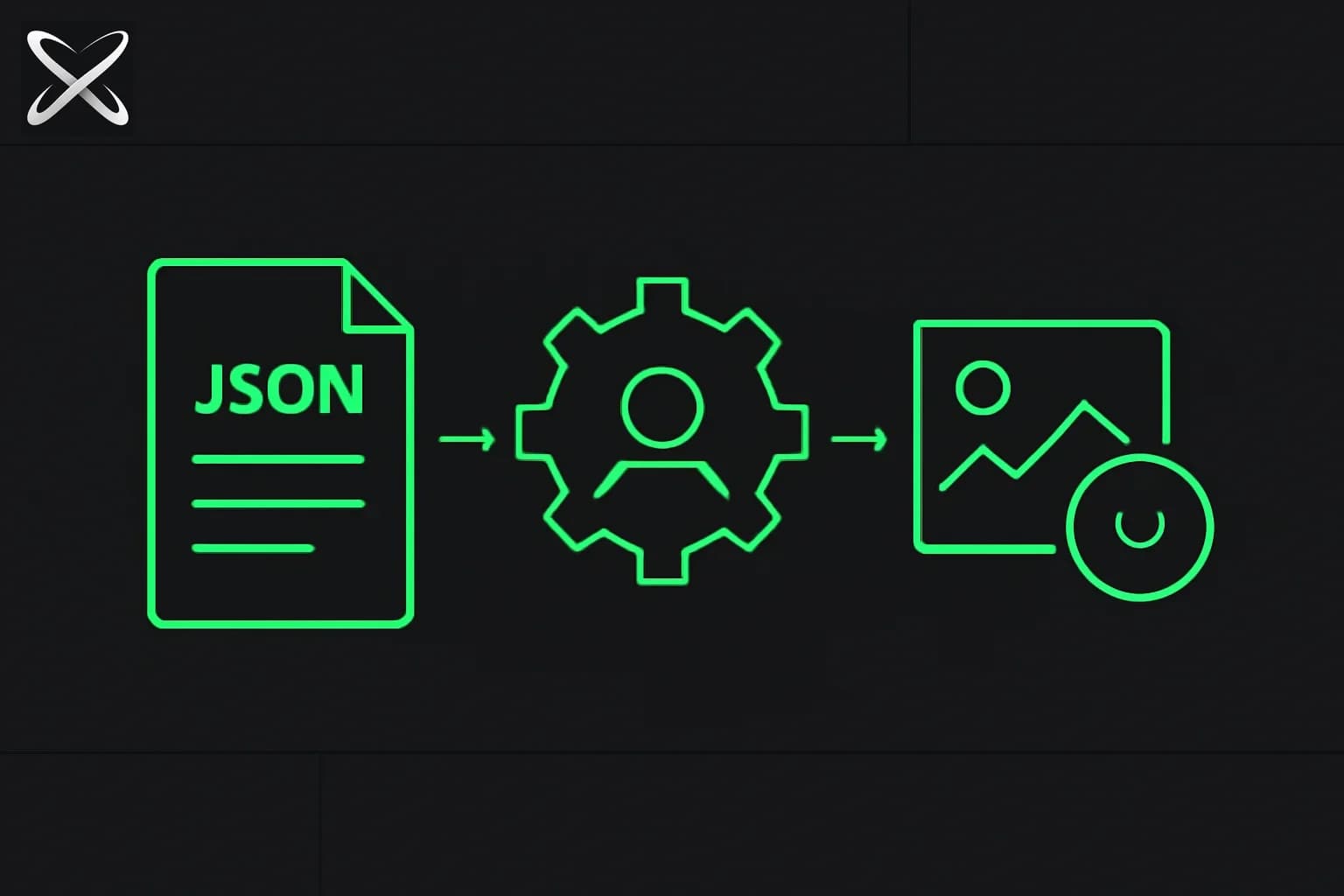
Claude Code does not draw your blog hero. That is intentional on explainx.ai.
When we ship MDX posts, Claude (in Claude Code) handles research, structure, FAQ schema, and interlinks. OpenAI gpt-image-1 handles the rare case where a concept diagram clarifies something tables cannot. A blog-writing agent skill sits between them: it tells Claude when generation is worth API spend, what subject to render (no portraits), and how to write SEO alt text — then Claude runs our shell script and pastes the WebP embed.
This is the same orchestrator + specialist pattern as routing bug fixes to GPT-5.5 while Claude plans — except the specialist here is an Images API, not another chat model.
TL;DR — the explainx.ai image stack
| Question | Answer |
|---|---|
| Does Claude generate pixels? | No — Claude writes manifests and runs generate:blog-images |
| Who renders? | OpenAI gpt-image-1 via Images API |
| Who decides if images are needed? | blog-writing skill (§8) — default 0 images |
| Max images per post? | 2 — enforced in generate-blog-images.ts |
| Output format | WebP in public/images/blog/{slug}-{name}.webp |
| Style | Dark charcoal + zinc borders + #00ff88 accent — script prefix, not repeated in prompts |
| Portrait policy | Blocked — validator rejects person-centric prompts |
| Skill location | .agents/skills/blog-writing/SKILL.md (canonical) · .claude/skills/blog-writing/ (Claude Code) |
| Script | apps/web/scripts/generate-blog-images.ts |
| npm script | bun run generate:blog-images from apps/web/ |
| Env | OPENAI_API_KEY in apps/web/.env or shell |
Architecture — Claude decides, OpenAI draws
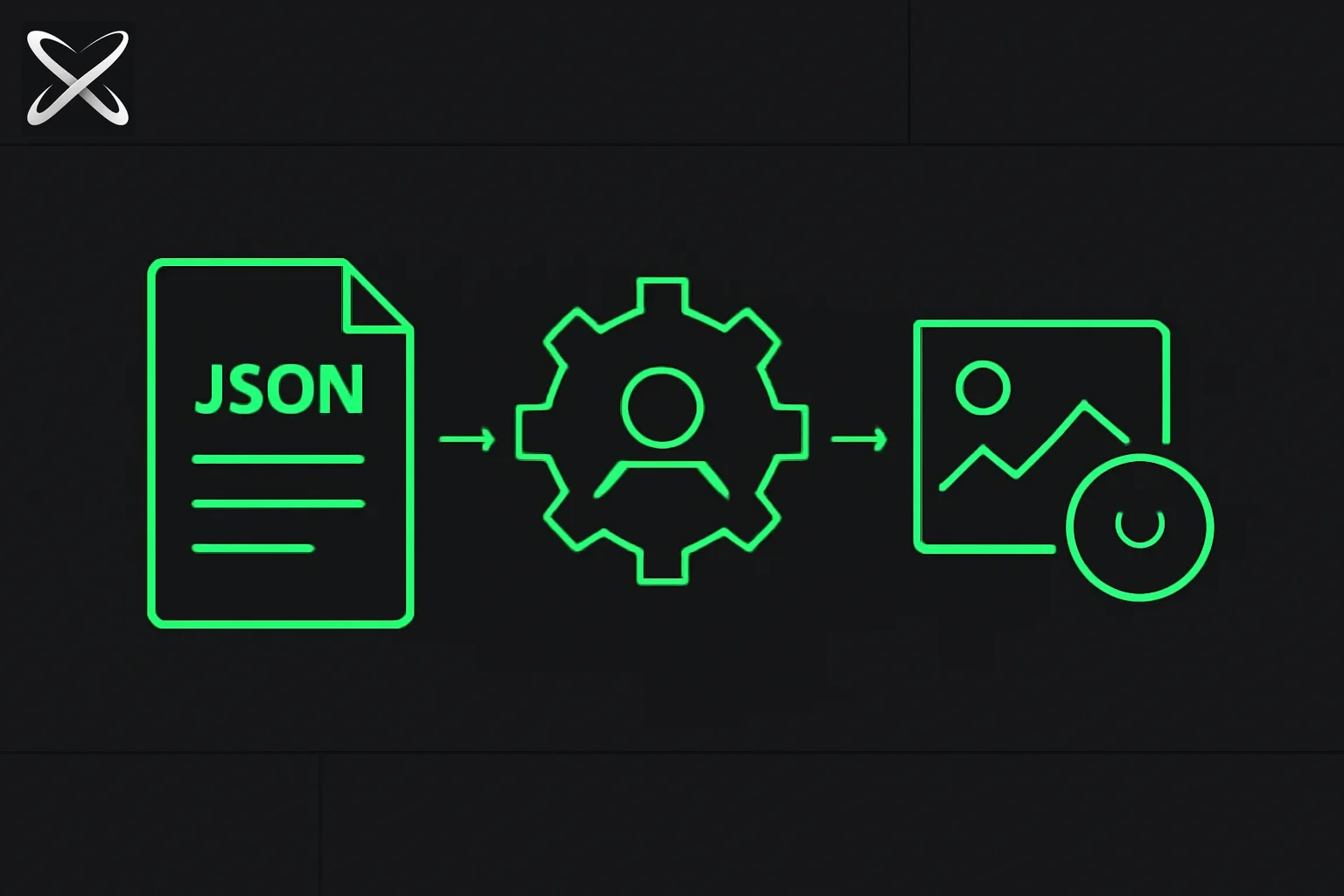 Generating blog images with a Claude Code skill — a JSON manifest flowing through a skill gear into a finished image tile
┌─────────────────────────────────────────────────────────────┐
│ Claude Code session │
│ ┌─────────────────┐ reads ┌──────────────────────┐ │
│ │ blog-writing │ ──────────► │ §8: 0–2 images? │ │
│ │ SKILL.md │ │ concept only? alt SEO?│ │
│ └────────┬────────┘ └──────────────────────┘ │
│ │ writes manifest JSON │
│ ▼ │
│ ┌─────────────────────────────────────────────────────┐ │
│ │ bun run generate:blog-images --manifest … │ │
│ │ (--dry-run first, then real call) │ │
│ └────────┬────────────────────────────────────────────┘ │
└───────────┼─────────────────────────────────────────────────┘
│ OPENAI_API_KEY
▼
┌─────────────────────────────────────────────────────────────┐
│ OpenAI Images API — model: gpt-image-1 │
│ prompt = EXPLAINX_STYLE_PREFIX + subject │
│ → b64 PNG → sharp → WebP │
└────────┬────────────────────────────────────────────────────┘
▼
public/images/blog/{slug}-{name}.webp
│
▼
Claude pastes  into MDX
Why not ask Claude for images? Claude Code's strength is repo editing, judgment, and long-context writing — not a native image synthesis tool. Asking the same session to "generate a diagram" either fails (no tool) or wastes context on work a 50-line Bun script does better. Our model-orchestrator skill mindset applies: route mechanical API calls to the right backend.
Step 1 — Install the blog-writing skill in Claude Code
explainx.ai keeps agent skills in the monorepo (see monorepos + skills layout):
.agents/skills/blog-writing/SKILL.md   ← canonical (includes §8 images)
.claude/skills/blog-writing/SKILL.md   ← Claude Code discovery path
For Claude Code to auto-load the skill:
- Open the repo root in Claude Code (
explainx.ai). - Ensure
.claude/skills/blog-writing/SKILL.mdexists — sync from.agents/skills/if the image section is missing in the shorter copy. - Trigger with tasks like "write a blog post on X" — the skill description tells Claude to read §8 before shipping.
Skill frontmatter Claude matches on:
---
name: blog-writing
description: Write SEO/GEO-optimized blog posts for explainx.ai …
---
The description is the routing signal — same pattern as Kaggle's agent skills guidance: metadata drives when instructions load.
Step 2 — Set OpenAI API key (render engine only)
Claude does not need OpenAI for prose. Only the image script does.
# apps/web/.env (never commit)
OPENAI_API_KEY=sk-proj-...
Load for one shell session:
cd apps/web
export $(grep OPENAI_API_KEY .env | xargs) 2>/dev/null || true
Cost control: Default quality is medium; default size 1536x864. The skill says dry-run first — zero spend while validating prompts.
For OpenAI image model context (gpt-image family, API sizes), see ChatGPT Images 2 / gpt-image-2. This workflow uses gpt-image-1 — stable, sufficient for minimal editorial diagrams (same model family as our mobile mascot art scripts).
Step 3 — Let Claude decide: zero images by default
§8 of the blog-writing skill is explicit:
- Most posts need no images — tables, code, and terminal output suffice.
- Generate only when a diagram materially reduces confusion.
- Never generate portraits for person-centric posts (founder profiles, etc.).
- Max 2 images per article.
When Claude does choose to illustrate, it writes a manifest — not inline DALL·E prompts in chat.
Example manifest (apps/web/scripts/blog-images/example.json):
{
  "slug": "my-post-slug-2026",
  "images": [
    {
      "name": "hero",
      "prompt": "Abstract diagram of a local proxy shrinking tall stacks of text documents into compact image tiles, thin green arrows, one laptop silhouette.",
      "alt": "Claude Code orchestration layer calling OpenAI gpt-image-1 for blog diagram generation",
      "size": "1536x864",
      "quality": "medium"
    }
  ]
}
| Field | Rule |
|---|---|
slug | Matches blog MDX filename without .mdx |
name | Lowercase + hyphens → {slug}-{name}.webp |
prompt | Subject only — script prepends explainx style |
alt | ≥20 chars, keyword + what the diagram teaches |
size | 1536x864 hero, 1024x1024 square diagram |
quality | medium default; high only if detail matters |
Step 4 — Dry-run, then generate
From apps/web/:
# Preview prompts and paths — no API call
bun run generate:blog-images -- \
  --manifest scripts/blog-images/my-post-slug-2026.json \
  --dry-run
Expected output includes prompt preview and future MDX embed:
→ my-post-slug-2026-hero.webp
size=1536x864 quality=medium
prompt: Editorial tech illustration for explainx.ai blog. Dark charcoal background…
--- MDX embeds ---

Generate for real:
export $(grep OPENAI_API_KEY .env | xargs) 2>/dev/null || true
bun run generate:blog-images -- \
  --manifest scripts/blog-images/my-post-slug-2026.json
Overwrite existing WebP:
bun run generate:blog-images -- \
  --manifest scripts/blog-images/my-post-slug-2026.json \
  --force
The script (generate-blog-images.ts) enforces:
EXPLAINX_STYLE_PREFIXon every prompt (dark#09090b, zinc borders,#00ff88accent, no logos, no readable paragraph text, no faces)- Portrait regex guard on prompts
- Max 2 images per manifest
- PNG → WebP via
sharpat quality 85
Step 5 — Embed in MDX
Paste the script-printed markdown after the TL;DR or under the relevant H2:

Commit:
- ✅
public/images/blog/*.webp - ✅ MDX with embed
- ❌ Manifest JSON (optional; ephemeral)
- ❌
.env/ API keys
Run validation before push:
# from repo root
bun run validate:mdx
node scripts/check-blog-word-counts.js --check apps/web/content/blog/my-post-slug-2026.mdx
What Claude Code actually does in a blog session
A typical explainx.ai blog ship inside Claude Code:
- Read skill — tone, FAQ, interlinking rules, §8 image policy.
- Draft MDX — frontmatter, TL;DR table, body, related links.
- Image gate — ask: would a diagram help? If no → ship text-only (most posts).
- If yes — write
scripts/blog-images/{slug}.json, dry-run, show user prompts. - Shell out —
bun run generate:blog-imageswith user-approved manifest. - Paste embed — use printed
verbatim unless tightening alt after visual review. - Cross-link — grep corpus, back-link 2–4 posts (skill §5).
- Validate —
validate:mdx+ word count ≥1,500 words.
Claude never "imagines" the PNG in context. It sees file paths and KB sizes after generation — enough to verify success.
Style prefix — do not duplicate in prompts
The script owns branding. From generate-blog-images.ts:
export const EXPLAINX_STYLE_PREFIX = `Editorial tech illustration for explainx.ai blog. Dark charcoal background (#09090b), subtle zinc panel borders (#27272a), single neon green accent (#00ff88). Minimal geometric composition, flat vector with soft depth, generous negative space. No logos, no watermarks, no readable paragraph text, no brand names, no busy clutter. No human faces, no portraits, no photorealistic people, no celebrity likenesses. Restrained developer-blog aesthetic.`;
Good subject prompt: "Layered blocks: agent skill document, shell script, OpenAI API icon as abstract nodes, green arrows left to right."
Bad subject prompt: "Dark background #09090b neon green explainx style diagram of…" — duplicates prefix; wastes tokens.
Comparison — native image tools vs this workflow
| Approach | Pros | Cons |
|---|---|---|
| ChatGPT / Gemini image UI | Fast one-offs | Outside repo; no MDX path; style drift |
| MCP image server | In-agent tool call | Extra server; still need style policy |
| Claude Code + OpenAI script (ours) | Versioned style, SEO alt, WebP pipeline, skill-gated spend | Two API keys; manual manifest step |
| Fetch official screenshots | Best for product launches | Not for abstract concepts |
For Anthropic product posts we often fetch official CDN screenshots instead of generating — see HTML specs guide. Generation is for original concept diagrams only.
Worked example — one diagram for a technical post
Suppose Claude Code is drafting a post on context compression proxies (similar to pxpipe-style workflows). The skill asks: does a reader need a picture?
Decision: Yes — the value prop is spatial (tall text → compact tiles). One hero diagram, not two.
Claude writes apps/web/scripts/blog-images/context-proxy-compression-2026.json:
{
  "slug": "context-proxy-compression-2026",
  "images": [
    {
      "name": "flow",
      "prompt": "Abstract left-to-right flow: tall monospace text stack shrinking into three compact image tiles on the right, thin green arrows, single laptop outline, no readable words on screen.",
      "alt": "context proxy compressing long agent transcripts into compact image pages for lower token usage",
      "size": "1536x864",
      "quality": "medium"
    }
  ]
}
Claude runs dry-run, shows you the prefixed prompt, you approve spend.
After generation, public/images/blog/context-proxy-compression-2026-flow.webp exists (~40–80 KB typical). Claude drops the embed under the TL;DR table.
If the diagram adds no clarity after preview — delete the WebP, remove the embed, ship text-only. The skill treats images as optional experiments, not requirements.
When we skip generation entirely
explainx.ai does not run this pipeline for:
| Post type | Why skip |
|---|---|
| Person / founder profiles | Portrait guard + SEO policy — no synthetic faces |
| Product launches with official art | Fetch CDN screenshots (Anthropic, OpenAI blogs) |
| News commentary | Tables + quotes suffice (Polymarket threads, X debates) |
| Pure how-to CLI | Terminal output is the visual |
| Posts already at 2 images | Hard cap in script |
Recent examples shipped without generated art: students vs internships, Paul Graham Fable speculation, Tencent Hy3 launch. The skill default is zero — same as §8 in the blog-writing checklist (step 5: optional images, default skip).
Same OpenAI pattern elsewhere in the monorepo
Blog diagrams are not the only gpt-image-1 consumer. The mobile app uses the same API model for Bitto mascot poses (mobile-apps/explainx/scripts/generate-mascot-art.ts) — different style prefix (character sheet), same orchestration idea: script renders, agent repo does not.
| Script | Output | Style owner |
|---|---|---|
generate-blog-images.ts | public/images/blog/*.webp | EXPLAINX_STYLE_PREFIX |
generate-mascot-art.ts | assets/images/bitto/*.png | CHARACTER constant |
generate-app-icons.ts | App icon variants | Mood-based prompts |
Claude Code might touch blog and mobile in one session — the skill tells it which script and prefix apply. Do not mix mascot character prompts into blog manifests.
Keep .claude/skills in sync with .agents/skills
The full image workflow (§8) lives in .agents/skills/blog-writing/SKILL.md (~23 KB). The .claude/skills/blog-writing/SKILL.md copy may lag (~16 KB). Before relying on Claude Code auto-discovery:
# optional sync when §8 is missing from .claude copy
cp .agents/skills/blog-writing/SKILL.md .claude/skills/blog-writing/SKILL.md
Or add a one-liner to project CLAUDE.md (when you add one at repo root):
## Blog images
Default: no generated images. If needed, follow `.agents/skills/blog-writing/SKILL.md` §8 and run `cd apps/web && bun run generate:blog-images`.
Dependencies and package.json hook
apps/web/package.json registers:
"generate:blog-images": "bun run ./scripts/generate-blog-images.ts"
Runtime deps used by the script: openai, sharp. Bun executes TypeScript directly — no separate compile step. If you port the workflow, pin the same openai major version as apps/web for API compatibility.
OG images are separate — social cards use generate:og / generate-og-images.tsx, not this pipeline. Do not conflate blog inline diagrams with /blog/[slug]/opengraph-image routes.
Pre-push checklist (from blog-writing skill)
Before git push on a post that includes generated art:
bun run validate:mdx— escape raw</>in prose (use "under 10%" not<10%).node scripts/check-blog-word-counts.js --check {slug}.mdx— body ≥1,500 words.- Confirm
.webpcommitted underpublic/images/blog/. - Alt text present in MDX embed (not empty
![]()). - No
OPENAI_API_KEYin staged files. - Do not stage shrunk
public/sitemaps/**from accidental local sitemap runs.
Blog-only pushes skip releases.ts per explainx.ai policy.
FAQ — common Claude Code image questions
Can Claude Code call DALL·E directly? Not as a first-class native tool in the default harness. You add a skill or script that wraps OpenAI (or another Images API) and let Claude decide when to invoke it via Bash — same pattern as generate:blog-images.
Why WebP not PNG? Smaller assets for Next.js static serving; sharp conversion is one line in the script. OG social images use a separate generate:og pipeline.
Will Claude generate manifests without the skill? Unreliably. The skill encodes portrait guards, max-two rule, dry-run discipline, and EXPLAINX_STYLE_PREFIX separation — without it, agents over-generate decorative images.
Does this work in Cursor? Yes — copy the script and add a Cursor rule or skill with the same manifest schema. The orchestrator pattern is harness-agnostic.
Security and hygiene
- Never commit
OPENAI_API_KEYor manifests with secrets. - Portrait guard — script rejects prompts that look like headshots; skill forbids person-centric art even when subjects are famous.
- Rate limits — dry-run before batch runs; max 2 images caps accident loops.
- Alt text — required for SEO and accessibility; not optional filler.
Adapt this outside explainx.ai
Minimal port list:
- Copy
apps/web/scripts/generate-blog-images.ts+sharp+openaideps. - Add
"generate:blog-images"topackage.json. - Create a skill (or
CLAUDE.mdsection) with: default zero images, max 2, dry-run first, manifest schema. - Point
OUT_DIRat your static assets folder. - Replace
EXPLAINX_STYLE_PREFIXwith your brand tokens.
You do not need a custom MCP server unless you want Claude to call generation without Bash. Shell invocation is simpler and matches how we already run loop engineering commands.
Troubleshooting
| Error | Fix |
|---|---|
Missing OPENAI_API_KEY | Export from .env or pass in CI secret |
alt is too short | Write keyword-rich alt ≥20 characters |
prompt looks person-centric | Abstract the concept — no faces |
At most 2 images | Split into two posts or pick one diagram |
skip … (exists; use --force) | Add --force or delete old WebP |
no image returned | Check OpenAI quota; retry with shorter prompt |
Related on explainx.ai
- What are agent skills?
- Kaggle agent skills whitepaper guide
- Monorepos 101 — skills in repo layout
- What is CLAUDE.md?
- Loop engineering with Claude Code
- Claude Code commands reference
- OpenAI gpt-image-2 / Images API context
- Anthropic J-space — silent reasoning in Claude
- DESIGN.md for UI agents
Official: OpenAI Images API · Claude Code docs
Workflow reflects explainx.ai repository layout as of July 7, 2026. Script model id gpt-image-1 may change — verify generate-blog-images.ts before citing in production docs.