



claude-howto, a community guide to Claude Code on GitHub, picked up 428 stars in a single day and now sits at roughly 42,600 stars and 5,300 forks, according to its repository page. The README calls it "a visual, example-driven guide to Claude Code — from basic concepts to advanced agents," with copy-paste templates for the features people most often struggle to set up: slash commands, memory files, skills, subagents, MCP servers, hooks and plugins.
Star counts are not a quality signal on their own, so this post does what the numbers cannot: it lays out what is in the repository, how it fits with the official documentation, how to use it without installing something you have not read, and where the README itself flags caveats. The guide is MIT licensed and was last updated on October 18, 2026, per the README.
TL;DR: claude-howto at a glance
| Question | Answer |
|---|---|
| What is it? | A ten-module, example-driven tutorial repo for Claude Code with templates |
| Who publishes it? | Personal GitHub account luongnv89; presented as a community guide |
| Stars / forks | About 42.6K / 5.3K; +428 stars on the trending day |
| License | MIT |
| Version targeted | Claude Code 2.1+, README cites v2.1.302; last updated October 18, 2026 |
| Time to finish | README estimates 11 to 13 hours |
| Costs money? | The repo is free; Claude Code itself needs an Anthropic plan or API access |
| Biggest risk | Copying hooks or tokens without reading them |
What is inside the ten modules?
The repository is organized as numbered folders, each with explanations, diagrams and runnable examples:
- Slash commands (
01-slash-commands): custom commands such as anoptimize.mdyou drop into.claude/commands/. - Memory (
02-memory): projectCLAUDE.mdtemplates. - Skills (
03-skills): folders you copy into~/.claude/skills/. - Subagents (
04-subagents): definition files for.claude/agents/. - MCP (
05-mcp): server configuration examples. - Hooks (
06-hooks): shell scripts wired throughsettings.json. - Plugins (
07-plugins): bundles you load locally withclaude --plugin-dir. - Checkpoints and rewind (
08-checkpoints). - Advanced features (
09-advanced-features). - CLI reference (
10-cli).
Beyond the modules there is a feature catalog (CATALOG.md), a learning roadmap, a quick-reference table comparing invocation, persistence and best use cases, a contributing guide and a script that builds an EPUB for offline reading. Translations exist in Vietnamese, Chinese, Ukrainian and Japanese.
The README lists 33 hook events across four categories (tool, session, task and lifecycle) and five hook types: command, http, prompt, mcp_tool and agent. That is a lot of surface area, which is exactly where a worked example earns its keep.
The learning path, as the README lays it out
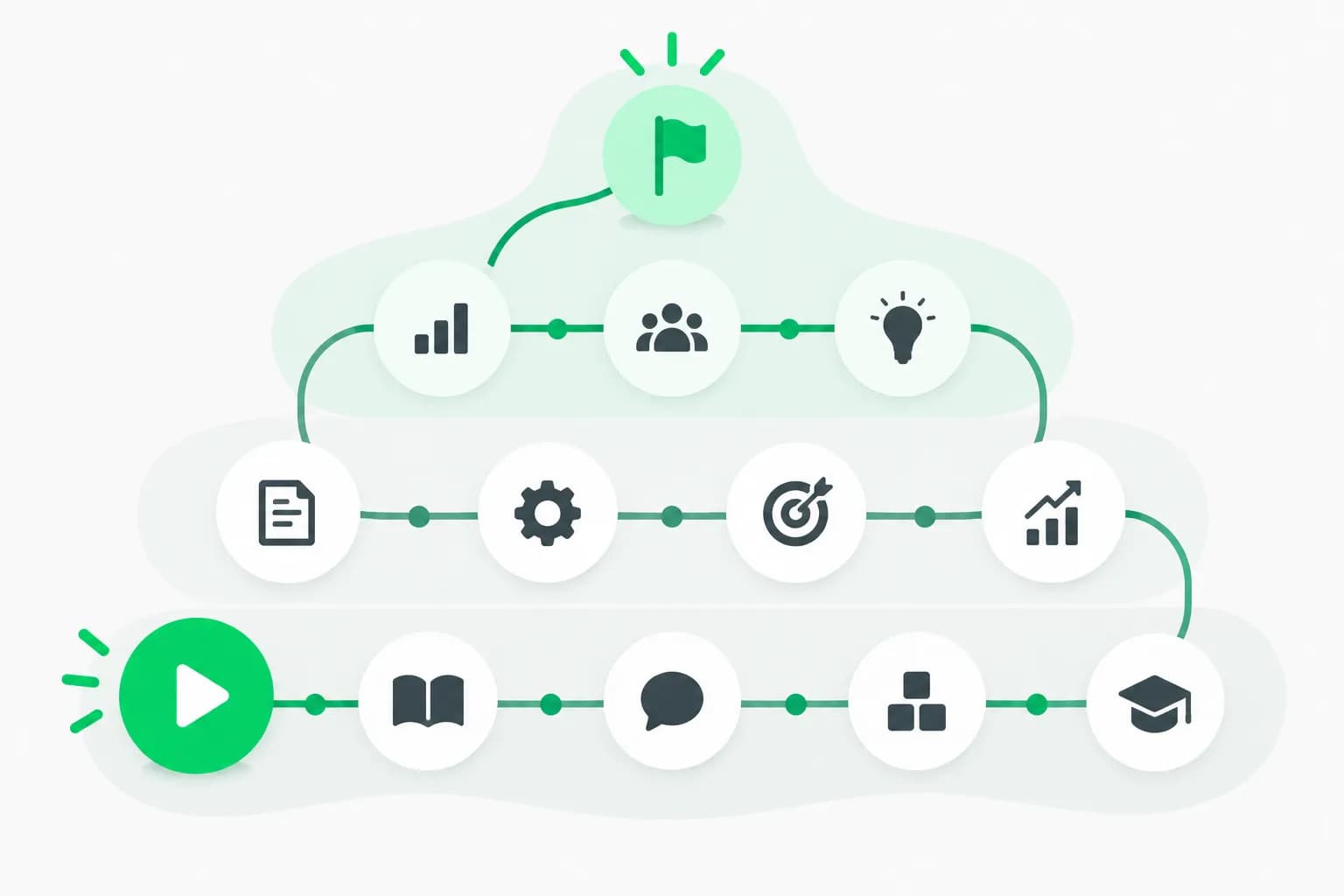
 A winding trail with a green marker partway along, showing the claude-howto Claude Code learning path
| Level | Modules | Rough time (README) |
|---|---|---|
| Beginner | Slash commands, memory, CLI basics | 30 min, 45 min, 30 min |
| Intermediate | Checkpoints, skills, hooks, MCP | 45 min, 1 hr, 1 hr, 1 hr |
| Advanced | Subagents, advanced features, plugins | 1.5 hr, 2 to 3 hr, 2 hr |
The README puts the full path at 11 to 13 hours and offers a /self-assessment command to find gaps and /lesson-quiz [topic] for quizzes. The listed module times add up to roughly 11.5 hours, inside that range, but they are best read as rough pacing rather than a promise. If you already use Claude Code daily, jump straight to the module you struggle with instead of the whole sequence.
How to use it without regretting it
The install instructions are deliberately simple, which is also why they deserve a second look.
- Clone the guide:
git clone https://github.com/luongnv89/claude-howto.git - Slash command: copy
optimize.mdinto.claude/commands/and run/optimize. - Project memory: copy the sample
project-CLAUDE.mdto your repo'sCLAUDE.md, then edit it. A memory file written for someone else's stack will steer the model in the wrong direction. - Skills: copy a folder into
~/.claude/skills/. Our explainer on what agent skills are covers what a skill can and cannot do before you add one. - Subagents: copy files from
04-subagentsinto.claude/agents/. - Hooks: copy scripts to
~/.claude/hooks/, make them executable, and register them in~/.claude/settings.json. - Plugins:
claude --plugin-dir ./07-plugins/pr-review. The README notes that this repo ships no marketplace, so/plugin installdoes not apply.
A sensible habit: copy into a scratch project first, read every script, and only then promote it to your user-level config. Hooks execute commands on your machine whenever their event fires, and a hook copied from the internet is code you are choosing to run.
Caveats the README itself raises
To its credit, the README flags several traps, and they are the most practical content for new users:
- Version-dependent hooks.
TaskCompletedandTaskCreatedhooks only fire when the task-list tools are enabled, which the README says is available by default only on certain model families. Setting the environment variable the README names for enabling those tools restores them. - Network allowlisting. As of v2.1.116, downloads come from
downloads.claude.ai, so corporate proxies need to allow that host. - Credentials. The MCP example puts a GitHub personal access token in a header. The README advises against hardcoding credentials. Use an environment variable and a fine-grained token with the fewest permissions that work.
- Installation. The README recommends the native installer, with Homebrew and WinGet as alternatives, and says npm installation is deprecated.
Two cautions of our own. First, the compatibility list in the README names several models we could not verify from the page, so confirm model names against Anthropic's own docs. Second, any community guide trails the product: Claude Code changes fast, and a template built for v2.1.302 may behave differently on a newer build.
Where it fits next to official docs and our guides
The repo is a teaching layer. For what a command or setting really does, the authority is Anthropic's Claude Code documentation. Use claude-howto for the worked examples and diagrams, then check the detail against the docs.
On explainx.ai, the complementary pieces are:
- Claude Code commands: the complete reference for the command surface.
- What is MCP? if module five is where you are stuck.
- How to run loops in Claude Code and loop engineering for coding agents for the advanced-automation modules.
- The context, prompt, loop and harness engineering stack for why memory, skills and hooks are best treated as layers of one system.
- Beacon, an open-source cross-harness agent memory if you want memory that survives across tools.
A practical order for adopting it
If you want a plan rather than a reading list, this sequence keeps risk low and value high.
- Week one, memory and commands. Write a short
CLAUDE.mdfor one real project using the memory module as a model, then add two slash commands for tasks you repeat. These are plain text files, so the downside is tiny. - Week two, checkpoints and skills. Learn checkpoints and rewind first so you can undo an agent's mistakes, then add one skill. Measure whether it actually changes results on a task you can compare before and after.
- Week three, MCP and hooks. These touch credentials and execute code. Add one MCP server with a narrow token and one hook that only logs, before any hook that blocks or rewrites actions.
- Later, subagents and plugins. Only split work across subagents once a single agent hits a limit you can name, such as context filling up on a large review.
For each step, write down what you expected to improve. A guide with ten modules makes it easy to install everything and learn nothing about what helped.
What people are likely to ask
Do I need this if I read the docs? Possibly not. The value is in assembled, runnable examples such as the code review pipeline that combines commands, subagents, memory and MCP, which the docs describe feature by feature rather than together.
Does it work with Codex or Cursor? The templates target Claude Code's file layout. Ideas transfer, but paths and formats do not.
Can I trust a repo with this many stars? Stars measure attention. Check the commit history, open issues, the date of the last update and whether examples run on your installed version. The README lists tests with pytest, Ruff, Bandit and mypy, with CI on pushes and pull requests to the main branch, which is a better sign than the star count.
Is it a good way to onboard a team? It can be, if one person reads the templates first and adopts only what the team needs. The self-assessment and quizzes are a reasonable shared exercise.
What this trending repo says about the moment
A learning guide gaining thousands of stars is a signal that the hard part of coding agents has shifted from "does it work" to "how do I configure it." Memory files, hooks, skills, subagents and MCP servers are the knobs that decide whether an agent is useful on a given codebase, and most developers learn them from scattered posts. A single, organized, MIT-licensed set of examples meets that demand, and the same pattern shows up wherever agent tooling matures: documentation, templates and checklists become the bottleneck.
The takeaway is practical. Use the repo as a map, adopt one module at a time, test each template in a throwaway project, and keep secrets out of config files. If something in a template surprises you, trust the official documentation over the tutorial.
Related reading
- Claude Code commands: complete reference
- What are agent skills? A complete guide
- What is MCP? Model Context Protocol guide
- How to run loops in Claude Code
- Loop engineering for coding agents
- Context, prompt, loop and harness engineering
- Source: luongnv89/claude-howto on GitHub and Anthropic Claude Code docs
Star counts, version numbers and module details are as of October 22, 2026 and come from the repository README; they change often.