



Graphify is a skill that maps your whole project into a knowledge graph so a coding agent can query it instead of grepping through files. The Graphify-Labs/graphify repository gained roughly 750 stars in a day on GitHub's weekly trending list, and the repo page shows about 129,500 stars and 12,500 forks. It works with Claude Code, Cursor, Codex, Gemini CLI, GitHub Copilot and 20-plus other assistants.
This post explains what it does, how to install it, what its published benchmarks actually measure, and what it writes into your assistant's configuration. It follows our earlier coverage of Understand Anything and code-review-graph, which attack the same problem: agents that re-read the same files on every task.
TL;DR: the questions developers ask first
| Question | Answer |
|---|---|
| What does it do? | Parses code with tree-sitter into a graph of concepts and links, then lets you query, trace paths and explain nodes |
| How do I run it? | Install graphifyy from PyPI, run graphify install, then type /graphify . in your assistant |
| Does code leave my machine? | Per the README, no: code parsing is local and deterministic. Docs, PDFs and images use your configured model |
| Is it free? | The CLI and skill are open source (Apache-2.0 and MIT listed). Graphify Cloud is a separate product with a 14-day free trial |
| Is the 80% token saving proven? | No independent test found. It is a vendor claim for the cloud product |
| Does it replace vector search? | It is explicitly not a vector index: no embeddings, no vector store |
| Biggest risk? | It edits assistant instruction files and hooks, and a populated graph can still miss symbols if a file extension is parsed as the wrong language |
What Graphify actually does
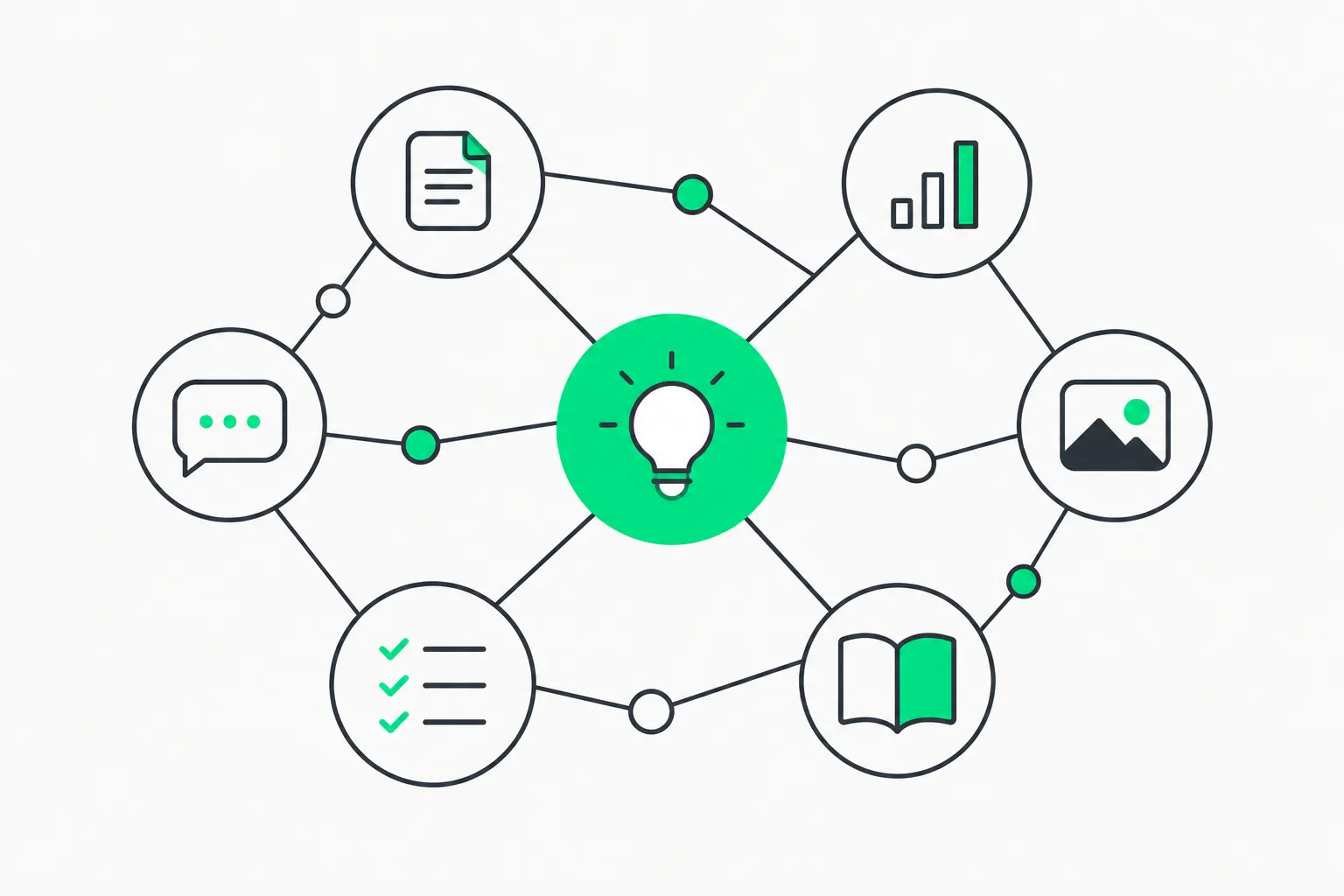 A web of nodes and links illustrating how Graphify turns a codebase into a knowledge graph
The README summarizes the idea in one line: type /graphify and it maps "code, docs, PDFs, images, videos" into a graph you can query. Three files come out in a graphify-out/ folder:
graph.html, an interactive view you open in a browser to click nodes, filter and search.GRAPH_REPORT.md, a summary of key concepts, surprising connections and suggested questions.graph.json, the full graph, which you can query any time without re-reading your files.
Code is parsed with tree-sitter across roughly 40 languages. Calls, imports, inheritance and mix-ins are resolved across files. The graph is split into communities (subsystems) using Leiden clustering with labels generated without an LLM. Comments such as # NOTE: and # WHY: and references to ADRs and RFCs become first-class nodes linked to the code they explain.
Every edge carries a confidence tag. EXTRACTED means the link is explicit in the source; INFERRED means Graphify resolved it. That distinction matters for an agent: it can trust an extracted import and double-check an inferred call.
Typical queries from the README, run on the FastAPI codebase:
graphify explain "APIRouter"
graphify path "FastAPI" "ModelField"
graphify query "what connects auth to the database?"
The path example in the README returns a three-hop chain between two concepts. This is the practical payoff: instead of an agent opening a dozen files to work out how two modules relate, it asks the graph.
How to install and try it
You need Python 3.10 or newer and uv (or pipx). The README is emphatic that the official PyPI package is graphifyy with a double y, and that other graphify* packages are not affiliated. Given how often typosquatted packages appear around trending repos, copy the name exactly.
uv tool install graphifyy
graphify install
Then, inside your assistant, run:
/graphify .
Codex uses $graphify instead of the slash. Optional extras add PDF and Office extraction, video and audio transcription, an MCP stdio server, Neo4j and FalkorDB export, and backends for Ollama, OpenAI, Gemini, Anthropic and AWS Bedrock. Install only the extras you need. If you are new to the skill format, our guide to agent skills explains how a /command skill is discovered and loaded, and the MCP guide covers the optional server route.
Useful commands beyond the first run:
| Command | What it does |
|---|---|
/graphify ./docs --update | Re-extract only changed files |
/graphify . --cluster-only | Re-run clustering without re-extracting |
/graphify . --wiki | Build a markdown wiki from the graph |
graphify hook install | Rebuild the graph on commit and branch checkout |
graphify merge-graphs a.json b.json | Combine two graphs |
graphify prs | PR dashboard with CI state, review status and graph impact |
What the benchmarks say, and what they do not
The README publishes a small benchmark table. These are the project's own numbers, run by its authors on a shared harness with the same model and budgets, scored by a judge it says was blind-validated against a second judge (90.6 percent agreement, Cohen's kappa 0.81):
| Benchmark | Metric | Graphify | Comparison reported by the project |
|---|---|---|---|
| LOCOMO (n=300) | recall at 10 | 0.497 | mem0 0.048, supermemory 0.149 |
| LOCOMO (n=300) | QA accuracy | 45.3% | supermemory 49.7%, mem0 27.3% |
| LongMemEval-S (n=50) | QA accuracy | 76% | tied with dense RAG |
| ERPNext cross-tool (n=6) | key-fact coverage | 82.0% | grep and read baseline 70.8% |
| Graph build | LLM credits | 0 | per-token for most systems |
Read these carefully. LOCOMO and LongMemEval are conversational-memory benchmarks, so they say how well a graph retrieves facts from long histories, not how well it helps an agent fix a bug. The one code-flavoured result, ERPNext, has only six questions. Graphify does not beat supermemory on QA accuracy in its own table, and it only ties dense RAG on LongMemEval-S. The honest summary is: promising and cheap to build, but not a proof that agents write better code.
Note what is absent: none of the open-source benchmarks measure token spend. The headline "Cut agent token spend by 80%" sits next to the paid Graphify Cloud product, which the README describes as "always-on memory" with formal verification, cross-repo support and Sentry and Jira connectors. We found no independent measurement of that number. Treat it as a vendor claim, in the same spirit as other token-saving promises we have covered, such as context-mode.
What it changes in your assistant
This is the part most trending-repo write-ups skip. Graphify is not only a command; it deliberately rewires how your assistant behaves.
- Skill registration.
graphify installdetects your assistant and registers the skill.--projectwrites it into the repository instead, for example under.claude/skills/graphify/SKILL.md, so you can commit it for your team. - Always-on guidance.
graphify claude install,graphify codex installand similar commands write a small config file telling the assistant to consult the graph for codebase questions and prefer scopedgraphify querycalls over grepping raw files. - Hooks on Claude Code and Gemini CLI. A hook fires before search-style tool calls and, on Claude Code, before reading source files one by one through Read and Glob, nudging the model toward the graph. A strict mode (
GRAPHIFY_HOOK_STRICT=1) can deny indexed reads. - Git hooks.
graphify hook installrebuilds the graph on commit and branch checkout. - Query log. Queries are logged to
~/.cache/graphify-queries.log. SetGRAPHIFY_QUERY_LOG_DISABLE=1to turn that off.
You can undo all of it with graphify uninstall (add --purge to delete graphify-out/). If you already maintain a heavy agent setup, compare this with the install footprint we flagged in ECC's 71 agents and 311 skills: the right question is always which files a tool writes and which hooks it adds to your tool-call path.
Privacy and data handling
The README makes specific claims worth checking against your own policy:
- Code is parsed locally with tree-sitter; "nothing leaves your machine" for the code path.
- Video and audio are transcribed locally.
- Docs, PDFs and images go through your assistant's model, or an API key you configure, for the semantic pass, so those files do reach whichever provider you chose.
- The README states "No telemetry, no usage tracking, no analytics."
- Setting
GRAPHIFY_BACKEND=nonedisables LLM backends entirely.
If you work with sensitive documents, run the code-only path first and send nothing else until you have decided which provider is allowed to see it. Graphify Cloud is a hosted service, so its data handling is a separate question the open-source README does not answer.
Limitations and gotchas
The project documents several honest caveats, and we would add a few of our own.
- Silent mis-parsing. Ambiguous extensions such as
.incor.hcan parse as the wrong language without failing, so the graph looks populated while real symbols are missing. A.graphifyrcsetting fixes this. Always spot-check a few nodes you know. - Assistant differences. Codex needs
multi_agent = truefor parallel extraction; OpenClaw and Aider extract sequentially; Trae has no PreToolUse hook, soAGENTS.mdis the only always-on route; Pi needs version 0.58.4 or newer. - Staleness. A graph is a snapshot. After a
git pull, rungraphify update .or install the git hooks, or the agent will answer from an old picture of the code. - Inferred edges. The
INFERREDtag is a feature, but an agent that treats inferred links as facts will confidently explain code paths that do not exist. - Release hygiene. The repository shows no tagged releases on its page and a very active history (2,427 commits on the v8 branch). Pin the version you install, and read the changelog before upgrading.
- Cost of the semantic pass. Code mapping uses zero LLM credits per the README, but mapping docs, PDFs, images and video consumes your model's tokens.
Who should try it
Graphify is most useful on large or unfamiliar repositories where an agent spends most of a session just orienting itself, on monorepos with docs and schemas that live outside the code, and on teams that want a shared graph.json committed alongside the project. It is less compelling for a small repo that fits in the model's context window, or if you already rely on a code-intelligence server built into your editor.
A fair test takes an hour. Pick a task you have already done manually, such as tracing how a request reaches the database. Run it once with the skill off and once with it on, and record the number of file reads, the tokens used and whether the final answer was correct. That is more informative than any README table, and it is the same discipline we recommend in our Claude Code commands reference when you tune context-heavy workflows.
How it compares to other "make the agent read less" tools
Several trending projects attack token waste from different angles. Graphify builds a persistent graph of the whole project and routes queries through it. Ponytail works on the output side, nudging agents to write less code. Understand Anything focuses on a human-readable, interactive map of a codebase. code-review-graph limits what a reviewing agent re-reads. They are complementary rather than rivals, and the cheapest way to choose is to measure on your own repository.
What the community is saying
The Hacker News submission for the project, titled "Graphify – Less token use for Claude Code," had only 3 points and no comments when we checked, so there is no meaningful developer testing there yet. The signal so far is GitHub traction, not independent evaluation. We will add an update if hands-on reports appear.
Bottom line
Graphify is a serious, well-documented attempt to give coding agents a persistent, queryable map of a project, with local deterministic parsing for code and an honest confidence tag on every edge. What is verified is the install path, the local-first design and the project's own benchmark numbers. What is not verified is the 80 percent token saving, which belongs to the paid cloud product. Install it in a throwaway branch, read what it writes to your assistant's config, and measure it on a real task before adopting it.
Related reading
- Understand Anything: turn any codebase into an interactive knowledge graph
- code-review-graph: stop AI agents re-reading your whole repo
- Ponytail: the skill that makes AI agents write less code
- ECC: 71 agents, 311 skills and what to check before you install
- context-mode MCP sandbox for agent context
- What are agent skills? A complete guide
- What is MCP? Model Context Protocol guide
Sources: Graphify-Labs/graphify README and its documentation site; Hacker News submission.
Star counts, benchmark figures and features reflect the repository as of October 20, 2026 and may change.