



Update — October 3, 2026: Hacker News put Sites near the top of the front page — what builders should know about prototypes, custom domains, and lock-in.
MCP's tax was never the spec. It was the host: a box that stays up, speaks Streamable HTTP, and is not your laptop.
On October 1, 2026, OpenAI staff said that tax now has a ChatGPT-native answer. Codex lead Tibo Sottiaux wrote that you can build and deploy MCP servers right through ChatGPT, then restrict access or share them. Plugins lead Max Stoiber said ChatGPT Sites can host MCP servers, including plugin extensions — answering a builder who asked whether OpenAI-hosted infrastructure would ever cover plugin backends.
This post is a how-to from that claim plus the Sites and plugin MCP docs. It is not a second copy of the MCP architecture guide. If the Sites page still talks about websites and D1 while the staff posts talk about MCP, believe the staff for what shipped and the docs for how Sites already save, deploy, and share.
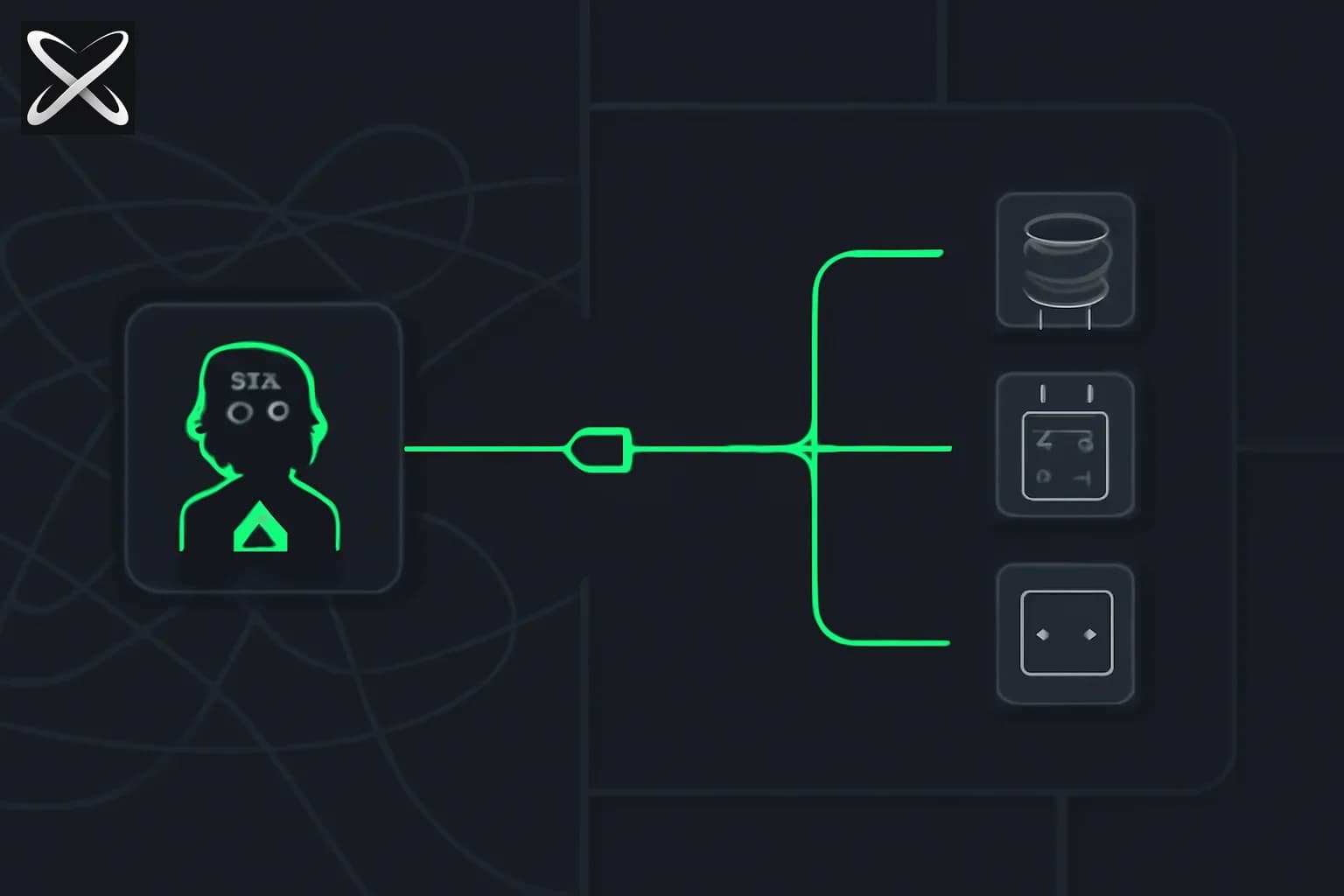
 A green hub with three cables plugged into a chart, a gear and a cluster of nodes.
TL;DR
| Question | Answer |
|---|---|
| What changed? | Sites can host an MCP server and wrap it as a plugin |
| Starter prompt | Create a todo list I can use in ChatGPT (mention Sites) |
| What that does | MCP + extensions → deploy on Sites → plugin |
| Share how? | Sites audience: you, invited people, workspace, or public |
| Directory listing? | Separate. Sharing a Site ≠ passing plugin review |
| Need a VPS? | Not for a Sites-runtime demo. Yes for unsupported backends |
| Plans | Sites beta: Plus, Pro, Business, Enterprise, Edu |
| Save vs deploy | Save a version first. Every deploy URL is production |
What you are actually building
Three objects get conflated in the replies. Keep them apart.
| Object | Job |
|---|---|
| Site | OpenAI-hosted runtime. Save, deploy, analytics, sharing. Docs: learn.chatgpt.com/docs/sites |
| MCP server | Tools ChatGPT can call. ChatGPT wants remote Streamable HTTP, usually at /mcp, not local stdio |
| Plugin | Package ChatGPT/Codex install: skills, MCP, optional extensions (sidebar, panels, file viewers) |
Stoiber's sequence is those three in one prompt:
- Create an MCP server with extensions
- Deploy that server to Sites
- Turn the server into a plugin
That is the opposite of the old path: write a server, find HTTPS, paste /mcp into developer mode, then file a directory submission. Plugin architecture still says you can run the server on infrastructure you operate. Sites is the new default when you do not want to.
Connected-data Sites (a workspace-private Site that reads each visitor's plugins) were already in the Sites guide. Hosting the MCP itself is the October 1 piece. Do not collapse them.
Before you type the prompt
- Confirm Sites. Plus / Pro / Business / Enterprise / Edu. Open chatgpt.com/sites or More → Sites. If the list is missing, you are on the wrong plan or the wrong workspace.
- Start private. A new Site is limited to the owner and workspace admins until you change access. Leave it there while you review tools.
- Decide the data plane. A todo list can live in Sites D1. A tool that hits your ERP still needs a reachable API and secrets in Site settings, not in the prompt.
- Decide the audience. Owner-only, invited emails, workspace, or anyone on the internet. Public publishing can be off in Enterprise. That setting is visitor access, not editor access.
- Do not promise directory fame. Replies already include a two-week plugin rejection. Sites hosting does not erase review.
How to create the Site-hosted MCP
1. Start the Sites workflow
Official Sites docs: include the word website or mention Sites so ChatGPT enters the hosting flow. Stoiber's example is the product-shaped version of that:
@Sites create a todo list that I can use in ChatGPT
If @Sites does not trigger it, be boring and explicit:
Use ChatGPT Sites. Create a todo list I can use as an MCP server inside ChatGPT.
Add plugin extensions so I can open the list beside a conversation.
Save a version first. Do not deploy until I say so.
Keep access limited to me. Use durable storage so tasks survive reloads.
Akshay Saini's teaching example is the better second prompt once the first one works:
@Sites create a shared project tracker for three students.
Each student uses a separate ChatGPT chat.
One set of tasks. When one student marks an item done, the others see it.
Keep the Site private to invited emails. Turn it into a plugin I can install.
That is the moment MCP stops being abstract: someone else's write shows up in your chat.
2. Review the plan the way you would review Compose
Ask for a readable inventory before deploy:
List the MCP tools, who can call writes, where tasks are stored,
whether the server is Streamable HTTP, and the URL path.
Do not deploy yet.
You want:
- A short tool list (
list_todos,add_todo,complete_todo) — not a god-moderun_sql - Writes that need a confirmation or an explicit user action
- Storage you asked for (D1), not a mystery
- A path that looks like
/mcpif this will ever leave ChatGPT
Sites still has two stages. Save a version builds a candidate. Deploy publishes a production URL. Ask to save first. Every Sites deploy URL is live for the current audience.
3. Deploy when the tool list is boring
Deploy the saved version. Give me the production URL and how to
install or enable the plugin in a new ChatGPT chat.
Then open a new chat. Plugins and skills often only appear after a fresh session. Ask: "Add milk to the todo list" and "What is still open?" If it cannot write, the plugin is UI without a server.
4. Restrict or share
Tibo's line maps onto the Sites sharing model already documented:
| Audience | Use when |
|---|---|
| Owner + admins | Default. Keep it here until tools are least-privilege |
| Invited emails | Named classmates or teammates; they sign in as that account |
| Workspace | Internal tracker; not the internet |
| Anyone on the internet | Only if public publishing is on and you reviewed the tools |
Invite path (docs): Share → Only those invited → email → Viewer. Viewers are not editors. Editors are a workspace feature: they can save and publish after the owner's first publish, and they can read live database data. Do not make a stranger an editor of an MCP that can write.
Change this Site's access to only people I invite.
Show me the current URL and the tool list again before you send invites.
A public Site is not the same as a listed plugin. Public means the URL is reachable. The directory is plugin submission: stable HTTPS, Streamable HTTP, auth story. Secure MCP Tunnel is for developer-mode private servers and does not satisfy public submission.
5. Use it as a plugin, not only as a webpage
After deploy, you should have:
- A Site URL (web UI for humans)
- An MCP the model can call in ChatGPT
- Optional extensions (sidebar / conversation panel) if you asked for them
Plugin extensions hook sidebar, composer, file viewers, settings, deep links, rich forms. Web extensions were still rolling to Free/Go at DevDay. Composer mentions are desktop-only. If the panel never appears, you still have tools.
Keep tools useful without the component. That is OpenAI's own rule: headless first.
What to put in the first server (and what not to)
Start with one read and one write. The todo list is the right size.
| Do | Don't |
|---|---|
list, add, complete | execute_arbitrary |
| D1 for tasks | Secrets in the prompt |
| Invite-only until you like the tools | Public + write tools on day one |
| Sign in with ChatGPT if records are per-person | Trust the browser for auth |
| Redeploy after changing Site secrets | Commit .env into the Site |
Identity: public Sites can add Sign in with ChatGPT. Sites forwards oai-authenticated-user-email (and optional full name). Authorize on the server. Workspace-restricted Sites already use ChatGPT identity for sharing.
Writes to connected apps (the older Sites+plugins path) need visitor consent and an explicit click. Your own todo writes still need the same instinct: no silent deletes.
If you outgrow Sites, move to a host you control and keep the same MCP tools. The stateless 2026-07-28 transport is what other clients expect. Pi's MCP + Codemode is a different host, not a Sites feature.
Limits the film will skip
- Runtime. Sites hosts supported web shapes. Some frameworks, private networks, and background services are unsupported. HTTP, HTTPS, WebSockets yes. Raw TCP no.
- Storage. D1 cap is 10 GB. R2 has no fixed size in the Sites table. Don't request D1 for a theme toggle.
- Residency. Sites does not support data or inference residency at launch — including D1, R2, code, artifacts, logs.
- Policy. No PHI, card data, kids under 13 (or local digital-consent age), financial transactions, malware, phishing.
- Usage limits. Plan-specific. Hitting a limit can block new Sites, storage, or keeping a hot Site public. You can still edit.
- Review. Hosting is not approval. Directory rejections still happen.
- China / geo. Public "share with the world" follows OpenAI availability, not a promise of every country.
- Docs lag. If chatgpt.com/sites and learn.chatgpt.com/docs/sites omit "MCP server" the week you try this, use the staff prompt anyway and keep a save-only version until the URL and tools look right.
How this compares to hosting it yourself
| Path | You operate | Best for |
|---|---|---|
| Sites-hosted MCP | Prompt, share settings, Site secrets | Demos, class trackers, internal toys |
Your /mcp + ChatGPT developer mode | Process, TLS, logs | Iteration before directory |
| Directory plugin | Public HTTPS, OAuth, review | Distribution inside ChatGPT |
| Claude / Cursor / Pi MCP | stdio or your HTTP | Builder hosts that are not ChatGPT |
Browse existing servers on explainx.ai at /mcp-servers when you want a known connector instead of a generated todo backend. Skills stay a different layer: what a skill is versus what MCP is. Skill security still applies if the generated plugin pulls in extra packages.
Checklist you can run today
- Open Sites. Confirm you can create one.
- Paste the long "save first, access limited to me" prompt.
- Demand the tool list and storage location.
- Save a version. Deploy only after the list is three tools or fewer.
- New chat: add one item, list items, complete one.
- Invite one person. Confirm they see the write. Confirm a stranger cannot.
- Only then consider workspace or public.
- If you need the directory, follow Build an MCP server as a second project with a stable
/mcp.
Related reading
- What is MCP? Architecture guide
- ChatGPT Sites team editing
- OpenAI DevDay 2026: plugin extensions
- Sign in with ChatGPT
- What are agent skills?
- Pi adds MCP and Codemode
- MCP 2026-07-28 stateless spec
- Agent Plugins standard
- Official: ChatGPT Sites
- Official: Build an MCP server for plugins
- Official: Plugin extensions
The October 1, 2026 hosting claim is from OpenAI staff posts (Sottiaux, Stoiber). Save/deploy, sharing, D1/R2, and plan availability follow the public Sites guide as of that day. Plugin transport and directory rules follow developers.openai.com. If the Sites UI and the staff posts disagree on a button name, trust what you see in chatgpt.com/sites and keep the first version private.
Update — October 4, 2026: If your hosted server should wake an agent, see MCP Events in ChatGPT; for securing it, see MCP rug pulls and tool poisoning.