



A demo chatbot can be one text box and one API call. A full-stack AI chat app needs more: a signed-in user, a server-only model credential, streamed responses, chat ownership, recoverable history, error states, and a deployment that behaves like local development.
This guide builds that minimum complete shape with Claude Code, Next.js App Router, Auth.js, the Vercel AI SDK, and Claude as the model. It is a practical next step after learning what Next.js adds to React or trying a smaller Claude Code website project.
There is deliberately no Stripe or billing layer. Users can create accounts and use the app, but there is no checkout, subscription, webhook, pricing table, or payment state to distract from the core engineering.
TL;DR: what do you actually need?
| Question | Direct answer |
|---|---|
| What are we building? | An authenticated AI chat app with streaming responses, private chat history, and deployment |
| Which frontend and backend? | Next.js App Router for both the React UI and server Route Handlers |
| Which AI library? | Vercel AI SDK with useChat, streamText, and the Anthropic provider |
| Does Claude Code run in production? | No. Claude Code helps author and test the app; the deployed Route Handler calls the model API |
| Is Claude Code access the API key? | No. The app needs a separate server-side provider or AI Gateway credential |
| Is Stripe included? | No. Authentication is included; monetization is not |
| What is the biggest security rule? | Scope every chat read and write to the authenticated user on the server |
| What should be complete before deploy? | Auth denial tests, chat ownership tests, error states, environment variables, and a production build |
What architecture should a full-stack AI chat app use?
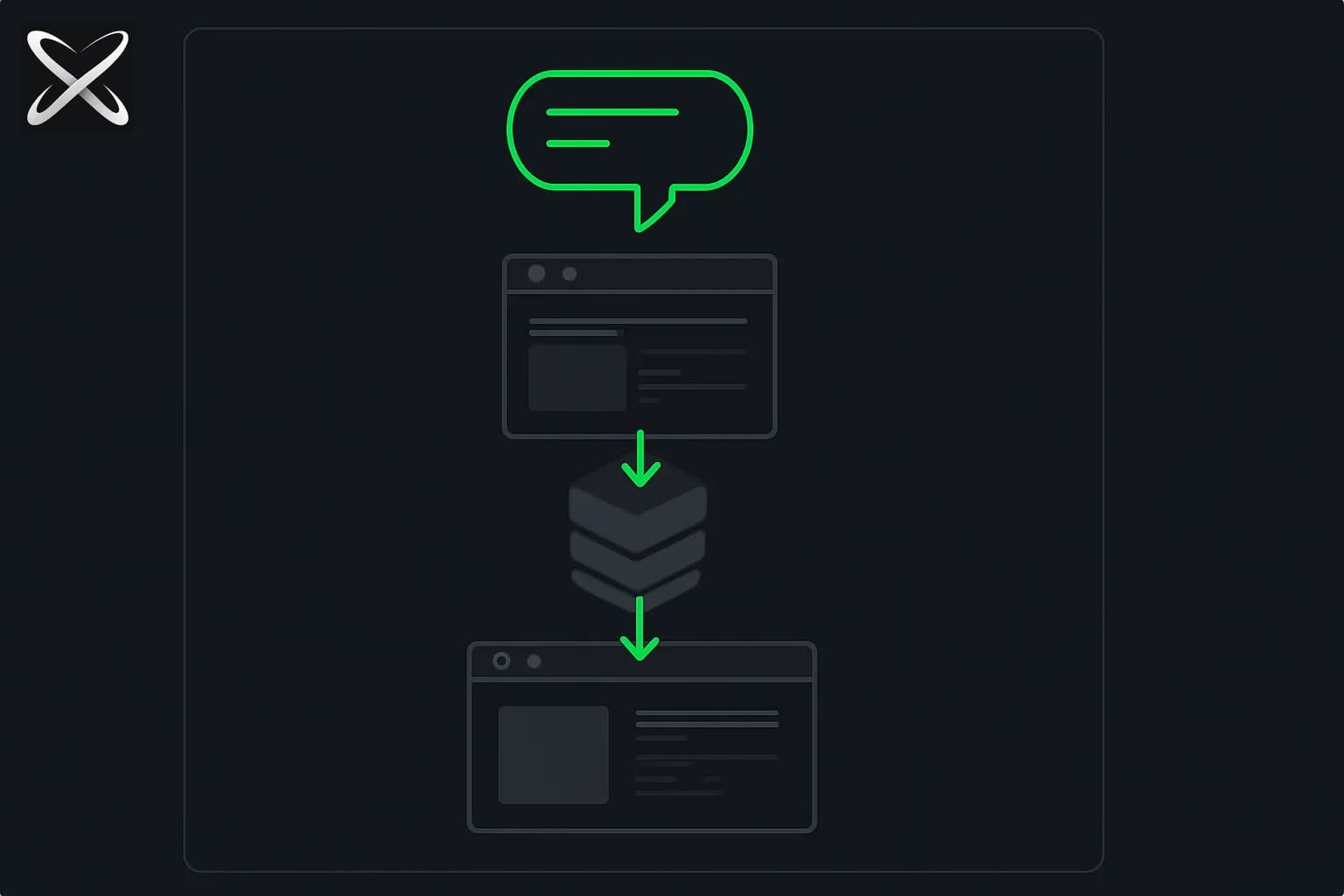
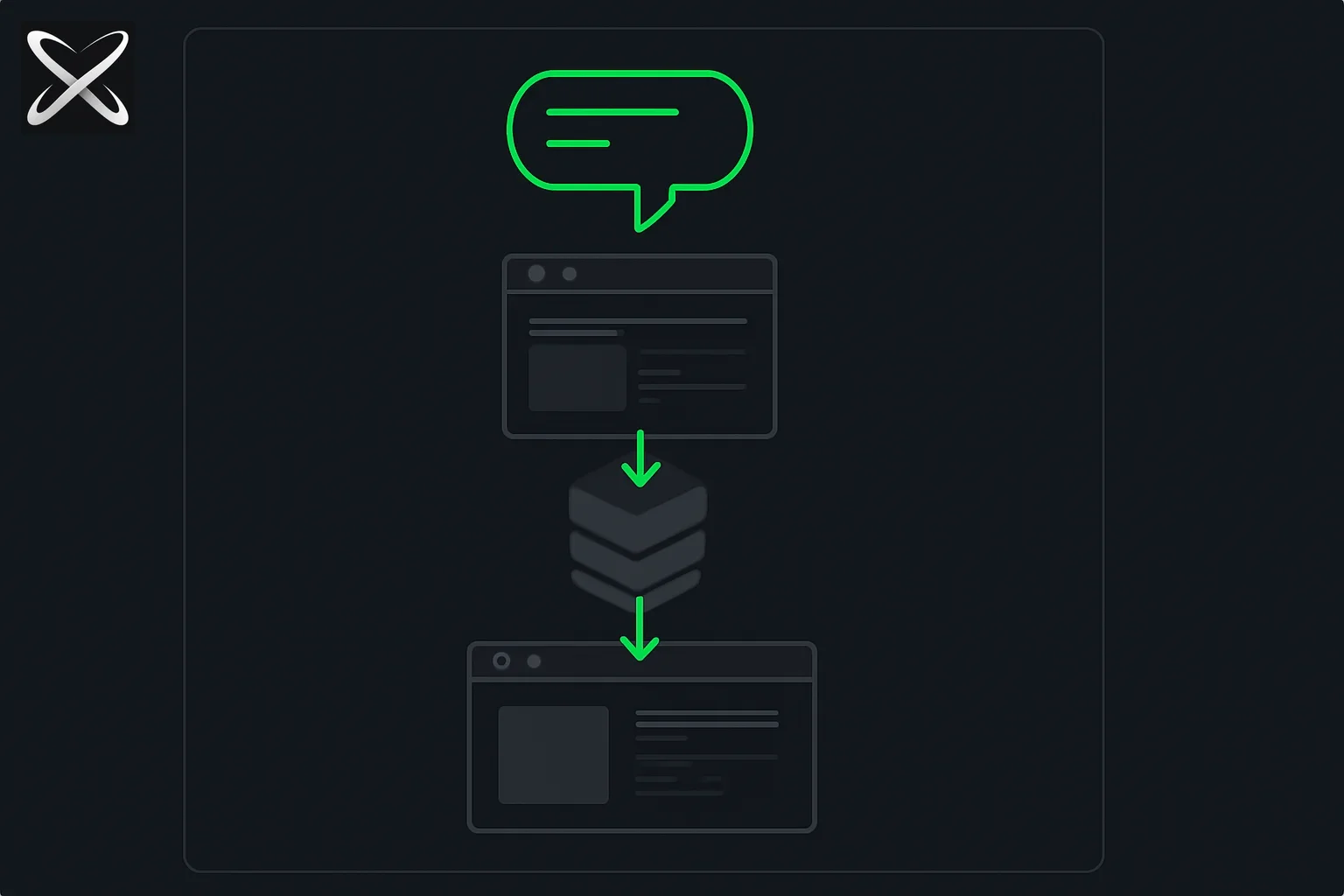 Full-stack AI chat app architecture showing a prompt flowing through a web interface, server layer, and deployed application
Keep the first version boring. Five boundaries are enough:
Browser
  -> Authenticated Next.js page
  -> POST /api/chat
  -> session and ownership check
  -> Vercel AI SDK streamText
  -> Anthropic model API

Chat page
  <-> user-scoped chat and message store
The browser owns draft input and rendering. The Route Handler owns authentication, validation, model calls, and safe errors. The storage layer owns chats by user ID. The model key never crosses into client JavaScript.
Next.js Route Handlers use the standard Web Request and Response APIs inside the app directory. The AI SDK chatbot guide adds the matching streaming primitives: useChat for client state and streamText for the server response.
Step 1: What should Claude Code scaffold first?
Start with a clean Next.js application, then add only the packages the architecture needs:
npx create-next-app@latest ai-chat-app
cd ai-chat-app
npm install ai @ai-sdk/react @ai-sdk/anthropic next-auth
claude
Anthropic documents several Claude Code installation paths, so use its current Claude Code setup guide if the claude command is not already available. Do not use sudo npm install -g; Anthropic warns that it can create permission problems.
Give Claude Code the architecture and constraints before asking for files:
Build an authenticated AI chat app in this existing Next.js App Router project.

Stack:
- TypeScript and the App Router
- Auth.js with GitHub OAuth
- Vercel AI SDK using @ai-sdk/anthropic
- streamed chat responses
- server-side chat ownership checks
- a replaceable persistence interface for chats and UIMessage records

Constraints:
- no Stripe, checkout, subscriptions, webhooks, or billing UI
- never expose ANTHROPIC_API_KEY to client code
- validate request bodies
- render loading, stopped, empty, and error states
- keep auth checks near each protected data read and write

First inspect the generated project. Then propose a file plan. Do not edit until
I approve the plan.
That last instruction matters. Claude Code can edit multiple files quickly, but speed without boundaries produces the classic vibe-coding failures: duplicated auth checks, client-exposed secrets, mismatched package APIs, and a UI that works only on the happy path.
Step 2: How do you add authentication without building auth yourself?
Use an authentication library. The Next.js authentication guide separates three jobs that are often blurred together:
- Authentication verifies identity.
- Session management remembers that identity across requests.
- Authorization decides which chats that identity may access.
Auth.js can expose helpers and Route Handlers from one configuration:
// auth.ts
import NextAuth from 'next-auth';
import GitHub from 'next-auth/providers/github';

export const { auth, handlers, signIn, signOut } = NextAuth({
  providers: [GitHub],
});
// app/api/auth/[...nextauth]/route.ts
import { handlers } from '@/auth';

export const { GET, POST } = handlers;
Protecting the page improves the user flow, but it does not protect data by itself. Every chat API call must verify the session, and every storage query must include both the chat ID and the current user ID.
const session = await auth();

if (!session?.user?.email) {
  return new Response('Unauthorized', { status: 401 });
}

const chat = await getChatForUser({
  chatId,
  userId: session.user.email,
});
In a real product, use a stable internal user ID rather than treating an email address as the permanent identifier. The example keeps the boundary visible without locking the guide to one database or ORM.
Step 3: How does the Vercel AI SDK stream Claude responses?
The Anthropic provider for the AI SDK reads ANTHROPIC_API_KEY by default. That key belongs in .env.local during development and in Vercel's server-side environment variables after deployment.
ANTHROPIC_API_KEY=your_server_side_key
AUTH_SECRET=your_auth_secret
AUTH_GITHUB_ID=your_github_oauth_client_id
AUTH_GITHUB_SECRET=your_github_oauth_client_secret
Never rename the model key to NEXT_PUBLIC_ANTHROPIC_API_KEY. In Next.js, the NEXT_PUBLIC_ prefix is specifically for values bundled for the browser.
The chat Route Handler can remain small:
// app/api/chat/route.ts
import { anthropic } from '@ai-sdk/anthropic';
import {
  convertToModelMessages,
  streamText,
  type UIMessage,
} from 'ai';
import { auth } from '@/auth';

export async function POST(request: Request) {
  const session = await auth();

  if (!session?.user) {
    return new Response('Unauthorized', { status: 401 });
  }

  const body = (await request.json()) as { messages?: UIMessage[] };

  if (!Array.isArray(body.messages)) {
    return new Response('Invalid message payload', { status: 400 });
  }

  const result = streamText({
    model: anthropic('claude-sonnet-4-6'),
    system: 'You are a concise, helpful assistant.',
    messages: await convertToModelMessages(body.messages),
  });

  return result.toUIMessageStreamResponse();
}
Use the provider's currently supported model identifiers when you build; model names and availability change more often than the architecture does.
The client uses useChat and renders message parts, which can later support tools and richer data without replacing the whole message format:
'use client';

import { useChat } from '@ai-sdk/react';
import { useState } from 'react';

export function Chat() {
  const [input, setInput] = useState('');
  const { messages, sendMessage, status, stop, error } = useChat();

  return (
    <main>
      <section aria-live="polite">
        {messages.map((message) => (
          <article key={message.id}>
            <strong>{message.role === 'user' ? 'You' : 'Assistant'}</strong>
            {message.parts.map((part, index) =>
              part.type === 'text' ? <p key={index}>{part.text}</p> : null,
            )}
          </article>
        ))}
      </section>

      {error ? <p role="alert">The response failed. Please try again.</p> : null}

      <form
        onSubmit={(event) => {
          event.preventDefault();
          if (!input.trim()) return;
          sendMessage({ text: input });
          setInput('');
        }}
      >
        <label htmlFor="message">Message</label>
        <input
          id="message"
          value={input}
          onChange={(event) => setInput(event.target.value)}
        />
        <button type="submit" disabled={status !== 'ready'}>
          Send
        </button>
        {status === 'streaming' ? (
          <button type="button" onClick={stop}>Stop</button>
        ) : null}
      </form>
    </main>
  );
}
If those APIs differ from the installed package, ask Claude Code to inspect package.json and the installed type definitions before editing. Do not ask it to paste an older tutorial's syntax over compiler errors.
Step 4: What makes chat history private instead of merely persistent?
The AI SDK persistence guide recommends storing UI messages and saving the completed response through onFinish. Its simple file example intentionally does not cover authorization, so add ownership yourself.
Use two logical records:
| Record | Minimum fields | Security rule |
|---|---|---|
| Chat | id, userId, title, timestamps | Fetch by both id and authenticated userId |
| Message | id, chatId, role, parts, timestamp | Reach only through a chat the user owns |
Keep storage behind a narrow interface so the first prototype can move between a local adapter and a managed database without rewriting the chat UI:
import type { UIMessage } from 'ai';

export interface ChatStore {
  createChat(input: { userId: string }): Promise<{ id: string }>;
  loadChat(input: { chatId: string; userId: string }): Promise<UIMessage[]>;
  saveChat(input: {
    chatId: string;
    userId: string;
    messages: UIMessage[];
  }): Promise<void>;
}
Then ask Claude Code for the specific adapter only after you choose storage:
Implement the ChatStore interface using the storage already configured in this
repository. Before writing code, inspect its current schema and conventions.

Requirements:
- every load and save must include the authenticated user ID
- reject unknown chat IDs instead of silently creating ownership
- validate persisted UI messages before model conversion
- generate stable message IDs on the server
- do not modify unrelated tables or migration history
- add tests proving user A cannot load or overwrite user B's chat
The authorization test is more important than the adapter brand. If changing chatId in a request can reveal another user's messages, the app is not ready.
Step 5: What does “no Stripe” remove, and what costs remain?
Removing Stripe keeps the capstone focused. Do not scaffold:
- checkout sessions or pricing tables
- subscription and entitlement records
- billing webhooks
- customer portals
- payment-related environment variables
That does not make model inference free. Claude Code is the development tool; your deployed chat app calls a model provider at runtime. Put simple guardrails around that cost even without charging users:
- cap prompt size and attachment size
- rate-limit the chat endpoint by user
- set a maximum response length
- stop duplicate submissions while a response streams
- log provider failures without logging private prompt content
- add a daily usage ceiling you can change later
This is the same product discipline behind a good API integration: define who can call it, what input is accepted, what leaves the server, and how failure is surfaced.
Step 6: What should Claude Code test before deployment?
Ask for tests by behavior, not a vague instruction to “make it production-ready”:
Review this AI chat app as an adversarial user and add focused tests for:

1. signed-out POST /api/chat returns 401
2. malformed messages return 400 without calling the provider
3. user A cannot load, append to, rename, or delete user B's chat
4. an upstream model failure returns a safe message with no secret leakage
5. a stopped stream leaves the input usable
6. double-submit does not create two model requests
7. an empty chat and a long message both render on a 375px viewport

Run only the repository's existing test, typecheck, lint, and build commands.
Report exact failures. Do not weaken tests to make them pass.
This is where AI-assisted development becomes engineering rather than prompt-and-pray. The broader Claude Code command reference helps with navigation and session control; the useful habit is still a tight loop of inspect, plan, edit, test, and review.
Step 7: How do you deploy the AI chat app to Vercel?
Push the project to a Git provider and import it into Vercel, or deploy with the CLI. Vercel's deployment documentation says a connected repository creates deployments from commits and pull requests, with a unique URL for each deployment.
Configure these values for the environments that need them:
ANTHROPIC_API_KEY
AUTH_SECRET
AUTH_GITHUB_ID
AUTH_GITHUB_SECRET
Vercel's environment variable documentation notes that a changed variable applies only to new deployments. Redeploy after adding or rotating a secret.
Before calling the app complete, verify the deployed version rather than only localhost:
- Sign in and sign out on the production domain.
- Confirm the OAuth callback URL matches the production URL.
- Send a message and watch the response stream.
- Refresh and confirm the chat reloads.
- Open a private window and confirm the chat is inaccessible.
- Remove a required Preview secret temporarily and confirm the error is understandable.
- Check the mobile layout with the on-screen keyboard open.
If you are new to this stack, the longer full-stack website guide explains the frontend/backend split. This article adds the boundaries generic website tutorials often omit: authenticated ownership, streamed model output, and separate development versus runtime credentials.
What should you build after the first working version?
Do not add ten features at once. Pick one product behavior and preserve the same authorization boundary:
- conversation rename and delete
- searchable chat history
- file attachment with type and size validation
- one server-side tool with visible approval
- share links that are private by default
- response feedback and regeneration
The Vercel AI SDK supports tool calls and richer message parts, but tools expand the security surface. Read how AI agents work end to end before turning a chat box into an agent that can take actions.
The practical definition of done
Your full-stack AI chat app is done when a user can sign in, create a chat, receive a streamed response, return to private history, and use the deployed version without a secret appearing in the browser. Another user must not be able to read or alter that history. Provider failure must produce a safe recovery path.
Claude Code can accelerate every implementation step, but it cannot choose these boundaries for you. That is the transferable skill: describing the system clearly enough that the agent builds the right product, then testing the places where a plausible demo usually breaks.
If you want to build this project with guided setup, the AI Builder Workshop moves from Claude Code fundamentals and Python automation into useful agents and this full-stack AI chat app. Authentication and deployment are included; Stripe and billing are deliberately outside the project scope.
Related on explainx.ai
- Claude Code for product managers, founders, and marketers
- 5 practical Python automation projects
- Build useful AI agents: financial briefing and job search
- What is Next.js? Install it and build your first project
- Build full-stack websites with Claude AI
- How to build a website with Claude Code without coding
- What is vibe coding? A practical guide
- Vibe-coding mistakes and how to avoid them
- Claude Code commands: complete reference
- What is an API? A beginner's guide
- How AI agents work end to end
Official documentation: Claude Code setup · Next.js authentication · AI SDK chatbot · AI SDK persistence · Vercel deployment
Package APIs, model identifiers, authentication configuration, and deployment behavior were checked against official documentation on August 22, 2026. Verify the current docs and your installed package versions before relying on exact syntax.