



Update — October 2, 2026: Vibe coding as a throwaway medium: Karpathy on discardable software artifacts.
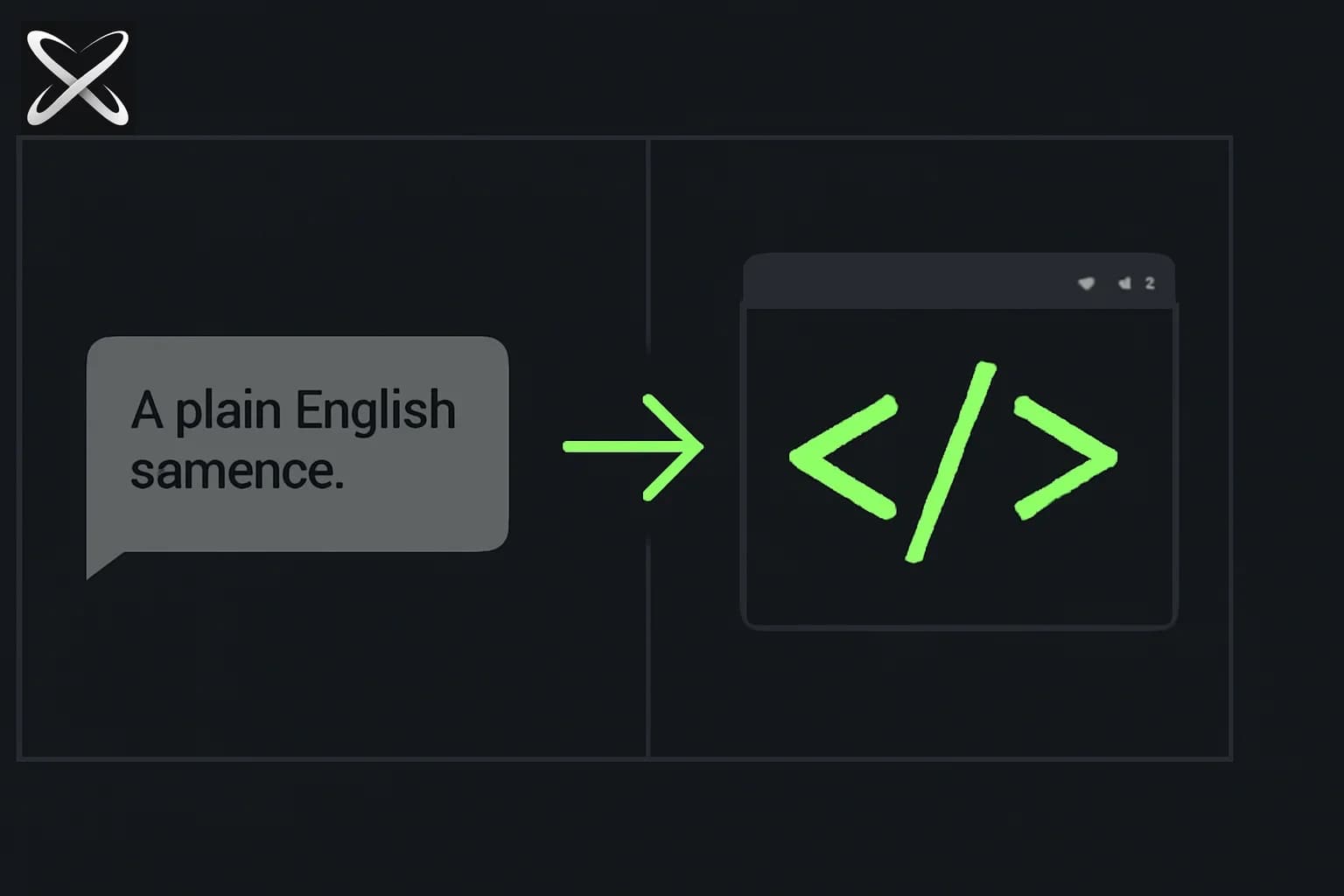
Vibe coding is the term for building software by describing what you want in plain English and letting an AI write the code. You stay in the loop — directing, testing, evaluating — but you don't write the syntax yourself.
The term was coined by Andrej Karpathy in early 2025. The idea: instead of writing code, you describe intent, review output, describe corrections, and iterate. The "vibe" refers to staying in creative flow — describing what you want next instead of context-switching into implementation details.
It's not magic and it's not hype. It's a real shift in how software gets built, with real limits. This guide explains both.
What vibe coding actually looks like
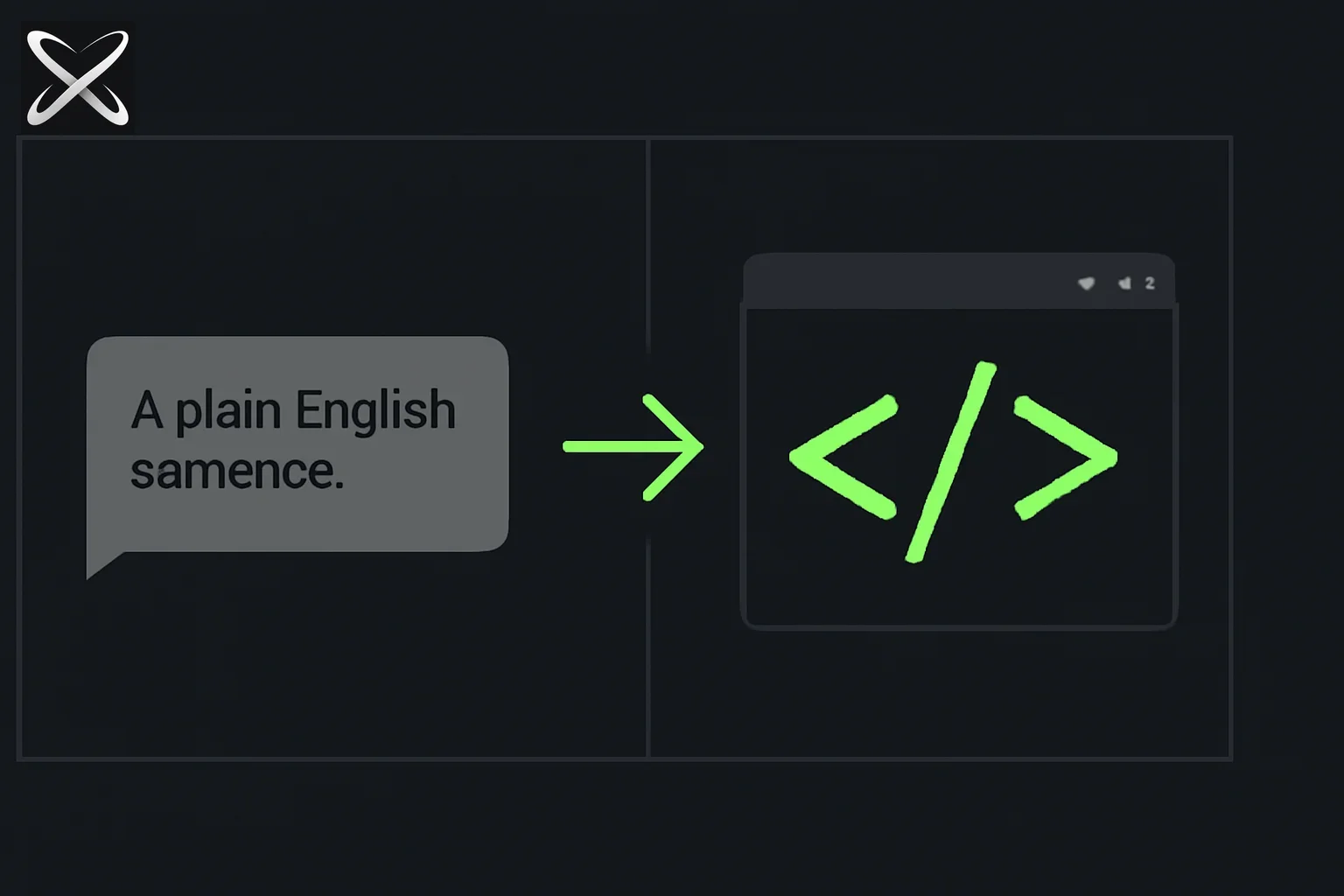
Here is an illustrative vibe coding session in Claude Code:
You: Build me a web app that lets me paste in a job description and my resume,
and uses the Claude API to generate a tailored cover letter.

Claude Code: [creates index.html, styles.css, server.js, reads your file structure,
              installs express and anthropic packages, wires up the API call]

You: The output is too formal. Make the tone more conversational and add a
     "Copy to clipboard" button.

Claude Code: [edits the prompt in server.js, adds clipboard button to HTML]

You: The copy button isn't working on Safari.

Claude Code: [diagnoses the Clipboard API issue, adds a fallback using
              document.execCommand, tests the fix]
The intended result is a working tool, which still needs to be run and checked. No code was written by the human. Every input was a description of what the next thing should be.
The tools
Cursor
Cursor is an AI-native code editor — VS Code with AI built in. The key modes:
- Composer (
Cmd/Ctrl + I) — describe a feature or file to create; the AI writes and edits files - Chat (
Cmd/Ctrl + L) — ask questions about your code; understands the whole codebase - Inline edit (
Cmd/Ctrl + K) — select a piece of code and describe the change
Best for: visual builders who want to see the code they're generating. If you want to understand what's being built as you go, Cursor is better than working in a terminal.
Claude Code
Claude Code is Anthropic's terminal-based coding agent. It reads your entire project, writes files, runs commands, and iterates.
npm install -g @anthropic-ai/claude-code
claude
Best for: builders who want more autonomous runs. Claude Code can be given a large task ("build the whole authentication flow") and left to work through it.
The underlying model
Both Cursor and Claude Code can use Claude Sonnet or Opus. The model matters — Claude Sonnet 4.6 and Opus 4.8 are significantly better at multi-file edits and catching their own mistakes than earlier versions. Choose a supported model and evaluate it on your task rather than assuming the newest release is always the best fit.
How to vibe code well
1. Start with the whole context
Before asking for anything, give the AI a complete picture:
I'm building a job application tracker. It's a web app where I can add jobs
I've applied to, track their status (applied/interview/offer/rejected),
add notes, and see a dashboard of my pipeline.

Tech: Next.js App Router, Tailwind, SQLite via better-sqlite3.
No authentication needed — it's local only.
This one message replaces dozens of clarifying questions. The more context up front, the fewer corrections after.
2. One feature at a time
Don't say "build the whole app." Break it down:
Step 1: Create the database schema and seed it with 3 example jobs
Step 2: Build the job list page with status badges
Step 3: Add the form to create a new job
Step 4: Add the ability to edit status from the list view
Each step should be completable in one session. Smaller scope = fewer errors = faster iteration.
3. Describe the result, not the implementation
Wrong:
Add a useEffect that fetches from /api/jobs and stores the result in useState
Right:
When the page loads, show the list of jobs from the database.
Show a loading spinner while they load.
The AI knows how to implement it. You should describe what you want the user to experience.
4. Test immediately after each change
Vibe coding produces errors. The loop is:
- Describe what you want
- AI writes/edits code
- Run it in the browser or terminal
- If it works — great, next feature
- If it errors — paste the exact error back: "Got this error: [paste]"
The error message is useful evidence. Inspect the proposed fix and ask for an explanation when the change is unclear.
5. Be specific about what's wrong
Vague:
It doesn't look right
Specific:
The status badge is overlapping the job title on mobile screens under 375px wide.
The badge should wrap below the title on small screens.
Specific = faster fix. Vague = multiple rounds of guessing.
What you can realistically build
| Build this | Realistic? |
|---|---|
| Landing page or marketing site | Yes — under an hour |
| Internal tool (dashboard, tracker, admin panel) | Yes — a day or two |
| Browser extension | Yes |
| REST API with a database | Yes |
| MVP of a SaaS product | Yes — days to weeks |
| Mobile app | Partial — Expo/React Native works, but more errors |
| Complex real-time systems (chat, multiplayer) | Harder — requires more architectural knowledge |
| Large existing codebase additions | Harder — context limits and interdependencies cause drift |
Where vibe coding breaks
Long sessions drift. After 10+ back-and-forth edits, the AI starts losing track of earlier decisions. The fix: start a fresh session and re-paste the current state of the key files.
Security holes. AI-generated code often skips input validation, SQL injection prevention, and authentication checks unless you explicitly ask. Always review auth and data handling code.
It doesn't know what it doesn't know. If you ask for a payment integration and don't mention Stripe's specific API version, the AI might generate code for a deprecated version. Always mention library versions for integrations.
Large codebases. There is no universal file-count cutoff for a useful coding-agent session. Beyond that, context limits mean the AI can't see the whole codebase at once and may generate code that conflicts with existing patterns.
Debugging complex state. If something breaks after 5 layers of change, it can be hard to describe the problem clearly enough for the AI to pinpoint it. Sometimes reading the code yourself is faster.
The skill that matters most
Vibe coding doesn't eliminate the need for judgment — it shifts where you apply it.
The highest-value skill in vibe coding is knowing what to build and breaking it into describable pieces. You need to be able to say clearly:
- What the user should see
- What happens when they click something
- What data is stored and where
- What the edge cases are
If you can describe a feature precisely, an AI can build it. If you can't describe it precisely, the AI will guess — and guess wrong.
The people who get the most out of vibe coding are people who think clearly about product and can describe behaviour exactly. That's a product skill, not a coding skill.
Getting started today
- Install Cursor — free tier is enough to start
- Create a new folder for a small project you actually want
- Open Cursor's Composer (
Cmd/Ctrl + I) - Describe your project in 3-5 sentences including tech stack preferences
- Ask it to build the first screen
Your first vibe coding session will be messy. That's fine. The second one is better. By the fifth you'll have a workflow.
How do you keep a promising prototype reviewable?
Write a short acceptance checklist before generating the next feature. For a task tracker, name what happens when someone adds an empty task, completes a task, refreshes the page, and opens it on a narrow screen. These cases help you distinguish an attractive first screen from a working tool.
After a small change, save a known-good state in version control. Inspect the changed files and ask the assistant to explain any file outside the requested scope. If you cannot understand that explanation, stop adding features until the boundary is clear. A small project is easier to learn when each change has a visible purpose.
Use fake data until you have checked the storage and account behavior. A prototype can demonstrate layout and interaction without handling private customer records. Moving to real data adds questions about access, deletion, and retention that deserve their own review. A demo's visual success does not answer them.
How should you ask for a repair when something breaks?
Describe the steps that reproduce the problem, the observed result, and the result you expected. Include the actual error where one exists. “The task disappears after refresh” points to persistence; “the app is broken” invites a broad rewrite that may create new problems while obscuring the original one.
Ask the assistant to inspect before changing code. It should identify the relevant component or data path and propose a focused correction. After the edit, repeat the original reproduction steps. If the symptom disappears, check the adjacent behavior the change could affect, such as adding another task or deleting the last one.
Keep the evidence boundary in the final report. A passing build establishes that the code compiled under that configuration. Opening the browser establishes more about the interface. A live request establishes more about the integration. You need the check that matches the claim you intend to make.
What is a good learning exercise after the first demo?
Choose one generated component and explain it in your own words. Identify its inputs, the state it stores, and the events that change that state. Then ask the assistant to change one behavior, such as keeping a completed task visible in a separate section, and inspect what changed.
This exercise develops the judgment needed to review future output. You can continue directing through natural language while learning enough code to recognize a surprising dependency or a missing check. The Git guide helps preserve useful checkpoints, and the Next.js guide explains a common project structure.
Related guides
- Is software dying or changing? Why teams rebuild internally — vibe-coded clones vs software you still have to operate
- Compositor: a free, open-source Photoshop alternative built with Astra — a real, shipped example of AI-assisted feature planning
- AI printer drivers for abandoned hardware — physical eval (did it print?) vs a screenshot of generated C
- Sakana Chat: Japanese-first vibe coding with Fugu and Namazu
- Godot fishing game: ChatGPT art, Blender MCP, scored critics — a three-week vibe-coded 3D game whose useful part is the harness, not the clip
- How do we stop vibe coding? Trust, CodeSpeak, Scryer (Jul 24)
- Should developers review every line of AI-generated code? — a risk-based production review workflow
- What is Cursor? How to build your first HTML project — set up your vibe coding environment
- What is Claude Code? — terminal-based AI coding
- What is Git? — save and version your vibe-coded projects
- AI Skills registry — pre-built skills for your AI coding workflow