



Apple has started beta testing its Audio Intelligence features for Apple Watch, starting with developers in the iOS 27.3 update. TechCrunch reported the rollout on November 2, 2026. The two features that matter most are Live Rewind, which shows what someone just said, and Siri Recaps, which writes a short summary of a conversation.
Apple announced both at its September event, which we covered in every AI feature Apple announced on September 9. What is new is that people can now test them, and that Apple has published more detail on how the data flows. This post covers what the beta does, how the privacy design works, and the questions that remain.
TL;DR
| Question | Answer |
|---|---|
| What started? | Developer beta of Audio Intelligence in iOS 27.3 |
| Which watches? | Apple Watch Series 12 and Apple Watch Ultra 4 |
| What does Live Rewind do? | Double-press the Digital Crown to see the last 15 seconds of speech as text |
| What does Siri Recaps do? | Summarizes a conversation as a short sentence plus bullet points |
| How long is data kept? | Unsaved rewind snippets: 30 seconds. Unsaved recaps: within 7 days |
| Is raw audio saved? | Apple says no |
| Are speakers identified? | Apple says no |
| Where is the summary made? | On the iPhone, then Apple's Private Cloud Compute |
| Next step | Public beta, then general release (no date given) |
What does the beta include?
The suite has four opt-in features, per TechCrunch: detecting important sounds, identifying songs, catching up on conversations, and taking notes. Sound recognition helps deaf and hard-of-hearing users notice sirens, alarms or a doorbell. Song recognition uses Shazam to name music playing nearby. The two that listen to people talking are Live Rewind and Siri Recaps.
Apple's own support page on Audio Intelligence describes both features and the settings that control them.
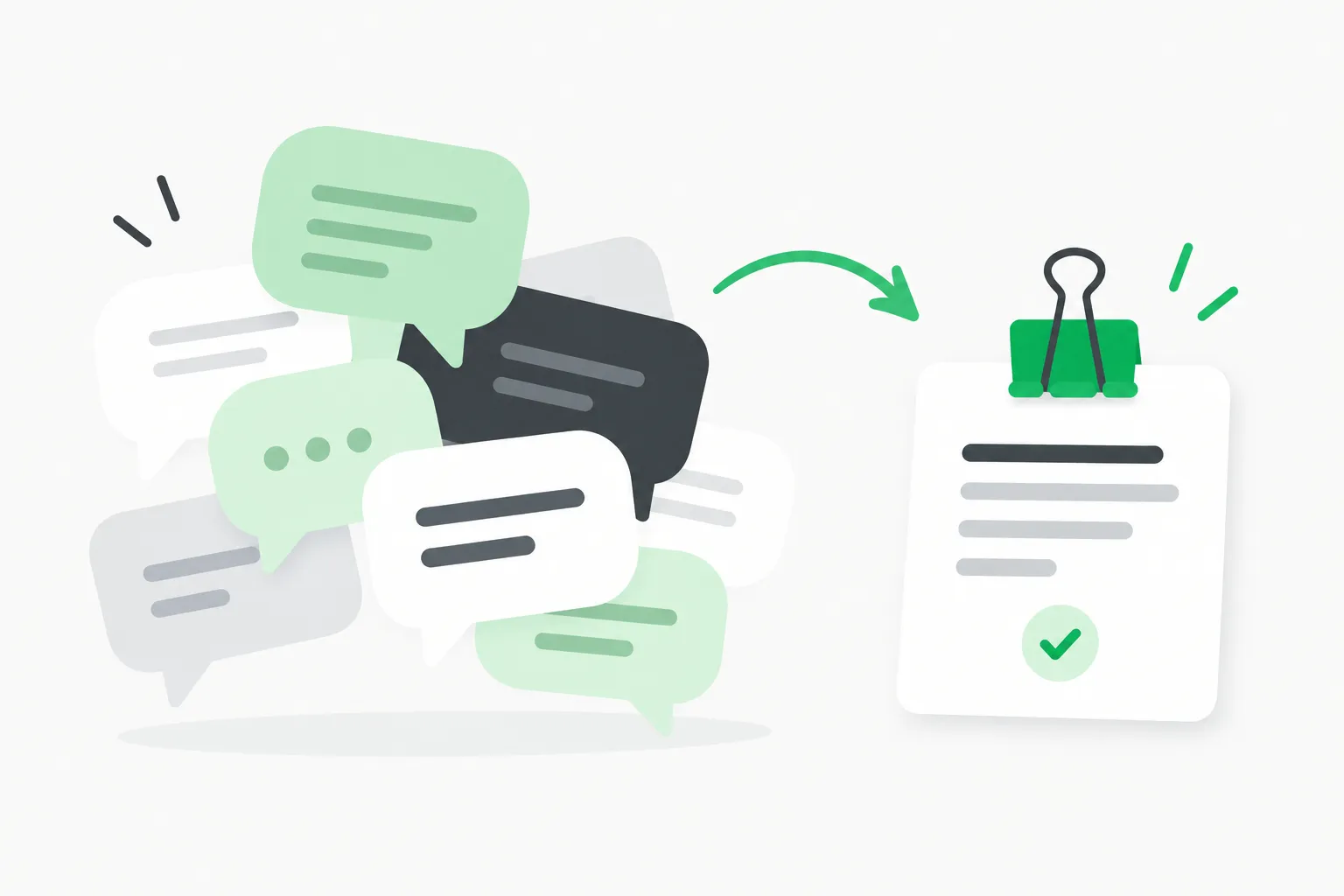 Speech bubbles gathered by a clip into one neat card, showing how Siri Recaps condenses an Apple Watch conversation into key points
Live Rewind
You double-press the Digital Crown and the last 15 seconds of what was said appear as text on the watch face. A chime sounds and an animation plays so people nearby can tell it has happened. You can look and let it vanish, or save it to the standalone Siri app that shipped with iOS 27. An "Ask Siri" option under the snippet lets you ask about a term you did not catch, such as a technical word or a menu item.
Unsaved snippets are deleted after 30 seconds, TechCrunch reports. Apple's support page says the feature only activates on that deliberate gesture and does not transcribe in the background.
Siri Recaps
Siri Recaps goes further. It builds a title and a handful of bullet points: dates, deadlines, prices, payment plans and other facts. Apple's suggested uses are work meetings, parent-teacher conferences and training sessions. It does not capture tone or emotion, which Apple frames as mimicking the notes you would jot yourself.
You enable it manually or on a schedule, for example only during work hours. You can switch it off any time from Control Center. In the evening, and again when you first unlock the watch in the morning, you are prompted to review your recaps and choose what to keep. Saved recaps can go to Notes or Journal. Unsaved ones delete themselves within seven days.
TechCrunch adds that recaps are skipped while you listen to music through headphones or use noise cancellation, and that the feature is built to leave out government identifiers, financial and authentication data, certain personal identifiers and language that promotes self-harm.
How does the privacy design work?
Apple has published an Audio Intelligence Privacy Overview (PDF), and TechCrunch's account matches the pipeline in broad strokes:
- A small AI model on the watch's S11 chip detects whether a conversation involving the wearer is happening.
- The always-on processor includes a secure enclave with a dedicated audio buffer. Raw audio is processed there and, Apple says, is not accessible to anyone, including Apple.
- The audio goes to the paired iPhone over a secure pairing channel.
- On the iPhone, on-device models turn the audio into condensed text with filler words removed.
- That text is encrypted and sent to Private Cloud Compute, which writes the recap and returns it. The recap and the text are deleted from the server straight after.
- Recaps on the iPhone are accessible only to you and are encrypted when synced.
Live Rewind follows a shorter path: the watch hands audio to the iPhone, which makes the 15-second text snippet.
This mix of on-device and Private Cloud Compute is the same two-layer design Apple uses across Apple Intelligence. Our piece on how Siri hands work to other models in iOS 27 shows where those lines get blurry for other features. For this one, Apple's claim is that no third-party model sees the conversation.
 A locked box with gears turning inside, standing for audio processed in the Apple Watch secure enclave before any text leaves the device
What is still unverified?
Apple's privacy claims are design claims. Nobody outside Apple has yet audited the enclave behavior or the server deletion. Developers in the beta can test behavior and battery, but they cannot see inside Private Cloud Compute. Apple has historically offered researchers a way to inspect Private Cloud Compute software images, so independent checks may follow. Until then, treat "not accessible to Apple" as a stated design goal.
Three other points are open:
- Battery. Apple says none of the features should affect battery life of the watch or phone. That needs real-world testing.
- Accuracy. Summaries of facts such as dates and prices are only useful if they are right. Apple has published no error rates. A wrong deadline in a recap could cost a user more than no recap.
- Regional rollout. Earlier Apple material, as covered in our September event post, said English only and not in the EU at launch. TechCrunch's report does not change that.
Why is this controversial?
TechCrunch notes the backlash to AI recording devices such as Meta's AI glasses. The worry is not the wearer's own consent. It is the other people in the room.
Apple's answer is layered. The feature is opt-in. It needs a deliberate gesture for rewind. It plays a chime and an animation. It does not identify speakers, keep audio, or transcribe word for word. Those choices reduce risk but do not remove it. Recording-consent laws differ by country and, in the United States, by state. Some require every party's consent for recording a conversation. Whether a short-lived, summarized, non-verbatim note counts as a "recording" is a question for lawyers, and Apple has not claimed it is settled. If you plan to use Siri Recaps in a workplace, check your employer's policy first, and tell people at the table.
There is also a compliance angle for companies. A manager who enables recaps in a meeting with clients could create a record that nobody agreed to. The seven-day auto-delete helps, but saved recaps go to Notes, where they persist.
What does this mean for what you build or use?
For app developers, the beta shows Apple moving ambient audio understanding into the operating system. Features that once needed a third-party meeting-notes app now sit one crown press away on the wrist. If your product competes on summaries of in-person conversations, expect pressure. If it works with calendar, tasks or CRM, the saved recaps in Notes and Journal are a new input to think about.
For ordinary users, the practical steps are:
- Leave Siri Recaps off until you have read the privacy overview.
- If you turn it on, use the schedule setting so it runs only at work or only at set times.
- Review recaps each evening. Do not trust a date or amount without checking it.
- Tell people when you are using it.
For security teams, a watch that summarizes speech is one more endpoint that handles sensitive talk. Agent and device policies should say whether such features are allowed in meetings. For tooling that controls what AI agents on your machines can do, AgentBeam is built by the explainx.ai team.
How does this compare with other AI wearables?
Meta's AI glasses and other always-on devices record or stream audio and video to cloud models. Apple's pitch is the opposite: short buffers, hardware isolation and quick deletion. That is a stronger story on paper. The cost is capability. A 15-second window and non-verbatim bullet points cannot answer "what exactly did she say ten minutes ago?" Apple chose a narrow tool to keep the privacy case simple.
For Apple's wider AI plan, including Siri AI and Apple Intelligence on the new iPhones, see our iPhone 18 and fold preview.
Related reading
- Every AI feature Apple announced on September 9
- Apple's September event: iPhone Duo and 18 Pro
- Siri model delegation to Claude and ChatGPT in iOS 27
- iPhone 18 and fold preview
- What is MCP?
Details are accurate as of November 3, 2026. Beta features and Apple policies can change before release.