



Most voice-cloning tools ask you to trust a server with your voice. Upload a sample, get an API key, pay per character or per minute, and hope the provider's retention policy is what it claims. VoiceStudio — an open-source desktop app formerly called OmniVoice Studio — skips that exchange entirely: the cloning, dubbing, and dictation all run on hardware you already own.
TL;DR
| Question | Answer |
|---|---|
| What is it? | Open-source desktop app for voice cloning, video dubbing, dictation, and audiobook production |
| Where does processing happen? | Locally, on your machine, by default — no account or API key needed |
| How many TTS/ASR engines? | 16 text-to-speech engines, 11 speech-to-text engines, swappable per job |
| Language coverage? | 646 languages claimed, though actual quality varies a lot by engine |
| Platforms? | macOS 13.3+ (Apple Silicon), Windows 10/11 x64, Linux x86_64, Docker |
| Cost? | Free software — you supply the compute; AGPL-3.0 license |
| How big is the project? | ~19.6K GitHub stars, 37 releases, 49 contributors as of this writing |
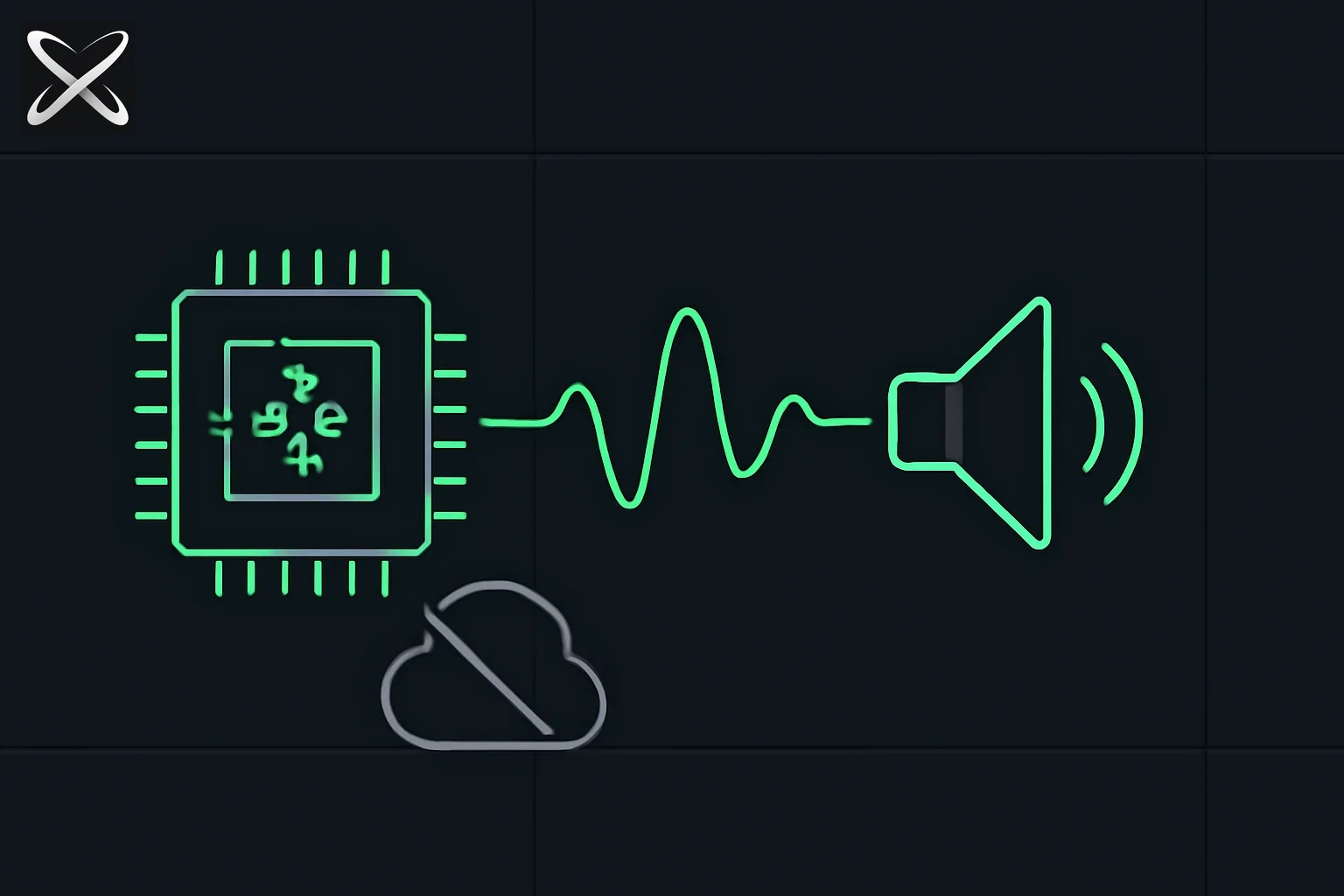 Illustration of local speech generation: a CPU chip processing audio with a crossed-out cloud icon, symbolizing on-device text-to-speech instead of a cloud API
What it actually does
VoiceStudio bundles four workflows that are usually separate paid products into one local app:
- Voice cloning — zero-shot synthesis from a short reference clip (a few seconds works, 5–15 seconds gives a cleaner result)
- Voice design — build a voice from a description (age, accent, pitch, delivery) instead of cloning a real sample
- Video dubbing — transcribe, translate, preserve per-speaker voices, resynthesize, and export a dubbed video
- Dictation — a system-wide hotkey for live speech-to-text with optional local-LLM cleanup, usable from any app, not just VoiceStudio itself
On top of those, it handles multi-voice audiobook production (EPUB/PDF import, chapter rendering, .m4b export), vocal isolation via Demucs, and speaker diarization via Pyannote/WhisperX — the pieces most dubbing and audiobook pipelines otherwise stitch together from separate tools.
The engine-swapping model is the real differentiator
Rather than shipping one TTS model and calling it done, VoiceStudio treats engines as pluggable — 16 for text-to-speech, 11 for speech-to-text, selected per job from a model catalogue. That matters because no single engine wins on every axis:
| Hardware | Recommended TTS | Recommended ASR |
|---|---|---|
| Apple Silicon (M1–M4) | MLX-Audio, OmniVoice (MPS) | MLX Whisper, Parakeet MLX |
| NVIDIA GPU (8GB+ VRAM) | OmniVoice, CosyVoice 3 | WhisperX |
| Low VRAM / CPU-only | PocketTTS, Sherpa-ONNX, KittenTTS | Moonshine, Faster-Whisper (int8) |
This is the same tradeoff covered in explainx.ai's look at VoxCPM2's tokenizer-free voice cloning and Kokoro's local CPU TTS setup — a single "best" open TTS model doesn't exist yet, so a tool that lets you swap engines per job, rather than locking you into one, is doing real work on your behalf.
Clone-less engines (KittenTTS, Sherpa-ONNX, Supertonic 3) can't preserve a reference speaker in dubbing or pinned-voice batch jobs — VoiceStudio rejects those jobs outright instead of silently swapping to a different voice, which is the right failure mode for a dubbing pipeline where speaker consistency matters.
Licensing is more layered than "it's open source"
The application itself is AGPL-3.0, but that's only one layer. The default engine's model weights (built on k2-fsa/OmniVoice) carry a separate CC-BY-NC license, and its audio tokenizer inherits terms from Boson Higgs Audio 2 and the Meta Llama community license — none of which the application's own AGPL-3.0 terms override. Other bundled engines land across a wide spread: CosyVoice 3, VoxCPM2, and MOSS-TTS are Apache-2.0; GPT-SoVITS is MIT; IndexTTS 2.5 carries a Bilibili model license with revenue-based eligibility limits; PocketTTS is CC-BY-4.0 but gated behind an access prompt.
This matters more than the usual open-source license footnote because a "commercial use OK" answer for the app doesn't automatically extend to the model actually generating the audio. Anyone planning to sell output — an audiobook, a dubbed video, a cloned-voice commercial — needs to check the specific engine's terms, not just VoiceStudio's own AGPL-3.0 grant.
Consent and provenance are opt-in, not enforced
VoiceStudio doesn't technically stop you from cloning a voice without permission — the project states outright that consent is the user's responsibility, not a gate the software enforces. What it does ship by default is AudioSeal watermarking, an imperceptible signal embedded in generated audio that survives normal playback and can later confirm a clip was synthetic.
That's the same shape of tradeoff explainx.ai has covered on the image side with C2PA content credentials: a technical provenance signal that helps after the fact, layered on top of a policy that ultimately depends on the user actually following it. An audio watermark that survives re-encoding is a meaningfully stronger backstop than C2PA's metadata manifest, which breaks on a simple screenshot or re-save — but neither replaces an actual consent requirement enforced at the point of cloning.
How to actually run it
Download a package from the latest release and follow the platform guide, or run it via Docker:
docker run -d -p 127.0.0.1:3900:3900 \
  -v omnivoice-data:/app/omnivoice_data \
  --name voicestudio \
  palashdeb/omnivoice-studio:stable
First launch sets up a managed Python environment and downloads the default model; later launches reuse both. To try it before installing anything, VoiceStudio also ships a Google Colab notebook that runs the full app on a Colab GPU — though that's remote compute, so uploaded audio doesn't stay local in that mode the way the desktop app's default workflow does.
For agent integration, point Claude Code, Cursor, or any MCP client at http://localhost:3900/mcp, or use the OpenAI-compatible endpoint by swapping the base URL:
- base_url="https://api.openai.com/v1"
+ base_url="http://localhost:3900/v1"
Anything already written against OpenAI's /v1/audio/speech and /v1/audio/transcriptions endpoints works unchanged once the backend is local — the same drop-in pattern covered in explainx.ai's guide to Kokoro's OpenAI-compatible local TTS server.
Where it fits
VoiceStudio isn't the only open-source local-first voice project — Voicebox covers similar ground (cloning plus dictation plus MCP), and the two are worth comparing directly if you're choosing between them: Voicebox leans lighter and dictation-first, while VoiceStudio's differentiator is breadth — 16 TTS engines against Voicebox's seven, plus video dubbing and audiobook production that Voicebox doesn't attempt. Neither replaces a hosted service's polish or pre-made voice library; both replace its per-minute bill and its access to your audio.
Related on explainx.ai
- Voicebox: Open Source ElevenLabs + WisprFlow Alternative
- VoxCPM2: Tokenizer-Free TTS and Voice Cloning
- Kokoro: Local CPU TTS, OpenAI-Compatible Setup Guide
- What Is C2PA? Content Credentials, Explained
- Immich: Self-Hosted Photo Library, a Google Photos Alternative
- Meetily: Privacy-First AI Meeting Assistant with Local Transcription
Primary source: VoiceStudio on GitHub
Reflects VoiceStudio's README and latest release (v0.5.2) as of September 7, 2026. Star counts, engine lists, and platform support change as the project ships new releases.