



A design skill for coding agents has become one of the biggest repositories on GitHub this week. Taste Skill from the Leonxlnx account is trending with about 3,900 new stars this week according to the trending list, and its page shows roughly 104,000 stars and 7,100 forks in total, under an MIT license. The pitch is simple: agents write working interfaces but rarely good-looking ones, so give the agent a point of view and a way to check its own work. The repository is at github.com/Leonxlnx/taste-skill.
This guide covers what the skill does, how to install it in Claude Code and Codex, what a run costs, and what to watch out for. Star counts say a lot about interest and little about quality, so we focus on what the README actually documents.
TL;DR: Taste Skill at a glance
| Question | Answer |
|---|---|
| What is it? | An Agent Skill that gives a coding agent an art direction, real pictures and a browser self-check |
| License | MIT |
| Stars (page, Oct 28, 2026) | About 104.2k, with 7.1k forks |
| Needs | Node 22+, Chrome/Edge/Chromium, network access for pictures; no API keys |
| Agents documented | Claude Code and Codex (Cursor appears in repo topics) |
| Frameworks | React, Vue, Svelte, plain HTML |
| Time and tokens | Roughly 30 to 45 minutes and a few hundred thousand tokens per build |
| Images | Wikimedia Commons, Openverse, the Met; public domain, CC0, CC BY, CC BY-SA only |
What does Taste Skill actually do?
The README describes two workflows.
Website builds (v2). The agent reads your brief, is "dealt" three of 20 researched art directions by a script and picks one, finds a central idea, builds the page with credited real photos, checks the result at three screen widths in a browser, and fixes the top problems over up to three rounds. The point of dealing a direction is to avoid the generic gradient-and-cards look many agents default to.
Dashboards and app screens (v2.1). A separate workflow with app styles, data-driven charts and tables, and app-specific checks run with an inspect.mjs --app script. A frame check verifies a clear title, equal margins and no random blank areas.
The common thread is a feedback loop. Instead of writing HTML and hoping, the agent opens the page in a real browser, looks at it at mobile, tablet and desktop widths, and iterates. That loop, more than the art directions, is what separates it from a style guide pasted into a prompt. For the broader idea, see our guide to loop engineering for coding agents.
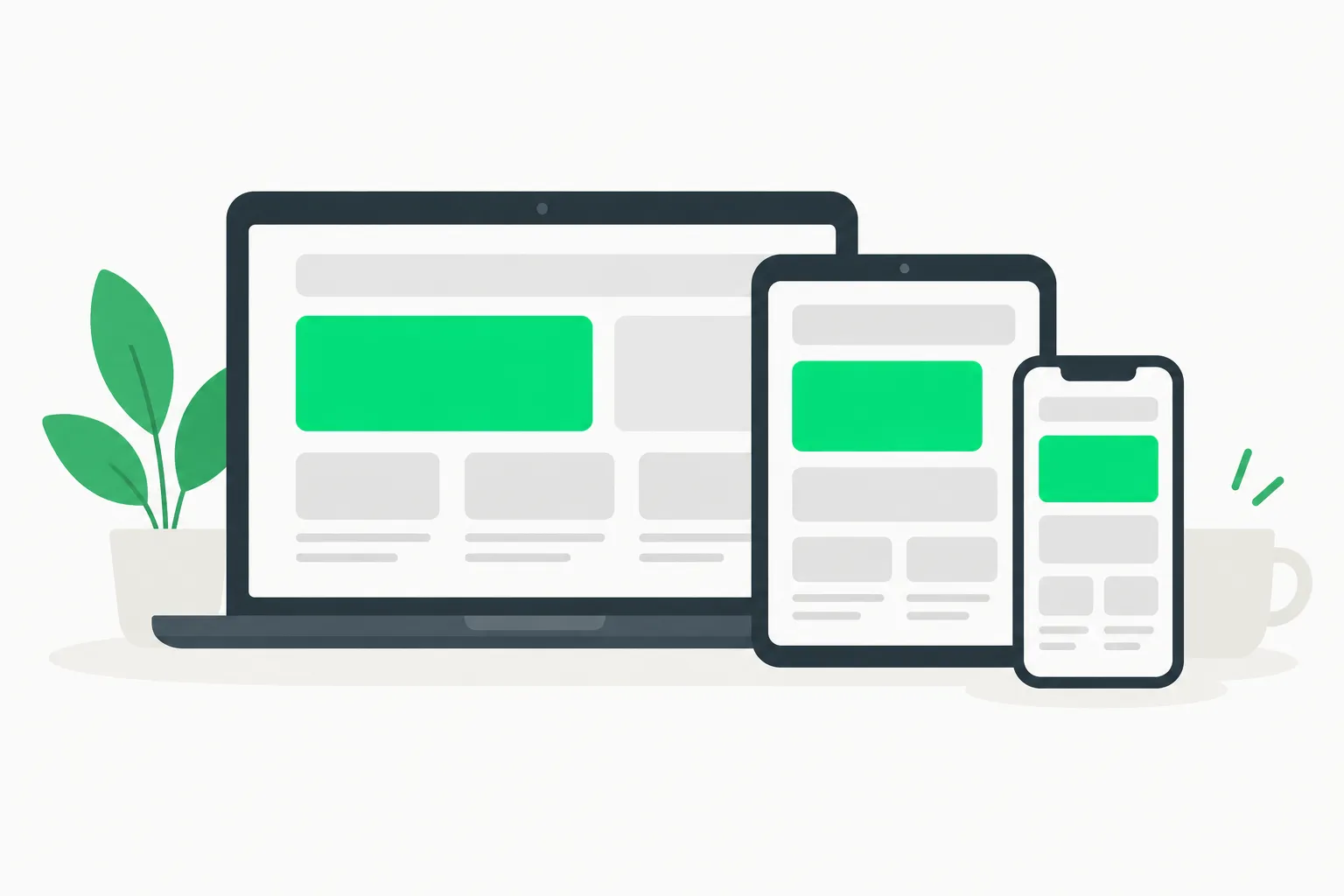 Three screen sizes holding the same layout blocks, the check Taste Skill runs when it tests a page at three widths
How to install it
Pick the route that matches your tool. Commands are from the README.
Skills CLI (works across agents):
npx skills add https://github.com/Leonxlnx/taste-skill --skill "design-taste-frontend"
Claude Code:
/plugin marketplace add Leonxlnx/taste-skill
/plugin install taste-skill@taste-skill
Codex:
codex plugin marketplace add Leonxlnx/taste-skill
codex plugin add taste-skill@taste-skill
From a clone: run ./install.sh, which symlinks the skill; add --codex or --all-agents for other agents.
Requirements are Node 22 or newer and a Chrome-family browser. If you are new to the format, our explainer on what agent skills are covers how skills are discovered and loaded.
A first run you can copy
Start with a small, specific brief rather than a vague one. For example:
Use the design-taste-frontend skill. Build a one-page site for a neighbourhood coffee roaster:
hero, three blends, a weekly subscription, and a map section. Warm, not corporate.
The README shows pages made from single briefs, such as a coffee shop landing page and a techno night page. Expect the agent to pick an art direction, source photos, build, screenshot at three widths and then revise. Budget the time: the README says 30 to 45 minutes.
Tips that follow from how it works:
- Give the brief a mood and an audience, not only features. The art direction is chosen from the brief.
- Run it in a scratch project first so you can read the files it writes and the credits it adds.
- Replace stock images with your own where you can. The README says so itself.
- Re-run the browser check after you hand-edit, so your changes do not undo the margins and widths it verified.
What people are asking
Does it replace a designer? No claim in the README says it does, and the evidence on offer is example pages from single briefs. An art direction and a checklist raise the floor; they do not replace brand knowledge, research with users or taste in the human sense. Think of it as a better first draft.
Will every site look the same? The skill deals one of 20 art directions, so outputs vary across briefs, but 20 is a finite set. If you run it for many clients, expect families of looks to repeat. Add your own constraints in the brief, such as colour limits or a reference page, to push it away from the dealt default.
Can I use it with a design system I already have? The README documents the dealt directions, not a bring-your-own-tokens mode. If your company has tokens and components, tell the agent in the brief, and check afterwards that the output used them instead of inventing new ones.
What about accessibility? The documented checks cover layout at three widths, clear titles, equal margins and no random blank areas. Contrast ratios, keyboard order and screen reader labels are not listed, so run your usual accessibility audit on the result.
Is it only for new pages? The workflows described are for building pages and app screens from a brief. Editing an existing codebase is not what the README highlights, so test on a copy.
How to judge the result
A simple review routine keeps the speed benefit and catches the usual agent mistakes. Open the page at a phone width, a tablet width and a desktop width yourself. Read every image credit and decide whether you want it. Tab through the page with the keyboard. Check that text is real text and not baked into images. Then compare the diff with what you asked for in the brief, since a long run can drift.
Costs and limits
The honest numbers from the README:
- Time: roughly 30 to 45 minutes per build.
- Tokens: a few hundred thousand per build. On a metered API plan that is a real cost, and on a subscription it counts against your usage limits. Our write-up of how agent token costs add up with caching is a useful way to estimate.
- Environment: a local Chrome-family browser and Node 22 or newer, so it will not run in a sandbox that has neither.
- Network: picture search needs internet access.
Licensing and attribution of images
A useful detail: the skill restricts itself to public domain, CC0, CC BY and CC BY-SA files and adds credits to the page automatically. That reduces, but does not remove, copyright risk. CC BY and CC BY-SA carry attribution and, for the latter, share-alike conditions that may affect how you can license the page. If you ship a commercial site, review each credited image and keep the credits visible, or swap them for photos you own.
How it compares with other design skills
Design skills are a crowded corner of the skills ecosystem this month. Several we have covered take different approaches:
- Oil UI compares directions side by side before building.
- Elaya Design focuses on landing pages.
- Jakub Krehel's interface skills are 14 narrower skills on typography and accessibility.
- DESIGN.md templates take a document-first approach where you supply the design rules.
Taste Skill's distinguishing choices are the dealt art direction, the credited real photos, and the multi-width browser check. If you already have a brand system, a DESIGN.md file may serve you better than a randomly dealt direction. If you do not, the dealing is the feature.
Risks to think about before installing
A skill is instructions plus scripts that your agent will follow, so apply the same caution as any dependency.
- Read before you run. Open
install.sh, the skill files and any scripts such asinspect.mjs. They drive a browser and fetch from the network. - Pin a version. A trending repository changes fast; the page notes older skills were moved into
taste-skill-classicsandimagegen-skills, and afull-output-enforcementskill was removed in favour ofunlazy. Pin a commit so your results are repeatable. - Keep secrets out. Run it in a project with no credentials in the environment.
- Watch the star count. About 104,000 stars is a lot for a skill; treat it as popularity, not an audit. If you run agents against real systems, AgentBeam is the agent security platform from the explainx.ai team that stops AI agents before they take dangerous actions.
For the general pattern of reading skills before installing, our write-up of tstack's agent skills and the Expo official skills install guide show what well-documented skills look like.
Bottom line
Taste Skill is a well-documented attempt to fix a real weakness, agents producing generic interfaces, with a loop that checks the output in a browser. Its costs are plain: 30 to 45 minutes and hundreds of thousands of tokens per build. If you build landing pages or dashboards with Claude Code or Codex and have no design system, try it on a scratch project. If you do have one, compare it with the alternatives above first.
Related reading
- What are agent skills? A complete guide
- Oil UI design skill
- Elaya Design landing page skill
- Jakub Krehel's 14 interface skills
- DESIGN.md templates for AI agents
- Loop engineering for coding agents
- Official: Taste Skill on GitHub and Agent Skills at agentskills.io
Details are accurate as of October 28, 2026 and come from the repository README; star counts and versions change quickly.