




jakubkrehel/skills is a trending, MIT-licensed collection of 14 agent skills that help a coding agent review and build interfaces, covering UI polish, typography, color, accessibility, layout and product writing. It had about 8.9k stars, 336 forks and 143 commits on October 28, 2026, and gained roughly 746 stars in a week, according to the trending list. The author says the skills cover topics he writes about on his personal site and in his design engineering magazine, Interfaces, and points to jakub.kr/skills for more.
This post is a practical guide: what each skill does, how to install it, how it compares with design skills we have covered, and what to check before trusting its output. The source is the repository README.
Quick answers
| Question | Answer |
|---|---|
| What is it? | 14 agent skills for interface quality |
| License | MIT |
| Install (any agent) | npx skills add jakubkrehel/skills |
| Install (Claude Code) | /plugin marketplace add jakubkrehel/skills then /plugin install interfaces@interfaces |
| Standards cited | WCAG 2.2 for accessibility |
| User-invoked skills | interface-review, explain-interface, break, state-machine, variant |
| Needs API keys? | The README lists none; skills are instructions, not services |
| Stars, forks | About 8.9k and 336 on Oct 28, 2026 |
What are the 14 skills?
The README groups them as skills that "help build great interfaces." Here is each, in the README's own terms.
Review and polish
- better-interface reviews a screen, flow or whole interface across accessibility, layout, writing, typography, color and UI polish, and returns one ranked report.
- better-ui polishes surfaces, icons and motion with exact values for border radius, optical alignment, shadows, icon states and animation.
- interface-review reviews a branch, pull request or uncommitted change for interface problems it introduced or regressed. User-invoked.
Foundations
- better-typography covers type scale, spacing, font features, wrapping, truncation and punctuation.
- better-colors builds and checks color systems: palettes, semantic tokens, format conversion and contrast measurement.
- better-accessibility reviews and fixes keyboard and focus behavior, ARIA, accessible names, forms, screen-reader announcements, motion and zoom against WCAG 2.2.
- better-layout sets grouping, alignment, reading order, responsive structure and room for translated text so a layout holds when resized, translated or mirrored.
- better-writing writes and reviews interface copy, from labels and errors to empty states and confirmations.
Building and exploring
- build-design builds UI from a Figma file or design image using the project's existing tokens and components.
- explain-interface explains how a website, effect or animation was built, from a live URL or screenshot. User-invoked.
- teardown creates a technical illustration of an object that you can configure, color and download as SVG, PNG or PDF.
- break renders a component under every scenario that can reach it on a temporary page and stress tests it. User-invoked.
- state-machine renders every state of a component on a throwaway page with mock data and a switcher. User-invoked.
- variant builds multiple variants of a component and helps you iterate and pick one. User-invoked.
 Circle split into light and dark halves with a green dot, representing contrast and accessibility checks in interface skills
How do I install and try it?
For most agents:
npx skills add jakubkrehel/skills
For Claude Code, the README gives a plugin route:
/plugin marketplace add jakubkrehel/skills
/plugin install interfaces@interfaces
After installing, restart or refresh your agent session so it discovers the new SKILL.md files. The repo contains a .claude-plugin folder, a skills folder, AGENTS.md, CLAUDE.md and an opencode.json, so it is set up for several harnesses. Prompts to try, based on the skill descriptions:
- "Review the checkout screen with better-interface and give me one ranked report."
- "Check our color tokens with better-colors and flag pairs that fail contrast."
- "Run interface-review on this branch and list regressions in accessibility and layout."
- "Use state-machine on the Dropdown component and show every state with mock data."
- "Use break on the Card component and stress test long text and missing images."
What is different about this collection?
Three things stand out.
It reviews instead of only generating. Many design skills tell an agent how to produce a look. These skills spend much of their effort on review: a ranked report, a pull-request diff review, a stress test of every scenario that can reach a component. That fits how teams actually use agents, as a second pair of eyes on work already in flight.
It names exact values and standards. better-ui is described as using exact values for border radius, optical alignment and shadows, and better-accessibility targets WCAG 2.2, the current version of the W3C accessibility guidelines. Specific values give the agent something to check against, which tends to reduce vague advice.
It separates auto and manual skills. The five user-invoked skills do heavier work, such as rendering temporary pages, so they run only when you ask. That is a sensible guard against an agent spinning up throwaway pages unprompted.
How does it compare with other design skills?
We have covered several in the same space. Impeccable 4.5 is command- and detector-heavy, with 24 commands and 61 rules. Oil UI focuses on generating side-by-side directions. The elayadesign landing-page skill targets landing pages. This collection is broader and review-oriented, closer to a checklist for interface quality than a style generator. If you are new to the format, our guide to agent skills explains how a SKILL.md is discovered and loaded.
What would a review workflow look like?
A realistic loop for a small team, using only skills named in the README:
- Before the pull request: run better-interface on the changed screen. Expect one ranked report that mixes accessibility, layout, writing, typography, color and polish findings, so you fix the highest-impact items first.
- During review: run interface-review on the branch. Its job is to find problems the change introduced or regressed, which is a narrower and more useful question than "is this interface good."
- For components: use state-machine to render every state with mock data, then break to stress test scenarios such as long strings, empty data and narrow widths. Both build throwaway pages, so keep them out of your commit.
- For color and type: run better-colors when tokens change, since contrast failures hide in rarely used pairings, and better-typography when copy or fonts change, since wrapping and truncation bugs show up with real text.
- For copy: run better-writing on error messages and empty states, where vague wording costs users the most.
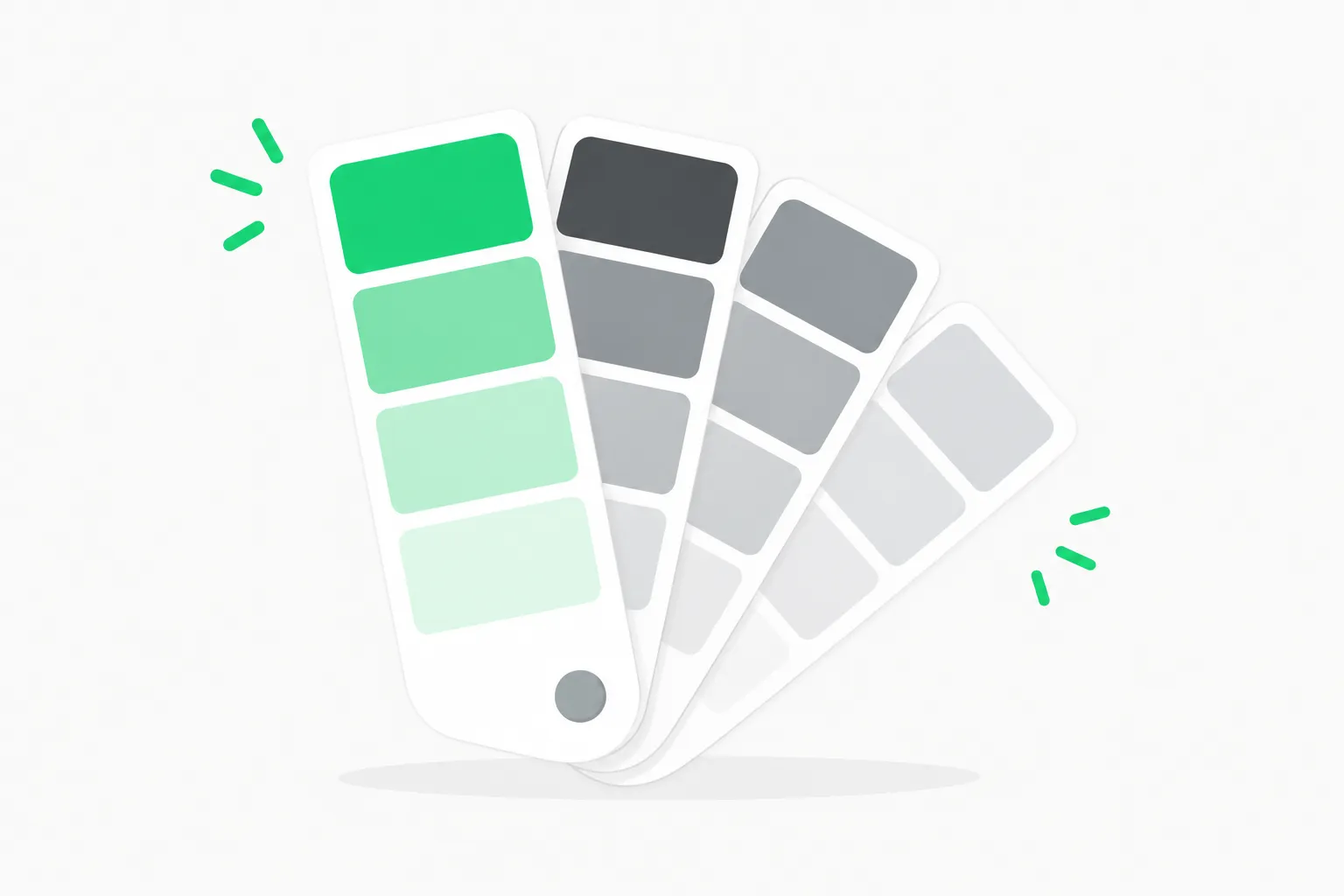 Fan of gray swatches with one green swatch, representing a color system checked by the better-colors skill
The color step is where an agent adds the most mechanical value, because contrast ratios are computable and easy to get wrong by eye. The README says better-colors measures contrast and converts between formats, so you can ask it to list every foreground and background token pair that falls below the WCAG 2.2 text threshold and decide which to change.
What are people likely to ask?
Will it work in Cursor, Codex or Copilot? The npx skills installer is the route for agents other than Claude Code. Behavior depends on how each agent loads skills, so test one skill first.
Does it phone home? The README describes no services or API keys. Still, check any skill that renders pages or fetches a URL, such as explain-interface, which takes a live URL or screenshot.
Is 8.9k stars a quality signal? It signals attention, not correctness. Stars arrive when a design engineer with an audience publishes something useful, which is a fair reason to try it, and a poor reason to skip a review of what it does.
What should you check before relying on it?
- Read the skills. A skill is instructions your agent follows. Open the SKILL.md files and see what they tell the agent to run, write and render, especially the ones that create temporary pages.
- Treat reports as leads. A ranked report from a model is a starting list, not a verified audit. Confirm accessibility findings with a keyboard pass and a screen reader.
- Pin a version. The repo has 143 commits and is moving. If you rely on it in CI, pin a commit rather than tracking main.
- Watch context cost. Fourteen skills add descriptions to the agent's context. Install only the ones you use if your agent loads all descriptions up front.
- Check licensing of outputs. The skills are MIT licensed; outputs depend on your model and your own design assets.
- Test on your own code. A review skill tuned to one author's taste may disagree with your design system. Compare its advice to your tokens before accepting changes.
Why does it matter for builders?
Interface quality is where agent-written code often falls short: spacing that is nearly right, contrast that barely fails, error copy that tells people nothing. A skills pack that turns a design engineer's habits into repeatable checks lets an agent catch those issues during the pull request, not after launch. The strong star growth also signals demand for skills that encode craft rather than tooling. For teams, the cheapest experiment is to install it on a branch, run interface-review on a recent change, and see how many findings a human reviewer would also have raised.
For a wider view on how skills are shared and installed, see our coverage of Anthropic's donation of Agent Skills to a foundation and the TStack skills pack.
Related reading
- Impeccable 4.5 design skill
- Oil UI open-source design skill
- elayadesign landing page design skill
- What are agent skills? A complete guide
- TStack agent skills
- Anthropic donates Agent Skills to a foundation
Details reflect the repository README and star counts as of October 28, 2026; the repo changes often.