



Anthropic published a detailed breakdown of every method you can use to steer Claude Code's behavior — and the differences matter more than most developers realize.
The seven methods are: CLAUDE.md files, rules, skills, subagents, hooks, output styles, and appending the system prompt. Each one controls the same three variables differently: when an instruction loads into context, what happens to it during compaction, and what it costs in tokens.
Getting those three things wrong wastes tokens, degrades instruction adherence, and creates surprises in long sessions. Getting them right means Claude follows the right instructions at the right time with no unnecessary overhead.
Here is the breakdown.
The Core Decision Framework
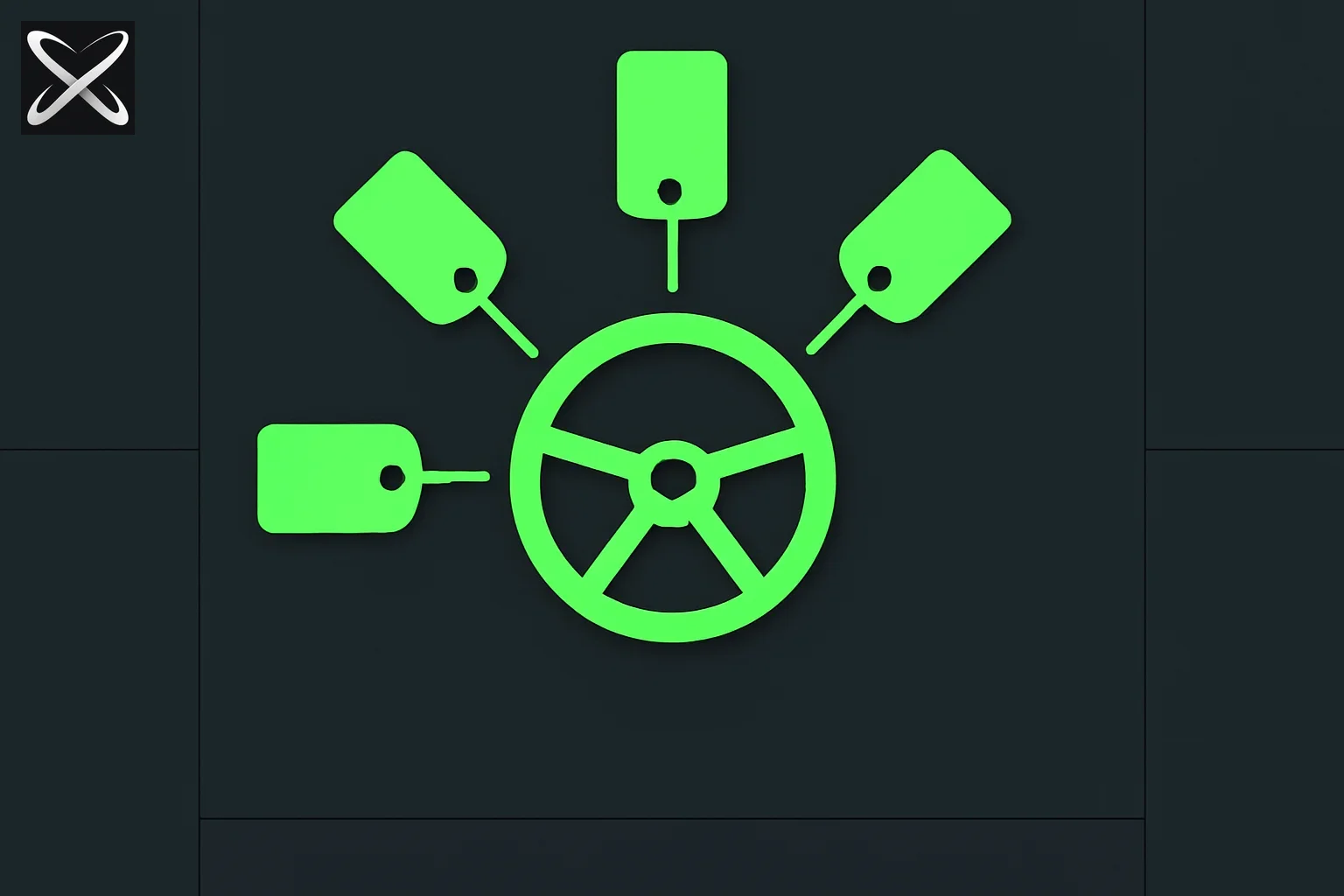 Steering Claude Code diagram showing a wheel with five spokes connecting to five control tags
Before diving into each method, understand the central trade-off: authority vs. cost vs. precision.
- Instructions that load at session start and stay forever (CLAUDE.md, unscoped rules) cost tokens on every task whether relevant or not.
- Instructions that load on-demand (path-scoped rules, skills, subagents) cost nothing until triggered, but can be lost or delayed.
- Instructions outside the context window entirely (hooks) have the lowest cost and the highest determinism, but the least flexibility.
Most configuration mistakes boil down to using a high-cost, always-on method for something that should be triggered on-demand, or using a soft instruction for something that needs to be enforced.
CLAUDE.md Files
When it loads: Session start. Stays in context for the entire session.
Compaction behavior: Root CLAUDE.md is memoized — re-read after compaction, never lost.
Subdirectory CLAUDE.md: Loads on-demand when Claude reads files in that directory. Lost until that directory is touched again.
CLAUDE.md is the persistent memory layer for your project. It is the right place for facts Claude should hold all session long: build commands, directory layout, monorepo structure, coding conventions, team norms.
The failure mode is scope creep. In shared repositories, CLAUDE.md grows the way unowned config files always do — every team appends their own lines, nothing gets deleted, and eventually every developer is loading every team's conventions into every session whether relevant or not.
Anthropic's guidance is direct: keep root CLAUDE.md under 200 lines, give it an owner, and review changes like code. Push team-specific conventions into path-scoped rules or into subdirectory CLAUDE.md files so they only load when that team's directory is being worked on.
For org-wide policies — security requirements, compliance mandates — a centrally managed CLAUDE.md deployed via MDM can't be excluded by individual settings. That is the enforcement path for non-negotiables.
You can generate a CLAUDE.md for your project at /generate/claude-md — free, no login required.
Rules
When they load: Unscoped rules load at session start, identical to CLAUDE.md. Path-scoped rules load only when Claude reads a file in the matching path.
Compaction behavior: Re-injected on compaction.
Rules live in .claude/rules/ as markdown files. Unscoped, they behave exactly like putting content into CLAUDE.md — always loaded, always costing tokens. The value of rules comes from the paths frontmatter field:
---
paths:
  - "src/api/**"
  - "**/*.handler.ts"
---
All API handlers must validate input with Zod before processing.
This rule stays out of context during a docs-only session. It loads the moment Claude reads a file under src/api/.
The right mental model: use a path-scoped rule for cross-cutting constraints that apply across multiple (but not all) parts of the codebase. "Migrations are append-only" is a rule, not a CLAUDE.md line. "All API handlers must validate with Zod" is a rule, not a global convention.
Skills
When they load: Name and description at session start; full body loads only when invoked.
Compaction behavior: Re-injected up to a shared token budget. Oldest invoked skills drop first.
Skills live in .claude/skills/ as folders containing a SKILL.md file with a name, description, and body. Claude Code ships built-in skills like /code-review; you can write custom ones. You can also browse 1000+ community skills on explainx.ai and install any via npx skills install.
The key difference from CLAUDE.md: only the name and description load at session start. The full body — the actual instructions — loads only when the skill is invoked, either via slash command or by Claude's auto-matching.
This makes skills the right home for procedural workflows: deployment checklists, release processes, security review runbooks. These don't need to live in context all session long. They need to be available when needed and comprehensive when invoked.
Anthropic's explicit guidance: if you have a 30-line procedure in CLAUDE.md, move it to a skill. CLAUDE.md is for facts; skills are for procedures.
Subagents
When they load: Name, description, and tool list at session start; body loads only when called via the Agent tool.
Compaction behavior: Only the final message (summary + metadata) returns to the main session. Runs in its own fresh context window.
Subagents live in .claude/agents/ as markdown files with YAML frontmatter. They are similar to skills with one critical structural difference: the subagent runs in its own isolated context window and returns only its final message to your main session.
This isolation is the reason to choose a subagent over a skill:
- Use a skill when you want the procedure to play out inside the main thread — you want to see and steer each step.
- Use a subagent when a side task like deep search, log analysis, or a dependency audit would fill your main session with intermediate results you will never reference again.
Subagents can nest up to five levels deep. Dynamic workflows can orchestrate tens to hundreds of background subagents with orchestration plans living in script variables rather than context — which is why agentic loops and autonomous workflows can scale without losing instructional fidelity.
Hooks
When they fire: On lifecycle events — file edits, tool calls, session start, pre-compaction.
Context cost: Near-zero. Configuration lives outside the context window.
Hooks are the most deterministic control method in Claude Code. You register them in settings.json or managed policy settings. They fire on specific events: PreToolUse, PostToolUse, PreCompact, and others.
Hook types:
- Command, HTTP, mcp_tool — execute deterministically.
- Prompt, agent — use model judgment (non-deterministic).
The decisive advantage: hooks bypass the context window entirely. A PreToolUse hook that exits with code 2 blocks a tool call before Claude even processes it. The blocking error is saved to context so Claude knows why — everything else runs outside the model.
Anthropic makes the distinction explicit and important:
"Never do this" in CLAUDE.md is the wrong tool. Claude will follow the instruction most of the time, but under pressure, in long sessions or ambiguous situations, or due to prompt injection in accessed files, the model can fail to follow a prompted rule. A real guardrail needs to be deterministic.
If something must never happen — a command must never run, a file must never be modified — use a PreToolUse hook with exit code 2, not a CLAUDE.md instruction.
Output Styles
When they load: Session start, injected into the system prompt. Never compacted.
Context cost: High. Occupies the system prompt.
Output styles live in .claude/output-styles/ and carry the highest instruction-following weight of any method — because they sit in the system prompt.
The risk is significant: custom output styles replace the default Claude Code system prompt unless you set keep-coding-instructions: true in frontmatter. The default prompt tells Claude it is a software engineering assistant and contains critical instructions about scoping changes, omitting unnecessary comments, security concern handling, and verification habits like running tests before declaring work done.
Replacing it turns Claude Code into a general assistant. Before writing a custom style, check the built-in options: Proactive (autonomy), Explanatory (teaching mode), and Learning (collaborative coding) cover the most common needs without requiring you to maintain a file.
Appending the System Prompt
When it applies: That invocation only, passed as a CLI flag. Never persisted.
Context cost: Moderate. Increases input tokens; cached after the first request.
The --append-system-prompt flag adds instructions to the default system prompt without replacing it. Unlike output styles, it is additive. Unlike CLAUDE.md, it applies only to the current invocation — there is no file to maintain.
Best for: specific coding standards, output formatting preferences, domain-specific knowledge that varies by invocation context.
The caveat: diminishing returns apply. More instructions added this way means stricter adherence to any single one becomes harder, especially if instructions conflict. Keep appended prompts focused.
Before the cheat-sheet table, try placing these yourself:
Quick Decision Rules
| Scenario | Right method |
|---|---|
| Build commands, team conventions, monorepo layout | Root CLAUDE.md |
| Conventions specific to one subdirectory | Subdirectory CLAUDE.md or path-scoped rule |
| Constraint that applies to specific file types | Path-scoped rule with paths frontmatter |
| Deployment checklist or release runbook | Skill |
| Deep search, log analysis, or audit side task | Subagent |
| "Run linter after every file edit" | Command hook on PostToolUse |
| "Never allow this command to run" | PreToolUse hook, exit code 2 |
| Personal formatting preferences | User-level CLAUDE.md or append-system-prompt |
| Significant role change (e.g., teaching mode) | Built-in output style |
What This Changes About How You Configure Claude Code
The table Anthropic published is the most useful quick reference for Claude Code configuration that exists. But the deeper insight is the enforcement hierarchy:
- Hooks — deterministic, outside context, can't be overridden by the model
- Managed settings — admin-deployed, can't be overridden by users locally
- Output styles — system prompt level, highest instruction weight in-context
- CLAUDE.md + root rules — always loaded, re-injected on compaction
- Path-scoped rules + subdirectory CLAUDE.md — on-demand, precise
- Skills — on-demand procedures, subject to budget on compaction
- Subagents — isolated, return summary only
- Append-system-prompt — per-invocation, additive
If an instruction matters, it needs to be at the right level of this hierarchy. "Never do X" in CLAUDE.md is at level 4. "Never do X" as a PreToolUse hook is at level 1.
Practical Starting Points
For individual developers: Generate a CLAUDE.md for your project and keep it under 200 lines. Move any multi-step procedures to skills in .claude/skills/. Add a PreToolUse hook for any command you genuinely never want running.
For teams: Audit your root CLAUDE.md for lines that are actually team-specific rather than project-wide. Scope them to path rules or subdirectory CLAUDE.md files. Deploy org-wide security policies as managed settings rather than hoping every developer has the right CLAUDE.md.
For agentic workflows: Use subagents for side tasks that produce intermediate results you don't need inline. Use skills for procedures you want to observe and steer. Browse the skills registry — 1000+ community-built skills ready to install.
Related Reading
-
AWS Labs AI-DLC: gated workflows for Claude Code, Codex, Cursor and Kiro
-
"Humanising LLM outputs is dumb" — render at the boundary, not in the loop — which of these surfaces is a renderer and which shapes the work
-
The map is not the territory: finding your unknowns with Fable 5
-
Anthropic's official guide — the source this post is based on
For more on getting the most from Claude Code — from context window management to parallel sessions — see our full Claude Code coverage and the Claude Code skills registry.