



LingBot-Map from Robbyant Team is one of the most-starred open 3D stacks of mid-2026: 13.1k GitHub stars, 1.4k forks, Apache 2.0. It is a feed-forward 3D foundation model — you stream frames in, you get poses + dense geometry out, without running COLMAP-style optimization for every new scene.
The pitch in the README is concrete: ~20 FPS at 518×378 on sequences beyond 10,000 frames, using a Geometric Context Transformer (GCT) and paged KV cache via FlashInfer.
For builders in physical AI — robots, world models, AR — LingBot-Map sits between classic SLAM (slow to tune, brittle) and per-scene NeRF/GSplat (quality but not real-time streaming).
Repo: github.com/Robbyant/lingbot-map · Weights: HuggingFace robbyant/lingbot-map · Paper: arXiv:2604.14141
TL;DR — questions people ask first
| Question | Answer |
|---|---|
| What problem? | Streaming 3D reconstruction from video / image folders |
| Architecture? | GCT — anchor context + pose window + trajectory memory |
| Speed? | ~20 FPS @ 518×378 (FlashInfer, long sequences) |
| License? | Apache 2.0 |
| Interactive demo? | demo.py → viser at http://localhost:8080 |
| Long video? | demo_render/batch_demo.py — 25k frames / 13 min indoor example |
| Checkpoint? | Use the documented lingbot-map checkpoint and verify available downloads upstream |
| 320-frame gotcha? | RoPE training limit → use keyframe_interval or windowed mode |
| VRAM tight? | --offload_to_cpu, --num_scale_frames 2, RTX 4060 8GB fork |
| Builds on? | VGGT, DINOv2, FlashInfer |
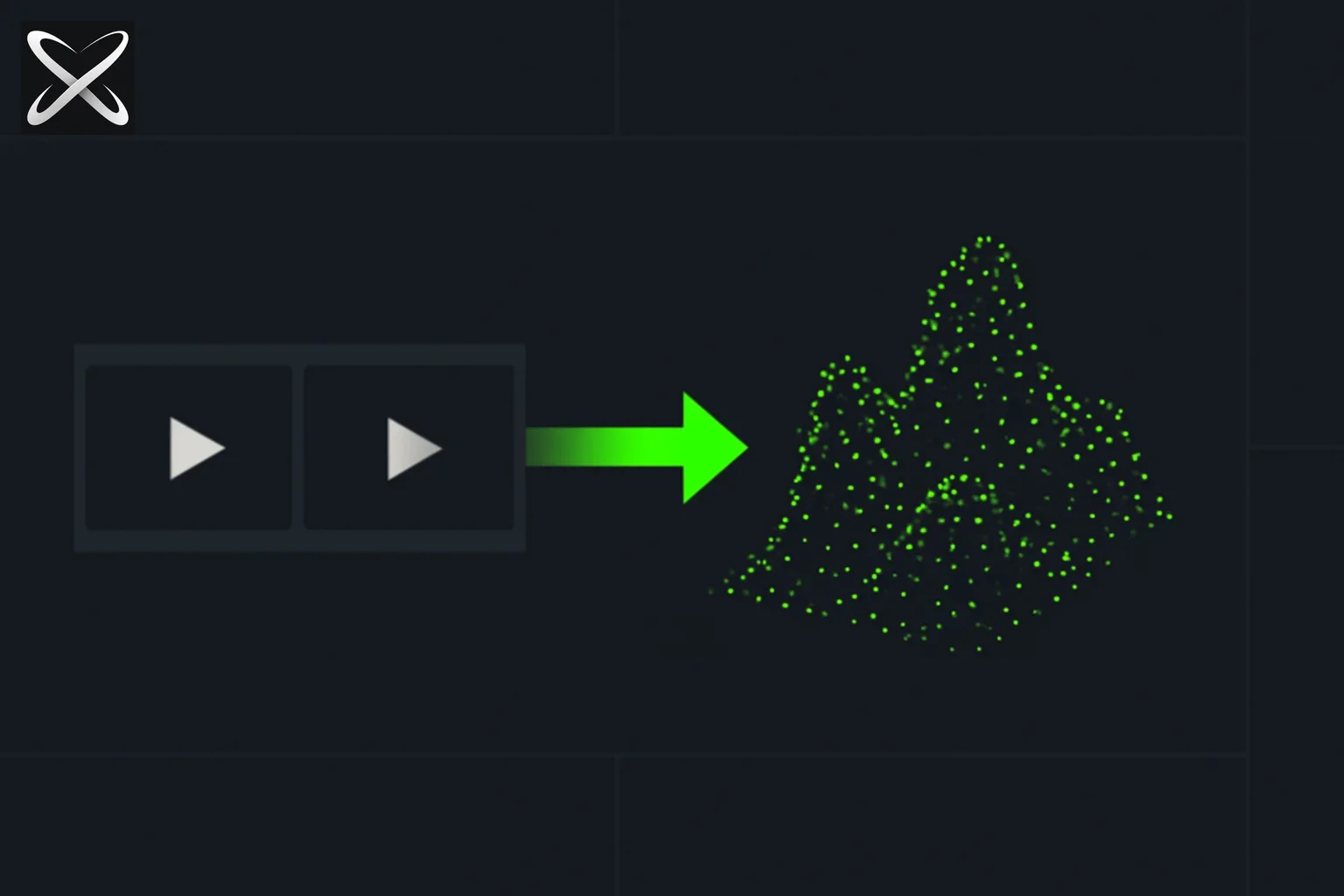 LingBot-Map streaming 3D reconstruction — a video frame ribbon flowing directly into a 3D point cloud in one forward pass, no loop
What LingBot-Map actually does
Traditional pipelines split into:
- Feature matching + BA (COLMAP, ORB-SLAM) — accurate but heavy per scene
- Neural fields (NeRF, 3DGS) — great visuals, offline training per location
- Feed-forward transformers (VGGT lineage) — one network forward pass generalizes across scenes
LingBot-Map targets (3) for streaming:
| GCT component | Role |
|---|---|
| Anchor context | Coordinate grounding — where am I in the map? |
| Pose-reference window | Local geometric cues from recent frames |
| Trajectory memory | Long-range drift correction without resetting state every frame |
Output per frame: camera pose, depth / point cloud suitable for viser visualization or offline MP4 flythroughs.
Unlike iterative SLAM, there is no explicit loop-closure optimizer you configure — the transformer is supposed to internalize drift control. The loop example scene in example/loop stress-tests that story.
Install (copy-paste)
conda create -n lingbot-map python=3.10 -y
conda activate lingbot-map

pip install torch==2.8.0 torchvision==0.23.0 \
  --index-url https://download.pytorch.org/whl/cu128

git clone https://github.com/Robbyant/lingbot-map.git && cd lingbot-map
pip install -e .

# Recommended — paged KV cache attention
pip install --index-url https://pypi.org/simple flashinfer-python

# Optional — viser viewer
pip install -e ".[vis]"
Download a checkpoint from robbyant/lingbot-map (lingbot-map.pt or lingbot-map.pt).
First run:
python demo.py --model_path /path/to/lingbot-map.pt \
  --image_folder example/courthouse --mask_sky
Open http://localhost:8080 — browser-based viser point cloud.
Checkpoints — which .pt to pick
| Checkpoint | Use when |
|---|---|
| lingbot-map | Paper/benchmark default; balanced short + long |
| lingbot-map-stage1 | Load into VGGT for bidirectional c2w inference |
Robbyant notes a stronger long-sequence model is training — watch the repo News section.
Example scenes (shipped in repo)
| Folder | Notes |
|---|---|
example/courthouse | Outdoor — use --mask_sky |
example/university | Campus scale |
example/loop | Loop-closure trajectory |
example/oxford | Large outdoor — sky mask |
Extra demo sequences: robbyant/lingbot-map-demo on HuggingFace (travel, indoor MP4, LingBot-World clips).
The 320-frame KV cache limit (read this before long video)
Training uses video RoPE on 320 views. If the KV cache holds more than 320 views, quality degrades.
Mitigations:
| Flag | Effect |
|---|---|
--keyframe_interval 2 (etc.) | Only every Nth frame stored in cache; others still predict |
--mode windowed | Sliding windows for sequences over 3000 frames |
--window_size 128 | KV slots per window (not raw frames — see README math) |
--overlap_keyframes 8 | Cross-window alignment when keyframe_interval > 1 |
June 28, 2026 fix: SDPA KV cache bug — long sequences work better on SDPA now; FlashInfer still preferred.
April 24, 2026 fix: FlashInfer was silently caching non-keyframes when keyframe_interval > 1 — pose quality past 320 frames should improve after pulling latest main.
If you see pose collapse on very long trajectories, README says switch --mode windowed — often keyframe_interval tuning alone is enough.
Windowed + batch render — 25,000-frame indoor walkthrough
Interactive viser cannot handle ~25k frames / 13 minutes. Use demo_render/batch_demo.py:
pip install -e ".[vis,render]"
pip install onnxruntime-gpu
pip install --index-url https://pypi.org/simple \
  kaolin -f https://nvidia-kaolin.s3.us-east-2.amazonaws.com/torch-2.8.0_cu128.html
brew install ffmpeg   # or apt install ffmpeg

cd demo_render/render_cuda_ext && python setup.py build_ext --inplace && cd ../..

python demo_render/batch_demo.py \
  --video_path /data/demo_videos/indoor_travel.MP4 \
  --output_folder /data/outputs/indoor_travel/ \
  --model_path /path/to/lingbot-map.pt \
  --config demo_render/config/indoor.yaml \
  --mode windowed --window_size 128 \
  --keyframe_interval 10 --overlap_keyframes 8 \
  --camera_vis default --keyframes_only_points \
  --frame_tag --frame_tag_position top_right \
  --save_predictions
Outputs: <name>_pointcloud.mp4 flythrough, RGB sidecar, YAML config snapshot, optional per-frame NPZs.
Camera paths are YAML-driven (demo_render/config/indoor.yaml, outdoor_drive.yaml) — follow, birdeye, static, pivot segments without re-running inference.
Performance knobs
| Goal | Flag |
|---|---|
| Max speed | FlashInfer + python demo.py --compile ... or gct_profile.py --backend flashinfer --dtype bf16 --compile |
| No FlashInfer | --use_sdpa |
| Less VRAM | --offload_to_cpu (default on), --num_scale_frames 2 |
| Faster pose head | --camera_num_iterations 1 (default 4) |
| 8GB GPU | Community fork: ureeey/lingbot-map-rtx4060-8g |
Sky masking (--mask_sky) downloads skyseg.onnx from HuggingFace on first use — caches masks beside image folders. Critical for outdoor point clouds.
Benchmarks shipped in repo
Robbyant released eval scripts for:
| Dataset | Folder |
|---|---|
| KITTI | benchmark/ |
| Oxford Spires | preprocess/oxford.py first |
| ETH3D, TUM, 7-Scenes | scripts added 2026 |
| Tanks and Temples, NRGBD | scripts added 2026 |
| VBR, Droid-W | scripts added 2026 |
Claim: SOTA vs streaming and iterative optimization baselines on diverse benchmarks (see paper PDF in repo). For robotics sim, compare against NVIDIA Cosmos 3 world models and Xiaomi U0 synthetic data — different layer (generation vs metric reconstruction).
LingBot-World loop — generated video → 3D map
Robbyant runs batch_demo.py on LingBot-World synthetic footage (lingbo_world_frames.mp4) with the same flags as outdoor drive scenes.
That matters for 2026 world-model stacks:
Text / action → LingBot-World (video)
                      ↓
              LingBot-Map (geometry + pose)
                      ↓
           Point cloud / flythrough / NPZ exports
Real robots still need teleop datasets like HIW-500 — but for sim-to-preview and content pipelines, feed-forward reconstruction removes a COLMAP step from synthetic video.
LingBot-Map vs alternatives (honest)
| Approach | Strength | Weakness |
|---|---|---|
| LingBot-Map | Streaming, feed-forward, long-seq modes, Apache 2.0 | GPU + CUDA stack; 320-view RoPE limits; pose collapse on extreme length |
| COLMAP / SLAM | Mature, metric, no GPU model | Per-scene tuning; not 20 FPS dense recon |
| 3D Gaussian Splatting | Visual quality | Offline per scene; not designed for 10k-frame streaming |
| VGGT | Strong feed-forward baseline | LingBot-Map extends with GCT streaming + KV cache story |
| Cosmos / gen world models | Physics-rich futures | Not a drop-in metric map from real RGB stream |
LingBot-Map is not a replacement for lidar SLAM on a factory floor today. It is a credible open stack for turning long RGB streams into explorable geometry fast enough to feel live.
Who should use it
| Persona | Fit |
|---|---|
| CV researcher | Benchmark scripts + ablations on KITTI / Oxford |
| Robotics / embodied AI | Streaming map from helmet cam or drone — pair with physical AI datasets |
| World-model builder | Reconstruct LingBot-World outputs to validate consistency |
| Indie / AR creator | Courthouse demo → custom video → MP4 flythrough |
| Production lidar mapping | Wait — verify metric accuracy on your domain first |
Validate a reconstruction before treating it as a map
Use a short sequence whose layout you can inspect: a room with a return to the starting view, or a small outdoor loop. Compare the reconstructed path and geometry with the video. Look for duplicated surfaces, inconsistent scale, pose jumps, and geometry that drifts when the camera returns to an earlier location.
Separate rendering problems from prediction problems. A viewer failing to display a large point cloud does not establish that inference failed. Save a small prediction artifact where supported and inspect it independently. Conversely, an attractive flythrough does not establish metric accuracy; validate known distances or reference poses when the task depends on them.
The upstream repository documents its current checkpoints and long-sequence controls. Use a checkpoint actually listed there and record its revision with the inference settings. Do not infer that a filename from an older tutorial is available simply because it sounds appropriate for a long video.
Measure the complete streaming path
Record decoding, preprocessing, inference, transfer, and visualization separately where possible. A model-only throughput claim does not guarantee that a webcam-to-viewer application reaches the same rate. Include startup and compilation costs in a first-run measurement, and distinguish them from steady-state behavior.
For repeated experiments, keep the input frames and configuration fixed while changing one cache or window setting. Inspect quality as well as memory and speed. The useful operating point is the one that preserves the reconstruction your task requires within the resources you actually have.
Summary
LingBot-Map (13.1k★, Apache 2.0) is Robbyant's Geometric Context Transformer for streaming 3D reconstruction — ~20 FPS feed-forward inference, FlashInfer KV cache, viser interactive demo, and batch_demo.py for 25k-frame flythroughs. Use the documented checkpoint and validate long outdoor runs; respect the 320-view RoPE limit via keyframe_interval or windowed mode. Benchmarks cover KITTI, Oxford, ETH3D, TUM, and more; LingBot-World videos reconstruct through the same pipeline. For physical-AI builders, it is the open geometry layer next to world models and robot teleop data.
Related on explainx.ai
- World Labs Atlas — generation and 3D reconstruction (point clouds, Gaussian splats) in one model
- Pascal Editor — open-source 3D building editor
- Anthropic Project Pilot — Drone-Bench & Fable 5
- NVIDIA MotionBricks — real-time character motion and Unitree G1 control
- NVIDIA SIGGRAPH 2026 — Cosmos 3 Edge on Jetson, MCP creative stack, MotionBricks → G1
- NVIDIA Cosmos 3 — physical AI world models
- Xiaomi Robotics U0 — world foundation model
- HIW-500 — Unitree G1 home teleop dataset
- China URKL robot fight — embodied AI spectacle
- Yann LeCun — LLMs vs physical agents
- Genesis Eno — agentic robot stack
- Mistral Robostral — embodied navigation
- Moonshine Micro — voice AI on RP2350 MCUs
- img2threejs — single-photo procedural Three.js (code-first, not streaming recon)
- bunpav — browser procedural 3D + neural photo-to-mesh lanes
Official links: GitHub · HuggingFace weights · Demo dataset · Paper PDF (repo)
Install paths, star counts, and benchmark list accurate as of July 19, 2026 per public README. PyTorch/Kaolin/FlashInfer versions change — verify repo News before production deploys.
Update — October 10, 2026: Object-level companion: Meta GenIA aligns SAM 3D to your images and video.