




On November 13, 2026, Google announced that Google Wallet joins the apps Gemini can use through Personal Intelligence. With it connected, Gemini can tailor answers to your spending habits. You can go further and link credit card and bank accounts through Plaid for deeper insights. Google says Gemini can only read this data. It cannot move, manage or invest money.
This is the second big assistant to add a money view in two weeks. Anthropic launched a similar read-only feature for Claude on November 5. Here is what Google actually announced, how to set it up, and the questions worth asking before you connect a bank account to any assistant.
TL;DR
| Question | Answer, per Google's post |
|---|---|
| What is new? | Google Wallet is a connectable app in Gemini's Personal Intelligence. |
| Where? | US only, all Gemini app users, web and mobile, Android and iOS. |
| Paid plan needed? | The post does not say. |
| Bank accounts? | Optional, linked through Plaid. |
| Can it move money? | No. Read-only. |
| Can I turn it off? | Yes, at any time. Opt-in. |
| New privacy tool? | Memory Summary: review, edit or remove what Gemini saved about you. |
What the feature does
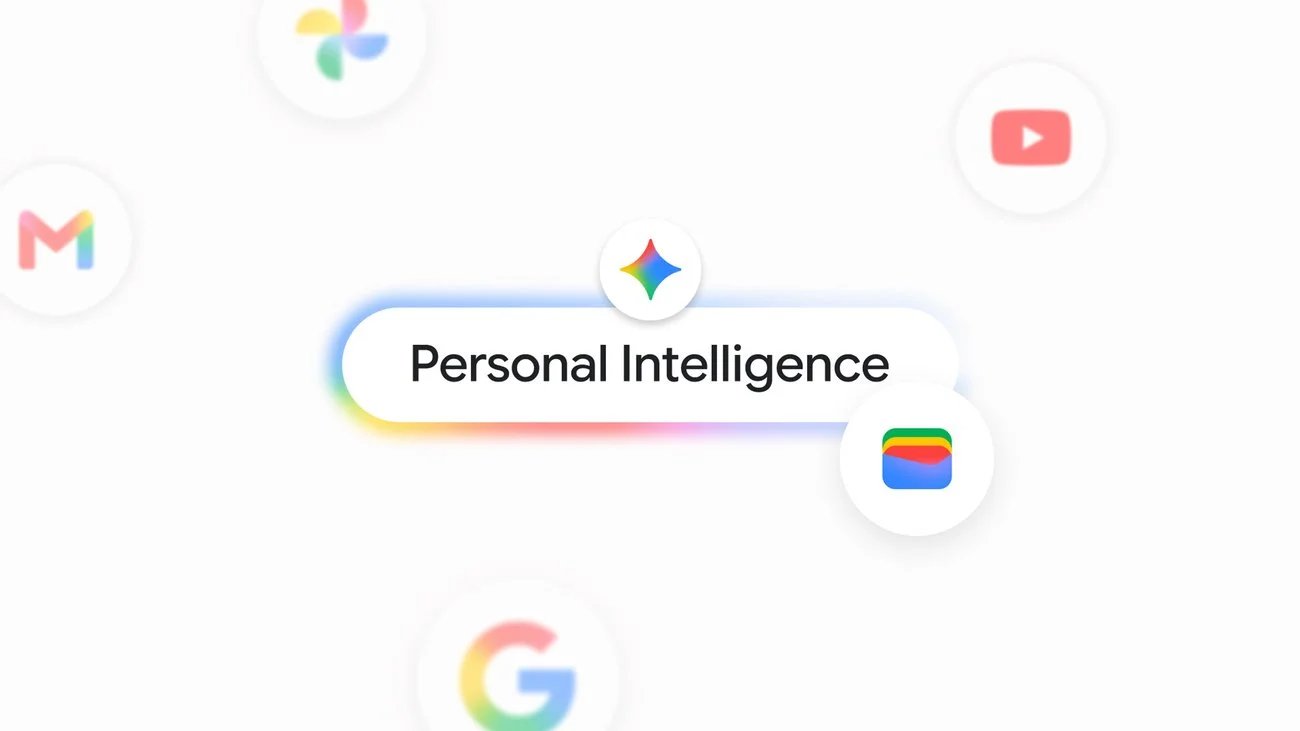
Image: Google
Personal Intelligence is Gemini's setting that lets the assistant draw on your connected Google apps. Until now that list included Gmail, Photos, YouTube and Search. Wallet is added, so answers can reflect your real transactions instead of generic advice.
Google gives three examples:
- Spending visualization. Ask for a review of last quarter's spending to plan savings. Google's example goal is saving $1,000 over three months. Gemini can chart cash flow, asset allocation and budgets in the chat.
- Forgotten subscriptions. Ask what subscriptions you still pay for and whether any rose in price this year. Gemini looks for recurring charges across linked accounts and flags increases.
- Holiday budgeting. Ask how much you spent on gifts and travel last year, and Gemini uses those transactions to suggest a budget for the coming holidays.
These are Google's own demos. The post gives no accuracy figures, so how well Gemini finds recurring charges or categorizes spending is untested outside Google.
How to set it up
Per the post:
- Open Gemini and go to Personal Intelligence settings.
- Under Connected Apps, connect Wallet.
- Optionally, link credit card and bank accounts through Plaid.
- In a chat, tag @Google Wallet to ask finance questions.
Plaid is a third-party service that connects apps to bank accounts. When you use it, you sign in to your bank through Plaid's flow, so check which accounts you are sharing and what the bank's own settings let you revoke.
What Google says about privacy
Three statements in the post matter most:
- Gemini can only read information from your accounts. It cannot move, manage or invest your money.
- Opting in is your choice. You can turn the connection on or off at any time.
- A new Memory Summary shows the preferences, interests and goals Gemini has saved about you. You can review, edit or remove them under Profile, then Personal Intelligence, then Memory Summary, on web and mobile wherever Personal Intelligence is offered.
The Memory Summary is the more interesting change. Memory is how assistants carry facts from one chat to the next, and until now users had little view of it. A finance link makes that visibility more important, because a stored goal such as "saving for a house" is personal even if no account number is saved.
What the post does not say: how long transaction data is kept, whether it is used to train models, or how Wallet data differs from Plaid data in storage. Those are fair questions to look for in the Gemini privacy help pages before you connect anything.
How this compares with Claude Personal Finance
Anthropic launched Personal Finance in Claude on November 5. Our posts on what it does and what it sees describe a US beta for Pro, Max and Ultra, linked via Plaid, read-only, with no ads.
| Point | Gemini + Wallet | Claude Personal Finance |
|---|---|---|
| Launch | November 13, 2026 | November 5, 2026 |
| Region | US | US |
| Plan | Post says all Gemini app users | Pro, Max and Ultra beta |
| Bank link | Optional, via Plaid | Via Plaid |
| Money movement | Read-only | Read-only |
| Starting data | Google Wallet, plus Gmail and other connected apps | Accounts you connect |
The difference worth noticing is the starting point. Gemini already sits on your Gmail, Photos and YouTube, so Wallet adds one more source to a pile Google already holds. Claude starts from accounts you connect for that purpose. Neither is better in the abstract; it depends on which company you already trust with your data.
For the wider Gemini picture, see our coverage of Personal Intelligence on Android Auto and of Google's connected apps platform, which shows where connectors are heading.
Prompts to try, and what to expect
Google's examples suggest the shape of useful questions. A few you can adapt, once Wallet is connected:
- "Review my spending for the last three months and list the five biggest categories." This tests whether categorization matches how you see your money.
- "Which subscriptions renewed this year at a higher price?" Check the answer against the actual charges. Google lists this as a core use, so errors here are worth reporting.
- "I want to save $1,000 by February. Where could I cut without changing rent or bills?" The post uses a goal like this. Treat the output as a starting plan, not a calculation to trust blindly.
- "How much did I spend on travel and gifts last December?" This is the holiday budgeting case. It depends on how far back the linked data goes, which the post does not state.
Expect the usual assistant limits. A chart in chat is generated from what the model read, so a missing account or a split transaction can skew totals. Cash spending and accounts you have not linked will not appear at all. When numbers matter, such as taxes or a loan application, use the bank's own statements.
What it means for teams that build on assistants
Wallet in Personal Intelligence is also a pattern for builders. The assistant gets a scoped connector, the user opts in per source, and the scope is read-only. That is the same permission shape that agent developers are asked to follow when they give a model access to email, calendars or databases: grant the narrowest access, show what is stored, and make revoking easy. The Memory Summary is a small example of showing the user what the system remembers. If you are building an assistant with finance, health or workplace data, copy those three habits before you copy any feature.
Practical checklist before you connect
- Start with Wallet only. Skip Plaid at first and see how useful the answers are.
- Check each answer against a statement. Ask for a total and compare it with your card's monthly summary. Assistants make arithmetic and categorization errors.
- Review the Memory Summary after a week. Remove anything you would not want stored.
- Do not ask for investment decisions. Google's post describes insights, not advice, and the assistant cannot act on accounts.
- Know the off switch. The connection can be turned off in Personal Intelligence settings. Also revoke access on the bank side if you linked through Plaid.
- Watch for scams. Assistants that talk about money are a target for phishing that imitates them. Our post on fake event invites using device-code phishing shows how convincing these lures can look. Connect only from Gemini's own settings, never from a link in a message.
Why this matters for the assistant race
Money data is a strong test of whether people trust an assistant with real lives. Spending history is more revealing than search history. If users accept it, assistants get a powerful source of personal context, and a reason to keep users inside one product. If the first errors or leaks happen, regulators will look at it quickly.
The read-only limit is the first line of defense, and both Google and Anthropic have drawn it in the same place. The next signals to watch are expansion beyond the US, whether other assistants follow, and what independent testers find about accuracy.
What to watch next
Three signals will show whether this feature earns lasting trust. First, independent tests: reviewers who compare Gemini's totals and subscription lists with real bank data will show how accurate it is. Second, policy detail: Google's help pages should explain retention and training use for finance data, and any gap there will draw questions. Third, rivals: if OpenAI and others add the same read-only finance links, the market will settle on shared norms for scope and consent.
What is not known
- Subscription tier requirements. The post lists none.
- Supported languages.
- Data retention and training use for finance data.
- Accuracy of recurring-charge detection and categorization.
- A date for expansion outside the US.
Related reading
- Claude Personal Finance: what it does
- Claude Personal Finance: what it sees
- Gemini Personal Intelligence on Android Auto
- Google connected apps platform preview
- Gemini Intelligence, November 2026
- Fake event invites and device-code phishing
- Sources: Google's announcement, Google Personal Intelligence expansion post
Details are accurate as of November 13, 2026. Features are as described by Google.