



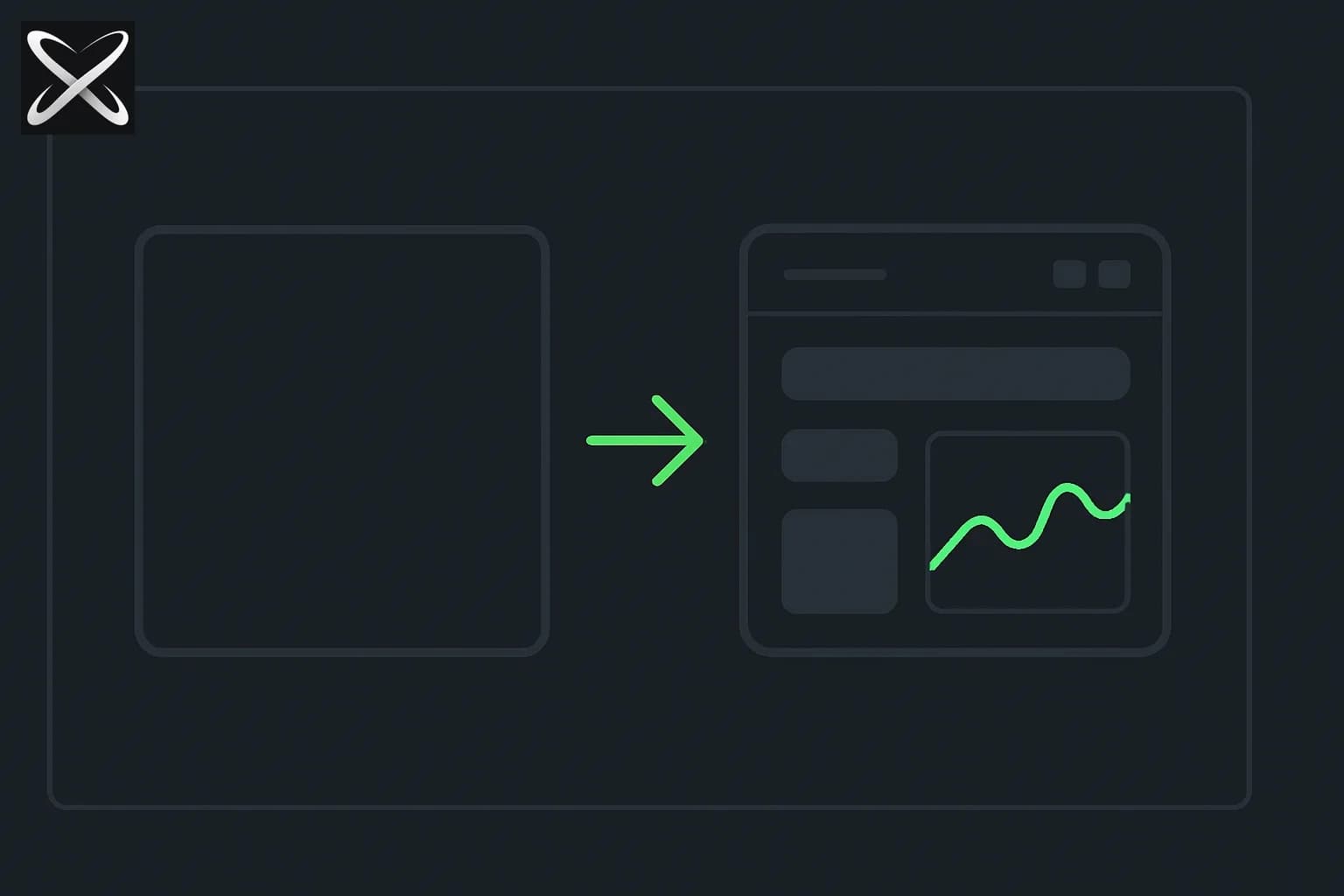
Google Research introduced a generative UI system built specifically for classroom use on September 18, 2026 — teachers describe a topic and get back a guided, interactive simulation for students, constrained by what Google calls "learning design guardrails" rather than an open-ended UI generator that might produce something engaging but pedagogically empty. A sample library of more than 30 STEM interactives ships alongside it. The most substantive reply to the launch came from a developer who'd built a comparable tool months earlier with off-the-shelf LLMs — a reminder that the underlying technique here (LLM-generated structured data rendered into interactive UI) isn't new, even where Google's specific packaging for classroom use is.
TL;DR
| Question | Answer |
|---|---|
| What is it? | Generative UI for teachers — describe a topic, get an interactive learning simulation |
| What makes it different from generic generative UI? | "Learning design guardrails" constrain generation toward pedagogically sound interaction, not just visual polish |
| What ships with it? | A sample library of 30+ pre-built STEM interactives to start from |
| Who's it for? | Teachers, across "every topic and student" per Google's framing |
| Is the underlying technique new? | No — a developer publicly noted building a similar LLM-to-JSON-to-UI tool months earlier |
| Biggest unanswered question from the launch thread | Whether teachers can see what broke during simulation generation checks, not just the finished result |
| Where to learn more | goo.gle/46A7DF8 |
What "learning design guardrails" actually means
The framing worth paying attention to here isn't "AI generates interactive UI" — that's a category explainx.ai has already covered with multiple products this year. It's the specific claim that this generation is constrained by learning design guardrails, meaning the system is meant to produce simulations that actually teach something rather than simulations that are merely interactive and visually engaging. Google's announcement doesn't fully detail the mechanism behind that claim, but the distinction matters in practice: an unconstrained generative UI tool asked to "make an interactive simulation about pendulum motion" could plausibly produce something that looks impressive and lets a student drag a slider, without that slider's range, granularity, or visible feedback actually illustrating the physics concept a teacher wants a student to internalize.
One reply to the launch captured this distinction precisely and better than the announcement itself did: "pretty simulations are easy to ship. The quiet win is a teacher who still gets to decide what the student should notice." That's the real design problem a guardrailed system has to solve — not whether AI can generate an interactive interface (it clearly can), but whether the generated interface preserves a teacher's pedagogical intent rather than the AI's own guess at what looks engaging.
The sample library, and why leading with examples matters
Alongside the generation tool itself, Google shipped a library of more than 30 pre-built STEM interactives teachers can browse and adapt rather than starting every simulation from a blank prompt. A reply to the launch specifically praised this choice: "showing a sample library alongside generation is a good choice — teachers can start from a known interaction instead of a blank prompt." That's a real, practically important UX decision for a non-technical audience — a teacher without prompting experience benefits far more from adapting a working example than from guessing at effective phrasing for a generation request, and it lowers the barrier to actually using the tool rather than bouncing off an empty text box.
The "I built this already" reply, and why it's a fair point rather than a dismissal
The most substantive critical reply to the launch came from a developer who linked his own existing project, teachmework.com, built "months ago" using regular LLMs with custom-built tools to generate structured JSON that his own UI code then translates into interactive elements — functionally the same pipeline Google is now shipping with more polish and an official backing. This is worth taking seriously rather than dismissing as someone trying to claim credit: it's an accurate technical description of how this class of tool generally works (LLM generates structured data describing an interaction, a rendering layer turns that data into an actual interface), and it correctly identifies that Google's contribution here is packaging, guardrails, and distribution — a real product-development achievement, but not a novel underlying technique. The pattern is a familiar one in AI product launches broadly: an individual developer or small team proves a concept works, and a larger company later ships a more polished, better-distributed version of the same core idea.
The one unanswered technical question worth flagging
A commenter asked a specific, well-informed question that went unanswered in the visible thread: "Can teachers see what broke during the simulation checks, or only the finished version? I'd want to know which slider limits needed fixing." That's a genuinely important usability question for any guardrailed generation system — if the "learning design guardrails" reject or auto-correct a generated simulation before showing it to a teacher, does the teacher ever see why a first attempt didn't pass, or only the final, already-corrected result? Understanding what got fixed and why is valuable both for a teacher's own judgment about whether to trust the tool and for anyone trying to reason about how the guardrail system actually works — and Google's launch materials don't currently answer it.
Why guardrails matter more for education than most generative UI use cases
It's worth being explicit about why "learning design guardrails" is a meaningfully higher bar than the constraints most generative UI tools apply, because the failure mode in a classroom is different from the failure mode in, say, a generated internal dashboard. A dashboard that's slightly confusing costs someone a few minutes of squinting at it. A simulation that looks correct but subtly misrepresents the underlying concept — a slider whose range doesn't actually correspond to physically meaningful values, a visualization that implies a relationship between two variables that isn't really there — can actively teach a student something wrong, and do it more convincingly than a static diagram would, precisely because the interactivity feels authoritative. That's the specific risk a "pretty simulation, pedagogically empty" system creates, and it's why the reply calling out "the quiet win is a teacher who still gets to decide what the student should notice" is the sharpest piece of feedback in the entire thread — it names exactly the property a guardrail system has to preserve to be trustworthy in a classroom rather than just impressive in a demo video.
This also explains why the unanswered question about visibility into failed generation attempts matters more here than it would elsewhere. In a low-stakes generative UI context, a teacher (or any user) not seeing what got auto-corrected before the final output is a minor transparency gap. In a classroom context, a teacher who can't see why an initial simulation attempt got rejected or modified has less ability to build an accurate mental model of what the tool is actually good at generating reliably versus where it needs closer review before handing something to students — the kind of calibration that determines whether a teacher ends up trusting the tool appropriately or either over-relying on it or abandoning it after one bad experience.
Where this fits in a broader AI-in-education trend
Google's launch is part of a broader pattern explainx.ai has tracked across the education technology space this year: AI tools increasingly moving from generating static content (a worksheet, a lesson plan draft) toward generating structured, interactive learning experiences a student directly manipulates. That shift raises the stakes on getting pedagogical guardrails right, since an interactive artifact that misrepresents a concept is harder for a teacher to spot-check at a glance than a paragraph of text would be — you have to actually manipulate the simulation and check its behavior against what you know to be true, not just read it. Whether Google's specific guardrail implementation holds up to that scrutiny at scale, across the full range of STEM topics teachers will inevitably ask it to cover beyond the initial 30-item sample library, is the real test this launch hasn't yet faced.
Honest limitations
- The learning-design guardrail mechanism isn't technically detailed beyond the framing in the launch post itself.
- A comparable tool was reportedly built independently months earlier by at least one developer, using standard LLM-to-structured-output techniques — the core approach isn't novel, even if Google's execution and distribution are more polished.
- Whether teachers can see intermediate/failed generation attempts, not just final output, is an open question raised directly in the launch thread and not answered there.
- This is a same-day launch — no independent classroom usage reports or teacher reviews exist yet.
What this means for builders and educators
This is a genuinely well-scoped application of generative UI — narrow enough (STEM interactives, guardrailed toward pedagogical soundness) to plausibly avoid the "impressive demo, useless in practice" failure mode that broader generative UI tools risk when applied to open-ended use cases. For anyone building education technology specifically, the two design choices worth copying regardless of platform are the ones commenters singled out: ship a sample library alongside any generation tool aimed at a non-technical audience, and be explicit about what constraints (guardrails, review steps, approval flows) sit between a generation request and what the end user actually sees. It's a narrower, more specialized offering than Claude for Teachers, which covers a teacher's broader classroom and administrative workflow rather than one specific interactive-simulation use case — worth using both for what each is actually built for, rather than treating either as a general-purpose replacement for the other.
Related on explainx.ai
- Claude for Teachers: free K-12 educator access
- Thesys OUI-1: open-weights generative UI model
- Runway Solaris: a world model that generates UI without code
- What are agent skills? A complete guide
- How to build your first agent loop, step by step
- Top 10 things to build with GPT-6 Astra
- Official source: Google — generative UI for teachers announcement
This post is sourced to Google Research's own September 18, 2026 launch announcement and the public reaction thread beneath it. Feature descriptions are Google's own stated claims; no independent classroom testing or teacher review was available at time of writing.