



Google documented Self-Hosted Environments for Gemini managed agents so built-in bash and file tools can run in compute you control, while the Interactions API still orchestrates model turns from Google infrastructure. The reference implementation lives in the Apache-2.0 gemini-api CLI under docs/self-hosted/README.md.
If you already read Gemini managed agents Files and Credentials APIs, this release completes the picture: secrets and files were already designed to avoid living in the model context; execution locality now joins that stack.
TL;DR
| Layer | Who runs it (self-hosted mode) |
|---|---|
| Model inference and planning | Gemini API |
| Tool selection and agent loop | Google managed agent runtime |
execute_bash, file edits, grep | Your worker container or VM |
| Base image, egress, idle cleanup | You or your sandbox vendor |
| Model token billing | Google per API pricing |
Why self-hosted sandboxes matter now
 Managed agent orchestration on Google APIs with tool execution in your own runtime
Managed agents were attractive because one API call spun up an Ubuntu sandbox with Python and Node. That speed collides with three production walls:
- GPU or custom packages you cannot fit in Google default image timing.
- Compliance that demands specific microVM vendors or private VPC routing.
- Cost when long-running environments need your reserved capacity instead of preview compute.
Self-hosted mode does not remove Google from the loop. It moves syscall risk to infrastructure you audit.
Our agent sandbox comparison guide maps the vendor landscape this feature plugs into.
Architecture: connect vs poll plus serve
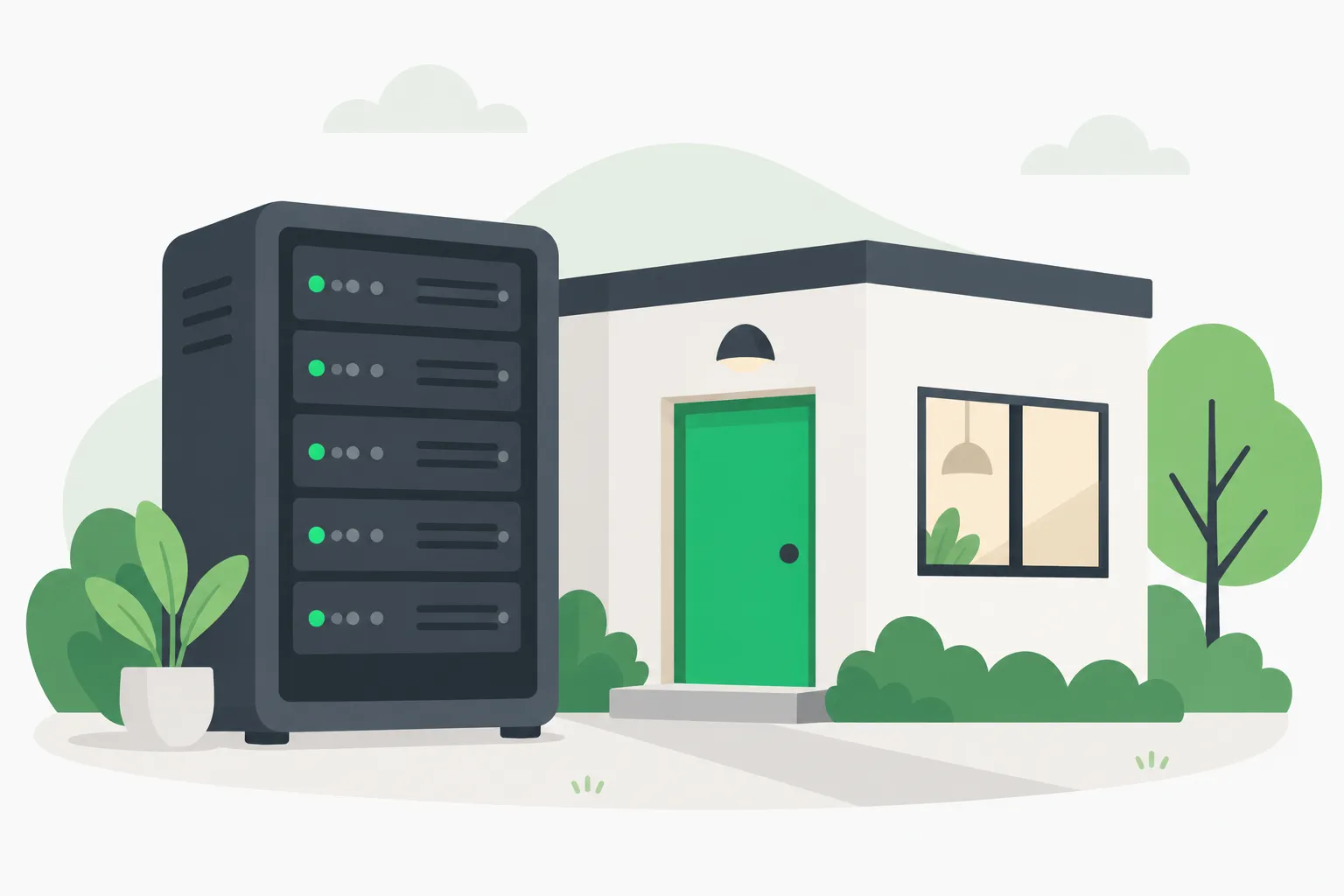 Self-hosted workers attached to customer-controlled compute instead of Google preview VMs
Google documents two topologies in the self-hosted README.
Single-worker connect
A worker inside your container calls gemini-api environments connect with:
--environment-keyscoped to one environment--root-dirconfining file tools--workdirfor relative paths
The worker polls POST /v1beta/environments:leaseInteractions and executes tool calls locally.
Key hygiene: create the environment with your project GEMINI_API_KEY, but inject only GEMINI_ENVIRONMENT_KEY into the worker. Google states the environment key is shown once at creation.
Split poll + serve
For Kubernetes or Agent Substrate clusters, a trusted poller holds API keys while untrusted workers receive only a short-lived lease_token. Workers run gemini-api environments serve with zero API keys inside the sandbox.
That matches how security teams wanted OpenAI Agents API self-hosted sandboxes documented: separate control plane from execution plane.
Tool surface inside the worker
Google lists built-ins executed locally:
execute_bashview_file/read_filewrite_to_file/write_filereplace_file_content/edit_filelist_dir,grep_search,find_by_name
Those names align with the Antigravity harness described in AI Studio agent docs. Self-hosted mode does not add new tools; it relocates them.
Partner reference workers
The README directory links deployment manifests for:
- E2B
- Modal
- Daytona
- Fly.io
- Google Cloud
- Cloudflare
- Vercel
Each implements the environment protocol: authenticate, receive execution requests, return stdout and file deltas.
For Cloudflare specifically, pair this with Sandbox SDK 1.0 agent patterns. For Google Cloud isolation primitives, see Google Cloud Agent Sandboxes five isolation lessons.
What stays on Google
Google AI Studio agent documentation still states managed agents run in preview with:
- Default 7-day environment lifetime after inactivity
- Outbound network unless you set allowlists
- Credentials injected at egress proxy, not inside sandbox memory
Self-hosted workers inherit your network policy, but Interactions traffic still transits the Gemini API. Treat compliance as joint: log what the worker returns upstream.
CLI commands to know
From the gemini-api README:
| Command | Purpose |
|---|---|
gemini-api environments create | Register self_hosted environment |
environments connect | Single-process worker |
environments poll | Control-plane poller |
environments serve | Isolated executor with lease token |
environments files upload | Stage inputs before a run |
Agents you already run — Codex, Claude Code, Antigravity — can shell out to the same binary, similar to how we described n8n Nod local browser sandboxes wrapping other harnesses.
Security checklist when you turn this on
 Isolating bash tool execution so a compromised agent cannot reach production APIs
Google's README shifts these chores to you:
- Patch base images and rebuild on CVEs.
- Scope egress — allowlist domains; default-open internet is dangerous with browsing tools enabled.
- Rotate environment keys if a worker image leaks.
- Set idle timeouts so orphaned GPUs stop billing.
- Prove tenant isolation when multiple customers share a cluster.
For monitoring dangerous shell patterns, combine sandbox egress rules with harness policies like Claude cage VM network isolation patterns.
This is not a substitute for AgentBeam when your threat model is autonomous agents hitting production APIs — see our felony-bench tracker for why runtime isolation and policy gates stack.
Cost and performance expectations
Hosted preview environments still bill model tokens heavily — Google cites 100k–3M tokens per complex agent interaction in studio docs. Self-hosted mode adds your compute for workers without removing token charges.
Tradeoffs:
| Hosted Google sandbox | Self-hosted worker |
|---|---|
| Fastest first run | Cold start depends on your autoscaler |
| Fixed Ubuntu 24.04 stack | Custom CUDA, corporate apt mirrors |
| Google maintains image | You patch glibc OpenSSL nightmares |
| Preview compute subsidy | Reserved instances or spot GPUs |
Route cheap decision checks through Gemini Decision 1 before launching a full managed agent when the task is only routing.
How to try without production traffic
- Install CLI per Google install script.
export GEMINI_API_KEYfrom AI Studio.- Create a throwaway
self_hostedenvironment; saveenvironment_key. - Run
connectagainst a git clone in/workspace. - Start an interaction from AI Studio or
gemini-api agent runwith that environment id. - Compare latency and logs against default hosted mode on the same prompt.
Document token delta and wall time. If savings are negligible, hosted mode may still win for sporadic tasks.
Comparison with other managed agent stacks
| Product | Execution choice | Reference worker |
|---|---|---|
| Gemini managed agents | Hosted or self-hosted | gemini-api CLI |
| OpenAI Agents API | Hosted + partners + BYO | Partner sandboxes |
| Claude managed agents | Anthropic hosted + listed BYO | Console configuration |
| Amazon Bedrock AgentCore | AWS-managed runtimes | AgentCore CLI 1.0 |
None of these eliminate prompt injection into tools. They redistribute blast radius.
When to pick self-hosted Gemini environments
Choose self-hosted when:
- You already pay for E2B/Modal/Daytona capacity.
- You need private package feeds inside the worker.
- Legal asks for named subprocessors you control.
Stay on Google-hosted when:
- You prototype in AI Studio only.
- Tasks are short and network-light.
- Your team lacks sandbox SRE time.
Interactions with Antigravity and Deep Research
Google markets Antigravity agent and Deep Research as managed agents on the same Interactions surface. Self-hosted environments should apply to any agent id that supports tool execution — verify in AI Studio before assuming Deep Research allows BYO sandboxes.
For IDE users, Chrome guidance for AI coding agents is orthogonal but shares the same security theme: untrusted code execution must stay bounded.
Migration path from hosted-only agents
Teams already shipping against hosted environments should not cut over in one step.
Week 1 — parity harness
Run the same golden tasks on hosted and on a connect worker in a disposable VPC. Capture tool latency, failure rates, and token counts. Hosted preview environments spin VMs down after idle; your worker must reproduce cold start behavior or you will mis-estimate SLA.
Week 2 — egress contract
Copy Google network allowlist semantics from AI Studio into your firewall. If agents call GitHub, PyPI, and your internal artifact host, list them explicitly. Silent full internet access is how LLMjacking mixers start.
Week 3 — key rotation
Practice rotating GEMINI_ENVIRONMENT_KEY without touching project API keys. Document which CI roles may create environments. Vault the one-time key material; Google will not resend it.
Week 4 — partner worker
Pick one launch partner manifest — Modal or E2B is usually fastest for Python agents — and deploy poll plus serve if you need keyless inner workers. Compare operator burden against Vercel KVM escape disclosures when arguing for microVM vendors.
Data residency checklist (honest version)
Self-hosted marketing often implies data never leaves your region. Google's architecture still requires:
- Lease requests to Google APIs
- Model weights running on Google infrastructure
- Tool outputs returning upstream for the next reasoning step
What stays local:
- Files on disk inside
--root-dir - Stderr from commands unless your worker uploads it
- Packages cached in your image layers
Legal review should ask what the worker serializes back, not only where bash runs. Pair with Gemini healthcare preview skills policy mindset if PHI might touch files.
Failure modes engineers report in similar systems
Even without Gemini-specific incident data, other agent sandboxes teach predictable breaks:
| Failure | Mitigation |
|---|---|
| Worker loses lease mid-command | Heartbeat loops in connect; supervisor restarts |
| Drift between poller and executor versions | Pin gemini-api CLI version in both images |
| Oversized stdout floods API | Truncate and spill to object storage in worker |
| Malicious package supply chain | Internal PyPI mirror, hash pinning |
| Prompt injection writes outside root | Read-only upper mounts, separate user namespaces |
Runtime policy gates remain relevant when agents touch production databases, not only when sandboxes exist — see multi-agent engineering problems.
Observability hooks
Log these fields per interaction:
environment_idand mode (self_hostedvs hosted)- Worker region and image digest
- Tool name and duration
- Whether execution failed closed or retried
Correlate with Gemini billing exports to spot agents that loop on shell errors. Decision-model pre-checks from Hugging Face System One API can skip full agent spins for binary gates.
Enterprise procurement talking points
Security reviewers will ask how self-hosted differs from Anthropic computer use or OpenAI Codex cloud. Honest answers:
- Google still operates the planning loop.
- You operate kernel-adjacent execution.
- Partner SLAs cover isolation, not model safety.
Link Factory OpenCompute self-hosted orchestrator only as analogy — different vendor, same buyer question.
Related reading
- Files and Credentials APIs launch
- Gemini Decision 1 routing API
- OpenAI Agents API sandbox options
- Agent sandbox vendor comparison
- Capsem VM sandbox patterns for coding agents
- Perplexity SPACE open Firecracker sandbox
CLI behavior accurate to google-gemini/gemini-api-cli main branch README and docs/self-hosted retrieved November 11, 2026.