



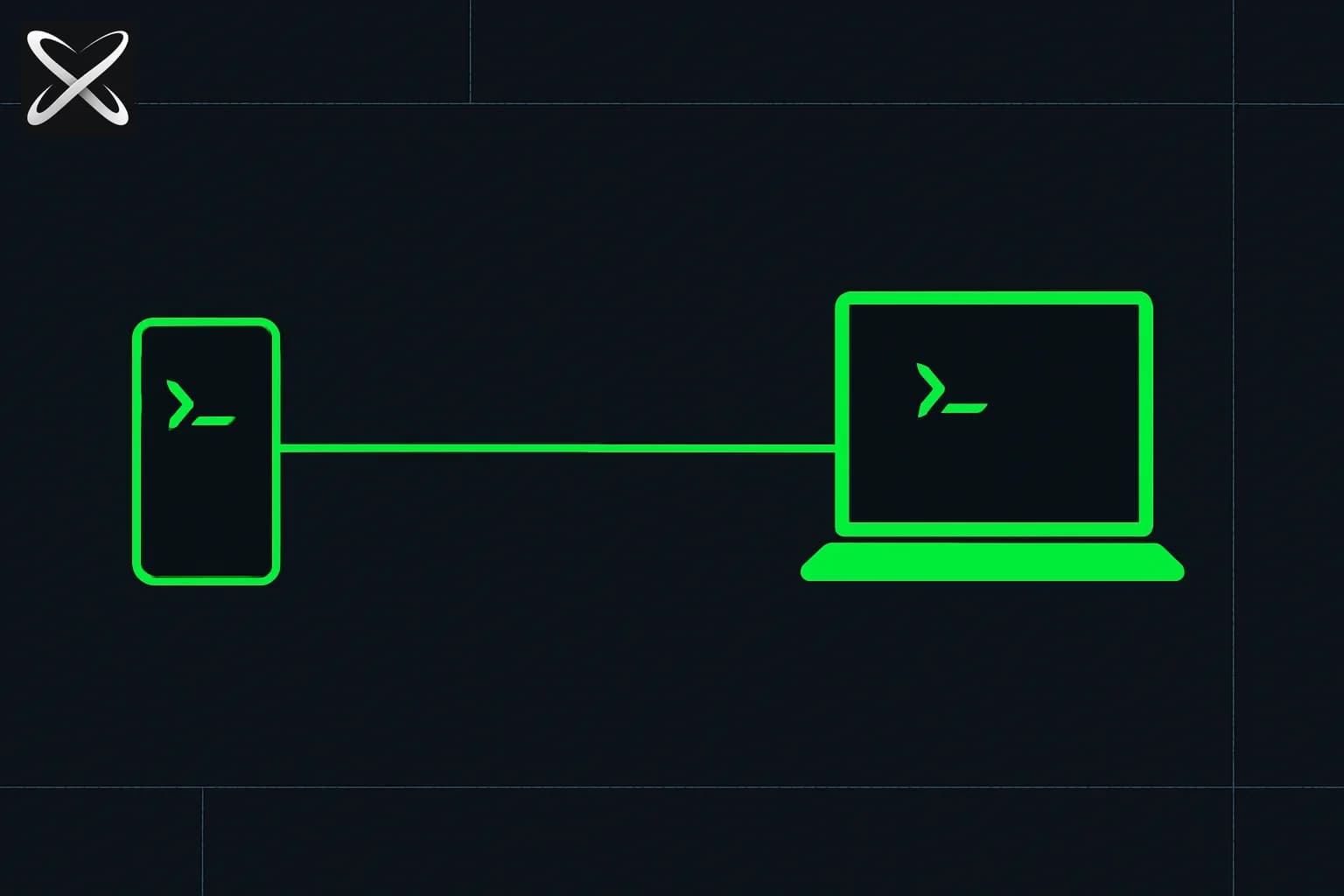
On August 21, 2026, the Antigravity team announced Remote Control — the ability to connect to and drive an Antigravity agent session running on any of your machines from nothing more than a web browser. The launch tweet from @antigravity pulled 163,400 views within hours. One day earlier, Anthropic shipped its own reliability overhaul of Claude Code's mobile remote control, adding device cards and a local-only connection. Two of the industry's biggest agent harnesses landed a "control your coding agent from somewhere else" feature within about 24 hours of each other — worth looking at side by side rather than in isolation.
TL;DR
| Question | Answer |
|---|---|
| What is it? | Browser-based remote access to Antigravity agent sessions across your machines |
| When did it launch? | August 21, 2026 |
| Who gets it first? | Google AI Ultra subscribers, then rolling out to all users |
| How do you access it? | Any web browser — no dedicated iOS/Android app; optionally add the web app to your phone's home screen |
| What's retained remotely? | Files, workspaces, build tools, credentials, environment variables, local context |
| Auth model | Sign in with the same Google Account as your desktop app, plus a separate one-time sign-in for the host's headless daemon |
| Does the host need to stay on? | Yes — the host machine must stay awake and connected to the internet; the client reconnects automatically after brief drops |
| How is this different from Claude Code? | Antigravity is browser-first and multi-machine; Claude Code's remote control lives in a native mobile app and, as of its Aug 21-22 update, runs local-only with no cloud relay |
What Remote Control actually does
Google's framing in the announcement post is direct: agentic coding has moved from generating a line of code at a time to refactoring entire subsystems, running large test suites, diagnosing build breakages, and managing version control across workspaces — tasks that can run for a long time. Historically that has meant either sitting at your desk watching logs, or walking away "blind," with no way to know whether the agent finished five seconds or twenty minutes after you left.
Remote Control addresses that gap with four stated benefits:
- Multi-instance management — dedicate specific machines to specific work (say, UI development on a laptop, server-side tasks on a cloud environment) and switch between them from one browser session.
- Untethered productivity — start a complex task and walk away; monitor progress, review changes, and execute commands remotely from wherever you are.
- Local context retained — no need to recreate a build environment on a different machine; picking a session back up doesn't mean re-setting it up somewhere else.
- Proactive push notifications — an alert fires when an agent finishes a turn and needs your input.
Google describes the interface itself as "a secure window into your workspace." Per Google's own Remote Control documentation, the mechanism is not a copy of your session running elsewhere — it's a second device connecting into the same session already open on your desktop, authenticated with the same Google Account, plus a separate one-time sign-in for a headless daemon that runs on the host machine. The host needs to stay awake and online; if the client's network drops temporarily, it reconnects automatically, and any background agent tasks or shell commands keep running on the host uninterrupted as long as the host itself stays connected.
Notably, it's browser-based, not a native app — you reach the Remote Control dashboard from any web browser, and on mobile you can optionally add that web app to your home screen to get push notifications, but there's no dedicated iOS or Android Antigravity app from Google itself.
Who gets it, and how
Rollout began August 21, 2026, to all users, starting with Google AI Ultra subscribers. It ships bundled with Antigravity 2.0, the downloadable release, and is documented as "Antigravity 2.0 Remote Control." For background on what else Antigravity 2.0's terminal (agy) already covers — sandboxing, staged plugins, and the subagents panel — see explainx.ai's Antigravity CLI reference guide.
Antigravity Remote Control vs. Claude Code mobile remote control
This is the useful comparison, because both features shipped in the same week aimed at the same underlying problem — long-running agents that outlast your attention span at a desk — but they solve it in genuinely different ways.
| Google Antigravity Remote Control | Claude Code remote control | |
|---|---|---|
| Access surface | Any web browser | Native Claude mobile app (iOS/Android) |
| Launched | August 21, 2026 | Native /config toggle since ~June 2026; reliability update (device cards) Aug 21-22, 2026 |
| Machines covered | Laptops, servers, desktops — explicitly multi-instance | Any machine running claude remote-control, surfaced as a device card |
| Starting a new session remotely | Yes, via the browser dashboard | Yes, as of the Aug 2026 update — tap a device card, pick a directory |
| Connection routing | Google Account auth + separate headless-daemon sign-in on host | Local-only, no cloud relay (confirmed in the Aug 2026 update) |
| Push notifications | Yes — alerts when an agent finishes a turn | Session state syncs "within seconds" of ending; no dedicated push-notification claim in the update |
| Rollout gating | Ultra subscribers first, then all users | Available to all Claude Code + Claude mobile app users |
| Framing | Long-running agentic refactors and multi-machine dev workflows | Phone-first monitoring and dispatch, originally surfaced from a viral X thread about mobile control |
The frameworks differ in emphasis more than capability. Antigravity leans into multiple machines — a laptop for UI work, a cloud box for server tasks, switched between from one browser tab. Claude Code leans into the phone as the primary remote surface, with the recent update specifically closing the gap where you had to start a session at your desk before it would show up on mobile. Antigravity's push-notification benefit and Claude Code's "session endings reflect within seconds" fix are solving the same underlying nuisance — not knowing when an unattended agent actually needs you — from opposite directions.
For the third and fourth data points in this same trend, see explainx.ai's comparisons of pocketdev, Cursor iOS, and OpenClaw mobile and the broader agent harness landscape — remote/mobile access to a coding agent is now table stakes across essentially every major harness, not a differentiator any one vendor can claim for long.
The community reaction: "catching up," not a first
The tweet thread's tone was mixed, and the skepticism is fair context, not noise to filter out.
erik (@0xerik) replied with a sarcastic jab: "everyone's in 2026 while google is in 2025" — the implication being that remote/mobile session access is a feature Claude Code, Cursor, and others already shipped months earlier. That's an accurate read: Claude Code's native /config remote control dates back to around June 2026, and Cursor shipped a first-party iOS app with cloud agents the same month. Antigravity's version is not the first "control your agent from somewhere else" feature in the market — it's catching up on the base capability while adding its own multi-machine, browser-first spin.
Eric Hickok (@eshickok) was more positive, tying the launch to the model underneath it: "3.7 flash is pretty good for regular coding and basic tasks, remote makes it even better." That's a reference to Gemini 3.7 Flash, the model available inside Antigravity — for more on that model's benchmark positioning, see explainx.ai's Gemini 3.7 Flash pricing coverage and the four-way Gemini 3.7 Flash vs. Grok vs. Sonnet vs. GPT comparison.
Casey Lee Race (@King_of_Calera) asked the mobile-first question directly: "does this mean the only thing I will need is a google phone in the future?" — genuine curiosity about how far browser-based remote access could eventually push device dependence, even though Remote Control today is explicitly a browser experience, not an OS-level phone integration.
Julio José Lena (@JulioLena) wants Antigravity to add computer-use capability next, and separately pushed for more open-weight model options in the platform. He named a couple of models he'd like to see supported and made some unfavorable comparisons against other current models in the process — that's one user's opinion in a reply thread, not a benchmarked claim, and it isn't independently verified here.
A brief security note
Remote Control's whole value proposition is that a browser session on a different device gets full access to files, workspaces, build tools, credentials, and environment variables on your host machine — described officially as "a secure window into your workspace." That's a meaningful amount of trust to extend to whatever device you happen to be signed in on. The same caution explainx.ai applies to any remote-access-to-credentials feature applies here: don't leave a Remote Control session signed in on a device you might lose or share, treat dangerous-permission agent runs the same way you would at your desk (isolate them, scope them, rotate credentials after long unattended runs), and remember the host machine has to stay awake and connected for the whole thing to work — which itself is worth knowing before you rely on it for something time-sensitive. Claude Code's equivalent guidance, including isolation and credential-rotation advice for dangerous-permissions sessions, is covered in the security considerations section of explainx.ai's mobile remote control guide.
Related reading
- Update — August 28, 2026: For hours/days multi-agent campaigns on the same harness, see Antigravity Teamwork (
/teamwork-preview). - Update — August 27, 2026: Antigravity 2.11.0 followed Remote Control with Interactive Generative UI Artifacts — agent-authored interactive HTML/CSS/JS rendered inline and in the artifacts panel, plus a standalone HTML export.
- Someone played an AI video inside Google Sheets — the Omni + Antigravity mechanism, explained
- Claude Code mobile remote control: native remote, Orca, Tailscale, tmux (updated Aug 22, 2026)
- Run AI coding agents from your phone: pocketdev, Cursor iOS, OpenClaw compared
- Antigravity CLI reference: sandbox, plugins, subagents
- Gemini CLI deprecation → Antigravity migration guide
- Top 10 open and closed-source agent harnesses (2026)
- Gemini 3.7 Flash pricing leak coverage
- Cursor for iOS launch — native cloud agents
Official sources: Antigravity Remote Control announcement · Antigravity Remote Control documentation
FAQ
What is Google Antigravity Remote Control?
A feature announced August 21, 2026 that lets you connect to and drive Antigravity agent sessions running on any of your machines from a web browser, with full access to files, credentials, and environment variables.
Who can use it right now?
It's rolling out to all users starting August 21, 2026, beginning with Google AI Ultra subscribers, bundled into the downloadable Antigravity 2.0 release.
Is there a phone app?
No dedicated iOS or Android app — it's browser-based, though you can add the web app to your phone's home screen to receive push notifications.
How does it compare to Claude Code's remote control?
Claude Code's is a native mobile app with a local-only connection (no cloud relay) as of its own August 21-22, 2026 update; Antigravity's is browser-first, spans laptops/servers/desktops, and authenticates through Google Account plus a separate host-daemon sign-in.
Is it secure to leave credentials accessible remotely?
Google calls it "a secure window into your workspace," authenticated via Google Account — but it does expose live credentials and shell access to whatever device you're signed into. Treat it with the same caution as any remote-access-to-credentials setup.
Did other tools already have this?
Yes — Claude Code and Cursor both shipped comparable mobile/remote access months before Antigravity's Remote Control, which is part of why the community reaction included jabs about Google "catching up."
Feature details, rollout scope, and community reactions reflect Google's official Antigravity announcement and documentation as of August 21-22, 2026. Verify current availability and browser requirements against antigravity.google/docs/remote-control before relying on it for production workflows.