



A repository that wraps Claude Code in a game-studio org chart has been climbing GitHub trending this week and shows about 28.6k stars. Claude Code Game Studios, by Donchitos, is an MIT-licensed template that turns "a single Claude Code session" into 49 agents, 74 skills and a coordination system "mirroring real studio hierarchy."
Packs like this are easy to dismiss as prompt collections. What makes this one worth a close read is that its README measures its own cost and publishes an unflattering result. This guide covers what is inside, how to start, what the hooks enforce, and where to be skeptical.
TL;DR: questions answered
| Question | Answer |
|---|---|
| What is it? | A template repo you clone, not a library: agents, skills, hooks, rules and doc templates for Claude Code |
| License? | MIT (per the README badge) |
| Size? | 49 agents, 74 skills, 15 hooks, 14 rules, 62 templates |
| Engines? | Godot 4, Unity and Unreal Engine 5 specialist sets |
| Autonomous? | No: ask, present options, you decide, draft, approve |
| Default process level? | minimal, because heavier tiers cost more without a better game |
| Needs? | Git, Claude Code, Python 3, Bash; jq recommended |
| Biggest gotcha? | Start Claude in the repo root, or hooks and deny rules do not apply |
What is in the box
The README organizes the studio into three tiers, which is the part that gives the project its identity.
- Directors (tier 1): creative director, technical director and producer. They guard vision and resolve disputes.
- Department leads (tier 2): game designer, lead programmer, art director, audio director, narrative director, QA lead, release manager and localization lead.
- Specialists (tier 3): gameplay, engine, AI, network, tools and UI programmers; systems, level and economy designers; technical artist, sound designer, writer, world builder, UX designer, prototyper, performance analyst, DevOps and analytics engineers, security engineer, QA tester, accessibility specialist, live-ops designer and community manager.
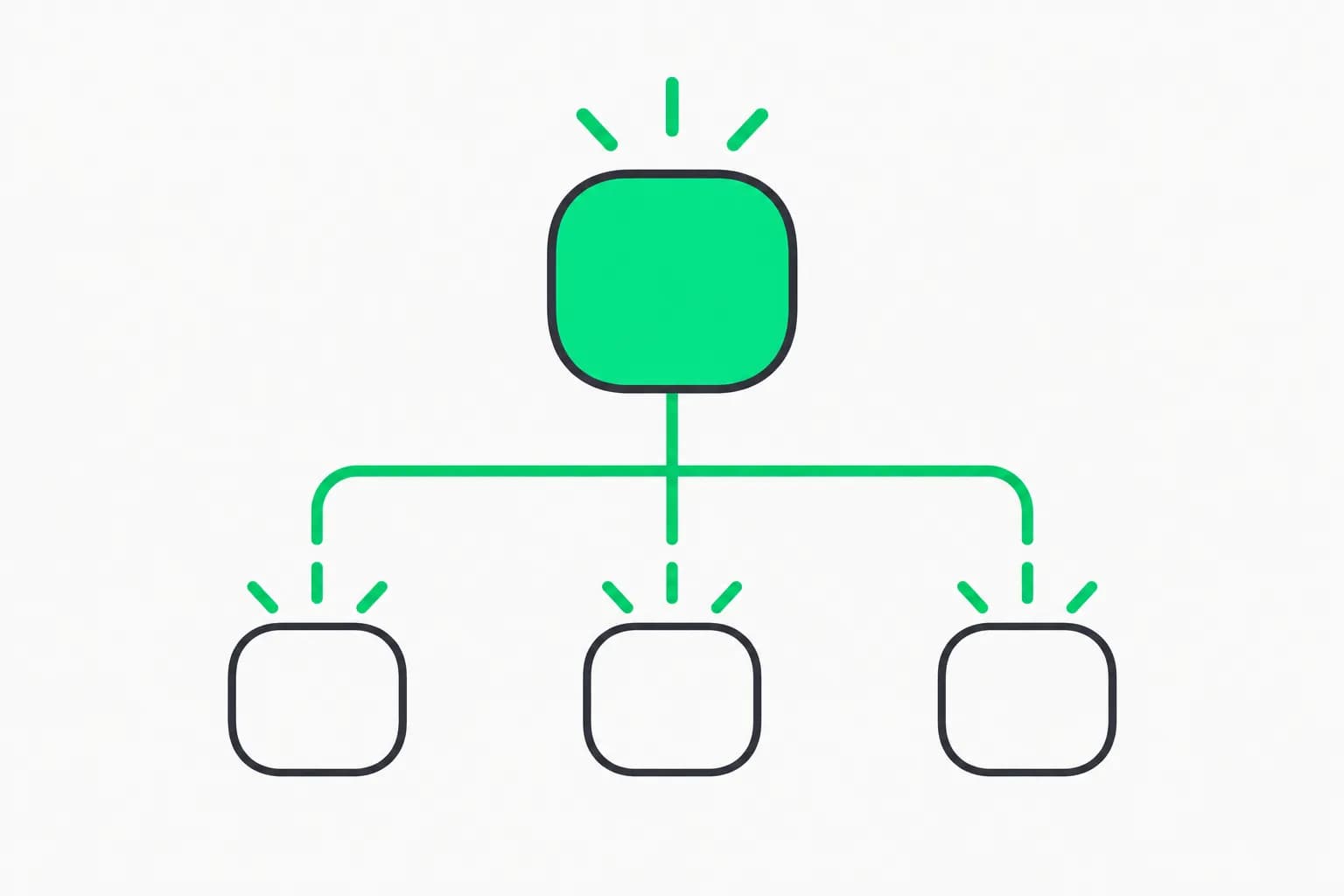
Each agent has defined responsibilities, escalation paths and quality gates. Delegation is vertical (directors to leads to specialists), consultation is horizontal and non-binding across domains, conflicts escalate to the shared parent (creative director for design, technical director for technical matters), and agents are told not to modify files outside their domain without explicit delegation.
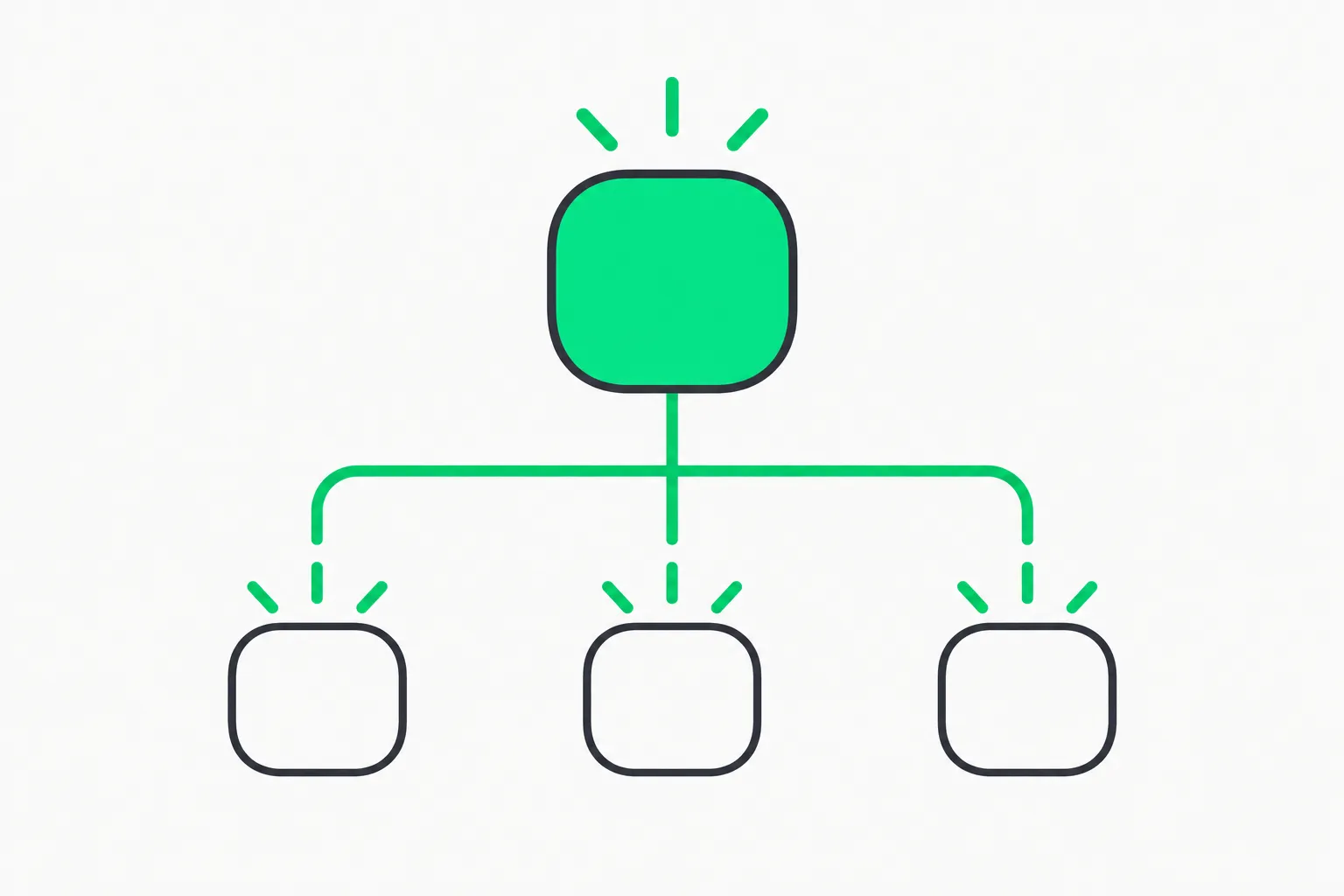 Parent agent linked to three child agents, showing the subagent hierarchy in Claude Code Game Studios
A detail worth reading: each agent declares a model in its frontmatter. The README says the three directors ask for Opus, the lead programmer and fifteen specialists name Sonnet, and the remaining thirty inherit your session model. It adds that the tiers are seniority of role "not a billing plan," so most of the studio runs on whatever model you already use. That matters for cost; see our guide to how harness design drives token spend.
The 74 skills, by phase
Skills are slash commands. The README groups them by workflow phase:
| Phase | Examples |
|---|---|
| Onboarding | /start, /help, /project-stage-detect, /setup-engine, /adopt, /settings |
| Design | /brainstorm, /map-systems, /design-system, /quick-design, /review-all-gdds |
| Art and UX | /art-bible, /asset-spec, /asset-audit, /ux-design, /ux-review |
| Architecture | /create-architecture, /architecture-decision, /architecture-review |
| Stories and sprints | /create-epics, /create-stories, /dev-story, /sprint-plan, /story-done |
| Review | /design-review, /code-review, /balance-check, /scope-check, /perf-profile, /security-audit |
| QA | /qa-plan, /smoke-check, /soak-test, /regression-suite, /test-flakiness |
| Release | /release-checklist, /launch-checklist, /changelog, /patch-notes, /hotfix |
| Team orchestration | /team-combat, /team-narrative, /team-ui, /team-release, /team-polish and more |
If you are new to the underlying idea, our explainer on what agent skills are covers the file format. Compare this pack's breadth with other trending bundles like ECC's 71 agents and 311 skills and Superpowers: this one is narrower, built around one domain and one pipeline rather than a general toolbox.
Does it produce games or documents? The README's own test
This is the section that earns the repo credibility. The README asks "does it produce games, or documents?" and answers with a measurement. Four games were built from one brief at different modes.rigor levels, and the documents each wrote before its first line of game code were counted:
modes.rigor | Docs before first line of game code | Time |
|---|---|---|
| minimal | 1 (the one-page brief) | 0 min |
| standard | 30 | 58 min |
All produced a running, tested game. Then, in the README's words, two blind reviewers and a human playtest "ranked the standard build last — the extra 29 documents bought traceability, not a better game." The table above shows only the rows quoted in the README; the repo discusses four builds in total, and we did not reproduce the experiment.
That is why minimal is the default. The README says the heavier tier costs more to reach working code without producing a better result. Raise it in one /settings call when the project grows; /help and /gate-check suggest it when they spot the signs.
Setup in five steps
- Check prerequisites: Git, Claude Code (the native installer is recommended; the npm package also works on Node.js 22 or newer), Python 3 (every skill and hook reads
project.yamlwith it) and Bash.jqis recommended. - Clone:
git clone https://github.com/Donchitos/Claude-Code-Game-Studios.git my-game, thencd my-game. - Open Claude Code in the project root, the folder with
CLAUDE.mdandproject.yaml, and runclaude. - Type
/start. It asks whether you have no idea, a vague concept, a clear design or existing work, and routes accordingly. - Or jump straight in:
/brainstormfor ideas,/setup-engine godot 4.7if you know your engine, or/project-stage-detectfor an existing project.
The README stresses that starting from a subfolder such as src/ skips the project's hooks, deny rules and ask-first permission mode. Treat that as part of the safety model, not a footnote.
The hooks and rules: what they actually enforce
Fifteen event hooks run automatically. Examples from the README's table:
validate-commit.shruns before a Bashgit commitand checks for hardcoded values, the format of to-do comments, JSON validity and design-doc sections; it exits early for any other command.validate-push.shwarns on pushes to protected branches and on tags, merges and releases.validate-read.shrefuses a whole-file read of a design doc over 40 KB and answers with its headings, so the retry reads one section. That is a token-saving trick as much as a guard.validate-write.shwarns, never blocks, when a write would break a rule the skills state.session-start.shanddetect-gaps.shorient the session and flag a fresh project or missing design docs.log-agent.shandlog-agent-stop.shkeep an audit trail of subagent invocations.
Path-scoped rules enforce standards by location. For example, src/gameplay/** expects data-driven values and delta-time usage, src/core/** zero allocations in hot paths and thread safety, src/networking/** server-authoritative design and versioned messages, and assets/shaders/** naming and cross-platform rules. Rules also match Unity C# under Assets/ and Unreal C++ under Source/.
The permission rules in settings.json auto-allow test runs and block dangerous operations such as force push, rm -rf and reading .env files, in both the Bash and PowerShell tools. The README notes that the git rules match anywhere after git, so a commit message that merely mentions push followed by a force flag can be denied; the fix is to reword it. That kind of quirk is typical of pattern-based guards, and why we recommend reading any hook pack's scripts before you trust it, as in our look at what to check before installing ECC.
It looks at the game, not just the tests
Another useful design choice: for any story that changes something the player sees, the story is not closed until the game has been launched, observed and a screenshot kept in production/qa/evidence/. "A parse check is not a run," the README says, and the rule holds even at minimal rigor, where automated tests are waived but the visual check is not. A passing test says nothing about a menu drawn off-screen.
 A rounded game controller with a spark, representing Claude Code game development with agent skills
Configuration: one knob that matters
project.yaml is the single source of truth. The setting that matters most is modes.rigor: minimal, standard or full. It is a front door over six knobs: workflow (required GDD sections), docs density, QA level, story granularity, review mode and team size. Two of them, review mode (full, lean or solo) and team size, can be overridden per developer in a gitignored project.local.yaml. Escape hatches include system_overrides, which holds one system, such as combat, to a higher standard than the rest, and testing.strict, which sets per test type whether missing evidence blocks a story or only warns. Use /settings to view or change them.
Honest limitations and open questions
- It is a template, not a product. You are meant to edit agents and skills. The
studio-tests/folder and the/skill-testand/skill-improveskills are there to check your edits, but they test the framework, never your game. - Process is not quality. The README's own experiment shows that. If you adopt
fullrigor, do it because you need the traceability, such as a team handoff, not because you expect a better game. - Cost is not tabulated. The README gives time (58 minutes for 30 documents) but no token or dollar figures. Forty-nine agents and long skill files can burn context quickly; keep an eye on usage.
- Young and fast-moving. The repo has 43 commits and an
UPGRADING.md, so expect breaking changes between versions. - Windows hooks. Bash is required; on Windows it comes with Git for Windows.
- Third-party hook code. As with any pack, read the scripts, since they run on your machine with your permissions.
Where it fits in your workflow
If you build games solo and already use Claude Code, the cheapest way to try it is minimal rigor on a throwaway project: /start, /brainstorm, /create-stories, /dev-story, /story-done. Watch whether the review agents catch real problems, such as magic numbers or skipped UI states, rather than adding ceremony. If you work on a team, the doc templates and audit trail are the interesting part, because they make handoffs explicit.
For related coverage, see how the harness around the model changes outcomes in our harness engineering explainer, and what a major engine vendor says about AI writing engine code in Epic's confirmation about Unreal Engine. The pairing is useful: Epic's engineers use agents on a mature codebase with heavy tests, while this template targets new projects built from scratch.
Related reading
- What are agent skills? A complete guide
- ECC: 71 agents, 311 skills and what to check before you install
- Superpowers: an agentic skills framework with TDD and subagents
- Graphify: a codebase knowledge-graph skill
- What is harness engineering?
- Epic confirms AI tools write Unreal Engine code
- Claude Code subagent effort levels
Repository details, counts and star numbers are accurate as of October 29, 2026 and change as the project updates.