



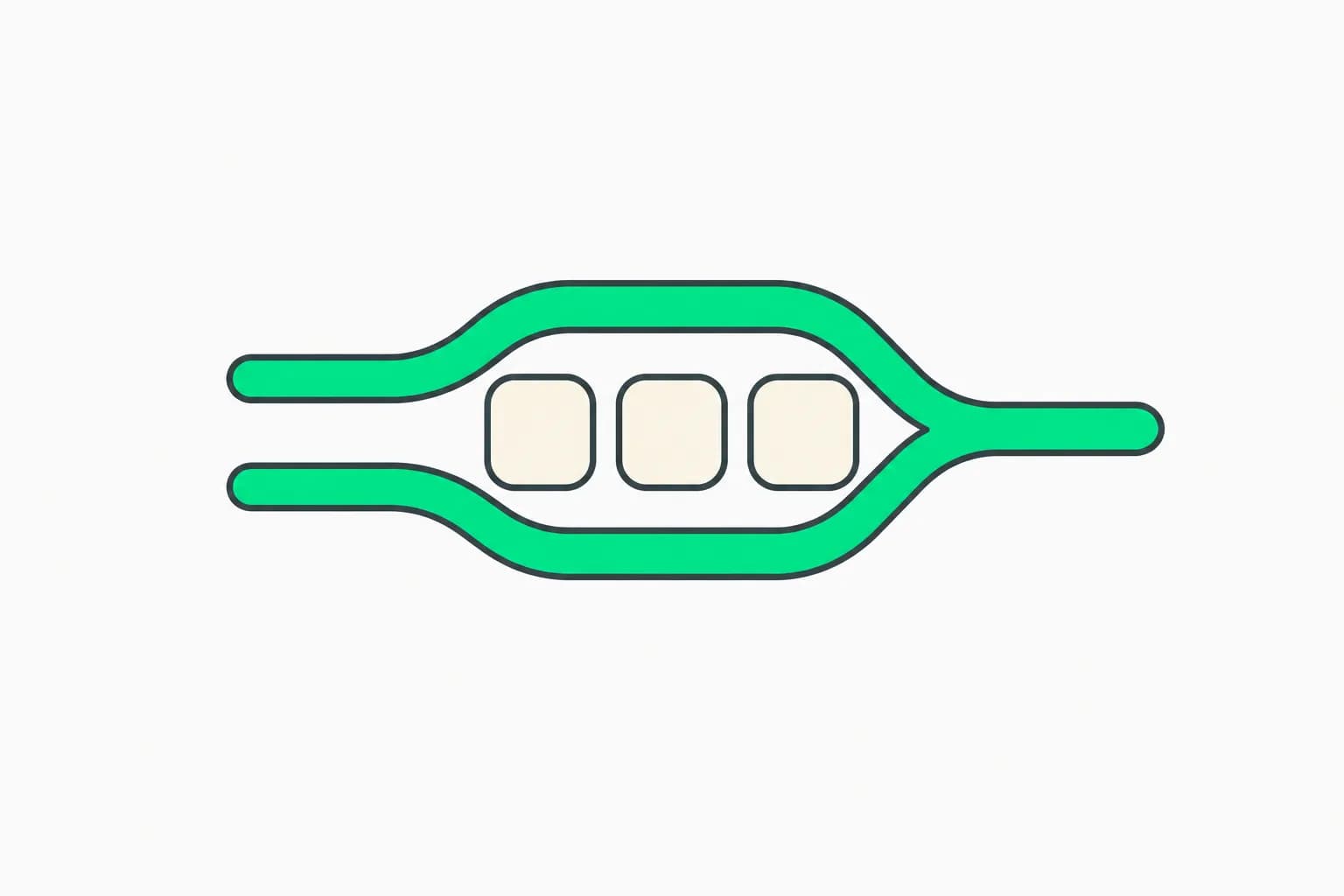
Anthropic's Claude Code desktop app is being described this week as a place to run lots of sessions side by side. Posts on X from the official @claudedevs account, summarized by users, say the app now shows which agents are active, finished or waiting for you, and that parallel tasks open in nested sessions that report their results back to the main conversation. One user called it "almost like a v2".
This guide separates what Anthropic's documentation confirms from what we only have from social posts, then shows how to set up a parallel workflow that does not trample your own files.
Claude Code Desktop parallel sessions at a glance
| Question | Answer |
|---|---|
| How do I start another session? | New session in the sidebar, or Cmd+N / Ctrl+N |
| Can I see two at once? | Hold Cmd or Ctrl and click a second session |
| How do I isolate files? | Pick the worktree option next to the branch name |
| Where do worktrees live? | <project-root>/.claude/worktrees/ by default |
| Where can it run? | Local, Cloud, SSH, or a WSL distribution on Windows |
| Can sessions talk? | Yes, Claude can list, read and message your other desktop sessions |
| Which plans? | The April redesign shipped to Pro, Max, Team and Enterprise, and the API |
What the docs confirm
The Claude Code desktop documentation describes the Code tab: each conversation is a session with its own chat history and project folder, independent of any other. The sidebar lists sessions and lets you run several in parallel. You can filter by status, project or environment and group sessions by project. The app sends an OS notification when a session finishes a task and you are not looking at it.
Anthropic's April 14 redesign post laid the foundation: a new sidebar for managing multiple sessions, drag-and-drop panes, an integrated terminal and file editor, a faster diff viewer, side chats that branch off a conversation without adding to the main thread, and SSH support extended to Mac. It said the goal was a world with "many things in flight, and you in the orchestrator seat." When a session's pull request merges or closes, it can archive itself.
What is claimed this week and what we could not confirm
- Claimed on X: a centralized status view for running agents, nested sub-sessions that report back, per-task worktrees, and a new-session screen with saved environments and recent folders.
- Confirmed in docs: the sidebar with filters, worktree isolation, the tasks pane for background work (subagents, background shell commands and dynamic workflows), the environment picker, and cross-session messaging.
- Not confirmed: a dated October release note. We did not find one, and the "recent folders" list is not described in the portion of the docs we read. We also could not independently verify the "v2" characterization, which is one user's opinion.
If you rely on a specific behavior, update the app and check the in-app shortcuts list with Cmd+/ or Ctrl+/.
How to set up a safe parallel workflow
- Pick the environment first. Choose Local, Cloud, SSH or WSL before the first message. Cloud sessions continue after you close the app; SSH tasks can keep going while Desktop is disconnected, though the docs warn a Claude-account sign-in can expire.
- Choose the project folder and model. For cloud sessions you can add several repositories.
- Select the worktree option for every session that edits the same repo. Git must be installed. Add a
.worktreeincludefile in the project root to copy gitignored files such as.envinto new worktrees. - Set a permission mode per session. Start complex tasks in Plan, then move to Accept edits or Manual. Auto mode checks actions with a background classifier. Bypass permissions should be reserved for sandboxes.
- Archive when done. Hover over a session and click the archive icon to remove its worktree, or enable auto-archive after the PR merges or closes (local sessions that have finished running).
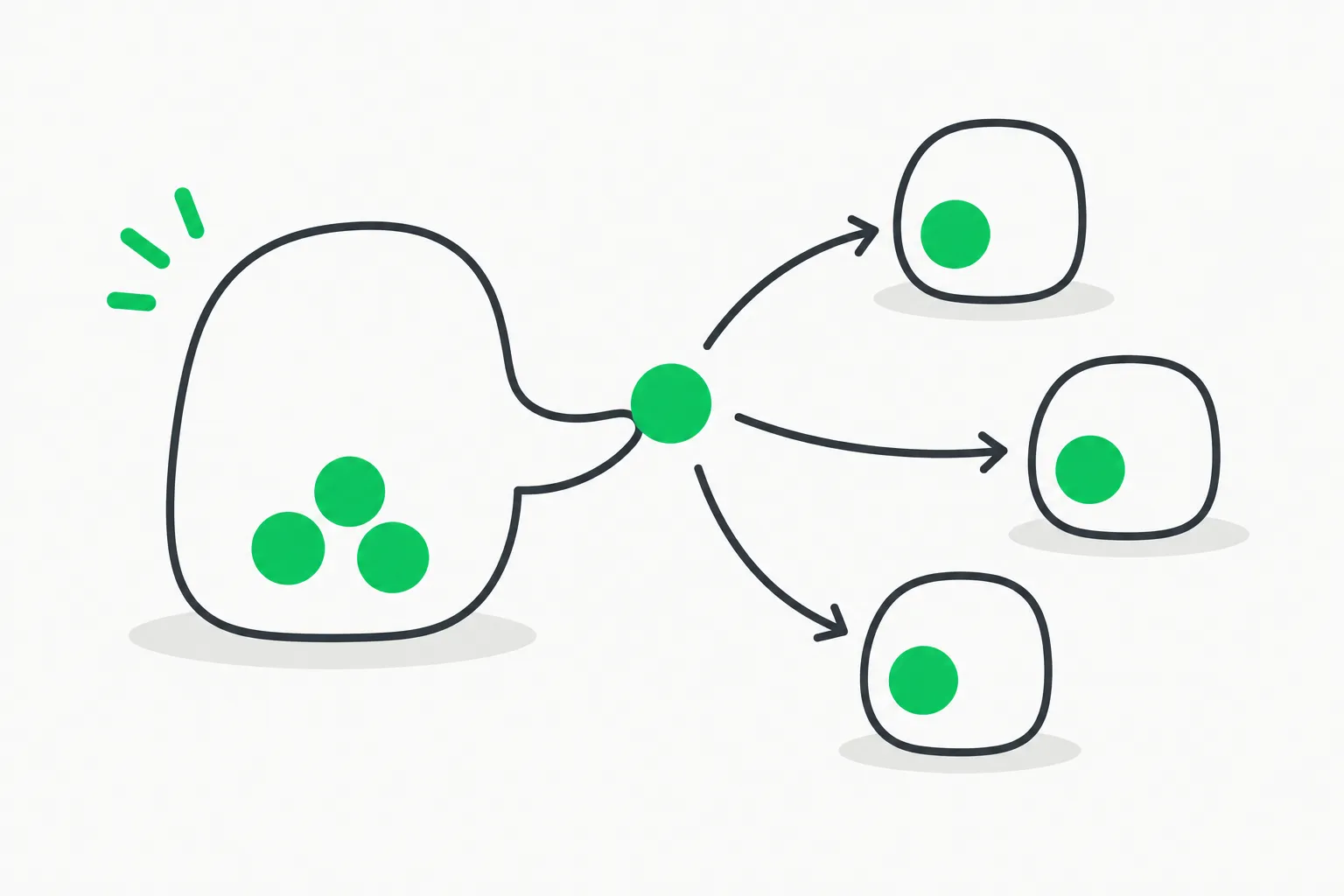 Delegation from one agent to several smaller ones, illustrating Claude Code desktop parallel sessions reporting back to a main conversation
Sub-sessions, subagents and cross-session messaging
Two mechanisms get conflated. Inside a session, the tasks pane shows background work: subagents, background shell commands and dynamic workflows. Click an entry to see its output or stop it. This matches our coverage of Claude Managed Agents dynamic workflows, which scale to many subagents.
Between sessions, Claude can read what your other desktop sessions have been doing and send them messages. If the receiving session is mid-task, the message waits until the current work finishes, and the reply is delivered back. The limits matter: only desktop sessions are visible (local, SSH, WSL), only the 20 most recently active by default, and a session nobody is watching, such as a scheduled run, cannot send cross-session messages.
What people are asking
Do parallel sessions share one usage limit? They draw from the same plan or API budget, so more sessions burn usage faster. Our post on the auto-continue checkbox for usage limits covers how the app resumes work after a limit resets.
Is it better than the CLI? The CLI is still the right tool for scripting and headless runs. The desktop app adds the visual layer: diff review with line comments, a browser pane, PR monitoring and drag-and-drop panes. See the commands reference for the terminal equivalents.
Can I extend it? Yes, see the guide to desktop app mods, and earlier additions such as the built-in browser and flexible panes with a diff pane.
What is the risk of running many agents? More concurrent edits mean more review work and more chances an agent runs something you did not intend. Isolation through worktrees and permission modes helps. For policy-level guardrails on what agents may do, AgentBeam, from the explainx.ai team, is an agent security platform that stops AI agents before they take dangerous actions.
A practical example
Say you have three tasks in one repo: a bug fix, a test-writing pass and a docs update. Create three sessions, each with the worktree option and its own branch prefix set in Settings, then use Plan mode on the bug fix and Accept edits on the docs. Use the sidebar status filter to see which sessions need you. Review diffs one at a time, comment on lines, and let each open its own PR. Because each worktree is separate, a failing test run in one session does not corrupt another's files.
How this compares with the CLI and other ways to parallelize
Running several Claude Code agents is not new. Developers have long opened multiple terminal tabs and created Git worktrees by hand, then juggled the windows. What the desktop app changes is the bookkeeping. The sidebar tracks status so you do not poll terminals, worktrees are one click instead of a git worktree add command, and review happens in a diff view with inline comments rather than in separate editor windows.
The trade-offs are real. A hand-rolled tmux setup is scriptable and works over any SSH link, while the desktop app is graphical and tied to the app's supported environments. Cloud sessions are convenient because they keep running when your laptop sleeps, but they support fewer permission modes: the docs list Accept edits, Plan and Auto, and bypass permissions is not available in cloud sessions. Local sessions give you the full set, plus access to files via @mention, which is not available in cloud or WSL sessions.
Tips from the documented behavior
- Name sessions. Click the session title in the toolbar to rename it so the sidebar stays readable when you have a dozen running.
- Use side chats for questions. Per the April announcement, a side chat pulls context from the main thread but adds nothing back, so a quick question does not derail the task.
- Turn on CI monitoring. After you open a pull request, a status bar can poll check results through the GitHub CLI, auto-fix failing checks, and merge when ready if you enable auto-merge in the repository first.
- Mind the cost. Prompt suggestions and background classifiers count toward your plan usage, so a large fleet of idle sessions is not free.
- Keep an eye on the 20-session window. Cross-session awareness covers only recent sessions, so archive finished ones to keep the relevant set small.
Limits to know
- Worktrees require Git, and on SSH, a Windows remote machine always uses the default location.
- In SSH worktree sessions, file edits can wait about 30 seconds and then fail while Desktop is disconnected, depending on the remote machine and repository location; sessions without a worktree are not subject to this check. See the docs for the exceptions.
- Cross-session visibility excludes cloud and CLI sessions.
- Auto-archive applies only to local sessions that have finished running.
Based on Anthropic's documentation and April 14, 2026 announcement as read on October 15, 2026, plus posts on X; the app changes frequently.