



Related: Anthropic's Oct 22 guidance on when not to split work across subagents: fold subagents into your main agent loop.
Anthropic has added dynamic workflows to Claude Managed Agents, so a single agent can plan a big job, write a small program that fans the work out to as many as 1,000 agents running in parallel, and merge what comes back. The Decoder reported the launch on October 9, 2026, and Anthropic's own Managed Agents multiagent docs describe the mechanics. The headline number from Anthropic's testing: on 70 bugs hidden in a 116,000-line codebase, one agent found between 14 and 27 per run, while the dynamic workflow consistently found 66.
This post covers what changed, how it differs from the subagents Claude already had, how to switch it on, and the part the headline skips: every one of those agents burns tokens.
TL;DR: dynamic workflows at a glance
| Question | Answer |
|---|---|
| What is it? | An agent writes a workflow program; the server runs many agents in phases and combines results |
| Where does it live? | Claude Managed Agents (beta), the hosted agent harness |
| How many agents? | Up to 1,000 in parallel per execution (The Decoder) |
| How do I enable it? | Set multiagent.type to multiagent_20261001 |
| Is it on by default? | Yes, for that type: workflows and subagents are both enabled |
| Evidence it works? | 66 of 70 hidden bugs vs 14 to 27 for one agent, in Anthropic's test |
| Catch? | Token cost scales with the number of agents; the test covers one task type |
| Price? | No separate price published in sources we checked |
Update (October 12, 2026): what Anthropic engineers said at AI Engineer New York
Anthropic's CJ Avilla and Harrison Stall presented "flows," as they call dynamic workflows, at AI Engineer New York, and Latent Space wrote up the session. The practical details go beyond the launch coverage.
- Claude picks the topology. Previously you configured a coordinator and a roster of subagents. With flows, the lead agent plans the job and writes an orchestration program that launches agents, collects results and routes information. You can still pass pre-configured subagents in the agent config.
- How many agents? Asked whether a simple ticker scan could spawn hundreds of subagents, Stall said the answer is "evals and lower defaults"; ambitious tasks need explicit encouragement to parallelize.
- Budgets. The model does not know its budget while running, but you can set a session budget. Stall joked that telling models their budget could make them "a little bit anxious."
- Cost. In their stock watchlist demo, flows cost "much more" than a single agent but found far more detail, per Avilla.
- Visibility and communication. The Console graph view shows what the lead agent passed to each subagent. Subagents share a filesystem, but you cannot make one message another directly through the API.
- Getting cheaper over time. Avilla pointed to "dreaming," a research-preview feature that reorganizes a memory store from past session transcripts.
These are statements from a conference talk as reported by Latent Space, not new documentation, so check Anthropic's docs before relying on any default.
What exactly are dynamic workflows?
Until now, a Managed Agents session could hand work to other agents in one way: delegation. The lead agent called subagents itself, one request at a time, and read what each reported back. Anthropic's docs now describe three tools under one multiagent block: subagents, dynamic workflows, and an advisor model that the agent consults for guidance while doing the work itself.
The workflow is the new part. In Anthropic's words, the agent "writes a workflow: a program that runs many agents in phases and combines what they return." The server runs it in the background as a workflow run, and the lead agent can keep working or end its turn. Each agent in a run works in its own session thread, which you can list, read and stream.
That shift matters. With plain delegation the lead agent is the bottleneck: every subagent result flows through its context window. With a workflow, the orchestration logic lives in code. The lead agent decides the plan once, and the program handles fan-out, phases and aggregation without the lead agent babysitting each call.
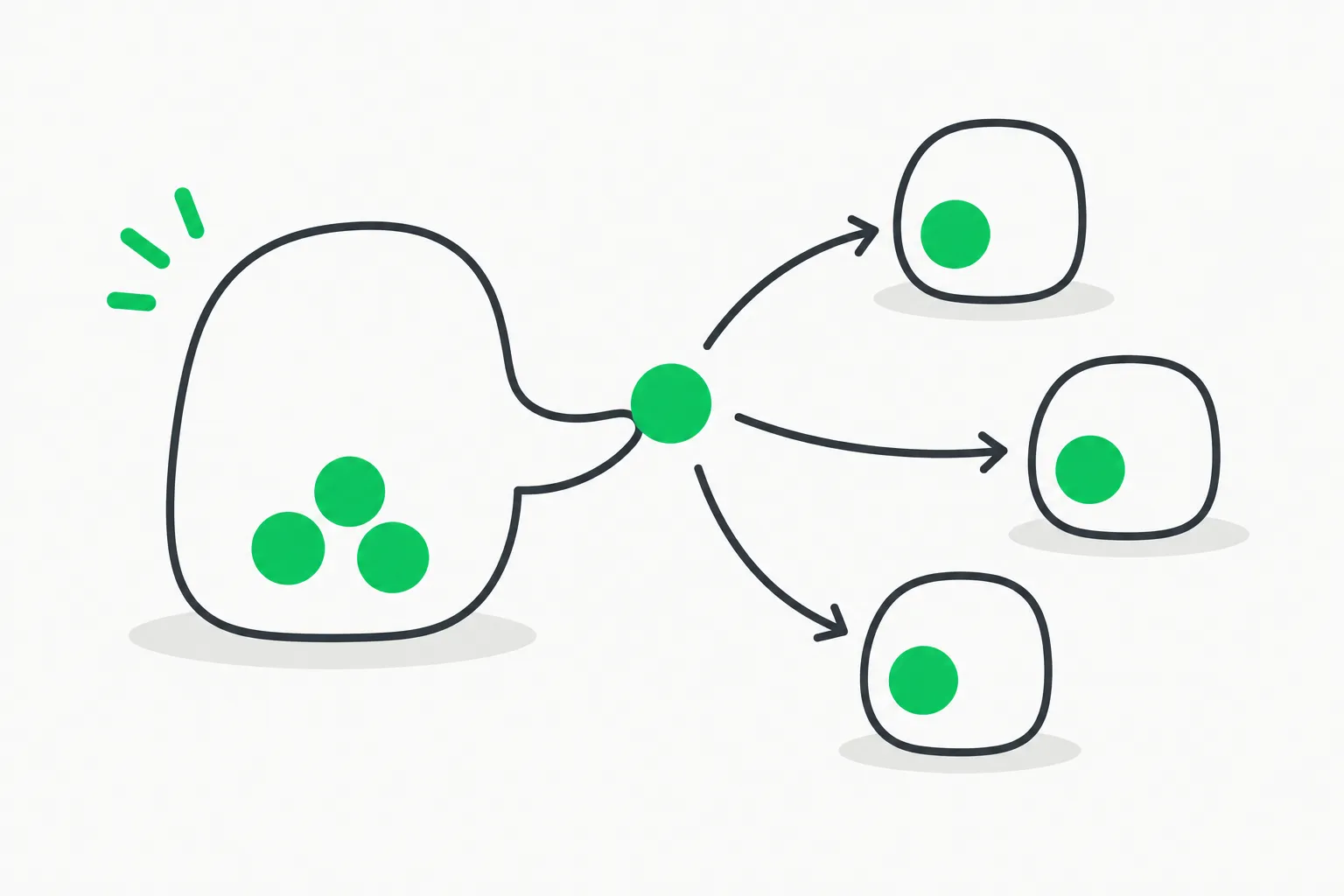 Claude Managed Agents dynamic workflows: a lead agent handing tasks to smaller agents in parallel
The bug-hunt test: 66 of 70 versus 14 to 27
The Decoder reports Anthropic's demonstration: 70 bugs were hidden in a codebase of 116,000 lines. A single agent caught between 14 and 27 per run. The dynamic workflow consistently caught 66.
The intuition is simple. One agent has a finite context window and attention budget, so on a codebase this size it samples and skims. A workflow can split the code into slices, assign agents to each slice with a fresh context, then run a verification phase over the candidate findings. Coverage goes up because no single agent has to hold the whole repository in its head.
Two caveats are worth keeping in view. First, this is a vendor-run test on a seeded-bug benchmark, which is friendlier to parallel scanning than a messy real review. Second, The Decoder itself notes it is unclear whether the gains carry over to other kinds of tasks. Treat 66 of 70 as an existence proof for embarrassingly parallel search, not a promise for every workload.
Dynamic workflows vs subagents vs advisor
The docs lay out the three settings as independent switches:
| Setting | What it turns on | Agents go in | Default |
|---|---|---|---|
workflows | Dynamic workflows | workflows.predefined_agents, up to 20 | Enabled |
subagents | Delegating to subagents | subagents.predefined_agents, up to 20 | Enabled |
advisor | An advisor model | None; set model | Disabled |
A few details from the docs that affect design:
- Inline agents. A workflow can define its own agents on the fly. An inline agent uses the model of the agent the session runs. If you want some workers on a different model, create them as agents and list them in
workflows.predefined_agents. - No extra API call. You describe the work in a user message; the agent decides whether and when to start a run. Permission policies apply to the tools the run's agents call, not to starting the run.
- No nesting. An agent that already has
multiagentset cannot be listed as a subagent of another agent or in another agent's workflow list. - Reserved prefix. Custom tools whose names start with
ant__make updates fail with a 400 error, so rename them before turning workflows on.
If you have followed the advisor pattern we covered in Fable 5 advisor and orchestrator patterns, this is the other half of the story: advisors add judgment to one agent, workflows add width.
How to turn it on
When you define the agent, set the multiagent type. The minimal config from the docs is a single field:
{
  "multiagent": { "type": "multiagent_20261001" }
}
For workflows only, disable delegation:
{
  "multiagent": {
    "type": "multiagent_20261001",
    "workflows": { "type": "enabled" },
    "subagents": { "type": "disabled" }
  }
}
Then tell the agent when a run is justified. Anthropic's advice is to put an instruction in the system prompt describing the tasks that deserve one, and ends with a pointed reminder: keep runs to the tasks that need them, because every agent in a run uses tokens. The Decoder points to the agent quickstart and a Claude Code route: running /claude-api managed-agents-onboard walks you through onboarding.
Managed Agents itself is in beta, needs the managed-agents-2026-04-01 header (the SDK sets it), and per Anthropic is enabled by default for all API accounts. One compliance note from the overview: because sessions are stateful, Managed Agents is not currently eligible for Zero Data Retention or HIPAA BAA coverage.
What people are asking: is this worth the tokens?
This is the real debate. The Decoder notes that cost-effectiveness is open to question and cites a senior OpenAI engineer who has criticized agent swarms as a waste of tokens. The arithmetic backs the worry: a run of hundreds of agents multiplies token use, and the bug-hunt test reports detection, not cost per bug found.
A sensible way to decide:
- Is the work parallel by nature? Reviewing hundreds of documents, cross-checking many sources, scanning a large repository: yes. A tightly coupled refactor where each step depends on the last: no.
- Is a miss expensive? Missing 40 of 70 bugs is costly in a security review and cheap in a brainstorm.
- Can you start small? Run a workflow on a slice and measure the findings per dollar before scaling to hundreds of agents.
- Do you need verification? A final phase that checks candidate findings is what turns raw width into precision.
For a deeper take on keeping token spend under control in agent loops, see Claude Code token efficiency and prompt caching.
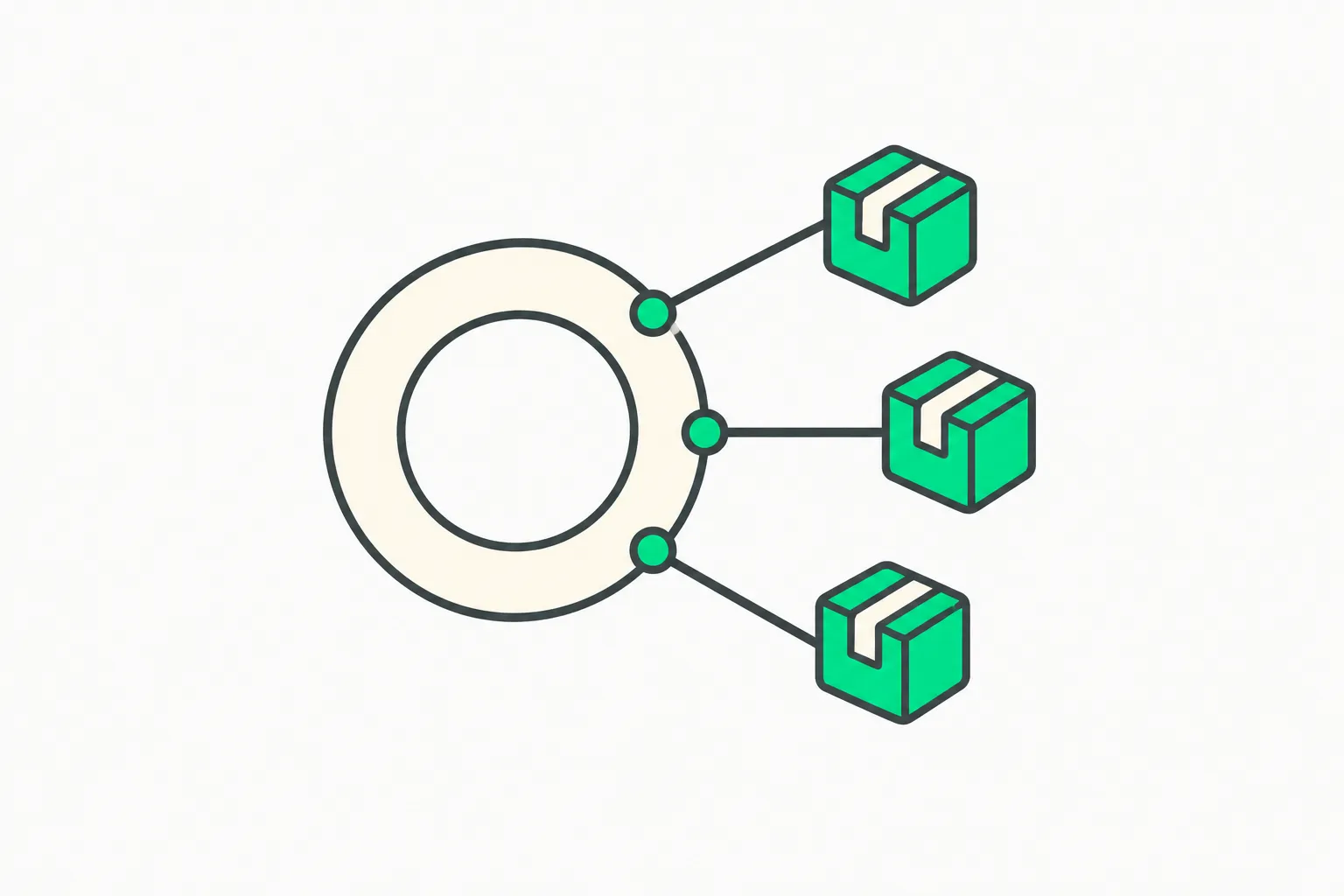 Multi-agent orchestration for Claude Managed Agents, with a central routing ring sending work outward
How it fits Anthropic's agent stack
Managed Agents is the hosted counterpart to Claude Code: the same idea of an autonomous agent with bash, file tools, web search and MCP servers, but running in Anthropic-managed or self-hosted sandboxes with server-side event history. We covered its enterprise side in Managed Agents memory and domain controls and a production example in the ABC Legal case study.
On the Claude Code side, repeated and scheduled agent work is covered in the official loops guide, and heavy-effort sessions in the ultracode effort mode guide. Anthropic's developer resources are collected in our Claude developer hub post. Dynamic workflows are the step that moves "many agents" from a manual pattern you script yourself to a managed primitive.
Risks and limits to plan for
- Cost variance. Because the agent decides when to start a run, a vague prompt can trigger an expensive one. Constrain it in the system prompt.
- Blast radius. A thousand agents calling tools means a thousand chances for a bad action. Permission policies apply to each agent's tools, so scope them tightly; agent-security tooling such as AgentBeam, built by the explainx.ai team, exists to block dangerous agent actions before they run.
- Unproven generality. One benchmark, one vendor, one task shape.
- Beta status. Behaviors "may be refined between releases," in the docs' own words.
Bottom line
Dynamic workflows turn multi-agent orchestration into something the model does for you rather than something you hand-wire. If your work is wide and parallel, the 66-of-70 result is a strong reason to try a small run this week. If it is narrow and sequential, one good agent is still cheaper.
Details reflect the Anthropic documentation and press reporting available on October 9, 2026; the feature is in beta and may change.