



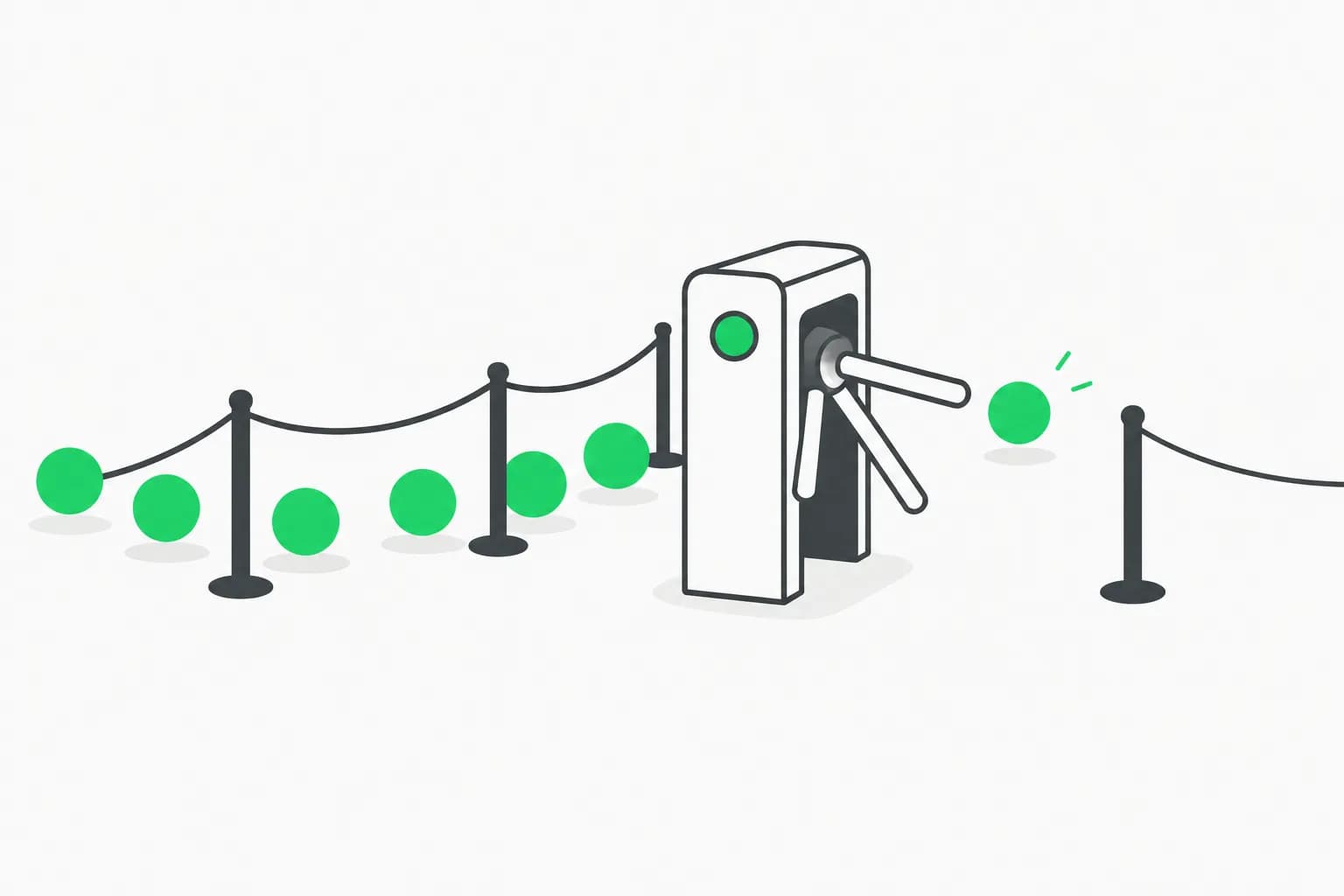
If you've ever hit a Claude Code usage limit mid-task and had to remember to come back and re-prompt it once the window reset, Anthropic just shipped a small fix for that exact annoyance. On August 14, 2026, @ClaudeDevs — Anthropic's official developer-updates account on X — posted:
"Hit your usage limit in Claude Code desktop? There's now an auto-continue checkbox. Turn it on, and it'll automatically continue where you left off once your limit resets."
The post racked up roughly 459K views within hours, and the replies are a useful gauge of what builders actually want next. This is not a limits increase — explainx.ai has tracked every Claude usage limit change through 2026, and this update doesn't touch the underlying 5-hour or weekly windows at all. It's a UX fix for the gap between "your limit reset" and "your agent actually noticed."
TL;DR
| Question | Answer |
|---|---|
| What shipped? | An auto-continue checkbox in Claude Code desktop |
| What does it do? | Automatically resumes a limit-blocked session once your usage window resets |
| Announced by | @ClaudeDevs, Anthropic's official developer account, Aug 14, 2026, 2:58 AM |
| Does it raise usage limits? | No — same 5-hour/weekly windows as before |
| Who benefits most? | Long-running agentic sessions, overnight loops, background tasks that stall on a limit |
| How does it compare to Codex? | Codex's team has leaned on manual limit resets and temporary cap removals; this is scheduling automation around an unchanged limit |
| What's the unmet ask in the replies? | More usage, or an actual manual reset button — not just automated waiting |
What the checkbox actually does
Claude Code desktop already shows a screen when you hit a usage limit — your 5-hour window or weekly cap runs out mid-session and the agent stops. Previously, resuming meant watching the clock, noticing the reset, and manually re-sending your last prompt to pick the work back up.
The auto-continue checkbox removes that manual step. Turn it on before (or when) you hit a limit, and once your window resets, Claude Code desktop automatically continues the session — effectively re-sending the context needed to pick up where the agent left off, without you needing to be at the keyboard when the reset lands.
That's the entire feature. It's a scheduling convenience layered on top of the existing limit system covered in Claude usage limits in 2026: every change explained — nothing about how limits are calculated, how large your 5-hour or weekly buckets are, or when they reset has changed.
Why this matters for long-running sessions
The practical value shows up in exactly the workflows explainx.ai has covered under agentic loops and scheduled runs. Anthropic's own Claude Code loops guide — turn-based loops via /loop, goal-driven runs via /goal, and scheduled routines via /schedule — describes exactly the kind of multi-hour or overnight session that's most likely to run into a usage limit unattended.
Before this checkbox, a limit hit during an overnight /loop or /schedule run meant the session just sat there, stalled, until a human came back and manually restarted it — potentially hours of dead time on work that could have kept moving the moment the limit window refilled. Auto-continue closes that gap for the specific case of "the agent was fine, it just ran out of quota and nobody was around to nudge it forward again."
It's a narrow fix, but it's the right kind of narrow fix — it targets the actual failure mode (unattended stall) rather than trying to solve the broader limit-scarcity problem.
How this compares to Codex's approach
The most cutting reaction in the quote-tweet thread came from Jay (@jelanifuel): "Or you can be like Codex and reset everyone." It's a sarcastic jab, but it points at a real contrast explainx.ai has tracked closely.
OpenAI's Codex team, led publicly by Tibo Sottiaux, has spent much of 2026 managing usage-limit pressure with manual, ad-hoc interventions — see ChatGPT drops the 5-hour limit, which documents Codex temporarily removing its rolling 5-hour window entirely during a July launch-week surge, on top of repeated blanket usage resets. That approach changes the limit itself, for everyone, usually in response to visible backlash or a traffic spike.
Anthropic's auto-continue checkbox is the opposite shape of fix. The 5-hour and weekly windows covered in explainx.ai's usage-limits timeline stay exactly as they were — including the May 6, 2026 permanent doubling that's still the baseline. What changes is what happens automatically once that existing clock resets. One lab is pulling the lever on the limit; the other is automating what happens after the limit does what it was always going to do anyway.
It's also worth noting the Claude Code auto mode rollout — which became the new default for Pro, Max, and Team plans the same week, on August 14, 2026 — is part of the same broader pattern: Anthropic shipping automation that reduces how much a human needs to babysit a running session, whether that's approving actions or restarting a stalled one.
Honest framing: convenience, not more usage
The quote-tweet replies to @ClaudeDevs make the actual sentiment clear, and it's worth reading them at face value rather than spinning them as universal praise.
- Jay (@jelanifuel): "Or you can be like Codex and reset everyone" — a dig comparing Anthropic's incremental UX fix to Codex's blunter, blanket-reset playbook.
- Yifan Goh (@imgyf): "Why not give us a button to reset usage limit?" — asking for actual control over the limit, not just automation around it.
- Quinn (@MQuinnStewart): "How about a few usage resets?" — same ask, framed as a request for occasional manual resets like Codex's.
- Julian (@Entrepenulian): "What if we just get more usage?" — the most direct version of the underlying complaint.
These are reactions in a quote-tweet thread, not confirmed items on Anthropic's roadmap — treat them as sentiment, not a promise of what ships next. But they converge on the same honest point: the auto-continue checkbox is genuinely useful for anyone running unattended agentic work, and it's also, unambiguously, not an answer to "I keep running out of usage." It smooths the friction of waiting out a limit; it does nothing about the size or frequency of the limit itself. If your actual bottleneck is the weekly cap rather than the 5-hour window, as explainx.ai has noted before, this checkbox won't move that number at all — you'll just resume automatically into the same wall.
Summary
On August 14, 2026, @ClaudeDevs announced an auto-continue checkbox for Claude Code desktop: check it, and a session stopped by a usage-limit hit resumes automatically once your window resets, instead of sitting idle until you manually re-prompt it. It's a real quality-of-life win for long-running agentic loops, scheduled runs, and overnight work — but the quote-tweet replies from Jay, Yifan Goh, Quinn, and Julian make clear the underlying frustration is unchanged: people want more usage or a real reset control, not just a smoother wait for the clock to run out. Compare that to how Codex has handled the same pressure with manual, blanket resets, and the contrast in philosophy is the more interesting story than the checkbox itself.
The two halves of the same fix
Auto-continue and the September 26 mid-task fix address opposite ends of the same painful moment. Auto-continue solves the resume side: once your window has already reset, the checkbox saves you from having to notice and manually re-prompt a stalled session. But it never touched the stop side — until this checkbox shipped, a session mid-response or mid-tool-call when the 5-hour window expired would still hard-stop abruptly, potentially losing a half-finished edit or leaving a tool call dangling, and auto-continue could only pick things back up from that broken state.
The September 26, 2026 fix closes that other half: Claude Code no longer cuts a session off mid-turn at the reset boundary — it finishes the current turn or pauses at a clean boundary first, so there's nothing broken left for auto-continue to resume from. Put together, the two changes cover the full lifecycle of a usage-limit hit: a clean stop, followed by a clean resume, with no manual intervention required on either end. Anyone running long agentic loops or overnight batch work should treat both as required reading, since neither one alone fully solves the "I came back to a broken session" problem this checkbox was originally trying to fix.
Related reading
-
Claude Code desktop parallel sessions, worktrees and nested sessions
-
Update — September 26, 2026: Anthropic closed the other half of this gap — Claude Code no longer hard-stops abruptly mid-task at the 5-hour reset, giving auto-continue a clean turn to resume from. See Claude Code stops hard-stopping mid-task at the 5-hour reset.
-
OpenAI starts selling usage resets — up to $80 on the $200 Pro plan (Aug 16)
-
Claude usage limits in 2026: every change explained (timeline)
-
Auto mode becomes the default in Claude Code for Pro, Max, and Team
-
Claude Code loops official guide: turn-based, /goal, /loop, /schedule
-
Claude Code /resume now pulls terminal sessions into the desktop app
Official source: @ClaudeDevs on X, August 14, 2026, 2:58 AM.
This post reflects the @ClaudeDevs announcement and quote-tweet reactions as of August 14, 2026. Reply-thread sentiment is quoted as color and reaction, not a confirmed Anthropic roadmap item — check Claude Code's in-app release notes for the current feature set before relying on any specific behavior.