



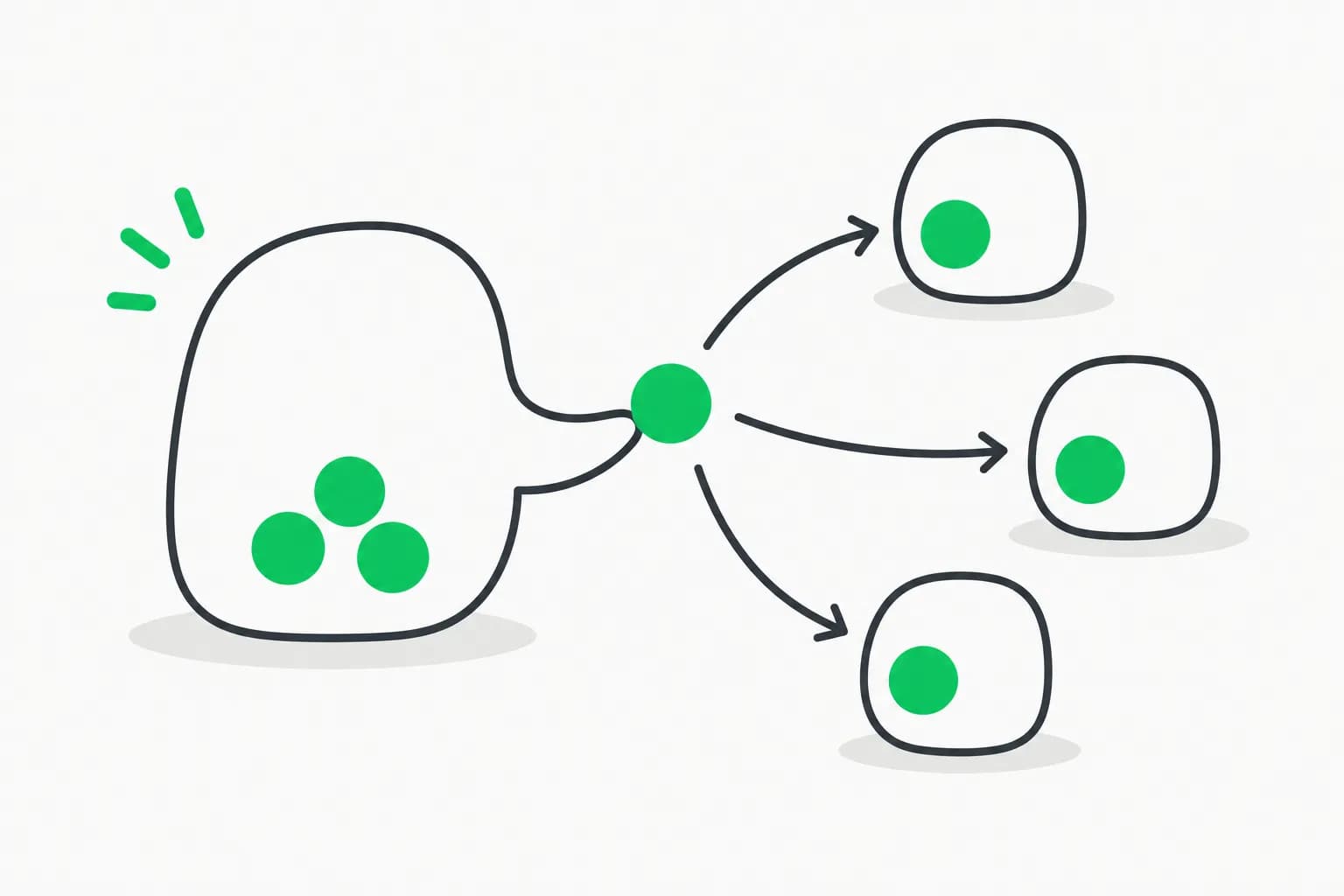
If you run more than one Claude Code session at a time — one per git worktree, one per service in a monorepo, one you left running overnight — you already know the tax: every time session B needs something session A just learned, you're the one relaying it. Copy the finding, paste it into the other terminal, retype what changed.
Anthropic's developer account announced on X that this hop is gone. Claude Code sessions can now message each other directly — a session can hand off a summary, ask another session a question and get the answer back in the same turn, or proactively flag that a change it just made affects work happening somewhere else.
"New in Claude Code: your sessions can now message each other. Instead of having to re-explain yourself in another session, you can now tell Claude to do it. It sends a summary (not your history or files), and the other session picks it up mid-task." — @ClaudeDevs
Update — August 22, 2026: The same @ClaudeDevs account shipped reliability upgrades to native mobile remote control this week — device cards that launch a fresh session from your phone, faster phone-to-laptop sync, and no cloud relay. If cross-session messaging keeps multiple terminals in sync with each other, that update keeps your phone in sync with whichever terminal you're actually running.
TL;DR
| Question | Answer |
|---|---|
| What shipped? | Cross-session messaging — Claude Code sessions send each other plain-text messages via two new tools, ListAgents and SendMessage |
| What version do I need? | Claude Code v2.1.224+, macOS or Linux (including WSL 2) — no native Windows support |
| Does it send my files or history? | No. Only the text one Claude writes for another Claude — never conversation history or files |
| How do I see reachable sessions? | Type /list-agents (alias /peers) in any session |
| Can it approve my pending permission prompts? | No — a message from another session is never treated as your consent |
| Can I message a session on another machine? | Only to reply — via Remote Control; Claude can't start a conversation with a remote or web session |
| Is it on by default? | Yes, with nothing to enable, once the version and platform requirements are met |
What cross-session messaging actually does
Claude uses two tools for this, and you never call either one yourself:
ListAgents— discovers which sessions Claude can currently reach.SendMessage— delivers a piece of text to one of them by name.
The same SendMessage tool also handles messages to subagents and agent-team teammates inside a single session — this feature extends that same mechanism between your independent sessions, the ones you start and steer separately.
A message is deliberately thin: it's text one Claude writes for another Claude, addressed by name, with a reply address attached (except for one specific cross-machine case covered below). It is never your conversation history, never your files. If you actually want to move a whole conversation — its full context, not just a summary — the existing tool for that is resuming the session, not messaging it.
The three cases this replaces
- Hand over a finding. Session A discovers a breaking API change while working on the backend. Instead of you tabbing over to session B (working on the frontend that calls it) and re-explaining, Claude in session A sends the finding directly. Session B picks it up mid-task.
- Coordinate parallel worktrees. Several sessions work the same repo in separate worktrees. When one lands a change, it can tell the others what shipped instead of leaving them to discover it via a merge conflict.
- Get status from long-running work. A migration or test suite running in a background session can report back to whichever session you're watching, or you can ask it a question from there and get the answer relayed.
Claude can decide to send one of these on its own — for example right after making a change it recognizes affects another session's work — or you can just ask for it in a prompt like "explain what we just did to the session working on the payments API." You don't write the message; Claude does.
How to see which sessions are reachable
Run /list-agents (alias /peers) in any session. It lists three kinds of targets:
| Category | What shows up |
|---|---|
| Subagents | Agents running inside the current session (not agent-team teammates — those go through the team's own roster) |
| Local sessions | Your other Claude Code sessions on the same machine, including background ones, as long as they've bound an inbox socket |
| Remote sessions | Your sessions on other machines or on Claude Code on the web, shown only while Remote Control is connected, labeled Remote Control |
Each session answers to a name — one you set with /rename or --name, or one Claude Code derives from the working directory (e.g. myapp-3f). Two sessions can end up with the same name; when that happens, /list-agents shows each one's working directory and Claude appends a short identifier to disambiguate.
Same-machine vs. cross-machine delivery
This is the part worth understanding before you rely on it, because the two paths behave very differently:
| Where the other session runs | How the message travels | What Claude here can send |
|---|---|---|
| On this machine | Over a per-session socket, never through Anthropic's servers | New messages and replies |
| On another of your machines | Through Anthropic's servers, arriving over that machine's Remote Control connection | Replies only |
| On Claude Code on the web | Through Anthropic's servers, straight to the cloud session | Replies only |
Same-machine sessions register themselves in files on disk and bind a local inbox socket there — two sessions can only reach each other if they see the same filesystem, so a session inside a container and one on the host generally can't talk (two sessions in the same container still can). Reaching anything beyond this machine requires Remote Control to be connected, and even then Claude can only reply — it can't originate a conversation with a remote or web session. One edge case: replying to a cross-machine message while your own session isn't connected to Remote Control still goes through, but arrives without a reply address, so the far side can't answer back. Claude is told this before it sends.
What an incoming message can and can't do
Claude Code is explicit with the receiving session that a message came from another Claude, not from you, and boxes in what it's allowed to do as a result:
- It can't approve anything. A message from another session never counts as your consent — it can't answer a permission prompt on your behalf.
- It can't touch configuration. The receiving Claude is instructed never to change permission settings,
CLAUDE.md, or anything else just because another session asked. - Slash commands don't execute. If the message text contains something like
/compact, it arrives as inert text — Claude Code never runs it. - Your permission rules still fire. If acting on the message needs a permission the receiving session doesn't already have, you get the normal prompt.
When a message does arrive, it shows up in the conversation tagged with the sender's name, gets queued if Claude is mid-turn, or opens a new turn immediately if the session is idle. Once read, it collapses to a one-line "Message from" row you can expand with Ctrl+O.
Controlling what gets delivered
By default, without any explicit setting, Claude Code decides per message using each session's permission mode. It splits sessions into two classes — ones that bypass permission prompts, and everything else (including plan mode, when bypass is available):
- A session that prompts for permissions delivers incoming messages automatically, and only holds one for your approval if the sender identifies as bypassing.
- A session that bypasses permission prompts holds every incoming message for your approval, unless the sender also identifies as bypassing.
You can override this with the crossSessionInbound setting:
{
  "crossSessionInbound": "accept"
}
| Value | Behavior |
|---|---|
accept | Every message delivers to Claude |
hold | Every message shows a notice and waits for your approval |
refuse | Every message is dropped, no delivery, no notice |
A held message shows an approval dialog with the sender and a preview; leaving it untouched past the dialogExpiry deadline (five minutes by default) drops it. If your session's permission-mode class changes while messages are held, Claude Code re-applies the rules and releases whatever now qualifies.
To require your explicit sign-off before any reply leaves the machine — even in bypassPermissions mode — set:
{
  "isolatePeerMachines": true
}
To turn the feature off entirely, deny the tools and refuse inbound messages in one settings block, which is also how an organization would lock it down for everyone:
{
  "permissions": {
    "deny": ["SendMessage", "ListAgents"]
  },
  "crossSessionInbound": "refuse"
}
Availability and limits
Cross-session messaging needs Claude Code v2.1.224 or later, and works on macOS and Linux (Linux inside WSL 2 counts). There's no native Windows support, and it's unavailable on Amazon Bedrock, Claude Platform on AWS, Google Cloud's Agent Platform, and Microsoft Foundry. Setting CLAUDE_CODE_DISABLE_NONESSENTIAL_TRAFFIC, DISABLE_TELEMETRY, DO_NOT_TRACK, or DISABLE_GROWTHBOOK turns off the feature-flag check the capability depends on, which disables it too.
A few structural limits worth knowing before you build a habit around this:
- Plain text only — no files, no structured payloads. Structured agent-team protocol messages stay inside a team.
- Loops are throttled — Claude Code rate-limits repeated messages from the same sender, drops identical repeats arriving in a short window, and caps a session's unread queue at 50 messages, so a runaway back-and-forth between two sessions stops itself.
claude -psessions can receive but not approve — a non-interactive session binds an inbox socket like any other and shows up in/list-agents, but it can't display the approval dialog, so a held message stays held unless you setcrossSessionInbound: "accept"in its--settings. Bare mode skips the socket entirely, so those sessions are unreachable.
Check whether a given session has the feature with /list-agents: if the command isn't recognized at all, the session lacks cross-session messaging outright — start with claude --version. If it runs but a send never arrives, something narrower is in play — a SendMessage/ListAgents deny rule, the receiver's inbound controls, or a reply-only cross-machine session.
Where this fits next to subagents and Remote Control
It's easy to conflate this with adjacent Claude Code features, so here's the split as Anthropic draws it:
- Subagents and agent teams — for a coordinated group of agents within one session that you spawn and supervise together, not independent sessions you steer separately.
- Resume — for continuing one conversation elsewhere, or handing its full context to a new session, when a plain-text summary isn't enough.
- Remote Control — for steering a session yourself from your phone or another device, as opposed to having two sessions talk to each other.
- Channels — for pushing external events (CI results, chat messages) into a session, not session-to-session chatter.
Cross-session messaging is specifically for the gap between those: two sessions you're running side by side, each doing its own thing, that occasionally need to tell each other something.
Try it
If you're already comfortable running multiple Claude Code terminals for a multi-worktree workflow, this is a low-effort thing to test today:
- Update Claude Code and confirm the version:
claude --version(need v2.1.224+). - Open two sessions in the same repo, in different worktrees or directories.
- In one, run
/list-agentsand confirm the other shows up. - Ask it: "Tell the other session what we just changed in the API layer."
- Switch to the other terminal and watch the message land as a one-line "Message from" row.
Related reading
- Claude Code Projects: one conversation coordinates parallel cloud threads (Sept 18) — the coordinator-level evolution of this same problem
- Codex Multi-Agent V2 vs Claude Code subagents — delegation, GPT-5.5, and the Luna removal (Aug 16)
- Prime Agent: direct agent-to-agent messaging in an open-source RLM harness
- Claude Code Commands: Complete Slash Command Reference (2026)
- Claude Code Subagents and Multi-Agent Workflows (2026)
- Steering Claude Code: CLAUDE.md, Skills, Hooks, and Subagents
- OpenCode Desktop: Tabs, Sessions, and Worktrees
- Graph Engineering for AI Agents and Multi-Agent Organizations
- Top 10 Open & Closed Source Agent Harnesses (2026)
- Official docs: Message your other Claude Code sessions
- Announcement thread on X
Version numbers, settings names, and behavior described here reflect Claude Code as of August 8, 2026 — check the official cross-session messaging docs for the current spec before relying on exact defaults.