



Can Claude watch a video? Not the way humans do. Paste a YouTube URL into ChatGPT and you mostly get captions, not frame-by-frame vision. Upload an MP4 to Claude and you often hit unsupported file type. Even Gemini, which accepts video natively, typically samples frames at a fixed rate — fine for a lecture, weak for a 15-second reel with six cuts.
The workable pattern in 2026 is not "give the model the video." It is give the model what matters from the video — speech as text, visuals as deduplicated keyframes, metadata as a manifest — then ask your questions.
Update — September 2, 2026: Google just closed part of this gap natively. Gemini's fixed-frame-rate sampling described below now has an agentic alternative — the model decides what to watch, at what speed, and through which modality, cutting video tokens up to 88% and cost up to 66%. See Gemini agentic video understanding: how it works in Google AI Studio for the mechanism, the API parameter, and honest limits.
TL;DR — what actually works
| Approach | Best for | Visual fidelity | Runs locally? | Typical cost |
|---|---|---|---|---|
| Gemini native video (API / AI Studio) | Quick analysis, Google stack | ~1 fps default; misses fast cuts | No — cloud upload | Gemini token pricing |
| ChatGPT + YouTube link | Spoken content, summaries | Transcript-first; weak on B-roll | No | Plus / API |
claude-real-video (crv) | URLs + local files; scene-heavy edits | Scene changes + dedup | Yes | Free tool + LLM tokens |
| video-use + Claude Code | Editing (cuts, grade, subs) | Transcript-first; composites on demand | Partial (local ffmpeg) | Scribe API + Claude |
| DIY ffmpeg + Whisper | Full control, air-gapped | Whatever you script | Yes | Your time |
| Video VLMs (Marlin) | Structured events from feeds | Model-specific | Self-host option | GPU + ops |
Bottom line: For Q&A and research, use frames + transcript + manifest. For editing, use video-use. For fastest cloud try, use Gemini video. For privacy and reels, use local prep (crv or DIY).
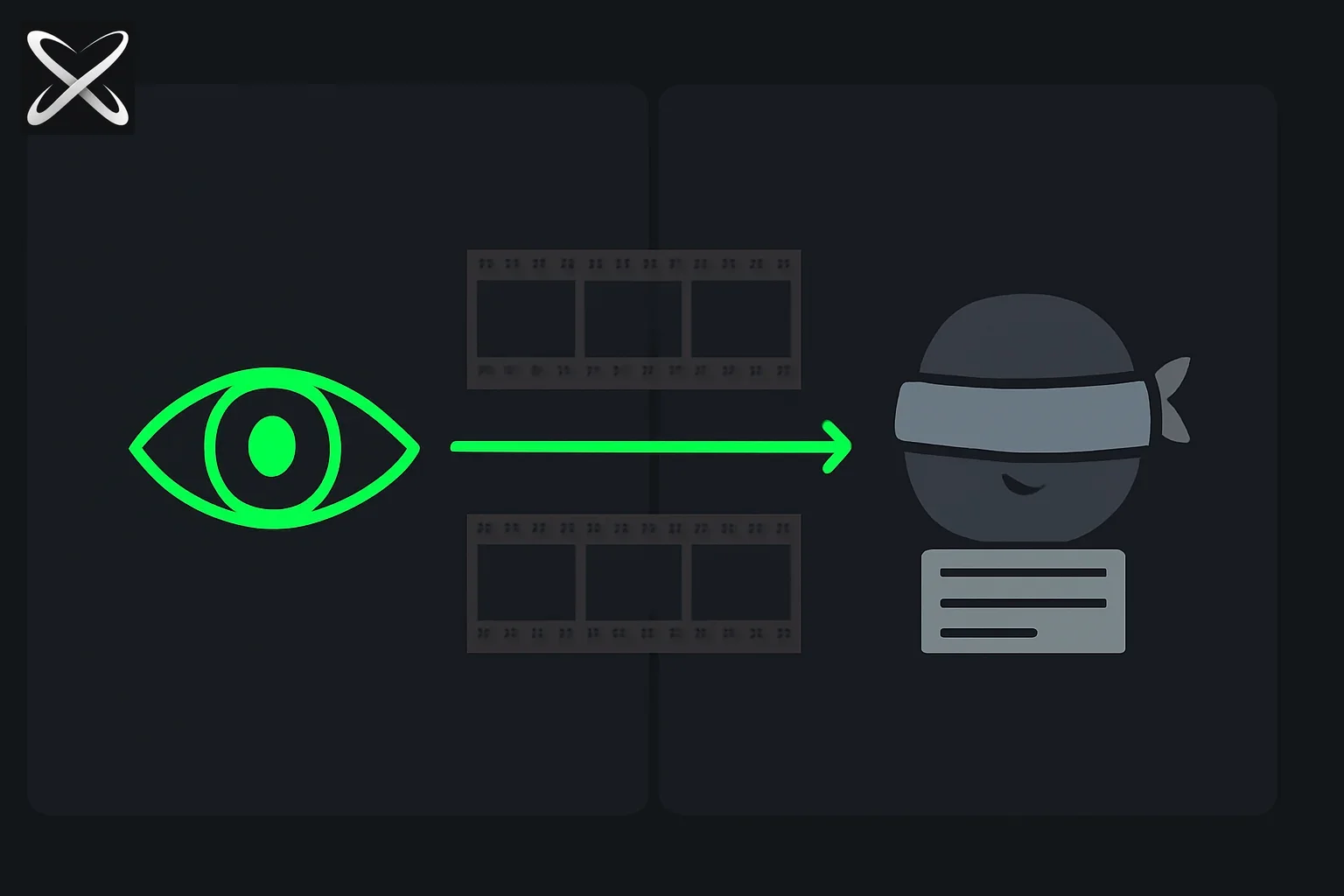 Can LLMs watch video — one pipeline feeding actual frames into an open eye, another feeding only a transcript into a blindfolded eye
Why "watching" breaks on most LLM UIs
Multimodal models do not stream 24 fps into context. They receive a bounded set of images and text inside a token budget.
| Failure mode | What happens |
|---|---|
| Fixed-interval sampling (1 frame/sec) | 10-minute static screencast → ~600 near-duplicate frames; 30-second reel → misses cuts between samples |
| Transcript-only (YouTube in ChatGPT) | Answers dialogue; blind to on-screen code, charts, or lip-sync fraud |
| Raw frame dump | 1 minute × 30 fps × ~1,500 tokens/image → millions of tokens — slow, expensive, noisy |
| No video ingest (Claude file upload) | You must preprocess before the model sees anything |
video-use's core insight applies broadly: the LLM should read structure, not raw pixels — but for open-ended video Q&A you need both transcript and selectively chosen frames, not transcript alone.
Solution 1 — Native multimodal APIs (Gemini, GPT-4o)
Gemini video
Google's Gemini models accept video in AI Studio and the Gemini API. Default sampling is often ~1 frame per second — documented behavior teams hit when analyzing long files.
Good for: meeting recordings, lectures, slow-paced demos.
Weak for: TikTok edits, sports highlights, music videos with fast cuts.
See Gemini Omni Flash for Google's video stack direction — generation and understanding are related but not identical products.
ChatGPT + links
Useful when spoken content carries the signal. Weak when the answer is on screen but never spoken — UI walkthroughs, silent demos, visual gags.
Cost: bundled in subscription or API vision pricing; you do not control frame selection.
Solution 2 — Scene-aware local prep (claude-real-video)
claude-real-video (crv, MIT, ~250 GitHub stars as of July 2026) is one open-source answer when you want any LLM — Claude, ChatGPT, Gemini, local models — to reason over what changed visually, without uploading the video to a vendor.
pip install claude-real-video
pip install "claude-real-video[whisper]"   # + audio transcription
brew install ffmpeg                        # macOS; required on all platforms

crv "https://www.youtube.com/watch?v=..."
# → crv-out/frames/*.jpg
# → crv-out/transcript.txt
# → crv-out/MANIFEST.txt
Why scene detection beats 1 fps
| Fixed 1 fps | crv | |
|---|---|---|
| Static 10-minute slide | ~600 similar frames | Collapses to few frames after dedup |
| Fast-cut reel | Misses between samples | Catches scene changes |
| A-B-A edit (repeat shot) | Sends A twice | Sliding-window dedup sends each shot once |
| Audio | Often ignored | Whisper or embedded subtitles |
| Privacy | Often cloud upload | Stays on your machine |
How it works (short): yt-dlp or local file → ffmpeg scene-change + fps floor → pixel-diff dedup (not perceptual hash — hashes miss flat-color hue shifts) → subtitle track if present else Whisper → MANIFEST.txt for the model.
Tuning flags that matter:
| Flag | Default | Effect |
|---|---|---|
--scene | 0.30 | Lower = more frames |
--max-frames | 150 | Hard cap |
--dedup-threshold | 8 | Higher = fewer frames kept |
--dedup-window | 4 | Stops A-B-A repeat sends |
--report | off | HTML report of keep/drop decisions |
Optional --keep-audio: saves audio.m4a for models that accept audio (Gemini, GPT-4o audio) when tone and music matter — transcript alone loses both.
Prompt pattern after crv
You are analyzing a video I preprocessed locally.

Read MANIFEST.txt for metadata, transcript.txt for speech, and frames/*.jpg in order.

Questions:
1. What is the main argument in the first 2 minutes?
2. Which frame shows the pricing table?
3. List every scene change topic in chronological order.
Drop the folder into Claude Projects, paste paths in ChatGPT, or attach images in Gemini — same artifacts, any frontier model.
Solution 3 — Transcript-first editing (video-use)
If your goal is produce a new video, not understand an existing one, use video-use:
- ElevenLabs Scribe → word-level
takes_packed.md - LLM reasons over text, emits ffmpeg EDL
- Optional
timeline_viewcomposites for cut decisions
The LLM never watches — it reads and edits. Perfect for launch cuts and filler removal (Fable 5 launch pipeline); wrong tool for "summarize this documentary's visual motifs."
Pairing: Run crv for research Q&A; run video-use when you need final.mp4.
Solution 4 — DIY ffmpeg + Whisper
Minimal version without crv:
# Scene frames
ffmpeg -i input.mp4 -vf "select='gt(scene,0.3)',showinfo" -vsync vfr frames/%04d.jpg

# Audio
whisper input.mp4 --model medium --output_format txt
You lose sliding-window dedup, manifest generation, and URL fetch — but keep air-gapped control. Reasonable for one-off internal compliance reviews.
Solution 5 — Video VLMs and structured extraction
For camera feeds and agent loops ("what changed since last frame?"), small video VLMs like Marlin 2B on NemoStation target structured outputs — not consumer YouTube Q&A.
Use when building products, not when a marketer wants a one-off summary of a webinar.
Cost math — why prep pays off
Naive approach: 30 fps × 60 sec × 1,500 tokens ≈ 2.7M tokens/minute of vision — unusable.
crv on a 8-minute talk (illustrative):
| Stage | Output |
|---|---|
| Scene + floor extraction | ~90 raw frames |
| Dedup at threshold 8 | ~25–40 kept frames |
| Transcript | ~2,000 words (~2,500 tokens) |
| Vision tokens (varies by resize) | ~40k–100k total |
You trade minutes of local ffmpeg for orders-of-magnitude fewer vision tokens — the right trade for token budget planning.
| Cost line | Local crv | Gemini native upload |
|---|---|---|
| Tooling | $0 (MIT) | API usage |
| Compute | Your CPU/GPU for Whisper | Google-side |
| Privacy | No video leaves disk | Video uploaded |
| LLM bill | Lower context | Higher if re-sending frames |
Which solution should you pick?
| Your job | Pick |
|---|---|
| "Summarize this YouTube lecture" | Gemini native or crv + any LLM |
| "Find when the UI bug appears" | crv (scene frames) |
| "Cut ums and ship launch video" | video-use |
| "Compliance — air-gapped" | DIY or crv offline |
| "Build a video-watching agent product" | Marlin / custom VLM |
Limitations (honest)
crvis young — v0.1.x, no formal releases yet; verify on your content types before production pipelines.- Whisper errors — domain jargon and overlapping speakers still hurt; embedded subtitles beat re-transcription when available.
- LLMs hallucinate on sparse frames — ask for frame filenames as citations in answers.
- Copyright — only process content you have rights to;
--cookiesis for your authenticated access, not credential sharing. - No replacement for human review on legal, medical, or safety-critical video.
Update: the fixed-rate constraint has since been lifted
This guide was written when every practical option meant choosing a frame rate up front and living with the consequences. That constraint no longer holds on Gemini.
Agentic video understanding, launched September 1, 2026, lets the model navigate the timeline itself and decide which frames, audio segments, or transcript spans to inspect, rather than ingesting the whole file at a fixed rate. The difference matters most in the two cases this guide flagged as painful:
- Long, sparse footage. Instead of paying for 10,800 frames of a three-hour recording to find four relevant seconds, the model builds cheap structure first and spends its budget only where the answer lives.
- Fast events between samples. Sampling at 1FPS makes a 200ms UI stutter or a dropped frame literally invisible. A model that can choose to look closer at a specific moment can catch them.
Production results published on September 17, 2026 put numbers on both halves: one team cut median token usage 97% while roughly doubling its handling of complex edits, another reached a 0.967 F1 score at about 72% lower cost, and a third improved bug-catching accuracy 65% over 1FPS screenshot testing.
The workarounds described in this guide remain useful for non-Gemini stacks and for local pipelines, but if you are on Gemini Flash and still sampling at a fixed rate, you are paying for frames you do not need and missing events you do.
Related Reading
-
Chrome's New Gemini Student Features: Video Analysis, Quizzes, Tab Sync — Gemini in Chrome now reasons over played-back podcasts and non-YouTube video, a consumer-facing version of the playback-dependent approach this guide covers
-
Agentic video understanding in production: 97% fewer tokens at Mosaic — what three teams measured after the fixed-rate sampling constraint was lifted
-
Gemini agentic video understanding — how it works in Google AI Studio
-
Skyroot Vikram-1 Mission Aagaman — summarize the 2+ hour launch livestream
Tool versions accurate as of July 3, 2026. claude-real-video: github.com/HUANGCHIHHUNGLeo/claude-real-video. Always verify current Gemini sampling defaults in Google AI documentation.