




AI for beginners does not mean memorizing neural-network math. It means picking one conversational assistant, using it on real work for a week, and learning how to check its answers before you trust them. When that habit feels normal, you add the three ideas behind modern agents — skills, MCP, and loops — so product launches like Claude Duet or Grok Bot stop sounding like magic.
This guide is for people who have never used AI at work, or who tried it once and felt lost. It is not a duplicate of Microsoft's AI for Beginners GitHub track, which targets developers who want notebooks and training loops. It is also not a model-shopping list. You will finish with a weekly routine, a prompt formula, and a map of what "agents" actually are.
AI for beginners: what you are actually learning
Generative AI, in plain terms, is software that completes text (and often images or audio) from your instructions. The assistants most beginners touch are large language models wrapped in an app: you type or speak; the model drafts a reply.
OpenAI's AI fundamentals page separates everyday pattern-matching AI (maps, fraud alerts) from conversational tools like ChatGPT. That distinction matters because chat models sound confident when they are wrong. Beginner success is less about "which model is smartest" and more about when to use AI and when to verify.
| Layer | What it is | Beginner action |
|---|---|---|
| Chat assistant | One thread, one reply at a time | Draft, summarize, brainstorm |
| Agent | Goal plus tools plus a repeat loop | Automate multi-step work with approvals |
| Skill file | Saved instructions the agent loads | Turn a good prompt into a reusable playbook |
| MCP connector | Standard bridge to a tool or database | Let an agent read your calendar or repo safely |
If you only remember one row, remember the first: start as a chat user. Agents add power and risk; our beginner's agent guide is the next step once prompting feels boring.
Step 0: Pick one free assistant (and stay there seven days)
Most guides open with a wall of logos. That helps nobody on day one. OpenAI's getting-started article and beginner walkthroughs from independent educators converge on the same advice: pick one interface and learn its conversation pattern.
Any of these free tiers is fine for this week:
- ChatGPT at chatgpt.com or the official OpenAI mobile app
- Claude at claude.ai (Anthropic)
- Gemini at gemini.google.com (Google)
Do not switch midweek to "see which is better." You are practicing prompt, read, refine, not benchmarking. Skills transfer across products once the habit sticks.
Safety rule before day one: never paste passwords, bank details, unreleased financials, patient health records, or unsigned contracts with personal data. Treat the chat like a public whiteboard. If your employer has an AI policy, use the approved tool only.
The beginner prompt formula (use it every day)
ChatGPT Learn's prompting guide describes prompts as goals plus optional context, output shape, and boundaries. Beginners do not need a template for every message, but a four-part habit cuts bad first drafts:
| Part | Ask yourself | Example phrase |
|---|---|---|
| Task | What should change? | "Summarize this notes doc." |
| Context | Who is the audience? | "For a non-technical client." |
| Output | What shape do I need? | "Six bullets under 120 words total." |
| Boundaries | What must not happen? | "Do not invent statistics; say unknown if missing." |
Worked example — email you have been avoiding:
Task: Draft a polite follow-up email.
Context: I am a freelancer; the client missed a milestone by ten days.
Output: Under 100 words, friendly tone, one clear ask for a date.
Boundaries: No legal threats; no made-up prior agreements.
Paste the result into your mail app and edit voice and facts before you send. The model gave you speed; you keep accountability.
Your first week: daily tasks (about 45–60 minutes)
Follow this calendar exactly once. Each day uses the formula above. Swap the examples for your own job — recruiting, teaching, ops, or parenting schedules all work.
 Seven-day beginner plan as stepping stones toward agent vocabulary
| Day | Focus | Do this |
|---|---|---|
| 1 | Orientation | Ask your assistant to list five safe tasks for your role and give a sample prompt for each. Pick two to try. |
| 2 | Summarize | Paste a long article or meeting notes (redact names if needed). Ask for a summary plus "what I should do next." |
| 3 | Rewrite | Take a rough paragraph you wrote. Ask for two tones: formal and casual. Compare; keep phrases you like. |
| 4 | Plan | Request a one-week meal plan, study plan, or project checklist with time boxes. Ask it to shorten if overloaded. |
| 5 | Research draft | Ask for an outline on a topic you know. Fact-check three claims with a search engine or primary doc. |
| 6 | Spreadsheet thinking | Upload a small CSV or describe columns. Ask for trends and caveats. Verify totals yourself. |
| 7 | Review | Save your five best prompts in one doc. Note where the model failed. Read the skills section below. |
OpenAI's Academy suggests noticing repeatable chat work — status updates, briefs, checklists — as the signal you are ready for Projects, custom GPTs, or skills later. Day seven is when that pattern should be visible.
Common beginner mistakes (and fixes)
| Mistake | Why it hurts | Fix |
|---|---|---|
| One vague sentence | Generic fluff answers | Add audience, length, and format |
| Trusting numbers | Models invent figures | Cross-check names, dates, math |
| Pasting secrets | Data may train or leak per vendor policy | Use redacted samples; read vendor terms |
| Chasing every new model | No skill transfer | Finish the week on one assistant |
| Skipping edit pass | You sound like a robot | Change words to your voice before sending |
After prompting: the three ideas behind agents
Once chatting feels easy, the product market will still throw jargon at you — Duet, Dots, Muse, Grok Bot. The stack underneath is stable:
1. Agent skills (your reusable playbook)
An agent skill is a file (often SKILL.md) that tells an agent how to do one job the same way every time — run a security review, format a weekly report, or follow your brand voice. Skills are why teams stop re-prompting the same paragraph every Monday.
Our agent skills guide walks through structure, testing, and when a skill beats a long chat thread. Beginners should read it before they buy an "agent" seat they do not understand.
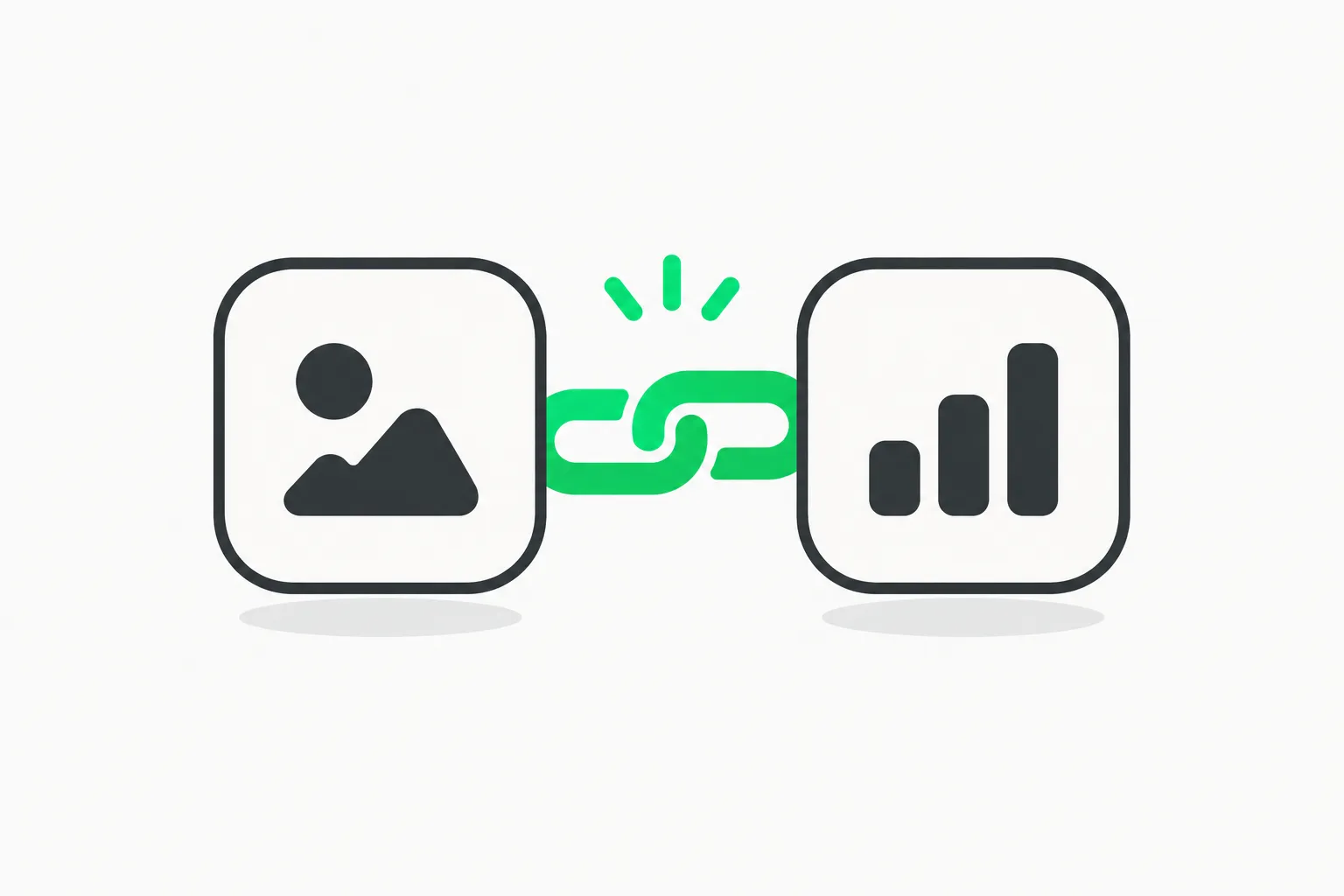
2. MCP (how assistants plug into tools)
 MCP connects a chat assistant to apps through a standard bridge
Model Context Protocol (MCP) is the open pattern for connecting an AI client to tools — calendars, repos, databases — with explicit permissions. Instead of the model guessing APIs, MCP hosts expose named capabilities the agent can call.
The MCP guide explains hosts, servers, and why security teams care about connector scope. You do not configure MCP on day three; you should recognize the term when a vendor says "we added 40 connectors."
3. Loop engineering (how work finishes without you)
A loop is the agent cycle: plan, act with a tool, observe the result, decide whether to continue. Coding agents like Claude Code popularized visible loops; consumer agents hide them behind morning briefs and approval buttons.
Loop engineering for coding agents is written for builders, but the beginner takeaway is simple: agents are chat plus repetition plus tools, with pauses for approval on risky steps. When you read about proactive agents, ask which loop and which approvals they use.
 AI for beginners classroom learning path before agent tooling
User path vs builder path (choose honestly)
DataCamp's learn-AI overview splits learners into AI users (no code) and AI builders (Python, APIs, training). This post is entirely the user path. Move to the builder path when you want to:
- Call models from your own scripts
- Fine-tune or evaluate models on private data
- Ship an agent that runs on a schedule
Until then, mastering prompts and verification delivers more ROI than installing Jupyter. When you are ready for code, pair Microsoft's Generative AI for Beginners with hands-on API exercises — not before.
Free resources worth your time (and what to skip)
| Resource | Best for | Skip if |
|---|---|---|
| OpenAI Academy | ChatGPT workflows | You need non-OpenAI tooling only |
| Anthropic Academy | Responsible use and fluency | You want deep ML math now |
| Microsoft AI for Beginners repo | Python ML foundations | You only need office AI this month |
| explainx AI Basics workshop | Live map of skills, MCP, loops | You refuse video entirely |
Skip affiliate listicles, uncertified "AI income" courses, and any guide that promises trading returns. Those are not beginner education; they are funnels.
FAQ shortcuts searchers ask
What is generative AI for beginners? Text-or-media models that draft from your prompt, not databases that only retrieve fixed answers. They are creative and error-prone.
What is agentic AI for beginners? Software that chooses tools and steps toward a goal instead of answering once. It needs guardrails; start with chat first.
Can you learn AI without machine learning math? Yes for the user path. ML math matters for research and training, not for drafting memos with guardrails.
What to do after week one
- Keep one prompt library — subject lines, meeting prep, client replies.
- Watch ai for beginners on explainx.ai — a free hour on skills, MCP, and loops with no code required.
- Read the agents beginner guide before you enable an always-on agent.
- Pick a specialty — marketing copy, research, or ops automation — and build one skill file when you join Agent Skills training.
You do not need the most expensive model to be an effective beginner. You need a repeatable week, healthy skepticism, and vocabulary for the agent stack when your team starts buying seats.