



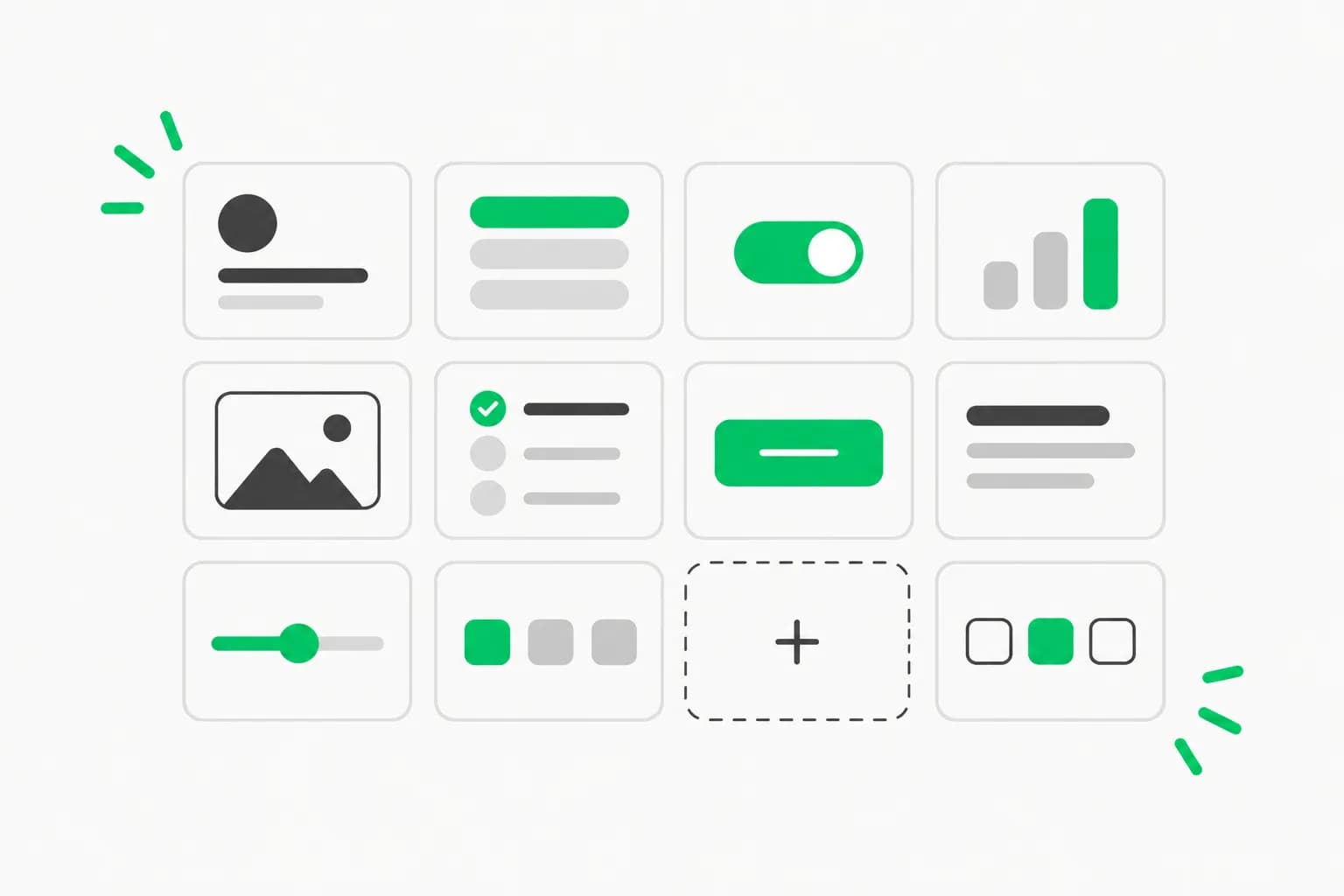
Chat and agent interfaces have a design problem that ordinary dashboards do not: the screen is full of text that keeps changing. Responses stream in, tool calls appear and finish, diffs pile up, and a question may be waiting for a human. Solid Glass is a new open-source design system aimed squarely at that, and it has about 1,700 GitHub stars. This guide explains the style, lists what is in the box, walks through installation, and flags what to check before you adopt it.
All details come from the repository's README as read on October 17, 2026. We did not run the site or measure accessibility, so visual and usability claims are the project's own.
TL;DR: questions people ask first
| Question | Answer from the README |
|---|---|
| What is it? | A glass-inspired design system for AI apps: one stylesheet plus agent-oriented components |
| License | MIT; components from shadcn/ui keep their authors' MIT license (see NOTICE.md) |
| Stack | React 19, Tailwind CSS 4 and shadcn/ui's Base UI components |
| Install | npx shadcn@latest add deeplethe/solid-glass/solid-glass |
| Dark and light? | Dark is the material as designed; light is supported |
| Size | 92 commits and about 1.7k stars on October 17, 2026 |
| Biggest caveat | Young project; verify accessibility and stability yourself |
The idea: between flat and liquid glass
The README describes "a refined glass-inspired aesthetic that feels solid from afar and reveals its subtle materiality up close": delicate highlights, fine borders and soft shadows create depth while a restrained finish favors clarity and stability over transparency, refraction and fluidity.
The positioning is explicit. Flat design is an opaque block with no finish; liquid glass is nearly clear, so on a page with a lot of text the reader fights the background for the words. Solid Glass lets only an outline through, enough to read as glass but not enough to interfere with reading. If you saw the translucent interface trend in recent operating systems, this is a deliberate counter-move for text-heavy products.
The project sums the style up in four words, each with a short explanation:
- Tactility: interfaces that feel tangible, with a subtle sense of touch and response.
- Precision: clean geometry, refined details and restrained lighting.
- Physicality: depth from thickness, shadow and spatial hierarchy.
- Materiality: subtle edge highlights, fine borders and soft shadows define each surface.
The contributing guidance adds that every surface is finished at its edge and that hovered, chosen and held-open states all wear the same small pane of clear glass.
Why AI interfaces in particular
The README argues that AI applications are built around information that keeps changing: responses streaming in, agents performing tasks, decisions waiting for human input. Its answer is to keep the interface calm and readable: neutral surfaces reduce distraction, depth establishes hierarchy, and color and motion are reserved for meaningful feedback.
That lines up with a broader shift we have seen in agent products, where the interface is about supervision rather than conversation alone. Our coverage of ChatGPT's intelligent UI and of Figma's specs-as-markdown beta for AI agents touches the same theme: design systems are increasingly read by both humans and agents.
What is in the box
The core is src/solid-glass.css, which the README calls the whole material in one file: colors, three thicknesses of glass, the one state, and motion. It defines shadcn/ui's own variable names, so existing components pick it up. The stylesheet finds each part of a shadcn component by its data-slot and the classes it already carries, so, per the README, the components you have need no changes.
On top of that are Solid Glass's own components:
| Component | What the README says it is |
|---|---|
status-glyph | Three points of light that say a turn is going, and what it is doing |
panel, tag, dot-loader | The thinnest pane, a small label, and a row of dots that waits |
turn-status | The status line of an agent turn |
composer | The box you write to the agent in |
tool-steps | The steps the agent took |
diff-view | A diff |
ask-card | A question the agent asks |
context-ring | How full the context is |
task-notice | A notice from a task |
reasoning | The agent's thinking |
The site also has a Create page where you turn dials (thickness, tint, chart color, type, radius, rim, blur) with a live preview and get the few lines of CSS that result, a Material page that shows how a pane is made, and a Blocks page of whole screens, including an agent-workspace block. Documentation lives in the repo's content/ folder.
How to install it
Per the README, start from a shadcn/ui project (React 19, Tailwind CSS 4, the Base UI components):
npx shadcn@latest init
npx shadcn@latest add deeplethe/solid-glass/solid-glass
Then import the stylesheet after Tailwind and shadcn's styles, and delete the :root and .dark color variables that shadcn init wrote, because Solid Glass defines the same names:
@import "tailwindcss";
@import "tw-animate-css";
@import "shadcn/tailwind.css";
@import "./solid-glass.css";
Individual components install the same way, for example npx shadcn@latest add deeplethe/solid-glass/status-glyph. To run the site locally, clone the repo, then npm install and npm run dev (port 5191), with npm run build and npm run typecheck available.
Because the install pulls a registry entry straight from a GitHub repository, read the stylesheet and component source before adding them to a product, as you would with any copied code.
What the repository layout tells you
A quick read of the README's file map explains how the project works and how much you can trust it to stay put.
registry.jsonis the shadcn registry, written byscripts/build-registry.mjs, which also buildspublic/r/for the site. That is whatshadcn addinstalls from, so the commands above resolve against files in this repository, not a separate package.src/components/ui/holds the components the site shows: shadcn/ui's Base UI "base-nova" components, installed with its command line, plus Solid Glass's own. The README admits that a few stock components, includingbutton,input,tabs,dialog,dropdown-menu,sheet,sidebarand some form controls, differ from stock in small ways, though it says the stylesheet does not depend on those differences.src/create/andsrc/pages/create.tsximplement the Create page, whereoptions.tsmaps each dial to stylesheet variables.src/blocks/holds whole screens. The single files at the top are Solid Glass's own, such asagent-workspace; the folders are shadcn/ui blocks re-dressed in the material.content/is the documentation, andscripts/build-docs.mjsturns it into the data the site renders.
Contribution flow is also spelled out: changes land on a dev branch by pull request and reach main, and with it the published site and registry, when a maintainer merges dev into main. That is useful because it means the registry you install from only changes on a deliberate merge. The README adds a rule for new components: written like a shadcn/ui component, with function components, a data-slot on every part and the cn() helper, plus a demo file and a documentation page.
Who should care
Three kinds of readers get the most from a system like this. Teams shipping a chat or agent product on shadcn/ui who want their tool-call, diff and approval surfaces to look consistent without designing each from scratch. Solo builders who have a working agent and an ugly front end. And people building skills or templates for coding agents who want a ready visual target that an agent can be told to follow.
It matters less to teams on other component libraries, or to products where the interface is mostly forms and tables. The agent-specific parts, such as a context ring that shows how full the context window is, or an ask card for a question the agent raises, assume your product has those concepts.
A sensible way to evaluate it
- Try it in a branch. Add the stylesheet to a copy of an existing shadcn/ui app. The promise is that existing components need no changes, so the quickest test is whether your screens still look right.
- Test the agent parts with real streaming content. The value is in
tool-steps,diff-viewandask-cardhandling long, changing content; stub data will not show that. - Check contrast. Glass effects depend on backgrounds. Test text contrast in both modes, with reduced-transparency settings, and on lower-end devices.
- Check performance. Blur and layered shadows cost rendering time on large lists. Profile a long transcript.
- Read the license notice. The repo is MIT, and components that come from shadcn/ui are their authors' own, also MIT, per NOTICE.md.
- Pin a version. A repository this new, with 92 commits, will move.
How it fits with other design tooling
Solid Glass is a visual theme; it does not tell an agent how to design. If you want an agent to produce consistent interfaces, pair a theme like this with instruction files and skills. Our guide to DESIGN.md templates shows how to give agents design rules, Impeccable is a design skill with detector rules, and Oil UI is another open-source design skill. For Claude's own design surfaces, see the /design command and artboards.
A practical combination would be Solid Glass as the visual layer, a DESIGN.md that names its rules, and a skill that checks generated screens against them. That is our suggestion, not something the project documents.
Honest limitations
- Narrow stack. It targets shadcn/ui with React 19, Tailwind 4 and Base UI. If you use another stack, the stylesheet will not drop in.
- Style risk. Glass-like styling can date quickly and can hurt readability if overused; the project's restraint is the selling point, so keep it restrained.
- Early days. Stars measure attention, not production readiness. The repository has a security policy, a code of conduct and contribution guidance, which is a good sign, but long-term maintenance is unproven.
- Agent-specific components are opinionated. Your agent's states may not map neatly to
turn-statusorask-card.
Bottom line
If you build an agent interface on shadcn/ui and your main pain is readability while content streams and changes, Solid Glass is worth an afternoon in a branch. If you use another UI stack or need a mature, long-supported system, watch it rather than adopt it.
Related reading
- DESIGN.md templates for professional UI with AI agents
- Impeccable 4.5 design skill
- Oil UI: open-source UI design skill
- Figma specs as markdown for AI agents
- ChatGPT intelligent UI explained
- Claude Code /design command and artboards
Sources: deeplethe/solid-glass README and the project's published site.
Details are accurate as of October 17, 2026.