



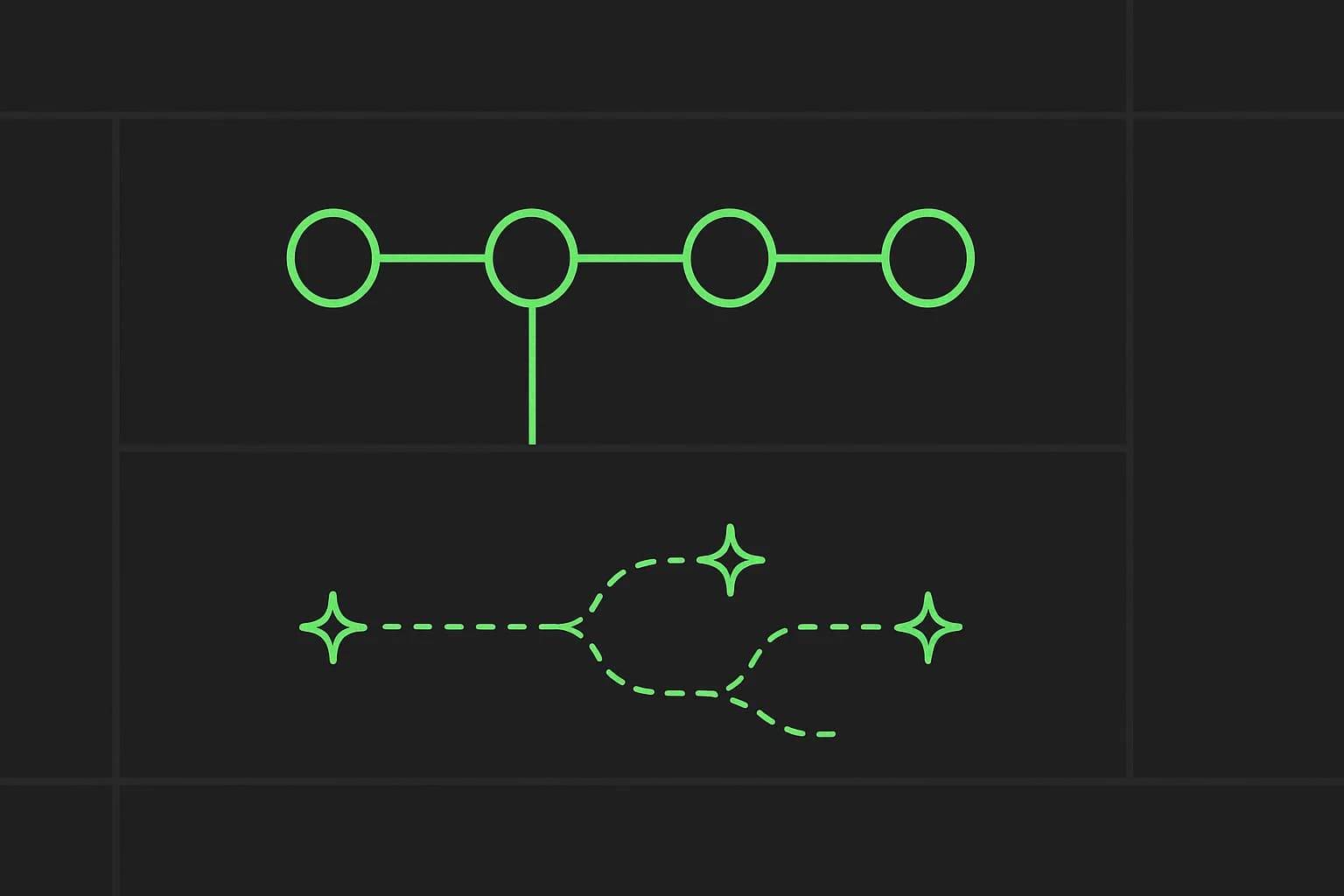
If you've had 20 Claude Code terminals open at once and genuinely lost track of which one is doing what — Paperclip was built for exactly that moment. It's not a new agent, and it's not another framework promising to make your agents smarter. It's the layer above the agents: an org chart, a task queue, a budget, and a human who can still say no.
90,500 GitHub stars and 15,700 forks in, that pitch is clearly resonating. Here's what Paperclip actually is, how the pieces fit together, and where its "not a chatbot, not a framework" positioning is worth testing against your own workflow before you adopt it wholesale.
If Paperclip is the org chart, the other half of running agents well is what they remember between sessions — see our companion piece on Hindsight, an open-source agent memory system.
TL;DR — questions people ask first
| Question | Direct answer |
|---|---|
| What is Paperclip? | Open-source Node.js/React orchestration software: org charts, tasks, budgets, and governance for a team of AI agents |
| Is it free? | Yes, MIT licensed, fully self-hostable |
| Does it write code itself? | No — it assigns and tracks work for agents that do (Claude Code, Codex, Cursor, OpenClaw, or any HTTP-reachable bot) |
| How is it different from an agent framework? | Frameworks tell you how to build an agent. Paperclip tells you how to run a company made of agents you've already built |
| Can it stop a runaway agent burning tokens? | Yes — per-agent budgets with warning thresholds and automatic hard stops on overspend |
| Do I need a Paperclip account? | No — self-hosted with an embedded Postgres by default; a hosted/enterprise tier exists separately |
| What's the catch? | It adds a coordination layer and its own data model on top of whatever agents you're already running — real setup, not zero-config |
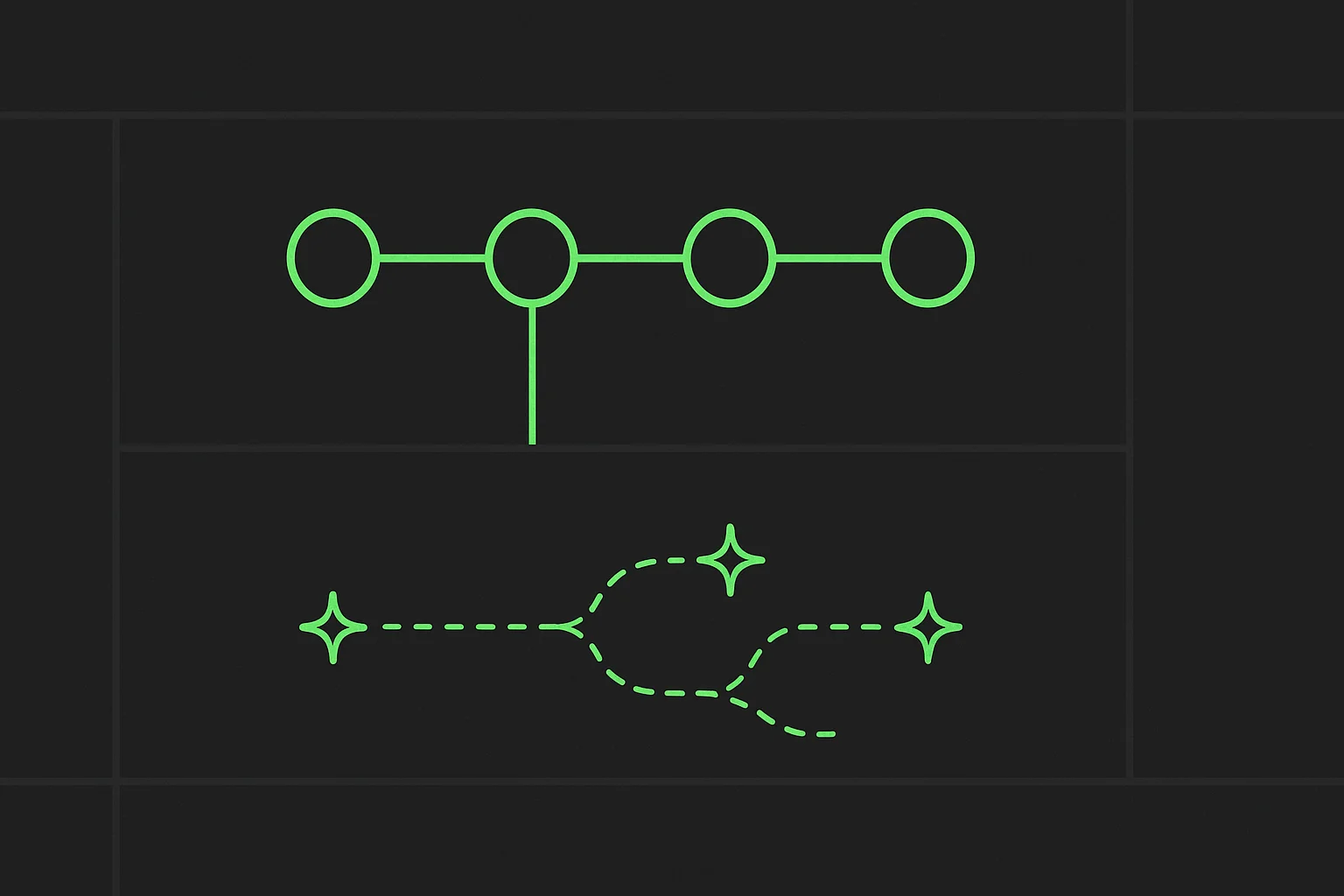 AI agent orchestration: an org chart of connected roles above a branching work graph of tasks
The pitch, in one line
"If OpenClaw is an employee, Paperclip is the company." That line does more work than most product taglines because it draws the actual boundary correctly: Paperclip explicitly says it is not an agent framework and does not tell you how to build agents — it tells you how to run the organization they work inside. Bring your own agent (Claude Code, Codex, Cursor, a bash script, an HTTP webhook bot); Paperclip hires it.
That framing maps directly onto the graph engineering approach to multi-agent organizations we've covered before: a stable org graph of specialist roles, separate from a dynamic work graph of tasks that split, merge, or vanish at runtime. Paperclip is a concrete, shipped implementation of exactly that split — org chart on top, task queue underneath — rather than a paper architecture.
The four pillars
Paperclip organizes its entire feature set around four things it says have to work for an AI organization to actually produce anything:
| Pillar | For | What it covers |
|---|---|---|
| Agentic Task Manager | Everyone, daily | Tasks, approvals, review gates, proactive agent coworkers, verification from diffs/screenshots/tests |
| Org Chart for Agents | Managers | Mixed human + agent hierarchy, delegation, scoped secrets, governance over who can do what |
| Agent Employee Training | Enablers | A skill studio, evals, saved test runs, active learning loops |
| Agentic OS | IT/platform | Cross-provider runtime, sandboxing, MCP servers, SSO/RBAC, cost controls |
Each pillar targets a different failure mode of running agents ad hoc — no task tracking, no accountability structure, no shared skill library, no infrastructure discipline. Whether you need all four depends entirely on how many agents you're actually coordinating; the project itself says as much (more below).
Setup: one script, or one command to try it
Persistent install:
curl -fsSLO https://paperclip.ing/install.sh
curl -fsSLO https://paperclip.ing/install.sh.sha256
sha256sum -c install.sh.sha256   # or: shasum -a 256 -c install.sh.sha256
bash install.sh
The checksum is served from the same origin as the script itself, so it catches accidental corruption or a bad mirror — it does not protect against a compromised origin. If that matters for your threat model, pin a release tag or commit from GitHub directly instead of trusting the convenience installer.
Try it with zero permanent footprint:
ANTHROPIC_API_KEY=... npx paperclipai test-drive
OPENAI_API_KEY=... npx paperclipai test-drive --harness codex
test-drive spins up an isolated instance already initialized with a CEO agent, stays in the foreground, never installs a background service, and never creates a first task automatically — about as low-commitment as evaluating a piece of infrastructure gets.
Manual dev setup:
git clone https://github.com/paperclipai/paperclip.git
cd paperclip
pnpm install
pnpm dev
No external database setup required locally — an embedded Postgres is created automatically. Requirements: Node.js 24.11+, pnpm 9.15+.
How the actual coordination works
Skip past the org-chart metaphor for a moment and look at the mechanics, because they answer the questions that actually matter for running this in production:
- Atomic task checkout. Two agents can't grab the same task at once — checkout and budget enforcement are atomic, which is the specific bug class ("both agents built the same feature") that ad hoc multi-terminal setups run into constantly.
- Heartbeat execution, not always-on polling. Agents wake on a schedule or an event (task assignment, an @-mention), check a DB-backed queue, and act — with automatic recovery for orphaned runs if a process dies mid-task. Continuous agents like OpenClaw can be hooked in alongside heartbeat-based ones.
- Persistent state across restarts. Agents resume the same task context on their next heartbeat instead of restarting cold — solving the "on reboot you lose everything" problem the project names directly.
- Budget enforcement with real teeth. Token and cost tracked by company, agent, project, goal, and model; hitting a hard-stop pauses the agent and cancels its queued work automatically, not just a dashboard warning after the fact.
- Governance with rollback. Board approval workflows, execution policies with review stages, and the ability to pause, resume, or terminate any agent at any time — the piece that keeps this from being "20 unsupervised agents" instead of "20 supervised ones."
- True multi-tenant isolation. Every entity is company-scoped, so one deployment can run multiple organizations with fully separate data and audit trails — relevant if you're running this for clients rather than just your own projects.
Where it fits next to what you already run
Paperclip is explicit about what it is not, and the list is worth reading before you evaluate it against something else:
| Not a... | Because... |
|---|---|
| Chatbot | Agents have jobs, not chat windows |
| Agent framework | It doesn't tell you how to build agents — see what are agent skills and Claude Code's command reference for that layer |
| Workflow builder | No drag-and-drop pipelines — it models companies, not flowcharts |
| Prompt manager | Agents bring their own prompts and models |
| Single-agent tool | The project's own line: "If you have one agent, you probably don't need Paperclip. If you have twenty — you definitely do." |
| Code review tool | It orchestrates work, not diffs — bring your own review process |
That last exclusion is the honest one to sit with. If your actual workflow is one developer and one coding agent, Paperclip is solving a coordination problem you don't have yet, and the org-chart machinery is pure overhead. The value curve is steep and starts somewhere around "more agents than you can track in your head" — for most individual builders, that's a real threshold, not marketing copy.
Honest limitations
- You still need agents worth orchestrating. Paperclip coordinates whatever you bring — it doesn't make a weak agent good at its job. Garbage in, coordinated garbage out.
- The bring-your-own-ticket-system gap. Asana, Linear, and Jira integration is explicitly on the roadmap, not shipped — today, Paperclip's own ticketing system is the only option, which is a real migration cost for a team with existing project-management tooling.
- Telemetry is on by default. Anonymous usage telemetry ships enabled out of the box (no personal data, prompts, or file paths per the project's own claim) — turn it off with
PAPERCLIP_TELEMETRY_DISABLED=1or the standardDO_NOT_TRACK=1if that matters to you. - Young, fast-moving codebase. 90%+ TypeScript, active daily commits, and a roadmap with several items still unchecked (Memory/Knowledge integration, self-organization, automatic organizational learning) — the "AI employees that learn on their own" vision is aspirational, not shipped yet. Notably, native memory integration is still on Paperclip's own roadmap, which is exactly the gap a tool like Hindsight is built to fill in the meantime.
- Self-reported stars and rankings. GitHub star counts and trending badges are real, verifiable numbers — but they measure attention, not whether the orchestration logic holds up under your specific failure modes. Test the budget hard-stops and task-checkout atomicity yourself before trusting them with real spend.
Should you use it?
If your actual problem is "I have several agents running and no shared system for who's doing what, what it costs, or who approved it" — Paperclip's task manager, budgets, and governance model are a real, shipped answer to a real coordination problem, not vaporware. The atomic checkout and automatic budget hard-stops in particular solve failure modes that genuinely happen once you're running more than a couple of agents at once.
If you're a solo builder running one coding agent in one terminal, you don't need an org chart yet. Read the graph engineering post instead to understand the underlying pattern, and revisit Paperclip once you've actually hit the "twenty tabs" problem it's built to solve.
Related reading
- Hindsight: open-source agent memory that learns, not just recalls
- Graph engineering for AI agent organizations
- What are agent skills? A complete guide
- Claude Code commands: complete reference guide
- Agency agents: 144+ AI specialists
- What is MCP? The Model Context Protocol guide
- How to use AI: the fundamentals nobody taught you
- Sources: Paperclip GitHub repository · Paperclip documentation · ROADMAP.md
This post reflects Paperclip v2026.916.1 and its GitHub repository as of September 28, 2026. Star counts, roadmap status, and feature availability change quickly for an actively developed open-source project — check the repository directly before depending on specifics here.