




OpenBMB has released two open models that tackle both halves of the document-OCR problem: reading the page, and knowing when the reading is wrong. On October 27, 2026, the lab behind the MiniCPM family published MiniCPM-OCR on GitHub, a 1.3B parser called MiniCPM-OCR 1.0 and a 2B judge called MiniCPM-OCR Jev, all under Apache 2.0.
The pitch, in OpenBMB's announcement on X and the README, is that a parser should also tell you where it may be wrong. Most OCR tools return text with no honest signal of where they failed. Jev is built to supply that signal. This guide covers what the repo says, how the numbers were measured, how to run it, and what you should verify before trusting it on invoices or contracts.
TL;DR: questions builders ask first
| Question | Answer (per the repo) |
|---|---|
| What are the models? | MiniCPM-OCR 1.0 (1.3B parser) and MiniCPM-OCR Jev (2B quality judge) |
| License? | Apache 2.0 for code, docs and weights |
| Languages? | Chinese and English documents and PDFs are described |
| What does it parse? | Text, tables, formulas, charts, seals, key information extraction |
| Runtimes? | vLLM, SGLang, llama.cpp, Ollama from day one |
| Formats? | BF16, GGUF, AWQ, GPTQ weights; DSpark heads for speed |
| Speed claim? | About 1.49x PaddleOCR-VL-1.6 and 3.62x MinerU2.5 Pro |
| Headline score? | 93.68 on Real5-OmniDocBench; 54.7 on OCRBench v2 |
| Independent tests? | None found yet |
What is MiniCPM-OCR 1.0?
It is described as the first OCR-specific model in the MiniCPM-V and MiniCPM-o family. It targets text-centric document understanding across scans, photographs, curved pages, skewed pages and recaptured documents. Outputs are Markdown or JSON, and it handles formulas, charts, seals and key information extraction.
The README claims a state-of-the-art 93.68 on Real5-OmniDocBench, a real-world document parsing benchmark, with leading results on OmniDocBench v1.6, Wild-OmniDocBench and olmOCR-Bench. On OCRBench v2 it reports 54.7. It also reports the highest equally weighted average across the four parsing benchmarks among the open-source OCR models it chose to compare, at about 1.2 pages per second.
That qualifier matters: the comparison set was selected by the authors. A radar chart in the repo carries the alt text "some values remain to be confirmed," which is a useful reminder that early tables get revised.
What is Jev, and why is it the interesting part?
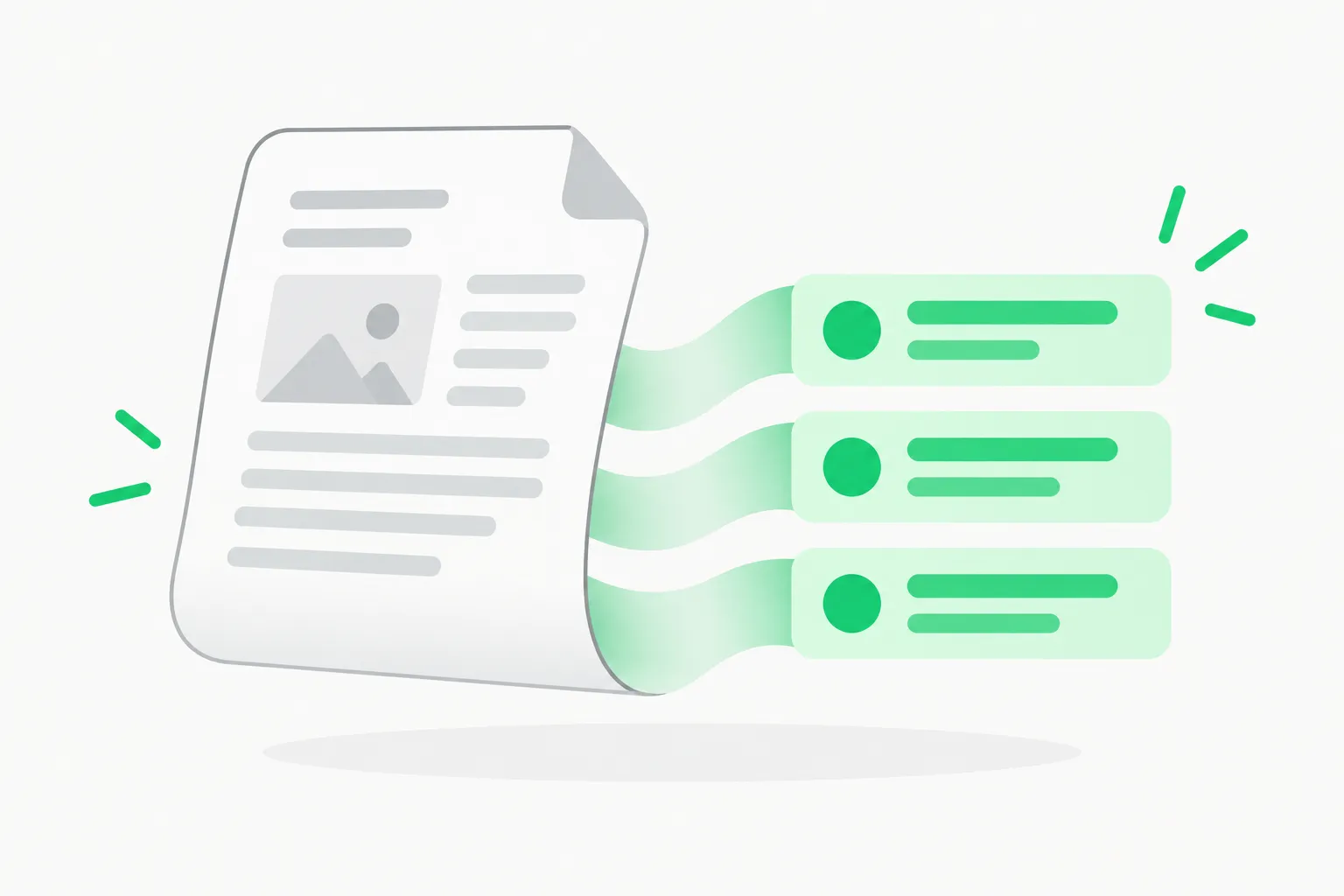 Document layout analysis illustrating how MiniCPM-OCR parses regions and Jev scores each region for reliability
MiniCPM-OCR Jev is an "OCR quality decision model." Give it an image and the OCR output; it returns a score from 0 to 1 for text, formulas and tables. The README says it works with other parsers, not just its sibling: across parsing results from MiniCPM-OCR 1.0, GLM-OCR, PaddleOCR-VL-1.6 and Xiaomi-OCR-0, its AUROC ranges from 91.9 to 93.4.
On JevOCRBench, the repo reports an overall AUROC (times 100) of 93.6 for the 2B Jev, versus 90.1 for a JEV-35B-A3B model and 93.8 for Qwen3.5-397B-A17B. AUROC measures how well scores separate correct parses from incorrect ones, so a 2B model nearly matching a 397B model on that task would be a real efficiency story, if it holds on your documents.
The practical use is a review queue. Accept high-scoring regions automatically, route low-scoring ones to a person, and track the rate. The repo shows "review-free" curves for legal documents, financial receipts and complex documents, plotting accuracy against how much you skip review. This echoes the pattern in our post on Enveda's AI-flagged manufacturing documents, where machine review plus human judgment cut hours of paperwork.
Speed: what DSpark does
OpenBMB attributes the speed to DSpark decoding acceleration, shipped as extra "DSpark heads" in BF16 and GGUF. It says DSpark improves end-to-end processing efficiency by 55 percent, and quotes throughput at about 1.49 times PaddleOCR-VL-1.6 and 3.62 times MinerU2.5 Pro. One researcher reacting on X argued that at under a dollar per thousand pages, paying about $10 per thousand pages for proprietary products no longer makes sense. That is one person's reaction, not a measurement, and your own cost depends on GPU price and utilization.
Throughput claims depend on hardware, batch size, page complexity and runtime. The repo points to a reproduction guide with test settings, which is where to start.
Where this fits in a real pipeline
OCR rarely fails loudly. A parser that swaps a 6 for an 8 in a total, drops a row from a table, or misreads a formula produces output that looks fine until someone relies on it. That is why the two-model design is worth attention: one model produces structure, the other produces a confidence signal that is independent of how fluent the output looks.
Typical places this pattern could help, based on what the repo shows and common practice:
- Invoices and receipts. Auto-post high-confidence documents and queue the rest. The repo's review-free curve for financial receipts is designed for exactly this trade-off between speed and accuracy.
- Legal and compliance documents. Flag regions with low scores for a reviewer, keeping a record of what was checked.
- Archives and scans. Newspapers, historical pages and handwriting appear among the repo's examples, and these are where parsers disagree most, so a score helps prioritize cleanup.
- RAG ingestion. Before indexing a PDF, drop or re-parse chunks that Jev scores poorly, so retrieval does not serve garbled text to a language model.
- Agent workflows. The repo ships an agent skill, so a coding agent can set up and run a parse job, then act on low-confidence regions.
Two design choices to check for your case. First, Jev scores regions it is shown; if your downstream fields are small (a date, an amount), make sure the region boundaries match the fields you care about. Second, calibration: an AUROC of 93.6 says the scores rank correct above incorrect well on the project's benchmark, not that a score of 0.9 means 90 percent correct on your documents. Pick your accept threshold from a labelled sample of your own data, then re-check it whenever the document mix changes.
How to run it
OpenBMB gives several routes:
- Agent skill. Tell a coding agent: read and execute the repo's SKILL_en.md, and it will set up the environment, download models and parse a first document. As with any skill, read the file before running it; our agent skills guide explains the risks.
- API. An API example exists for MiniCPM-OCR 1.0; the Jev API example is marked coming soon.
- Local deployment. Tutorials for both models, with vLLM, SGLang, llama.cpp and Ollama support.
- Fine-tuning. LLaMA-Factory and Swift for the parser, Swift for Jev.
Weights are listed on Hugging Face as BF16, GGUF, AWQ and GPTQ for each model. We could not open the Hugging Face model pages from our environment, so check the model cards for exact sizes and VRAM requirements before downloading, and the repo FAQ for GPU memory guidance.
How it compares with other open OCR releases
The OCR field has been busy this month. Baidu's Unlimited-OCR-2 is a 3B MIT-licensed model aimed at hundred-page documents in one request. LlamaIndex's OCRIA 1.4B and LightOnOCR-3 report results on ParseBench, and Indra OCR chases CPU throughput. MiniCPM-OCR differs in two ways: a built-in reliability judge, and its benchmark mix of OmniDocBench variants and olmOCR-Bench rather than ParseBench. Scores across those suites are not directly comparable, so do not rank these models from the tables alone.
The parent family is covered in our MiniCPM-V 4.7 35B-A3B on-device write-up.
Limits and open questions
- Languages. The README describes Chinese and English documents and does not list other languages. If you handle other scripts, test before relying on it.
- Self-reported benchmarks. Real5-OmniDocBench, Wild-OmniDocBench and JevOCRBench are used in the project's own comparison; independent reproduction is not yet available.
- Project age. The repo had a handful of commits and few stars when we read it, so expect fast changes, and pin a version.
- Jev is not a guarantee. A reliability score is a probability-like signal. A high score on a wrong region will still happen, so keep humans on high-stakes fields such as amounts and dates.
- Handwriting and degraded scans are shown in examples, but the README does not publish per-category failure rates beyond its charts.
A sensible test plan
Take 100 representative pages from your own pipeline, including your worst scans. Run MiniCPM-OCR 1.0 and your current parser, compare field-level accuracy by hand on a sample, then check whether Jev's low scores actually land on the errors. If the lowest 10 percent of Jev scores contains most of the mistakes, you have a workable review queue. Measure pages per second on your hardware with the same settings for each candidate.
Bottom line
MiniCPM-OCR is a credible open, commercially usable OCR option with a smart extra: a small judge that says where not to trust the output. The numbers are the project's own and the runtime support is broad, so the barrier to testing is low. Test it on your documents before switching anything.
Related reading
- Baidu Unlimited-OCR-2: 3B MIT-licensed hundred-page parsing
- LlamaIndex OCRIA 1.4B and ParseBench
- LightOnOCR-3 and ParseBench
- Indra OCR: 1M-parameter CPU model
- MiniCPM-V 4.7 35B-A3B on-device
- What are agent skills
Details are accurate as of October 27, 2026, based on the OpenBMB repository README and OpenBMB's X account; all benchmark figures are the project's own.