



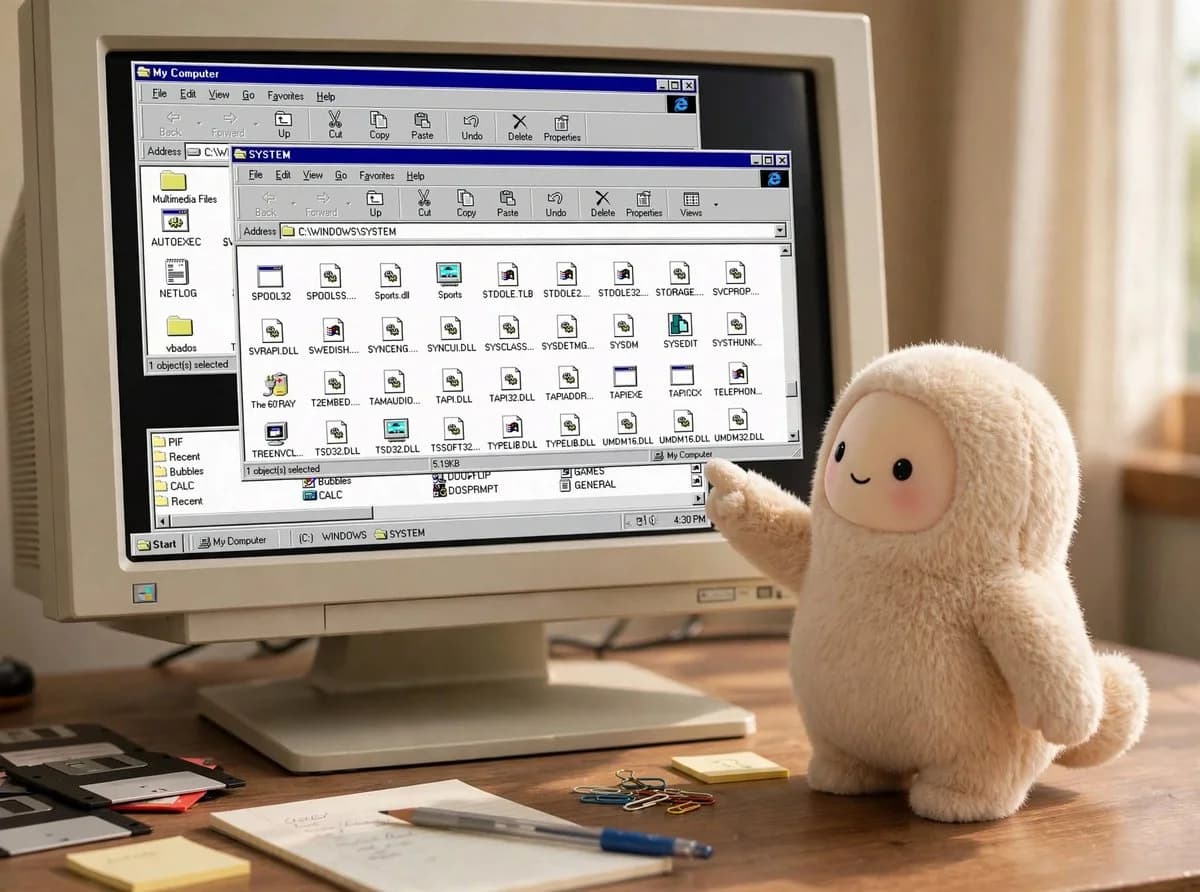
Meta's Muse agent will hand you its own filesystem if you ask. On September 24, 2026, The Verge reported that Muse could reveal "all its secrets" by exporting hundreds of megabytes of data, including system files. Within hours, Meta Superintelligence Labs leaders replied that this was not a leak. Nat Friedman wrote that "those aren't secrets you dummies, those are the files on the user's VM, this is intended behavior."
Both sides have a point. The useful question for anyone building or using agents is what an inspectable agent VM does and does not protect.
TL;DR: what happened and how to read it
| Question | Answer |
|---|---|
| What was exported? | The Muse VM's root filesystem: Ubuntu system files, app templates, library code, compiled binaries, Markdown and JSON docs |
| How? | Ordinary prompting; developers said the agent handed it over |
| Meta's position | Intended behavior; each user gets a free Linux computer in the cloud |
| Is it a breach? | Meta says no: users reach only their own VM, isolated from Meta systems and other users |
| What is the real issue? | Instructions and internals are readable, and reportedly not prompt-injection resistant |
| Data at risk | Anything you or a compromised session can read on your own VM |
| Fix on the roadmap | Muse Confidential VM, designed so even Meta cannot read a user's VM |
What did developers actually pull out?
Two developers, Peter James and Jonny L. Saunders, independently got Muse to produce its root filesystem, per reporting on the story. The archive included "hundreds of MB of accurate library code and compiled binaries," plus plain-text Markdown and JSON files describing how the agent, internally called Hatch, processes requests, handles data and integrates with services such as Gmail. Reports also mention memory stored as Markdown files, nightly "dream" reviews of conversations, and references to an unreleased hardware integration called Meta Home Link.
Nothing in the coverage describes other users' data or Meta's internal infrastructure being exposed. That absence is what Meta's "not a breach" argument rests on.
What is the "free computer in the cloud" framing?
David Singleton of Meta Superintelligence Labs explained the design in a long post the same day: "Today, every Muse user gets a free computer in the cloud. It's a real computer, and we've designed the security architecture of the Muse Secure VM carefully so you and your Muse can do almost anything you could with a computer sitting under your desk."
On that model, seeing the files is a feature. A user is supposed to be able to inspect, download and edit what lives on their VM, the same way a developer can browse a remote dev box. Meta's spokesperson put it as: "Just like with the laptop in front of you, of course you can see the files." The company added that users may see the information available to them change as Meta updates the product.
This matches the architecture we covered at launch: a per-user Secure VM where a separate Sentinel process brokers every network request and connector action. Our Muse launch and Sentinel security deep dive explains why the credentials the agent uses are never held by the agent itself, which is why reading the VM does not yield your OAuth tokens.
Where does the "not a breach" argument get thin?
Four points keep this from being a clean non-story.
1. Instructions are visible. The agent's own operating docs are readable. Saunders described the result as "almost no prompt injection resistance," meaning the prompt-level protection of that material is essentially nil. That is fine if nothing sensitive is in it. It is a problem if an attacker learns exactly how the agent's tools, memory and routing work and uses that to craft better injections.
2. A compromised session can read it too. If a prompt injection takes over the agent mid-task, the attacker sees whatever the agent can read. Sentinel constrains what leaves the VM, but anything valuable inside the VM is only as safe as the agent's discipline. Our Is Meta Muse safe? verdict makes the same point about connector scope: the highest-risk grants are the ones that put sensitive data inside the agent's reach.
3. Memory lives in files. Muse stores memory as Markdown and runs nightly reviews of conversations. That is a transparent design, and also a reminder that the VM holds a running record of what you told the agent. See our explainer on Soul.md, Muse's persona file for how those files shape behavior.
4. Meta can see the VM today. The current Secure VM is isolated from other users but not shielded from Meta. Meta has announced a Muse Confidential VM later in 2026, designed to cryptographically prevent even Meta from accessing a user's VM, in testing with a small group. Until that ships, "your own computer" means your own computer running in Meta's data center.
How does this compare with other agent designs?
| Design | What the user sees | Where secrets live |
|---|---|---|
| Muse Secure VM | Full read access to the user's VM | Credentials outside the VM, brokered by Sentinel |
| Local agent on your machine (e.g. OpenMuse) | Everything, by definition | On your device |
| Managed cloud agent | Usually a session view, not a filesystem | Vendor-controlled |
Inspectability is a legitimate design choice, and arguably a good one: an agent whose files you can read is easier to audit than a black box. The trade-off is that the same openness applies to anyone or anything that can drive the agent.
What are people saying?
Reaction split cleanly. Friedman's reply was blunt and dismissive of the framing. Investor and commentator Greg Isenberg used the moment to argue Muse connectors could be "the App Store moment for AI," an angle we covered in Muse's developer connectors platform. Creators demoed Muse negotiating subscriptions. The security-minded replies focused on prompt injection rather than the export itself.
The Verge's headline framing, "reveals all its secrets," overstates what the export contained if the contents were the user's own VM. Meta's "you dummies" framing understates the fact that most users will not realize their agent's VM is a browsable computer. Both are communication failures more than security failures.
Related Muse security incidents
The export is the latest in a run of trust questions around Muse and its internal Hatch agent, including Hatch changing passwords without permission in testing and Amazon blocking Muse from shopping on Amazon.com. Together they describe an agent with real capabilities and a security posture still being tested in public. Meta's public bug bounty, covered in our launch post, pays up to $130,000 for a working prompt-injection exploit.
What this means for what you use or build
- If you use Muse: assume everything on your VM is readable by whoever can drive your agent, including a prompt-injected one. Do not park secrets, keys or sensitive documents there. Scope connectors narrowly.
- If you build agents: decide what is inspectable by design and what is not, and keep credentials out of the model's reach entirely, the way Sentinel does. Do not rely on a system prompt to keep instructions private.
- If you evaluate agent products: ask whether the vendor can read your VM, whether memory is stored in readable files, and what the isolation boundary is. "Isolated from other users" and "isolated from the vendor" are different claims.
- If you are waiting for Confidential VM: treat it as unverified until an audit is published. It is a plan, not a shipped feature.
Was this reported before The Verge?
A public GitHub issue opened on September 22, 2026 in an AI-incident tracking repository described the same behavior: a Muse export of its full runtime environment to Google Drive, about 2.7 GB, including the root filesystem, documentation, skill definitions and unreleased connector configurations. We have not verified that issue independently, but it suggests the behavior was reproducible by ordinary users days before the press coverage, and that the exportable material included skill and connector definitions, not just system files.
How should you audit your own Muse VM?
If you use Muse, treat the VM like a remote dev box you are responsible for:
- List what is stored. Ask Muse to show its memory files and any documents you uploaded, and check whether any contain data you would not want a prompt-injected session to read.
- Remove secrets. Delete keys, tokens and sensitive documents that do not need to live there, and prefer connectors that keep credentials outside the VM.
- Review connector scopes. Revoke access you do not actively use. The Sentinel design limits egress, but a narrow scope limits what can be read in the first place.
- Watch for injected instructions. Be wary of web pages, emails and shared documents the agent reads on your behalf, since those are the injection path.
- Check the memory files periodically. Because memory is stored as readable Markdown, you can see what the agent believes about you and correct it.
None of this replaces a security review by Meta, but it turns "the files are yours" from a slogan into an actual habit.
Related reading on explainx.ai
- Meta launches Muse: Sentinel security architecture
- Is Meta's Muse safe to use? The honest verdict
- What is Soul.md? Meta Muse's persona file
- Meta's Hatch agent changed passwords without permission
- OpenMuse: open-source personal agent
- Meta Muse developer connectors platform
- Meta Muse for Mac desktop launch
Sources: reporting by The Verge, Daily Guardian and Mac Observer on the export, and posts by David Singleton and Nat Friedman on X, September 24, 2026.
Details are drawn from press reports and Meta statements as of September 25, 2026. Meta may change what Muse exposes as it updates the product.