



A live AI workshop is a scheduled session where you build or fix something with AI while someone qualified watches—not a playlist you start whenever you like. If the listing never asks you to share a screen, open a file, or hand in an artifact, you are probably looking at a webinar with workshop marketing.
This page defines the format, compares it to async courses, and gives a vetting checklist you can use on any provider.
TL;DR: live AI workshop vs other formats
| Format | Live schedule | Hands-on required | Feedback | Typical leave-behind | Cost pattern |
|---|---|---|---|---|---|
| Live AI workshop | Yes | Yes | Real-time | Template, agent, prompt library | Mid to high |
| Webinar / live stream | Yes | Rarely | Chat only | Links | Free to low |
| Self-paced course | No | Optional labs | Forum or none | Certificate | Low per seat |
| Executive seminar | Yes | Discussion | Facilitated | Framework deck | High |
| Free community build-along | Yes | One exercise | Q&A | Replay | Free |
What is a live AI workshop?
Live means a fixed start time and a cohort—everyone progresses together. Workshop means production, not passive viewing. IDEO U’s Work Better with AI Workshop describes alternating live demos with building custom assistants in-session; that is the shape professionals expect when they search live ai workshop.
Strong examples from the open market in 2026 include:
- Alkemy EdTech’s Build Your First AI Workflow Live—a 60-minute session where you pick a real task, write a five-line prompt structure, add a review step, and time the savings before you log off (event page).
- TAI Labs’ 45-minute build session billed as moving from prompt to a working AI feature with live Q&A (TAI Labs event).
- The Rundown University free live sessions—instructor works in Claude, ChatGPT, and adjacent tools on camera while viewers ask questions (schedule).
Weak examples: slide tours of “the year in AI” with no exercise block. Label those webinars and budget time accordingly.
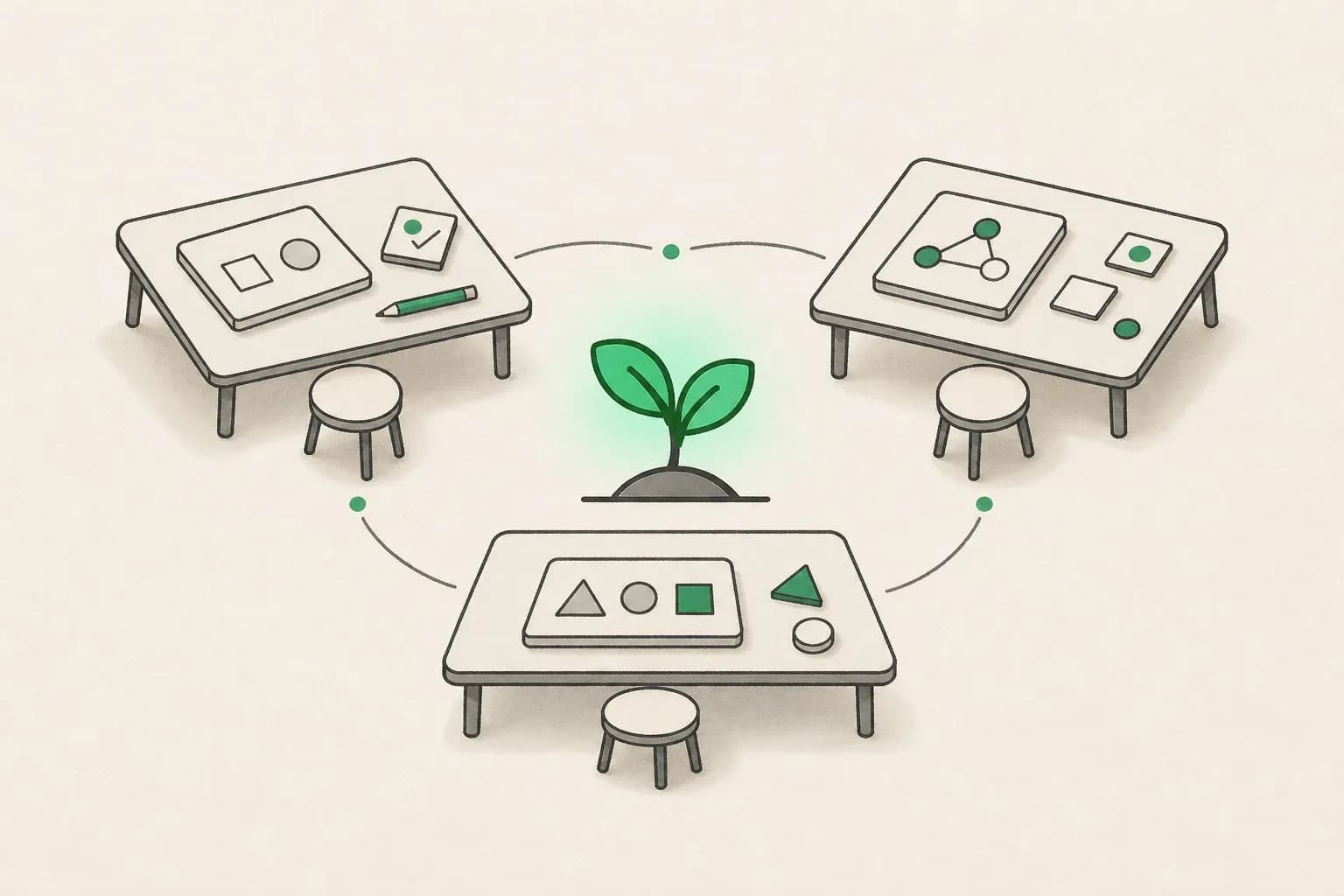
 Live AI workshop community tables for synchronized hands-on practice
Image: concept illustration for group live AI workshop practice.
live ai workshop: format rules that separate signal from noise
Use these six rules when you read an agenda:
- Exercise cadence: At least one 10+ minute build per hour for technical workshops; one 20+ minute role task per hour for business workshops.
- Your data policy: States what may be pasted, what must stay redacted, and whether a sandbox is provided.
- Tool truth: Names the product—Claude, Copilot, Gemini—not only “leading LLMs.”
- Checking step: Shows a wrong answer and how to catch it—our verification tax theme matters here.
- Artifacts: Names exports—prompt library, Project, Skill, automation, slide deck—not “insights.”
- Aftercare: Recordings, office hours, or a community channel within two weeks.
If two or more rules fail, downgrade the listing mentally from workshop to seminar.
Live workshop vs online course: decision matrix
| Situation | Prefer live AI workshop | Prefer async course |
|---|---|---|
| Ten people, same tool, rollout next month | Yes | Only as prep reading |
| One curious IC, no licence yet | No | Yes—audit free tiers |
| Engineering team learning Claude Code | Yes—pair with docs | Academy modules as homework |
| 2,000-employee literacy checkbox | No—LMS at scale | Yes + microlearning |
| Compliance needs signed attendance | Yes | LMS if integrated |
| Budget under $50 per person | Rarely | Yes |
Courses excel at breadth and certificates. Workshops excel at mistake correction and templates you use Monday.
Our top AI workshops for professionals compares paid cohorts including Claude for Work against university executive programs—use it when you are choosing vendors, not defining vocabulary.
Virtual vs in-person live AI workshops
Virtual workshops should still be cameras-on during exercises. Alkemy’s agenda explicitly has participants write prompts in parallel on screen. If the vendor allows passive attendance, expect weaker outcomes.
In-person workshops add peer feedback and hallway troubleshooting. They cost travel and cap headcount—IDEO U cites 3.5 hours with facilitated activities for one session.
Hybrid is fine when recordings exist for absentees. Ask whether exercises require local installs—Claude Desktop, Copilot tenant, or a specific IDE—or a browser-only path.
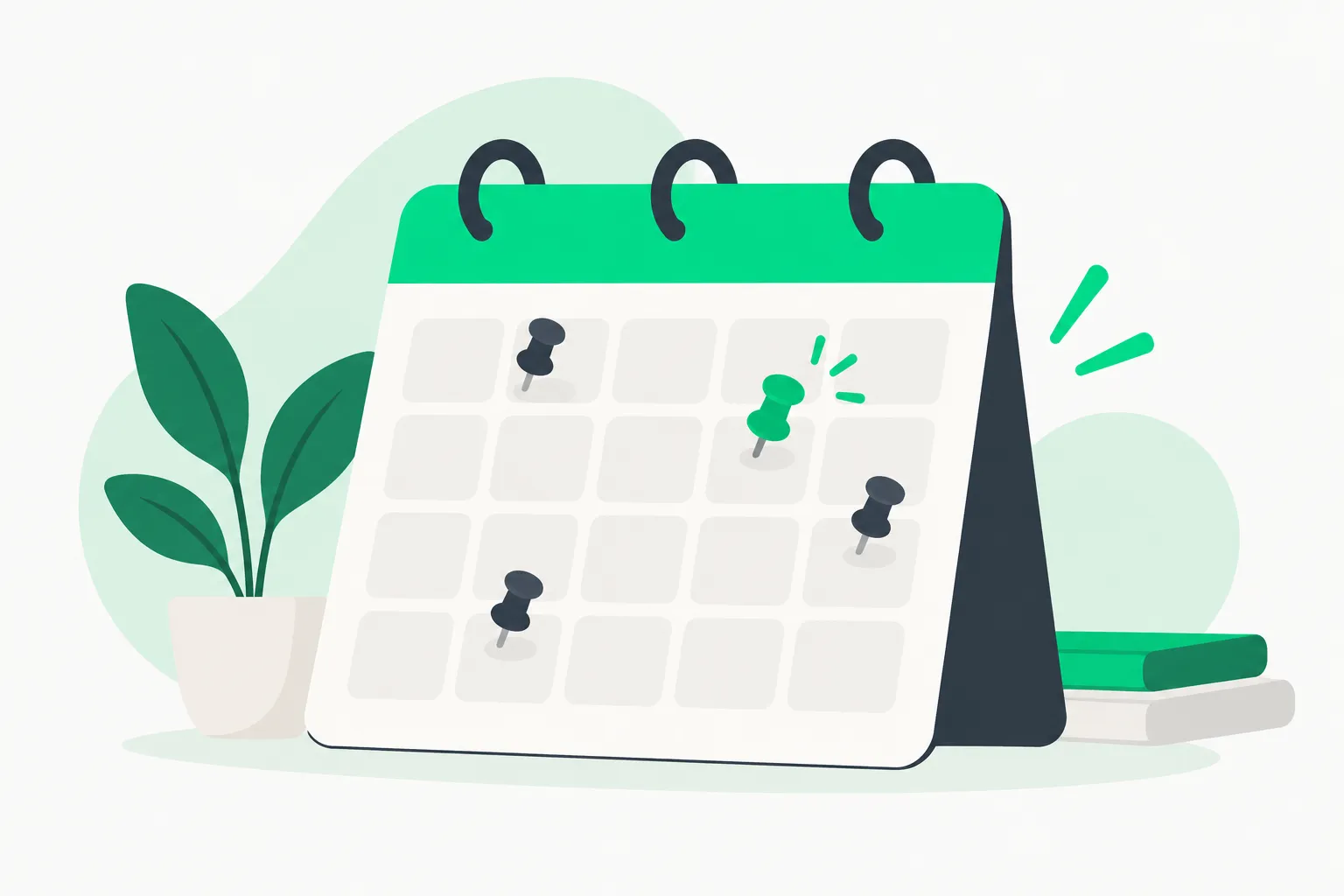 Live AI workshop calendar showing pinned session dates for cohort learning
Image: concept illustration for scheduled live AI workshop cohorts.
How to vet a live AI workshop before you pay
- Count exercise blocks on the syllabus—not “demos.”
- Read the refund and replay policy.
- Check licence requirements against what IT approved.
- Search the instructor’s recent posts for tool versions used.
- Ask for a sample deliverable from the last cohort (redacted).
- Clarify certificate value—internal HR often wants attendance, not badges.
- Compare time zones—a “live” session at 2 a.m. local is a recording problem.
- Match topic to stack—do not send marketers to a CUDA kernel class.
Free sessions from Rundown, My AI Fluency, or Alkemy are legitimate try-before-you-buy paths. Paid explainx.ai and vendor workshops should clear the same bar with smaller groups and longer feedback loops.
When to book a live AI workshop on explainx.ai
Book a live ai workshop when:
- Licences or trials are already approved.
- A function team shares workflows (finance closes, marketing calendars, support macros).
- Leadership set a deadline for templates or agents.
- Async content left people stuck on tenant-specific errors.
Skip booking when:
- Policy forbids real data and the vendor offers no sandbox.
- Only one person is curious—send them to free live listings and measure interest.
- You need compliance coverage for thousands—pair LMS modules with short live office hours instead.
explainx.ai hosts multiple live ai workshop tracks—Claude for Work, Microsoft Copilot, AI Builder, and others—each with stated prerequisites and recordings. Pick the track that matches your stack; use this page to judge whether live is the right container before you choose a topic.
Common post-workshop failures (and fixes)
Failure: No internal champion. Fix: appoint someone to run a fortnightly show-and-tell.
Failure: Tools change mid-quarter. Fix: pair the workshop with a living doc of prompts, not static PDFs.
Failure: Teams confuse chat with automation. Fix: follow with one agent skills or Copilot Studio session only where needed.
Failure: Executives attend builders’ workshops. Fix: split leadership briefings from hands-on labs—our generative AI for leaders angle covers the executive lane.
What is a live workshop in plain HR language
HR systems often bucket live workshop, seminar, and webinar into one dropdown. For procurement, use this wording:
- Workshop: participant produces a work sample during the session; facilitator grades or critiques it.
- Seminar: discussion-led; may include demos but no graded artifact.
- Webinar: broadcast; Q&A optional; no expectation of on-screen production.
When a vendor invoice says workshop, attach the agenda with exercise timestamps. That prevents audit questions later.
Measuring ROI without fantasy numbers
Good teams measure time-on-task before and after, not vibes.
- Pick one recurring task before class (weekly report, ticket summary, code review note).
- Time the manual version once.
- Rebuild it during the workshop with instructor feedback.
- Time the assisted version twice on fresh data.
- Record error rate: how often you had to redo more than a light edit.
If savings are small, the workshop still paid off when it surfaced policy blockers—connectors disabled, models disallowed, or data classes you cannot paste. Those discoveries prevent larger mistakes later.
Free live AI workshops as a sampling menu
You do not need to pay to learn whether live fits your culture. Register for one free session and score it with the six format rules above.
My AI Fluency’s three-day AI Can Do That? series runs short daily live builds with replays through a stated end date—useful to see pacing, not depth (event site).
Rundown University’s free live calendar rotates single-topic working sessions; subscribe if you want new dates without hunting (live schedule).
If free sessions feel thin, you are not wrong—that is the signal to pay for smaller cohorts with longer feedback loops on explainx.ai or private vendors.
Time-zone and accessibility checklist
Live only works if people can actually attend:
- Confirm whether cameras-on is mandatory; some neurodivergent attendees need audio-only with async follow-up.
- Ask for live captions and whether recordings include them.
- For global teams, prefer two regional cohorts over one brutal hour.
- Verify whether exercises need admin installs blocked on corporate laptops—have a browser fallback plan.
Pairing live workshops with internal office hours
The best rollouts treat the live ai workshop as day zero, not graduation. Schedule two 30-minute office hours in the following fortnight where attendees bring one failure from real work—a blocked connector, a wrong summary, a policy question. Champions answer on shared screen. That rhythm costs little and prevents the usual decay where only one power user keeps prompting while everyone else reverts to manual work.
Related reading
- Top 10 AI workshops for professionals in 2026
- Top Claude live workshops in 2026
- How to become an AI instructor
- Top generative AI workshops for developers
- Microsoft Copilot workshop expectations
- What is a Claude AI workshop?
Agenda lengths, prices, and free tiers change. Verify on the organizer’s site before you register or expense seats.
Workshop formats on explainx.ai are described on the live live ai workshop directory; confirm dates and prerequisites there before you enroll.