



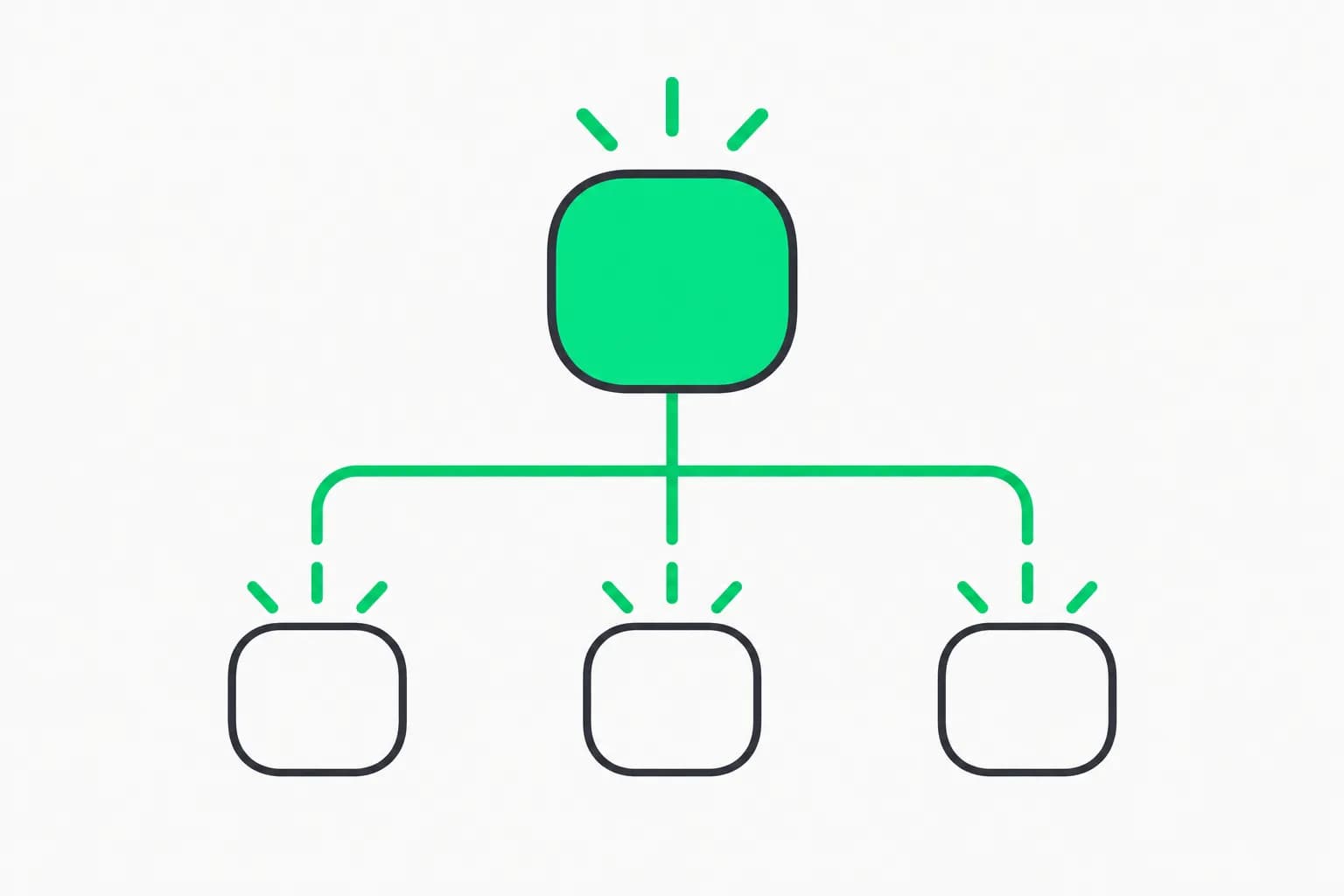
Hugging Face has released Agent Manager, an open-source app for running several coding agents in one private browser workspace. Leandro von Werra announced it on X as a way to "orchestrate dozens of agents across harnesses (Claude Code, Codex, OpenCode etc.) effortlessly," with agents that communicate, self-organize and keep running on HF Spaces. The code is on GitHub under Apache 2.0.
This guide covers what it is, how to set it up, what it costs, and the security warning you should read before you click "Duplicate this Space." If you are comparing approaches to running multiple agents, our write-up on AgentPlane as a local control plane for Claude Code, Codex and Cursor is the closest local counterpart.
TL;DR: Agent Manager at a glance
| Question | Answer (from the README) |
|---|---|
| What is it? | A web app that runs coding agent CLIs side by side in one workspace |
| Which agents? | Claude Code, Codex, Gemini CLI, opencode, Hermes, OpenClaw and fx |
| Where does it run? | In a Docker Space on Hugging Face, with a private bucket mounted at /data |
| License | Apache 2.0 |
| Cost | Software is free; agent subscriptions or API usage, Space hardware and storage billed by their providers |
| Login | None of its own: keep the Space and bucket private |
| Do agents keep running if I close the tab? | Yes, as long as the Space stays awake |
| Maturity | Early: 20 commits and 59 stars when we looked; shared Codex sessions are described as work in progress |
What does Agent Manager actually do?
The README lists seven capabilities.
- Keep several tasks in view. Group sessions by project, arrange them side by side, and use an Overview to see who is working and whose reply needs attention.
- Read at the level you need. Switch between a live terminal and a conversation reader with formatted replies, expandable tool activity, search and history. Reader support depends on each agent's transcript format.
- Work with files. Browse workspace folders, preview and edit files, upload documents or screenshots, and keep a shell beside the agents.
- Share context. Manage reusable skills in one place, and let agents discover, message and wait for other sessions through a local API. If you are new to skills, see our guide to agent skills.
- Keep agents current. Update each CLI from Settings without rebuilding the Space.
- Track usage and schedule work. See token usage, estimated costs and available quota, schedule prompts and enable device notifications. Usage details vary by provider.
- Bring another machine. Connect an agent running on a laptop or remote server to the same workspace's conversation view.
Each session has its own conversation. Sessions can share a folder when you want them to work on one project, but the README states that groups organize the interface and do not isolate files or credentials.
How is this different from running agents in tmux or a terminal?
Plenty of developers already juggle agents in terminal tabs. What Agent Manager adds is hosting and shared structure: the sessions live on a Space instead of your laptop, the conversation reader makes long transcripts scannable, and the local API lets one session message another. That second part is the "self-organize" claim in the announcement, and it is also the part we cannot verify. The README describes the mechanism but gives no benchmark or example of a multi-agent task completed faster or better.
For the harness side of the story, see how Codex is positioned as an open agent platform, the Hermes agent v0.22 release notes, and the pi minimal harness. Agent Manager does not replace those harnesses; it wraps them.
Practical ways to use several agents at once
The README does not prescribe workflows, so these are our suggestions for the features it documents. None of them has been benchmarked.
- Implementer plus reviewer. Start one session to implement a change and a second session, ideally on a different agent, to review the diff. The README itself suggests adding another session to review a first task.
- Parallel investigation. Give two agents the same bug with different hypotheses and compare. Keep them on separate folders so they do not overwrite each other, since sessions only share a folder when you choose.
- Scheduled chores. Use scheduled prompts for recurring jobs such as dependency checks, but only with read-only credentials.
- Cost comparison. Run the same small task on two agents and compare the usage and estimated cost the app reports, remembering that detail varies by provider.
A starter prompt for the reviewer session might be: "Read the changes in the shared project folder, list correctness risks first, then style issues, and do not edit files." Keep the reviewer read-only in spirit even though the workspace does not enforce it.
Set it up in five steps
 A swarm of dots moving together, illustrating how Hugging Face Agent Manager groups several coding agents in one workspace
The official instructions, condensed:
- You need a Hugging Face account and access to at least one supported coding agent.
- Open the Agent Manager template (
lvwerra/agent-manager-template) and choose the menu, then Duplicate this Space. Set visibility to Private. - In the new Space, go to Settings, then Storage Buckets. Create or select a private bucket, mount it at
/datawith read-write access. Do this before signing in to any agent. - Open the app. A first-run window lists the agents in the image and walks you through connecting one, either by following the session's sign-in or by adding an API key as a Space secret.
- Send a first task, add a second session to review it, or create a group to keep both in view.
For Codex, the README says to choose Sign in with Device Code, because the ChatGPT sign-in option redirects to localhost on the machine the agent runs on, which a browser cannot reach from a Space.
Setting it up with Python
The README also gives a script using the huggingface_hub client. After pip install -U huggingface_hub and hf auth login, it creates a private bucket and calls duplicate_repo from the template into your namespace as a private Space, with the bucket mounted at /data. Use it if you want a reproducible setup.
What happens when the Space sleeps?
Closing the browser or switching devices does not stop your agents; they run in the Space's backend while it stays awake. A sleep, restart or rebuild ends running processes. With the bucket mounted, saved workspace files and checkpointed CLI state survive, and Agent Manager can restart eligible sessions and resume conversations where the CLI supports it. It cannot preserve a running shell command through a reboot. Without a bucket, files and logins are temporary. This is configurable under Settings, General, "Restart sessions after a reboot."
The security catch: no login of its own
The most important line in the README is this: "Agent Manager has no login of its own: anyone with access to the app can use its shell and logged-in agents." The README tells you to keep both the Space and its bucket private, and says a privacy lock helps detect an exposed instance. The public template is an installation page only.
What that means in practice:
- A public Space with this app would hand out a shell and your logged-in coding agents to anyone who finds it.
- Credentials you add as Space secrets or sign in with are reachable by every session, because groups do not isolate files or credentials.
- Coding agents can run commands. A prompt-injected agent in a shared workspace can affect the others, a risk class measured in benchmarks such as APEX-Harm for shared workspaces.
Sensible hardening, our suggestions rather than Hugging Face's:
- Keep the Space and bucket private and check visibility after every duplicate.
- Use scoped, low-privilege API keys and avoid putting production credentials into the workspace.
- Review what each agent can reach before enabling scheduled prompts that run unattended.
- Treat agent-to-agent messaging as untrusted input. AgentBeam, from the explainx.ai team, is built to stop AI agents before they take dangerous actions, and is worth evaluating for unattended setups.
Costs and terms
The project is Apache 2.0, and the README says "Your agent subscriptions or API usage, Space hardware, and storage follow their providers' billing." Using a coding agent through someone else's hosted infrastructure also raises the question of each vendor's terms for subscriptions and automation; read the terms of the plan you sign in with, since we have seen that subject cause trouble with proxies and relays, covered in FolkBench on API relays.
Limits and open questions
- The repository is young: 20 commits and 59 stars when we fetched it, so expect rough edges.
- Shared Codex sessions are labeled work in progress, with a draft proposal and an experimental read-only preview that is not enabled by default.
- We found no independent reviews or benchmarks of the multi-agent coordination.
- The announcement says "dozens of agents"; the README documents the interface but gives no tested ceiling.
- Reader support varies by agent transcript format.
Who should try it
It is a good fit if you already pay for more than one coding agent and want one place to watch them, or if you want agents to keep working while your laptop is closed. It is a poor fit if you cannot guarantee the Space stays private, or if your agents touch credentials you would not hand to a shared shell. For a command reference on the Claude side, see our Claude Code commands guide.
Related reading
- AgentPlane: local control plane for coding agents
- Codex as a platform
- Hermes Agent v0.22.0
- What are agent skills?
- APEX-Harm shared-workspace benchmark
- Claude Code commands reference
- Official: Agent Manager repository and the announcement by Leandro von Werra
Details are accurate as of October 22, 2026 and come from the project README and announcement; the project is changing quickly.